Tiles format
Maintained by
David Watson
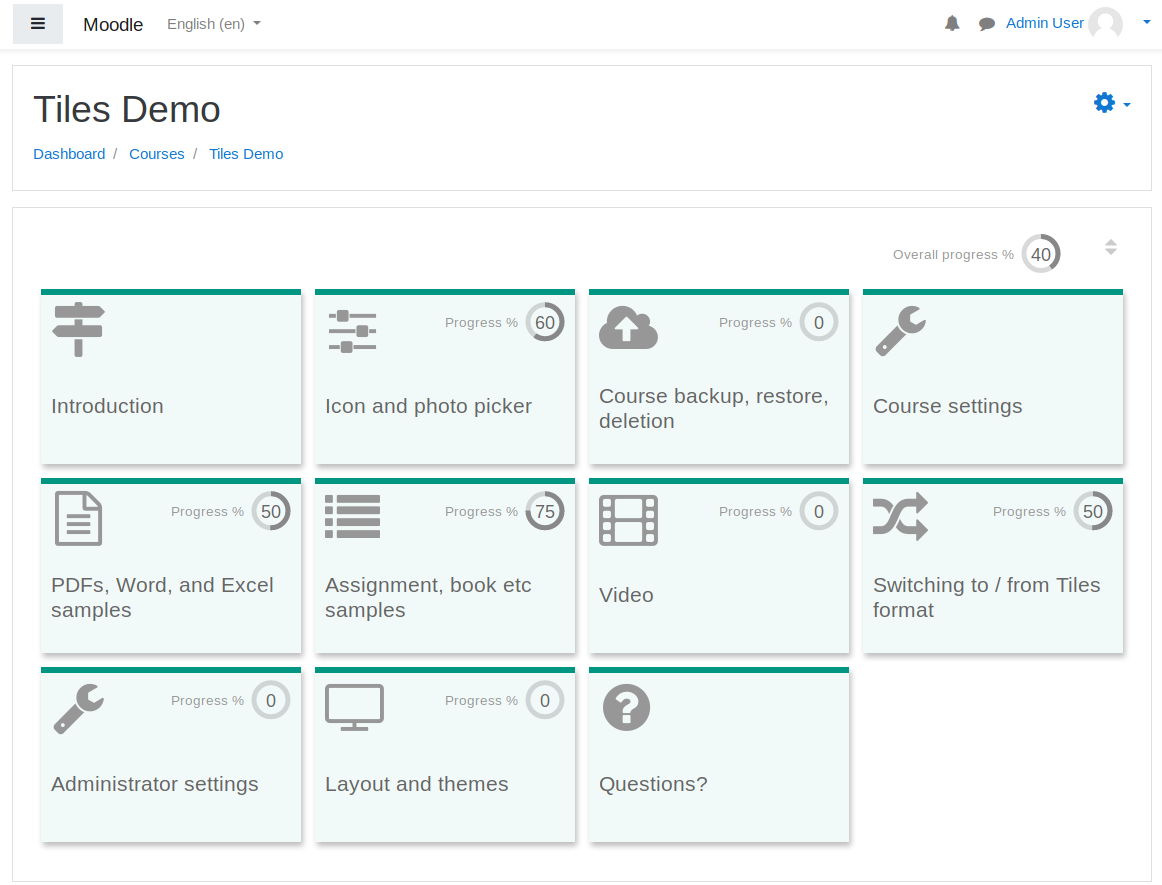
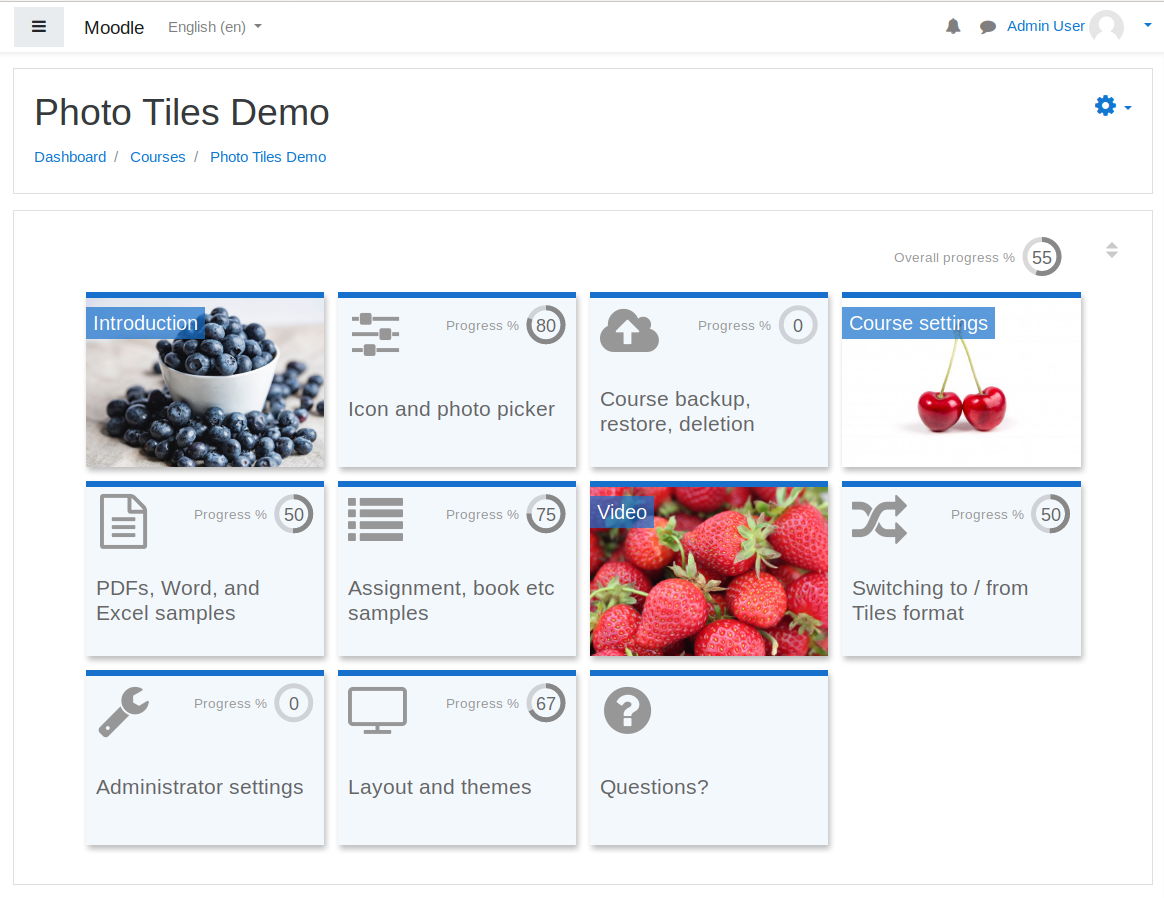
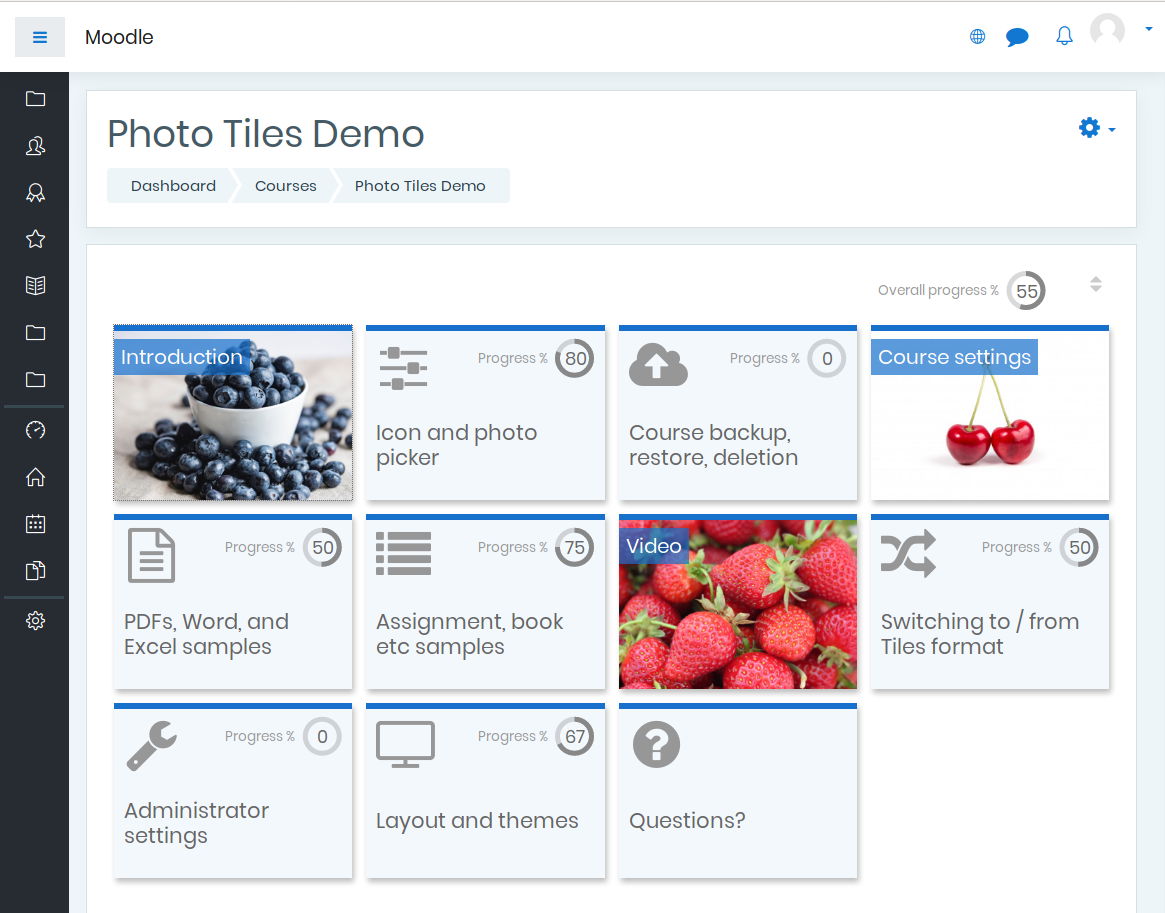
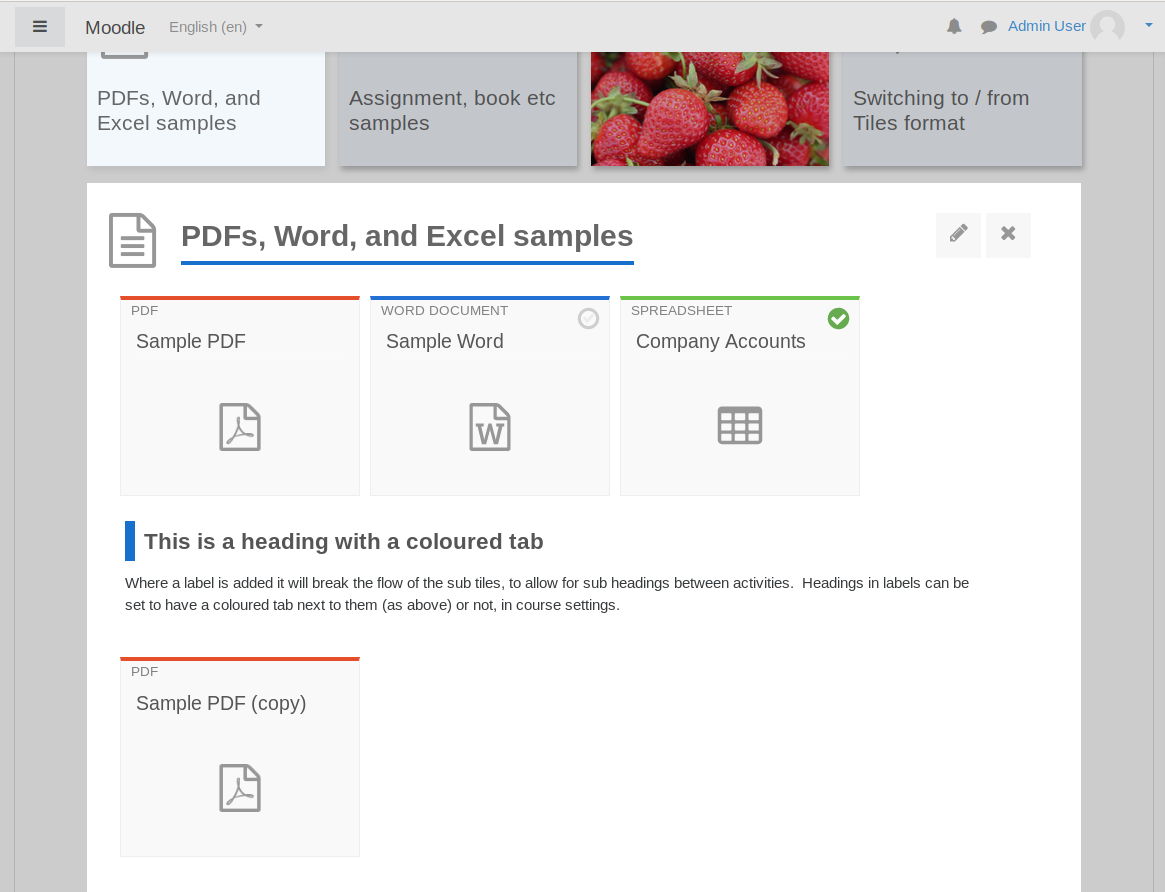
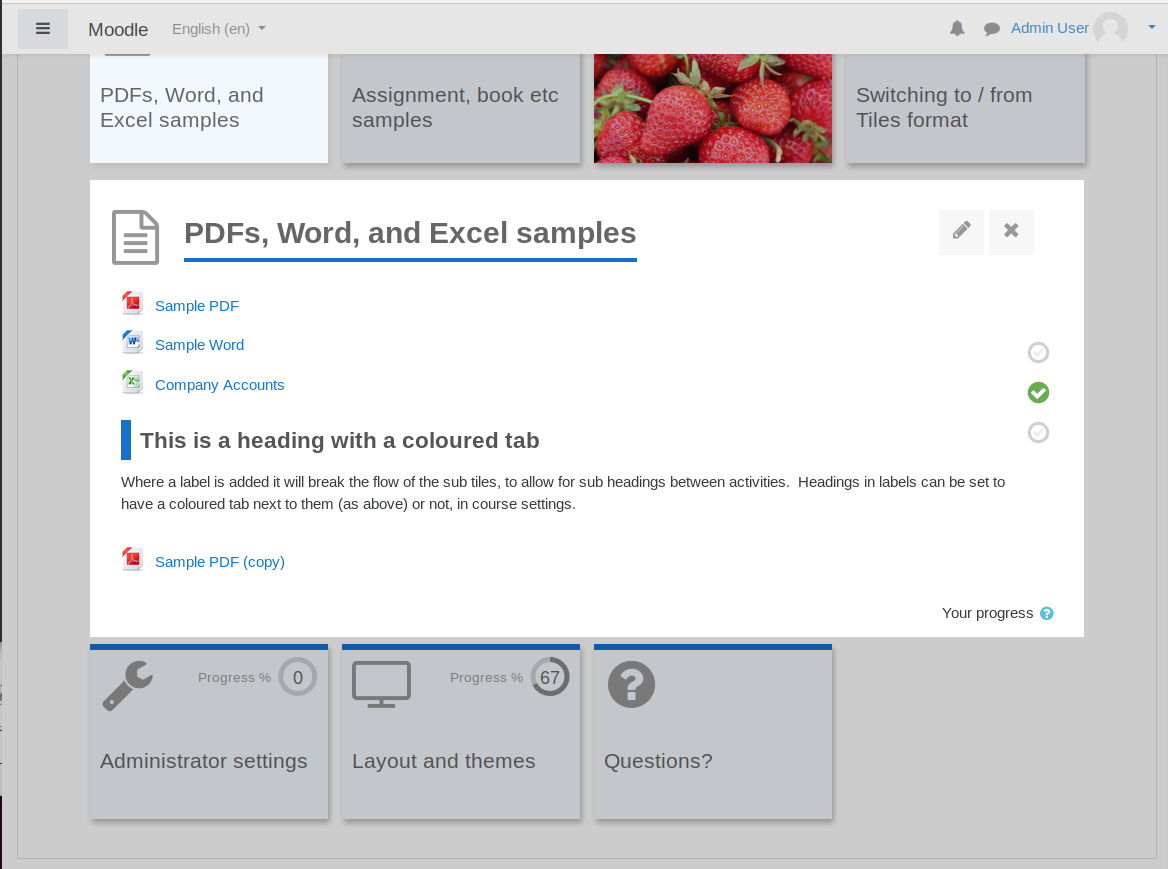
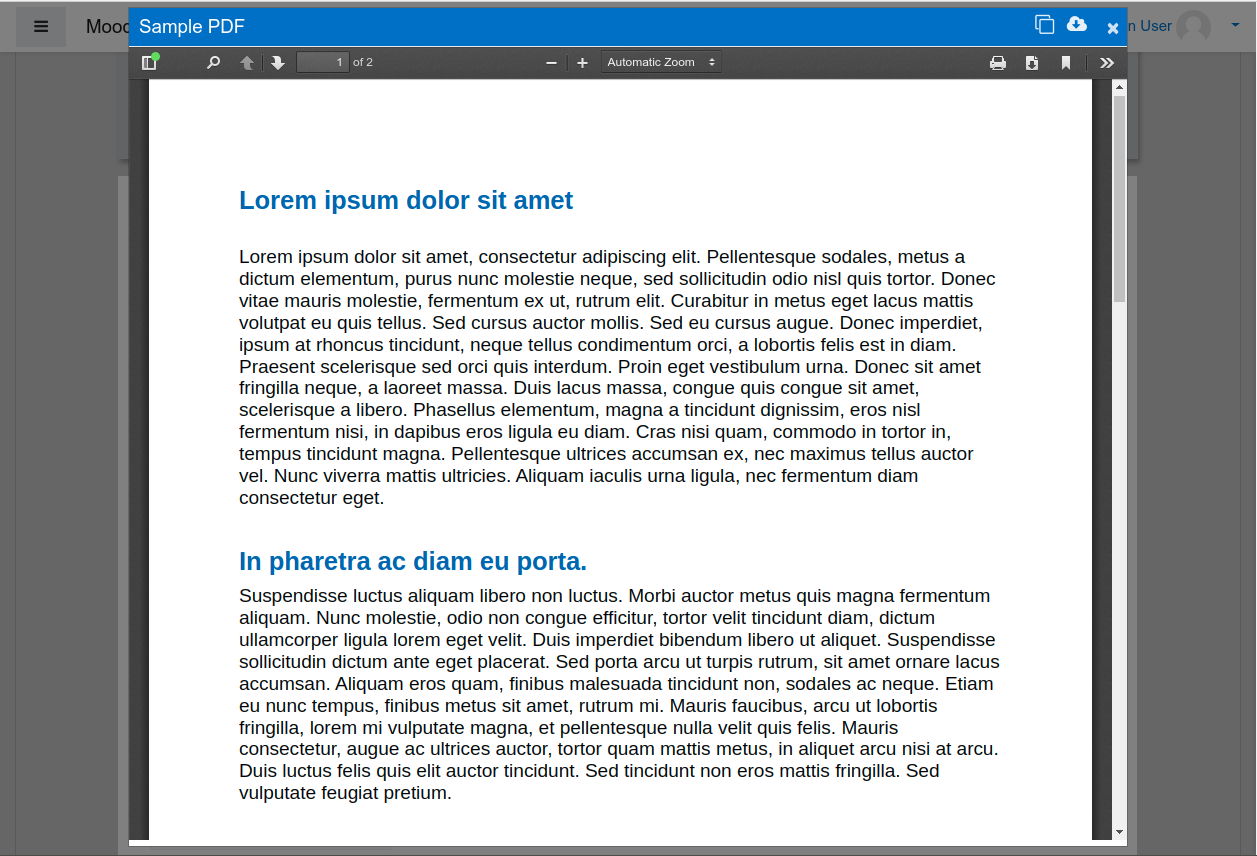
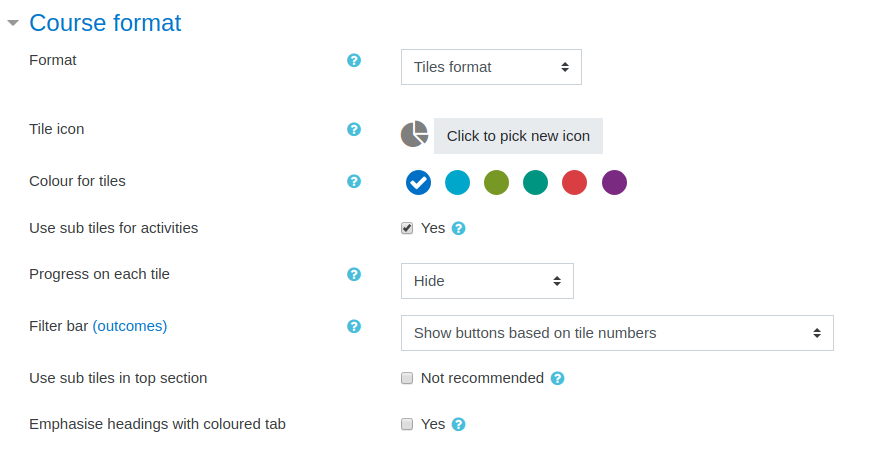
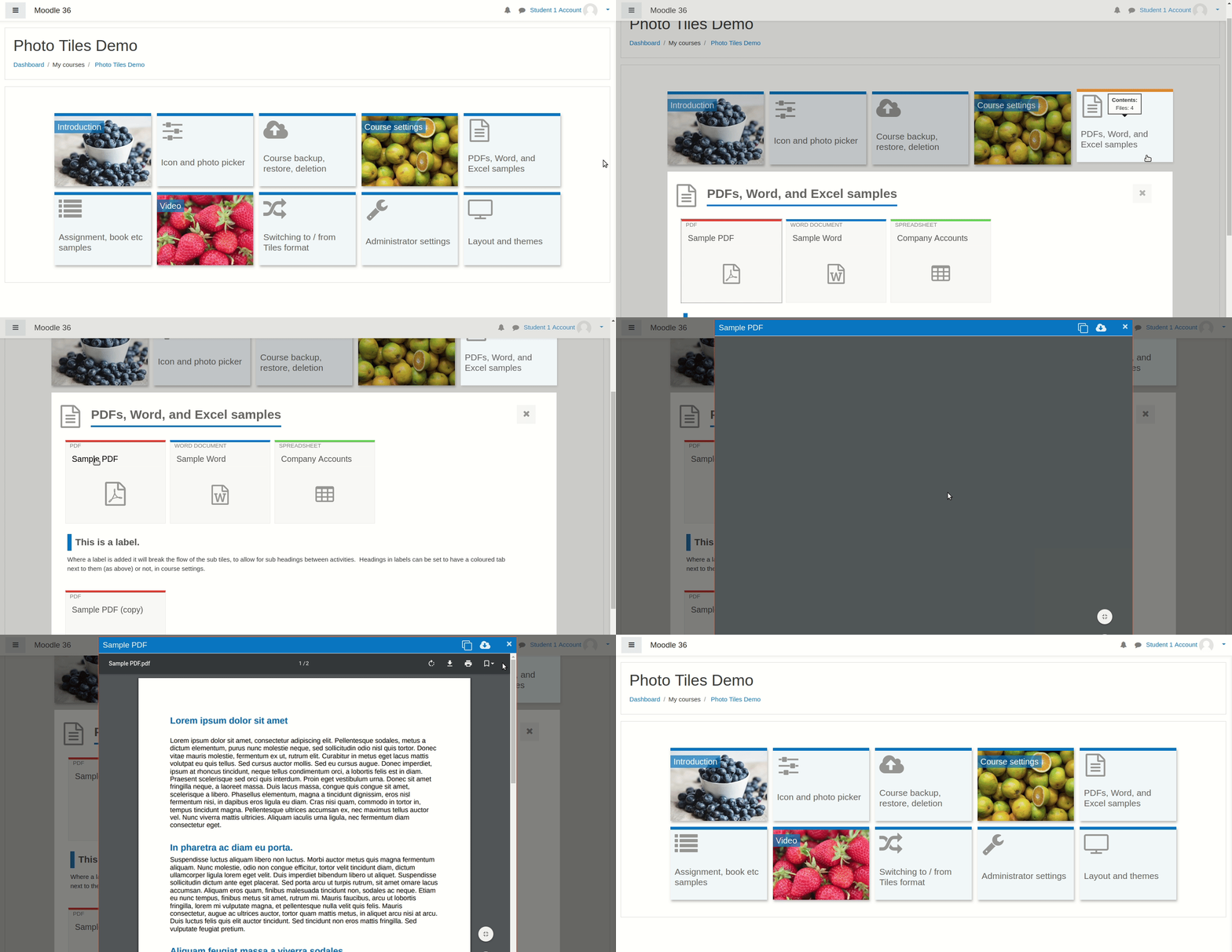
A course format which displays course topics as "Tiles", in a grid rather than as a list. When clicked, tile content is displayed under the tile with an animated transition. The layout adapts to different screen sizes and orientations. Within each tile, activities can also be set to display as "sub-tiles". For each tile, the teacher can pick an icon from a predefined set, or upload a background photo.

Comments
Product ratings and reviews are coming to Moodle Marketplace. Until then, existing comments remain available to read, but new posts have been disabled.
Thank you for this fix and making it easier to apply them with the repository!
I hope the maintainers of the plugin will read all these comments and sooner rather than later will fix these issues in the official repository.
This is similar to the earlier changes made by Kirk Martinson.
If there are any problems with this fix you could post details in https://moodle.org/mod/forum/view.php?id=47.
Hello,
first of all, thank you for your continued work on the Tiles course format. It is a great plugin and is widely used in our Moodle environment.
After upgrading to Moodle 5.2.1 (Build: 20260608), we noticed an issue when trying to change a tile icon.
Steps to reproduce:
Enable editing mode.
Click on an existing tile icon (or tile image).
Expected result: The icon picker opens.
Actual result: Nothing happens.
Environment:
Moodle 5.2.1 (Build: 20260608)
Theme: Boost
Tiles version: 5.1.0.2 (2026012570)
Browser console error:
Uncaught Error: No define call for core/modal_factory
https://requirejs.org/docs/errors.html#nodefine
The click event appears to be triggered correctly, but the icon picker modal is never displayed because of the JavaScript error above.
We have already:
Purged all Moodle caches
Tested with the standard Boost theme
Reproduced the issue in multiple browsers
Has anyone experienced the same issue with Moodle 5.2, or is there already a fix available?
Thank you very much for your help and for maintaining this excellent plugin.
Best regards
May we know when the plugin is expected to be updated for compatibility with version 5.2?
I’d like to join in on the questions about the 5.2 update.
Unfortunately, there hasn’t been a response yet.
Currently, many of us are eagerly awaiting a new feature in 5.2, but at the same time, all our courses are in the tiles format, so we can’t update them.
Is there any indication of when we can expect the update?
I, and probably a few others, would be very happy to hear that.
Thank you very much and best regards
core/modal_factory has been fully removed (not just deprecated) in Moodle 5.2. The plugin still depends on it in two places:
amd/src/course_mod_modal.js line 30 — in the define([...]) list
amd/src/edit_icon_picker.js line 298 — require(["core/modal_factory"], ...)
Loading either module on a 5.2 site fails with "Failed to load module: core/modal_factory" and the corresponding modals don't open. Migrating both usages to the new core/modal API (available since 4.3) should be enough.
Happy to test a patch on a 5.2 install if useful.
May we know when the plugin is expected to be updated for compatibility with version 5.2?
We noticed a bug with the Tiles course format plugin. When we create a file containing a Genially download and set the appearance to Automatic or Open, it becomes impossible to access the file.
The issue disappears when we switch to editing mode or when we change the course format. Our Moodle version is 4.5.5+, and the plugin version is 4.5.0.28.
Thank you very much for this plugin. We use it extensively on our platform, and it is both very aesthetic and very useful.
In any case, thanks for pointing us to the Moodle core issue (MDL-60912). We'll follow its progress!!