Support this plugin by adding it to your Favorites
Courses to Calendar
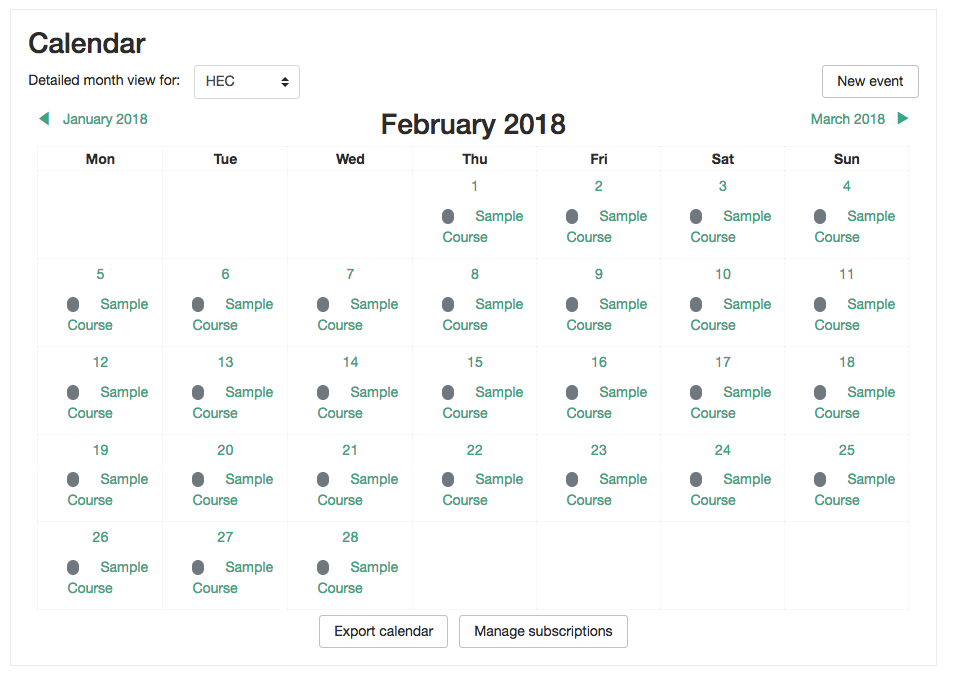
This plugin allows you to display the courses in the Calendar as Site Events. Sometimes and for some reasons, you want to display to everyone your courses in the Calendar and this is exactly what this plugin does.
You are able to decide what categories of courses can be displayed as site events in the Moodle Calendar.
Features
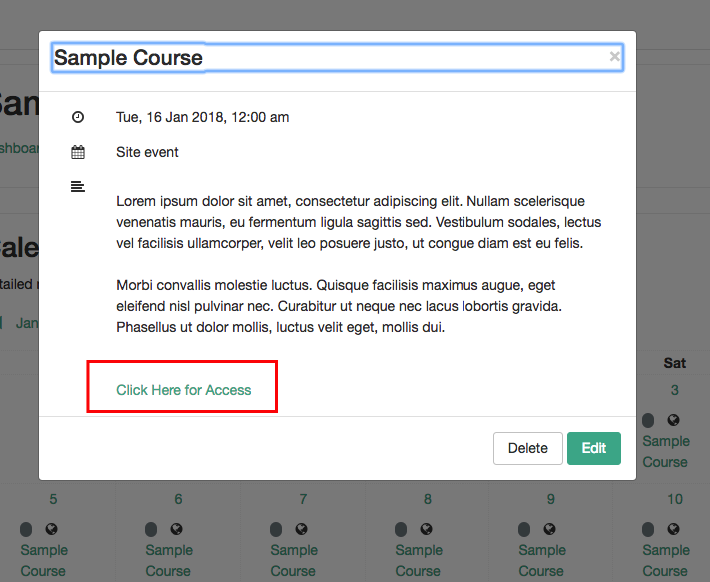
- From the calendar, users can access a course through a Link.
- As an admin, you can update the course's date directly from the calendar. It supports drag and drops functionality so it automatically updates the course with the new dates.
- As an admin, you can update the course's summary from the calendar.
- You can change the text link that takes the user to the course from the calendar.
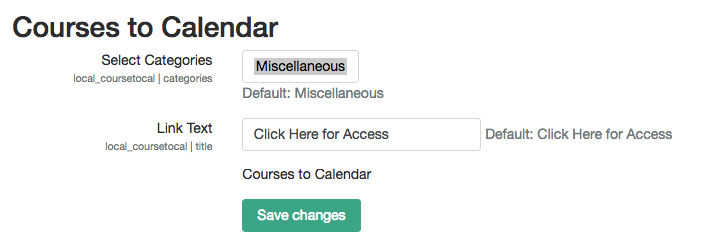
- You can change the courses categories that will display the courses in the calendar as Site Events.
How to use?
- Go to Site Administration > Plugins > Local > Courses to Calendar, access the plugin's settings and select 1 or more categories that you wish your courses to be displayed in the calendar.
- After you save, the plugin will automatically run in the background and add to the Calendar your courses as long as they have the Start Date and End Date enabled.
- Now you will be able to edit the events to update the courses, or simply by updating the courses the events will be updated.
Support
Thanks to
This plugin was sponsored by ECBOCES www.ecboces.org and developed by LMS Doctor, Inc. www.lmsdoctor.com