Learning Works
Developer

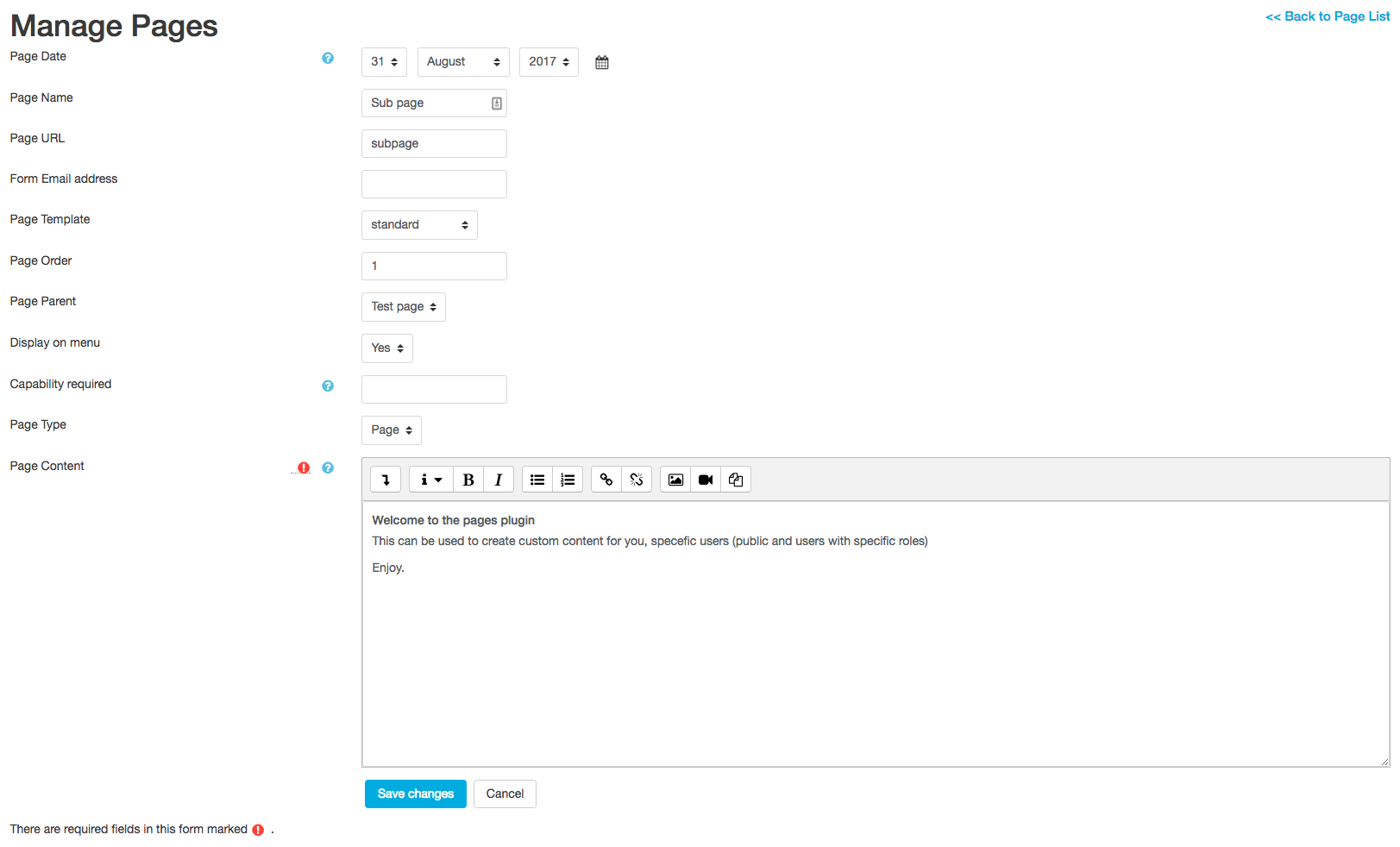
This plugin is to enable custom pages and forms in Moodle.
The Pages Plugin provides a quick way to create custom forms and custom page content.
By default, all pages created can be publicly accessed.
To control page access, to logged in users or users with certain capabilities, this is controlled in the page Editor.
Local Pages support forms that can send email and will keep a viewable history of all emails sent.
Pages supports a tree structure and will display in the Navigation menu if "Show in menu" is checked.
If your server supports .htaccess files - you can enable clean urls instead of page id numbers.
This is ideal if you wish to use any pages with Google for tracking user engagement.
Install the plugin into your local Moodle under /Local/pages/
In Moodle under Site Administration -> plugins -> local plugins->pages will be the links to add new pages and edit the plugin settings.

