
Local Pages
Maintained by
Learning Works, Kevin Dibble
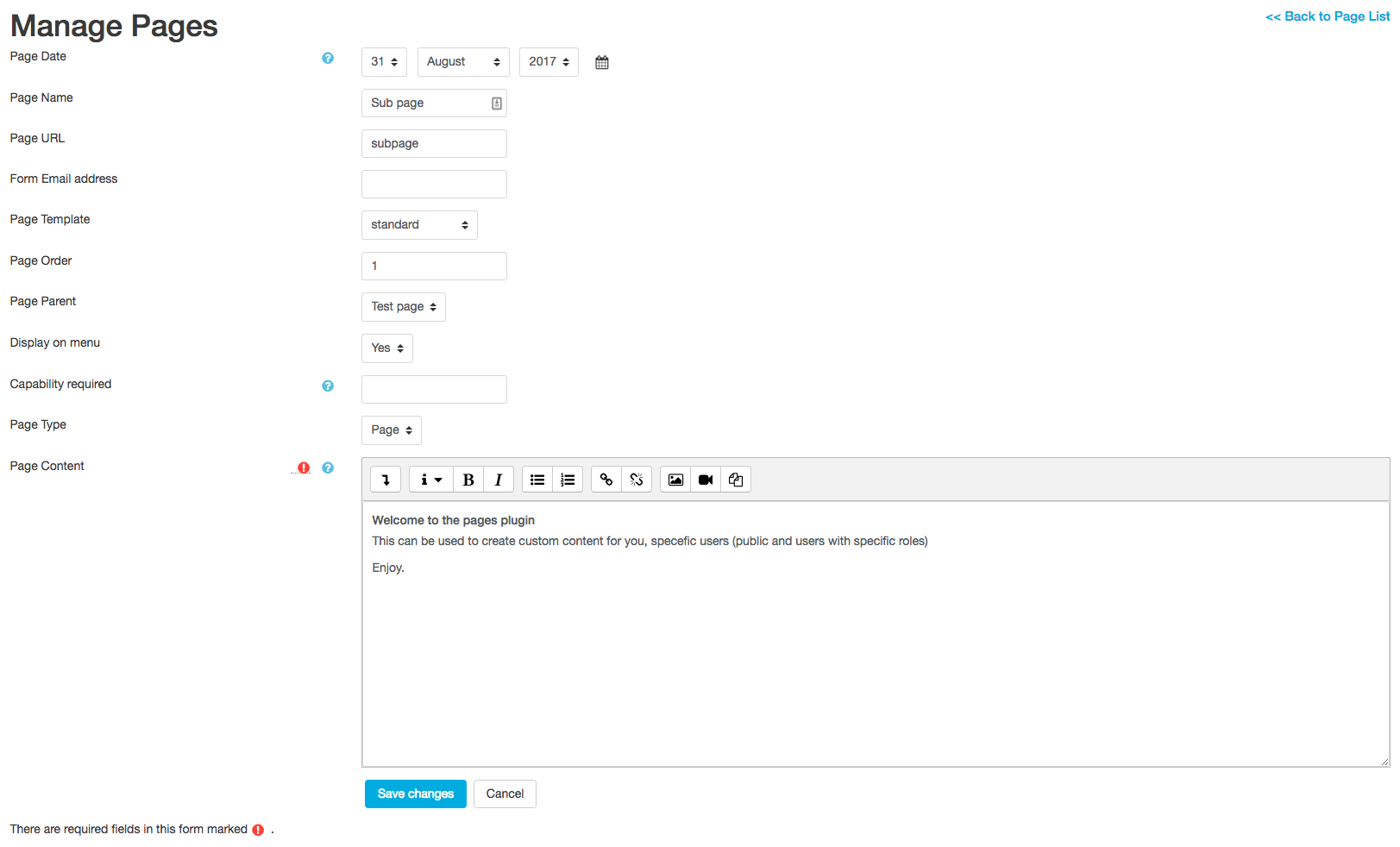
This plugin is to enable Custom pages and forms in Moodle.
It provides a quick way to create custom contact forms and custom page content.
The pages created can be publicly accessed or available to certain users based on settings you choose for the page.
This allows you to create pages such as: "terms and conditions", marketing material and more.
Comments
Comments are no longer open for new posts. Existing comments remain available to read.
thx for the great plugin.
I would like to set the local page that I created as the home page. I tried in appearance > navigation > start page for users. But the page local page doesn't appear in the drop box.
I don't know how to code but I know how to modify code if given the proper instructions.
Moodle 4.3.1 with theme boost
Moodle 4.4 with theme boost union
Please help
We know that the multilingual function is partially integrated as the page title (on the top of the browser tab) recognizes this and it functions.
Is this something that someone knows how to fix by any chance?
https://github.com/tmayfield-costrack/moodle-local_pages/tree/fix/php-8
Download the zip version.
@thanks to Tom Mayfield
Moodle 3.11 apache 8
Solution????
Exception - count(): Argument #1 ($value) must be of type Countable|array, null given
=== this is beacuse of php version as moodle 4.1 requires php8.1+
[Solution]
you can fix that by putting up the line number 237 under local/pages/forms/edit.php
$records = is_array($records)?$records:[];
Moodle 4.3
Exception - count(): Argument #1 ($value) must be of type Countable|array, null given
I have installed the most stable version of Moodle 4.1 and the error is the same, but in version 4.0 it works without a problem.
Exception - count(): Argument #1 ($value) must be of type Countable|array, null given
Thanks and regards,
fabio
i have installed lical pages, so far fine. however, when i want to create a page, i get the following error message:
Exception - count(): Argument #1 ($value) must be of type Countable|array, null given
What do I have to consider or where and how can I fix this error? Thank you very much for a short feedback.
But, I would like to know if it would be possible to open conditional fields.
I need students to complete the course, which will call the local field, which will call the area of expertise.
Are any ideas how can I fix it? Thank you so much!"
_________________________________
it is not working on php 8.0
and works on php 7.4
Are any ideas how can I fix it? Thank you so much!