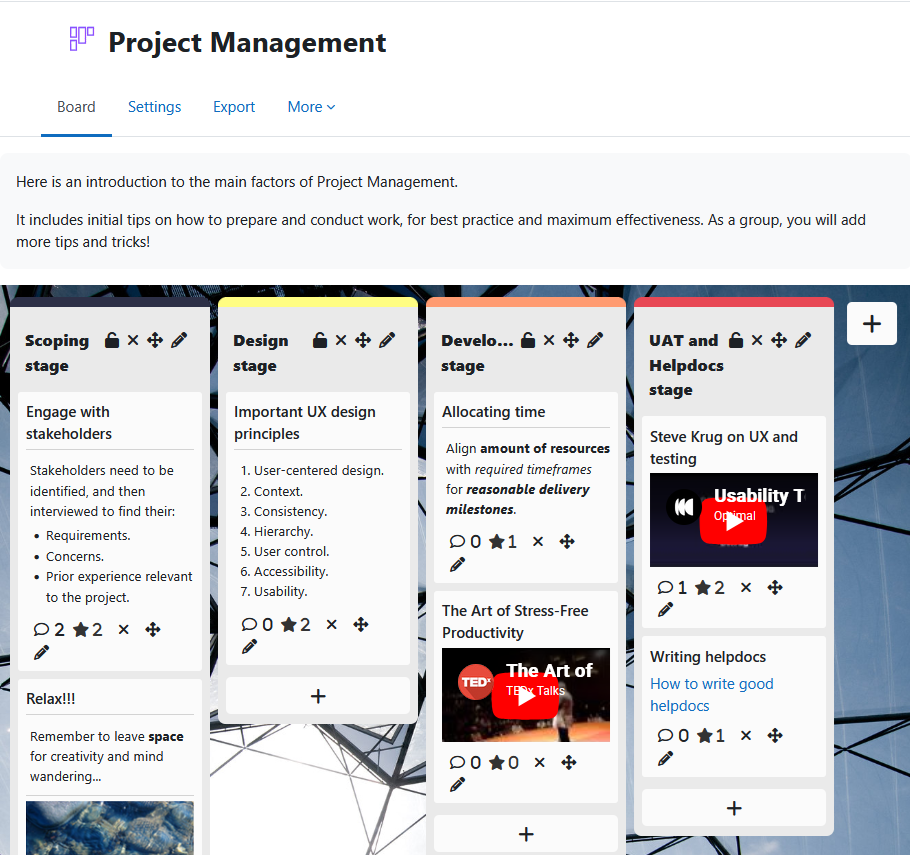
Board gives students a shared space to contribute ideas, links, images, and videos as visual posts organised into teacher-defined columns.
Posts are anonymous by default — students see each other's contributions but not who made them.
Board has been developed and is maintained by Brickfield Education Labs. Visit our Brickfield Board introduction page here.
Usage
Students can add posts containing any of the following:
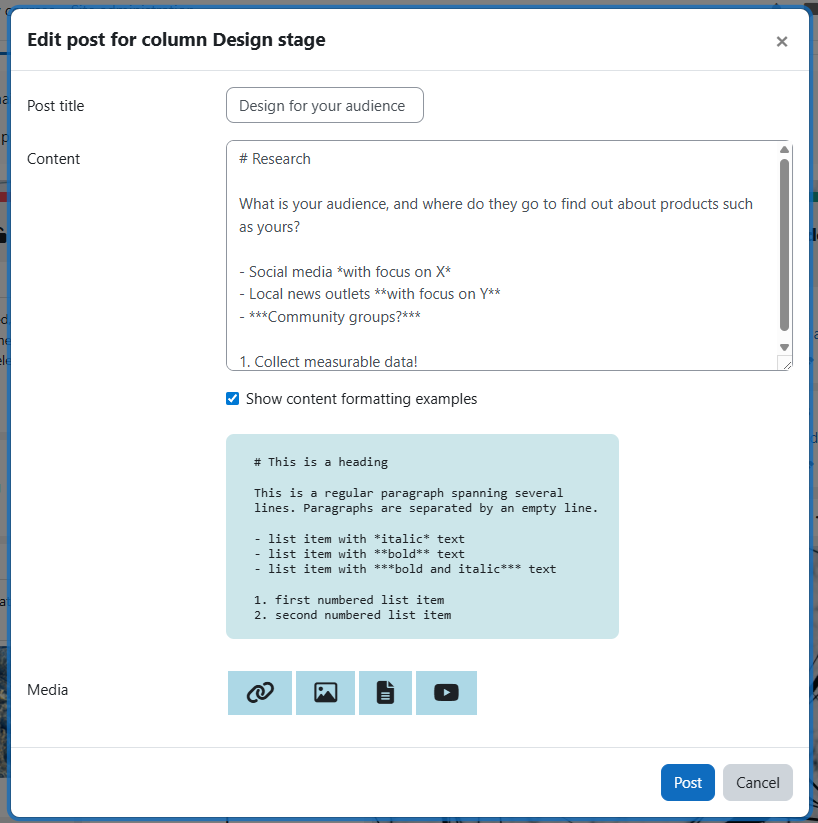
- A heading.
- Text, with Markdown formatting options (bold, italic, lists, headings, line breaks).
- A link.
- An uploaded image.
- An uploaded file.
- An embedded YouTube video.
Students can also:
- Edit or delete their own posts.
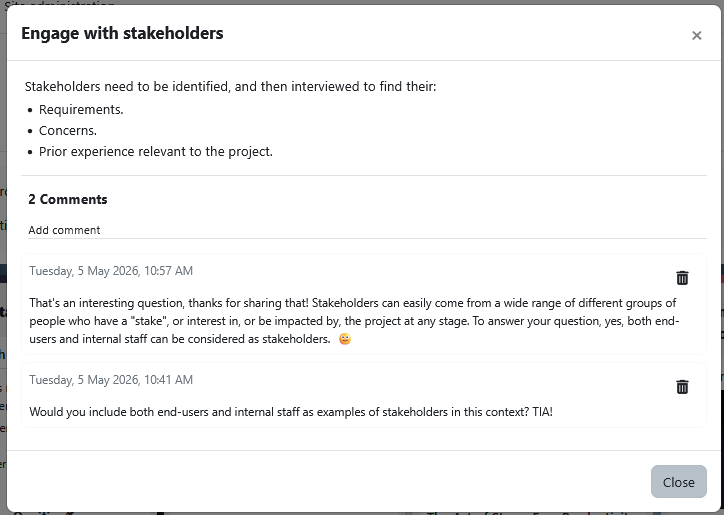
- Comment on any visible post.
- Receive a Moodle notification when someone comments on their post.
The following depend on teacher settings:
- Move posts between columns.
- Rate or star any visible post.
What teachers can set up:
- A closing date for student submissions.
- Post ordering within columns — by date, star count, or neither.
- Whether posts can be starred — by students, teachers, or neither.
- Standard Moodle group access settings.
- Single-user mode — private or public — to give each student their own board.
What teachers can do on the board:
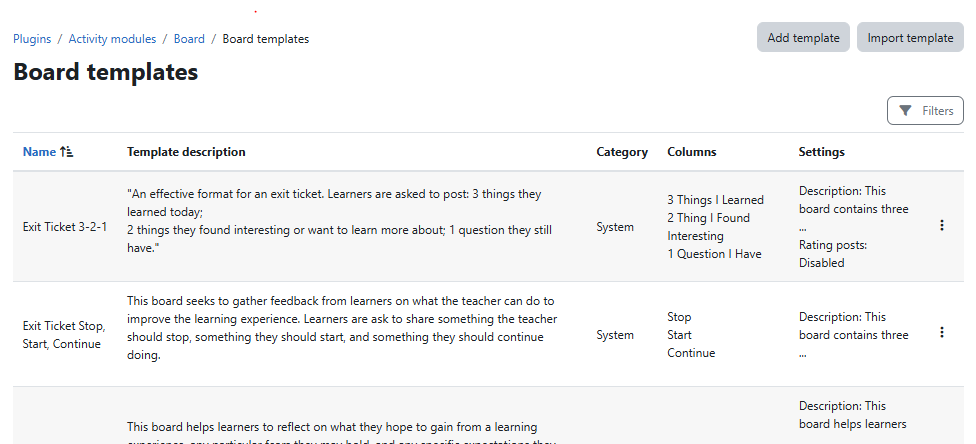
- Apply a pre-built template for quicker description and column setup.
- Move any post from one column to another.
- Download a copy of the board contents.
- Download a spreadsheet of student submissions.
- Download a spreadsheet of student comments.