Jorge Lopez
Lead maintainer

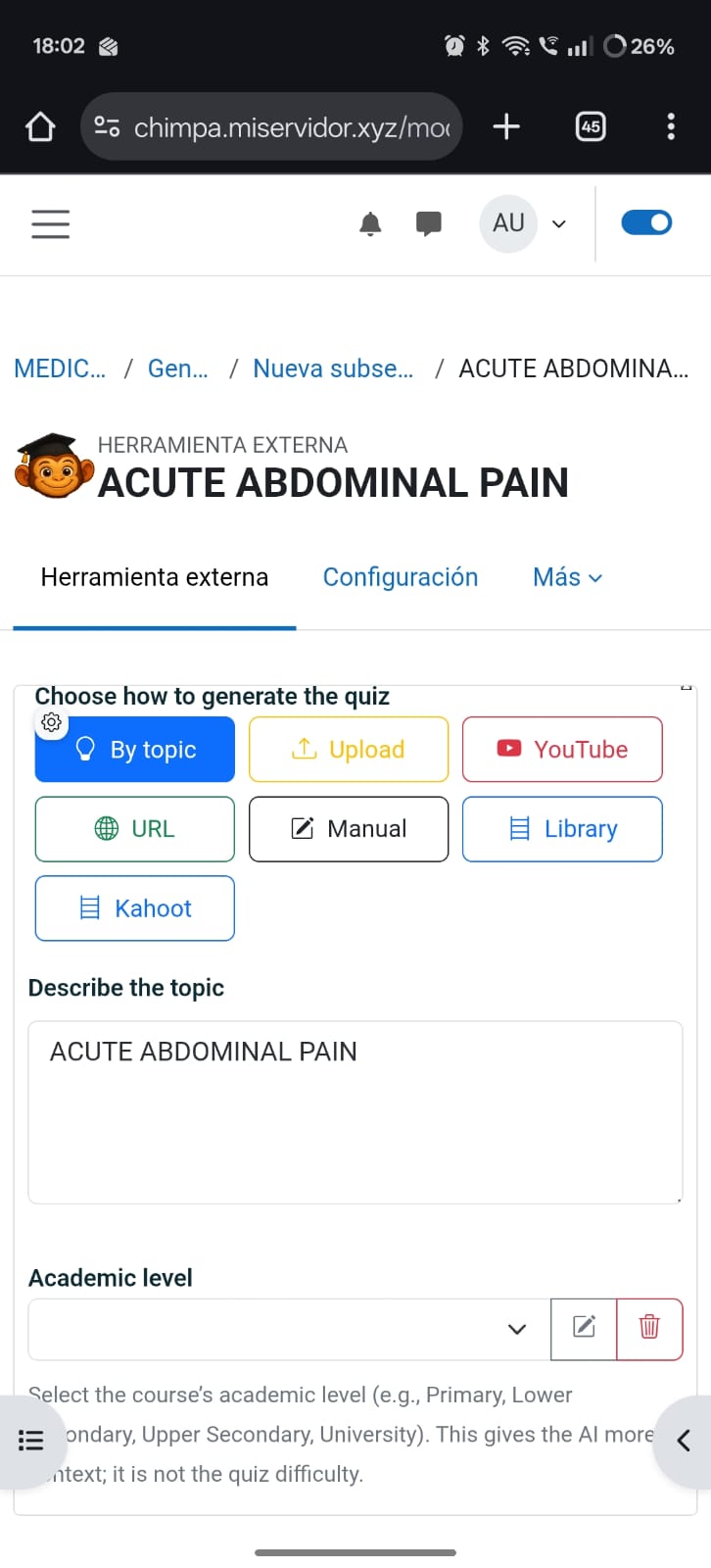
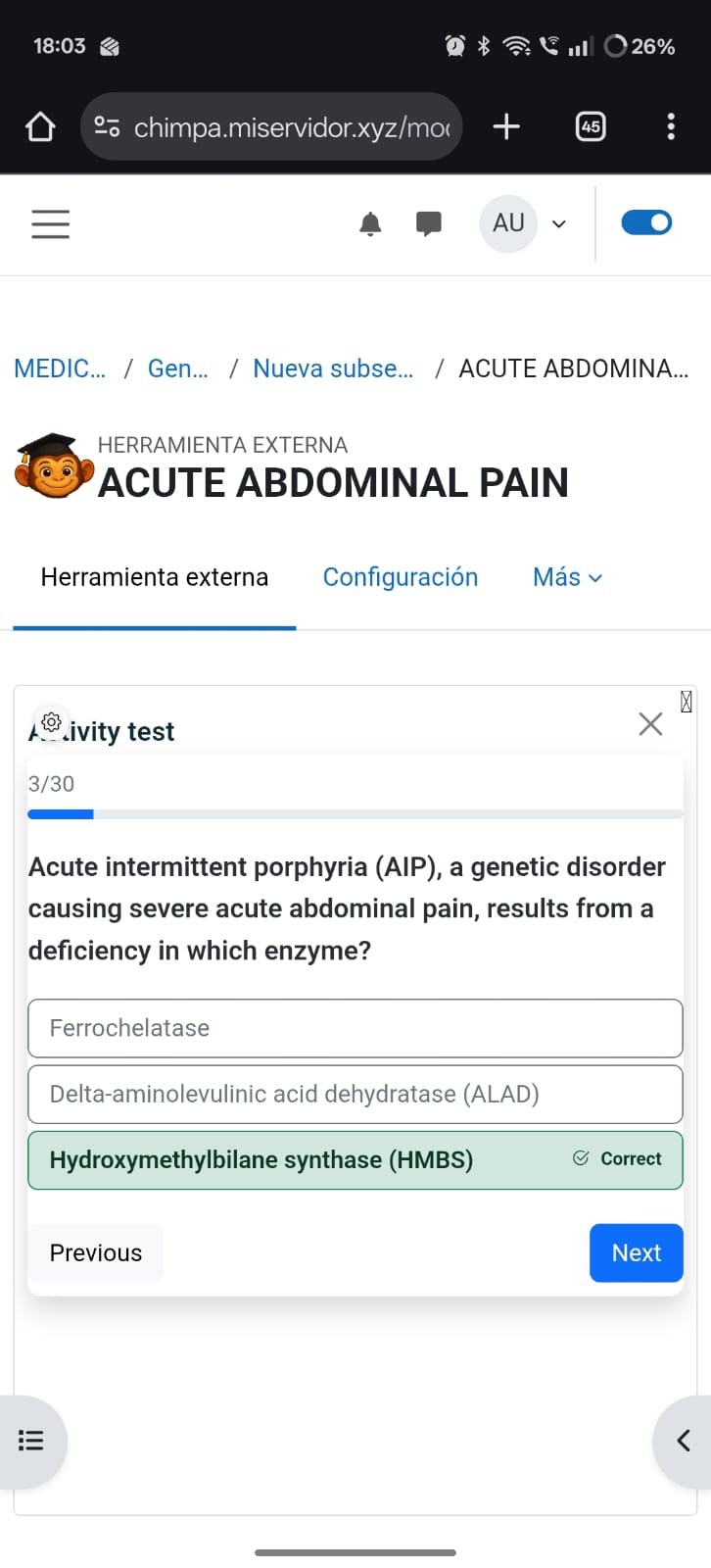
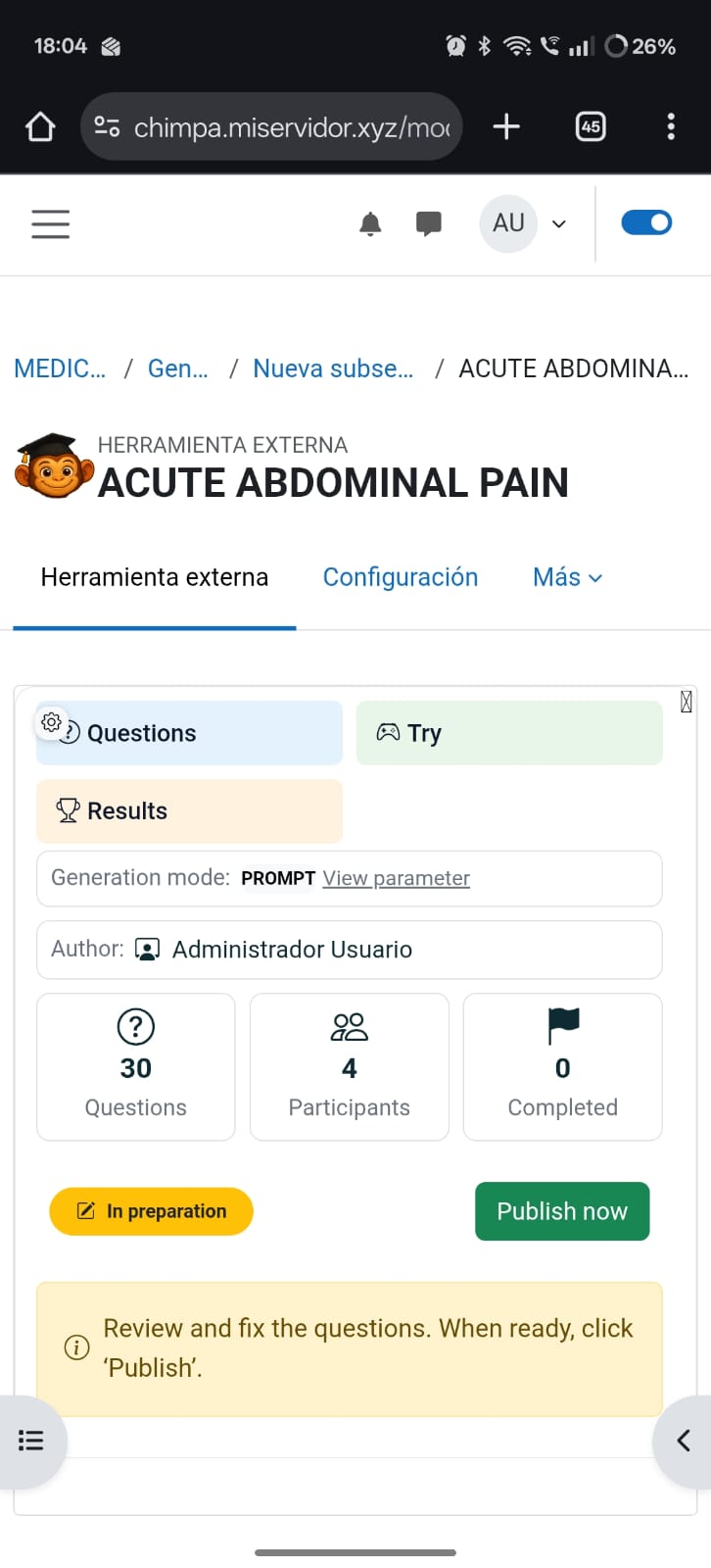
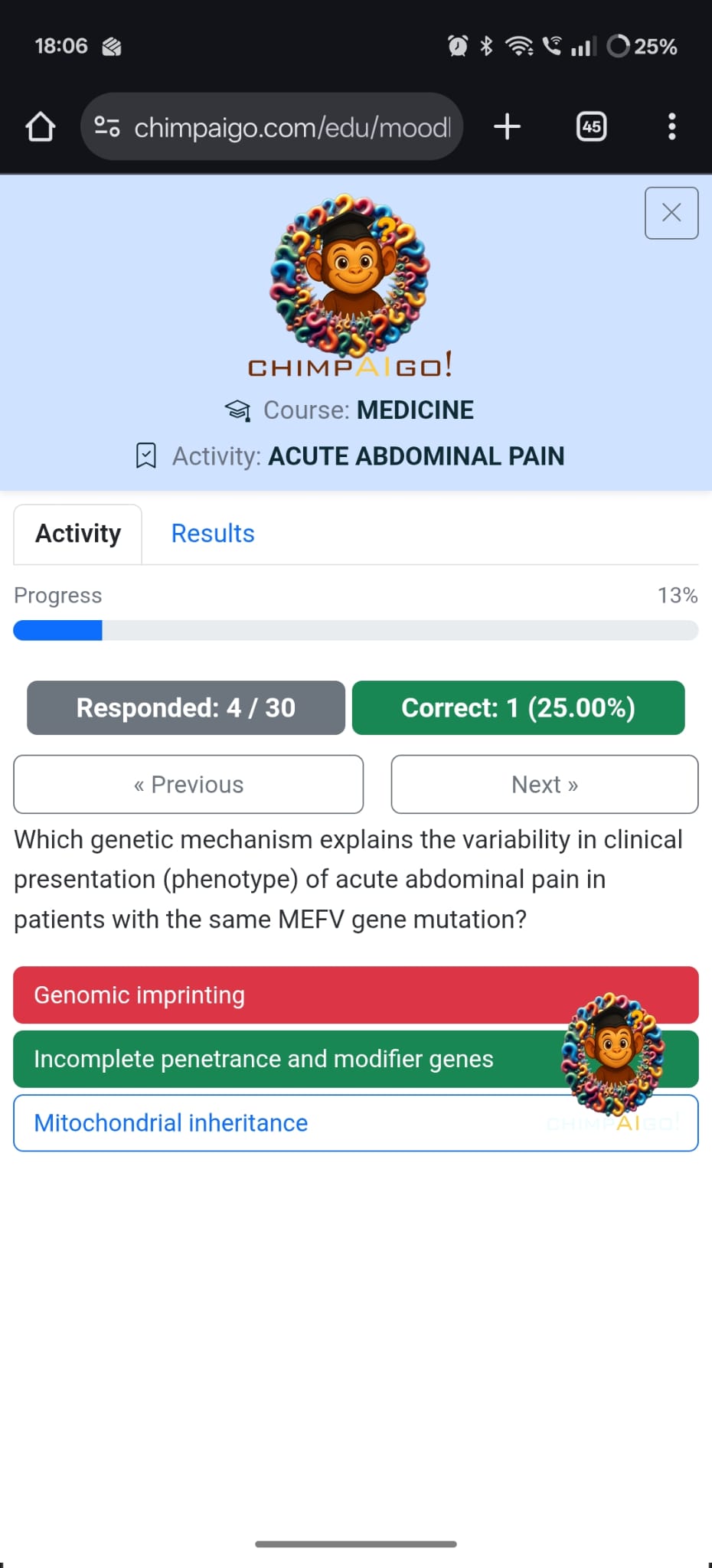
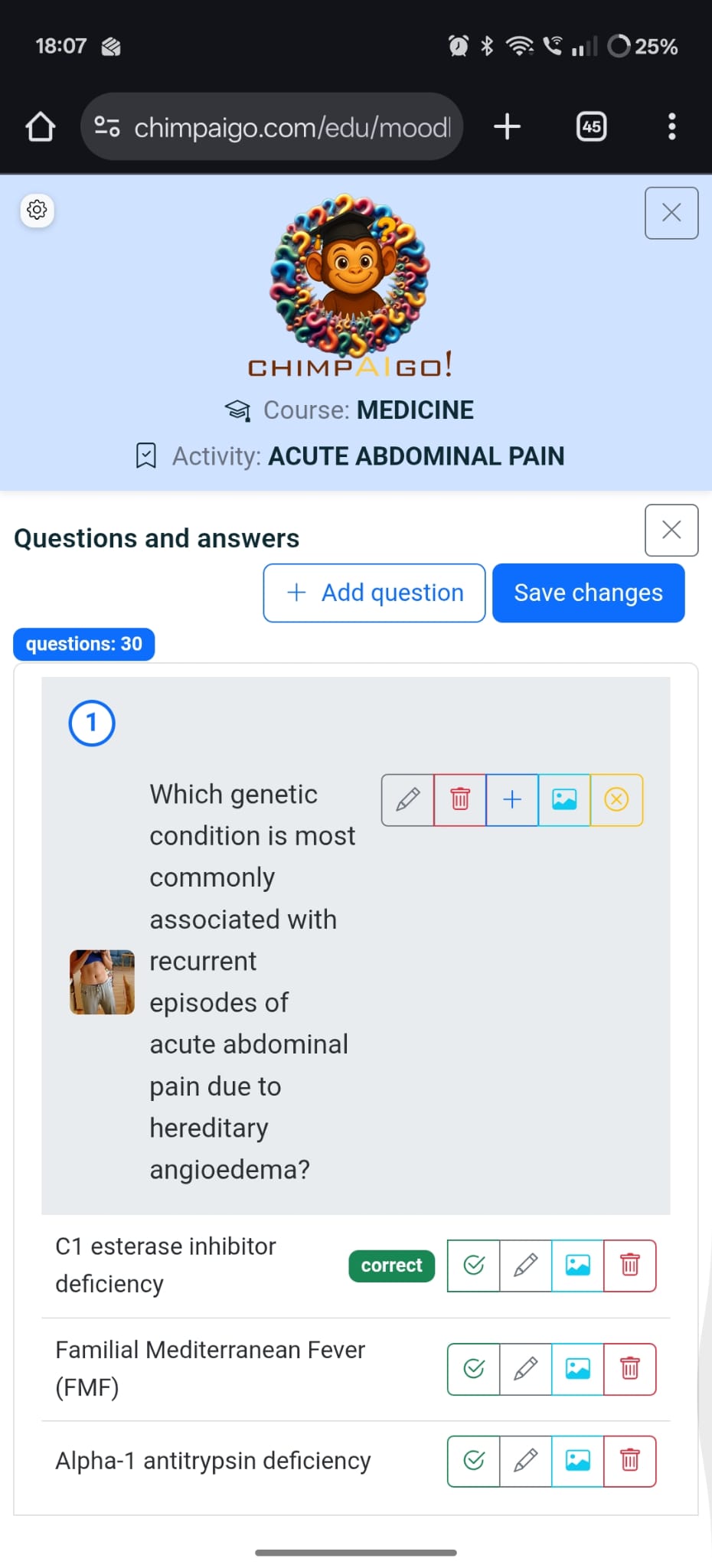
chimpAIgo! brings the power of artificial intelligence to Moodle, allowing teachers and students to create and play quizzes directly inside their courses — no extra accounts, no setup, and full data security through LTI 1.3.
AI-generated quizzes instantly. Create complete sets of questions from a topic, a PDF, a Youtube video or a web URL. The system automatically adapts difficulty and style to the educational level.
Edit and customize. Teachers can review, adjust, or enrich questions before publishing them to their students.
Assign directly in Moodle. Each quiz appears as a regular Moodle activity with automatic grade return and time tracking.
Detailed analytics. Track participation, performance, and learning progress at class or individual level.
Seamless access. Students launch quizzes from their Moodle course and play them interactively through chimpAIgo!’s responsive interface.
Instant feedback. Each answer includes explanations and adaptive hints generated by AI.
Gamified experience. Visual progress, sounds, and rewards make assessment engaging and motivating.
Fully compliant LTI 1.3 / Advantage implementation with OIDC login, AGS (grade return), and Names & Roles support.
Works under any standard Moodle installation (v4.4 +).
Secure HTTPS endpoints:
Initiate Login URL: https://www.chimpaigo.com/edu/moodle/lti/login.aspx
Launch URL: https://www.chimpaigo.com/edu/moodle/lti/launch.aspx
Self-registering: the plugin automatically creates its tool configuration on installation.
Tested with Moodle 4.4 +
chimpAIgo! transforms Moodle quizzes into dynamic, AI-driven learning experiences — combining automation for teachers with motivation for students.

