Luca Bösch
Lead maintainer

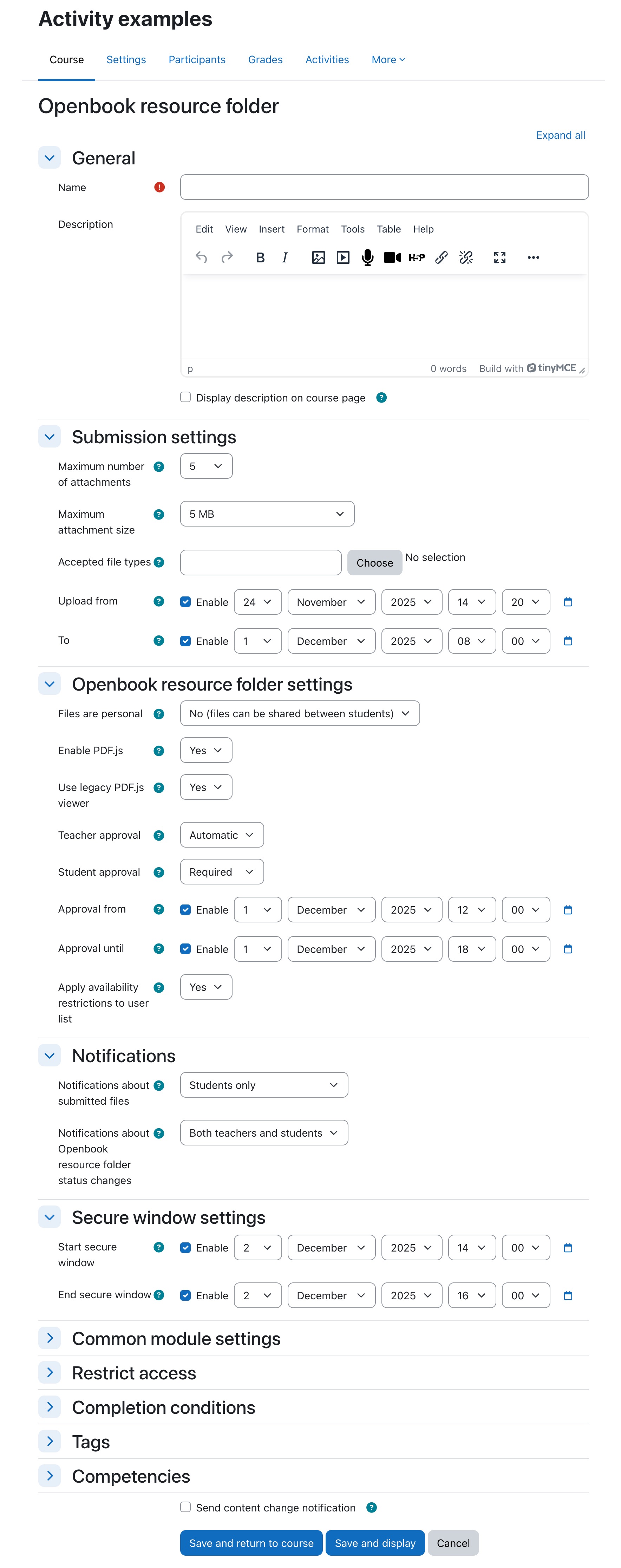
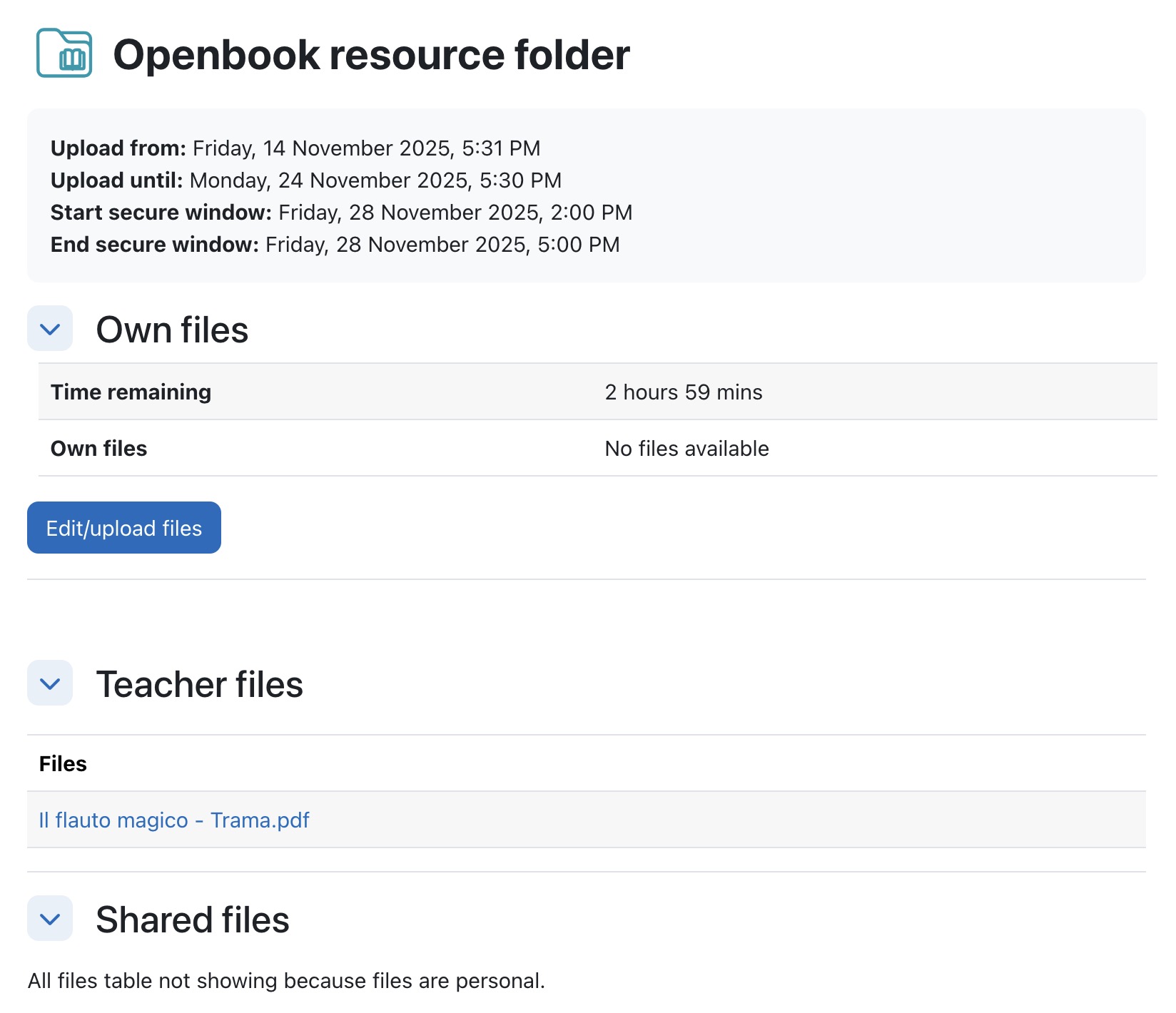
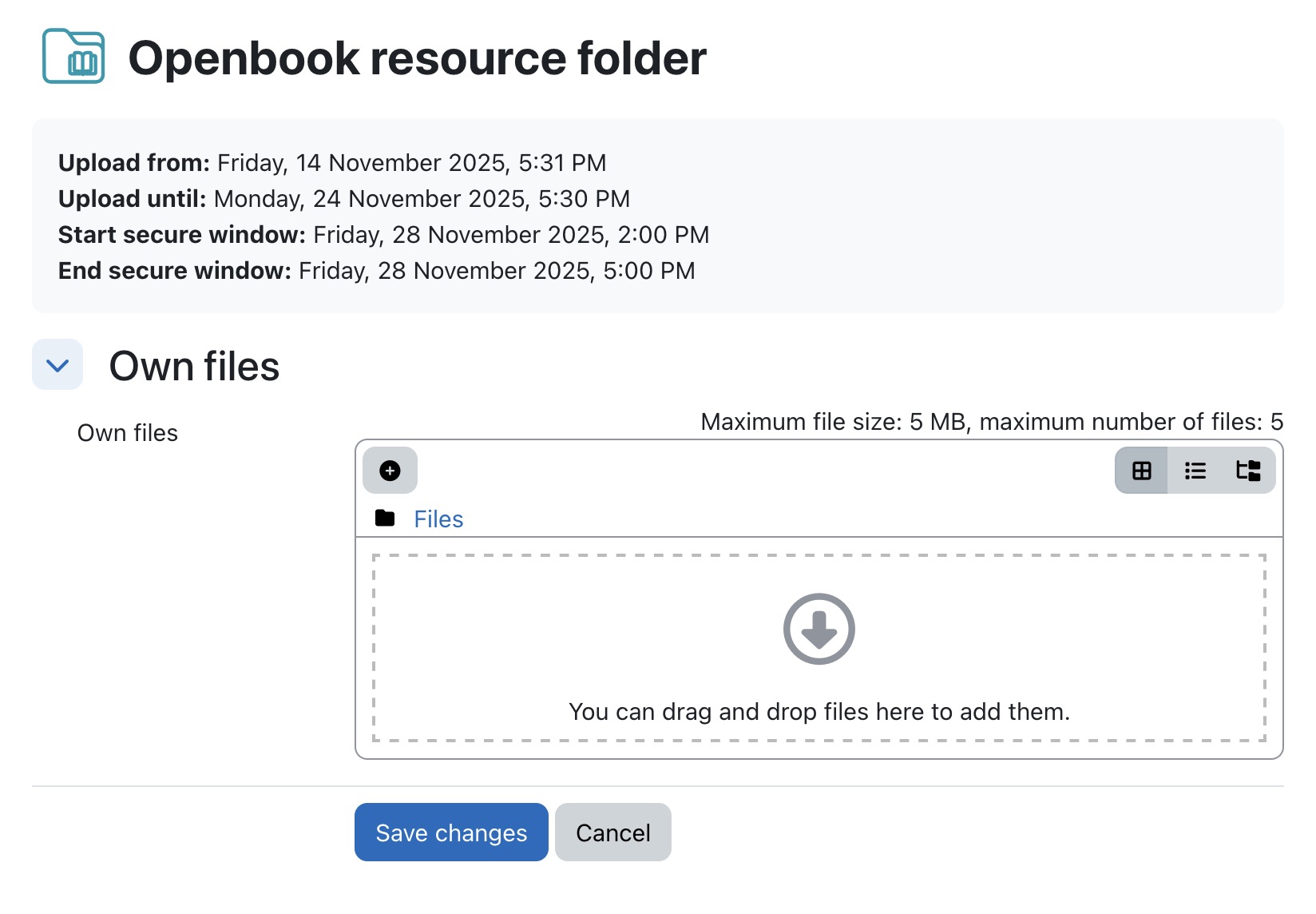
This plugin is primarily designed to allow students to upload files for later access, for instance during an exam. Teachers have the ability to aprove documents manually, or documents can be automatically aproved. Teachers can choose if files can be shared between students. They can also chose if student sharing aproval is needed or automatic.
A possible teaching scenario could look like this:
A teacher opens the Openbook Resource Folder activity for submission. He chooses if submissions are approved automatically. She also chooses if submissions are private (cannot be shared between students), can be shared between students (with student approval) or are shared automatically.
Students submit documents during the submission period. They also choose whether if they want to share the documents with peers or not (if sharing and student approval are enabled).
Once submission period ends
Accessing the documents can be restricted to them being opened in PDF.js.
Equally, the display of the documents can be set to happen in Moodle 'secure window', so that there is no way to access the rest of the system, making it a safe way to use during an exam.


