Justin Hunt
Lead maintainer

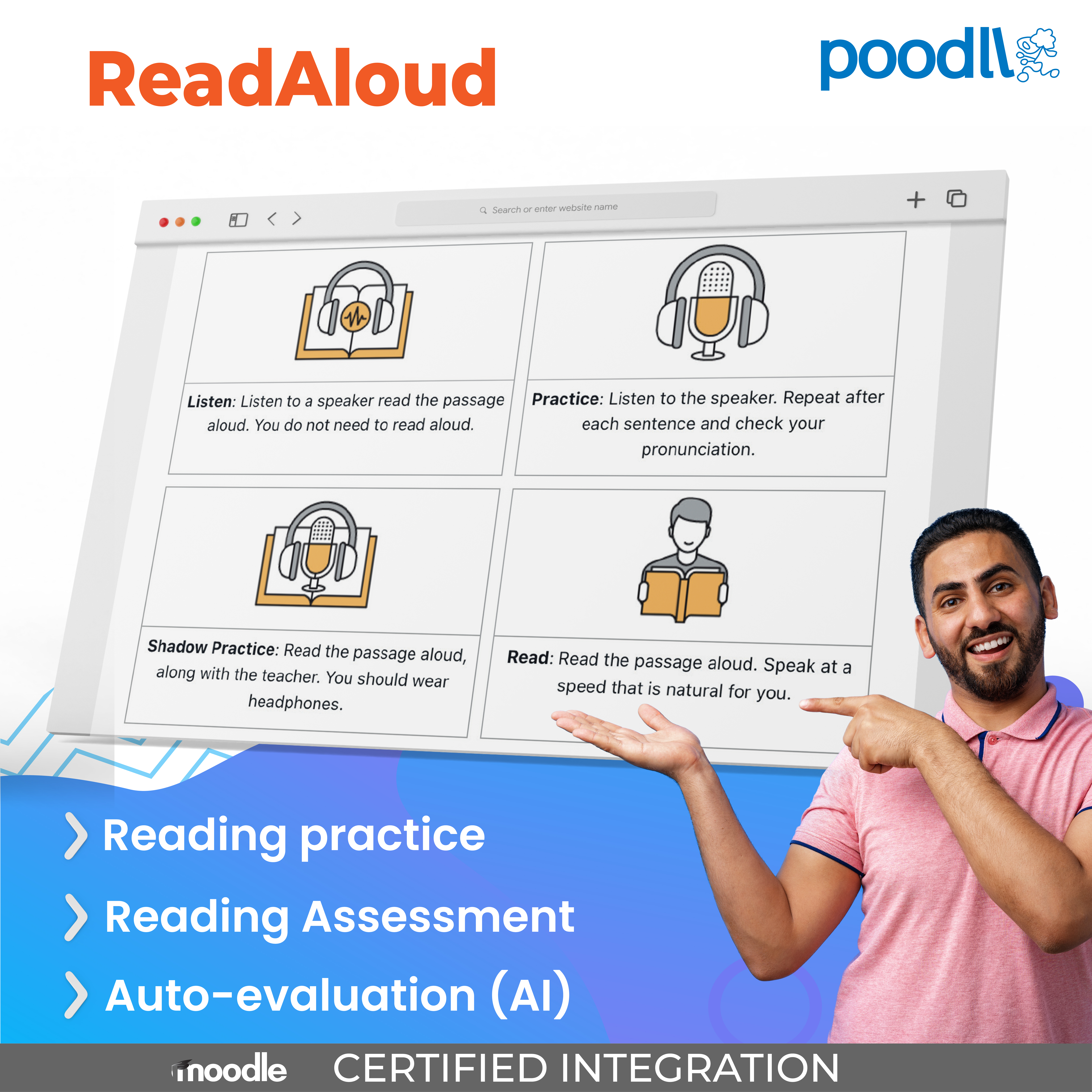
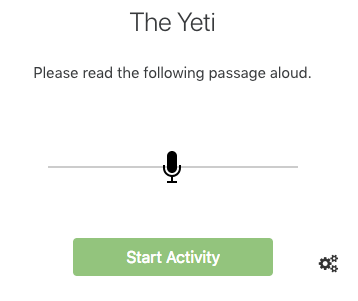
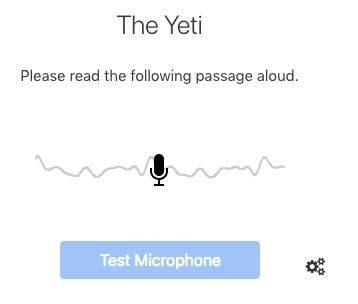
Poodll ReadAloud is a guided reading-fluency and reading-comprehension activity for Moodle. The teacher sets a passage; the student works through a structured journey to read it, and ReadAloud grades the attempt automatically — words per minute, accuracy, and (optionally) a full follow-up quiz about the passage.
A ReadAloud activity is built from a reading passage plus a set of steps, which the teacher turns on or off:
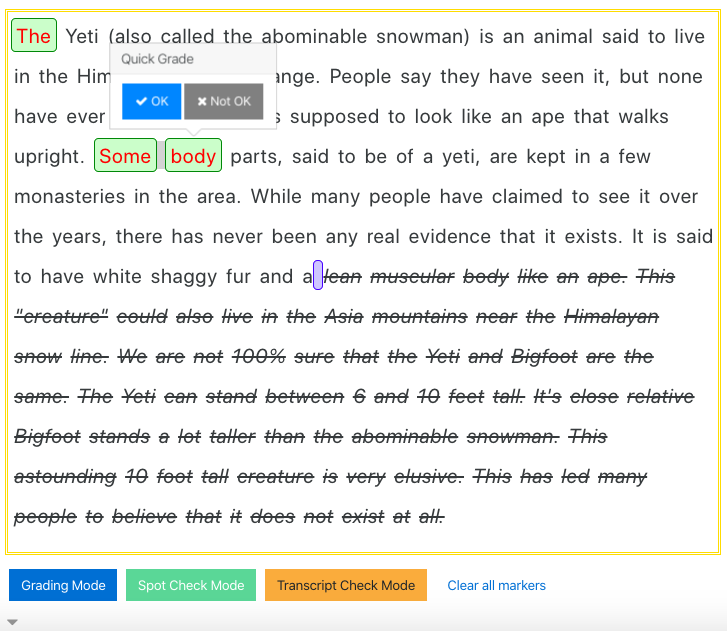
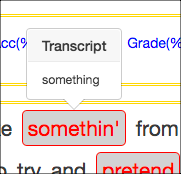
Reading attempts are scored automatically using speech recognition: words per minute against a target you set, and accuracy against the passage text. Mismatches between the transcription and the original passage are shown to the student — valuable feedback for pronunciation practice, and students can reattempt to improve. Grading can be tuned per activity:
Turn on the Quiz step and ReadAloud adds a set of follow-up questions about the passage — the same kind of item-based quiz mechanism used in Poodll MiniLesson, built into ReadAloud directly. It turns a fluency check into a complete comprehension activity, without leaving the page.
Native Speakers
In first-language contexts, ReadAloud is most often used for reading practice, assessment, and progress monitoring. Many educational authorities require students to reach a certain level of reading proficiency before advancing to the next grade. ReadAloud makes it easy for teachers to collect measures of oral reading ability that can be shared with parents, administrators, and other stakeholders.
Language Learners
ReadAloud is also used extensively in language learning. Curricula that include extensive reading or speed reading programs use it to measure changes in reading speed and accuracy via pre- and post-testing, and the follow-up quiz turns a reading check into a full comprehension and vocabulary activity.
Click here to try Poodll ReadAloud now.
ReadAloud requires a Poodll API username and secret. These are available with a 30 day free trial or a paid subscription. To get a free trial, install the plugin and press the "Get a Poodll free trial" button.
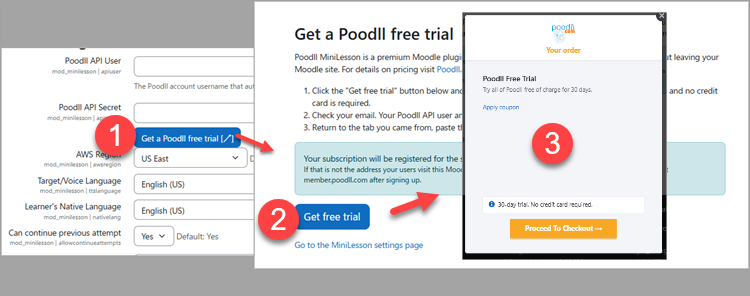
You will receive an email with your API user and secret. Paste those into the settings area for the plugin.
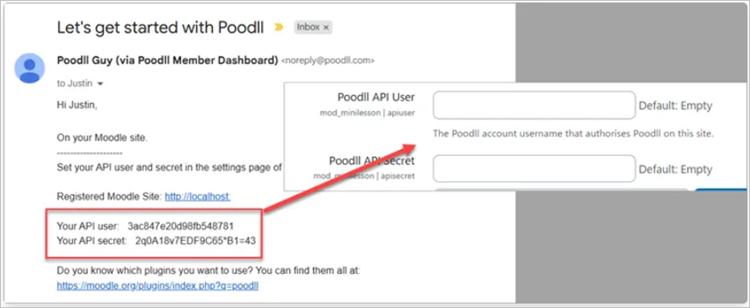
More information on the free trial is here.
Please see the Poodll ReadAloud support documentation for more information on using Read Aloud.
Poodll has been making plugins for Moodle since 2011. Our software has helped teachers build and deliver language courses in thousands of Moodle websites worldwide. Search for "Poodll" in the Moodle plugins directory to see a list containing more than 25 of our plugins. Poodll is based in Nagasaki, Japan.


