MooPlugins
Lead maintainer

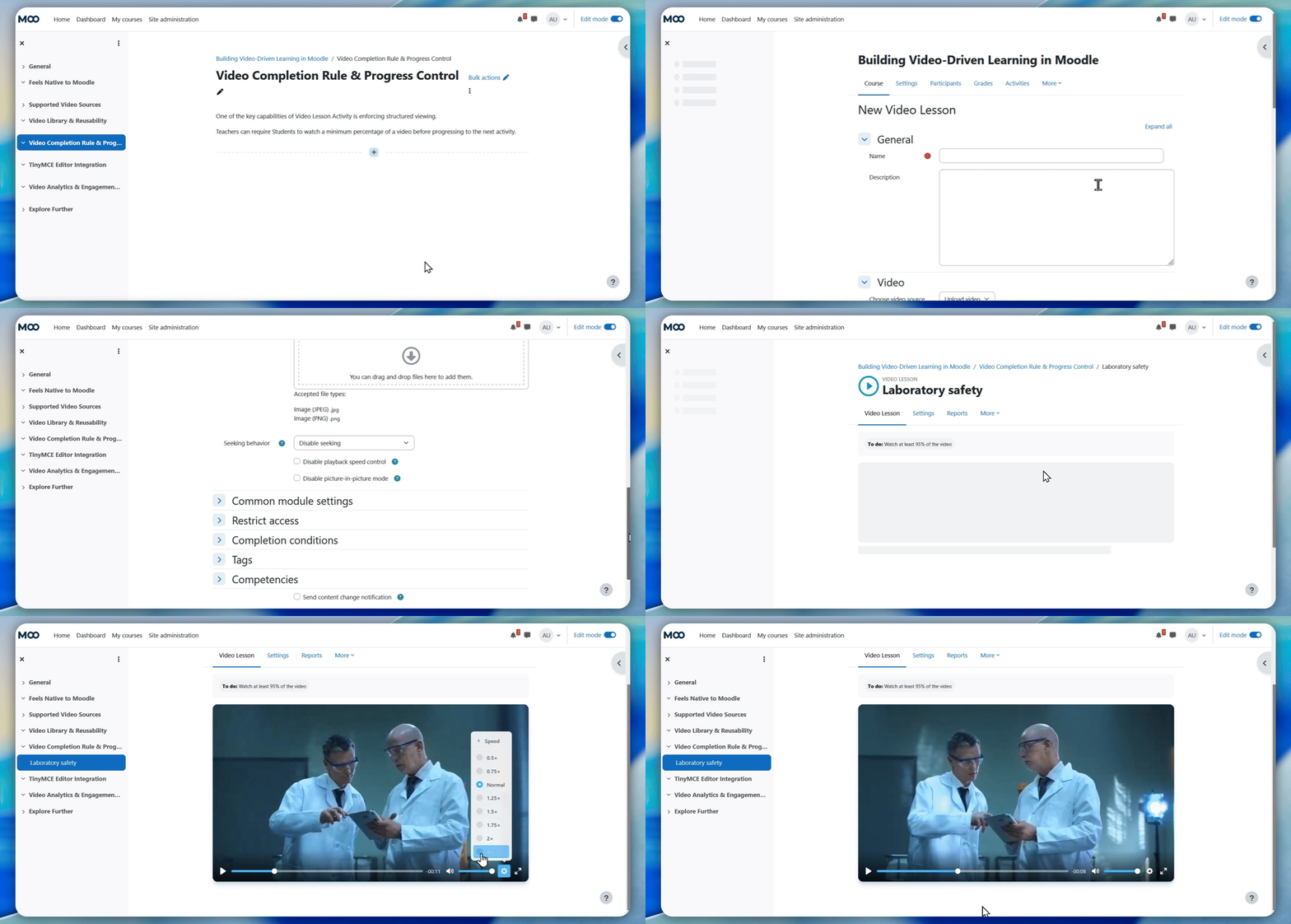

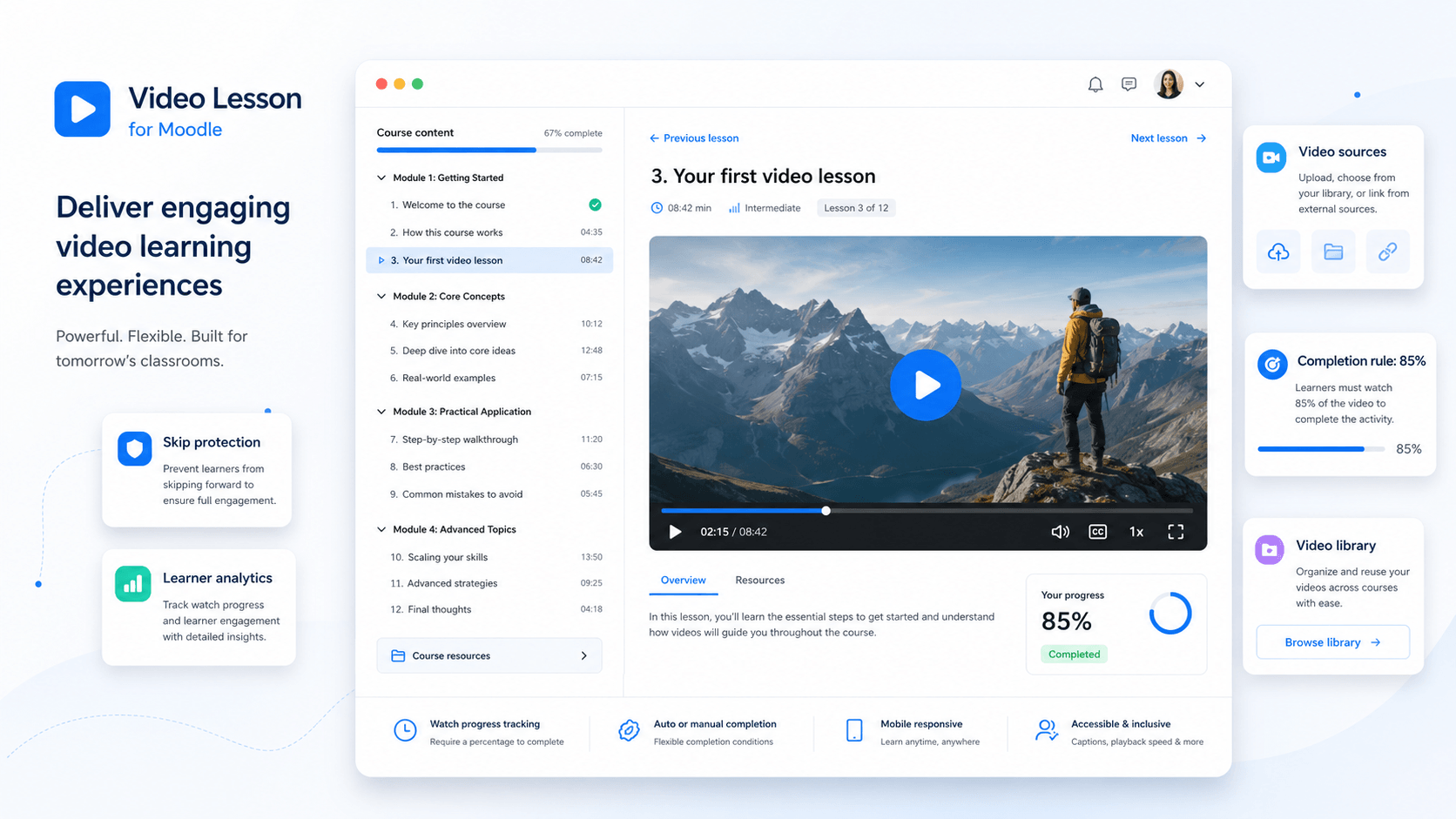
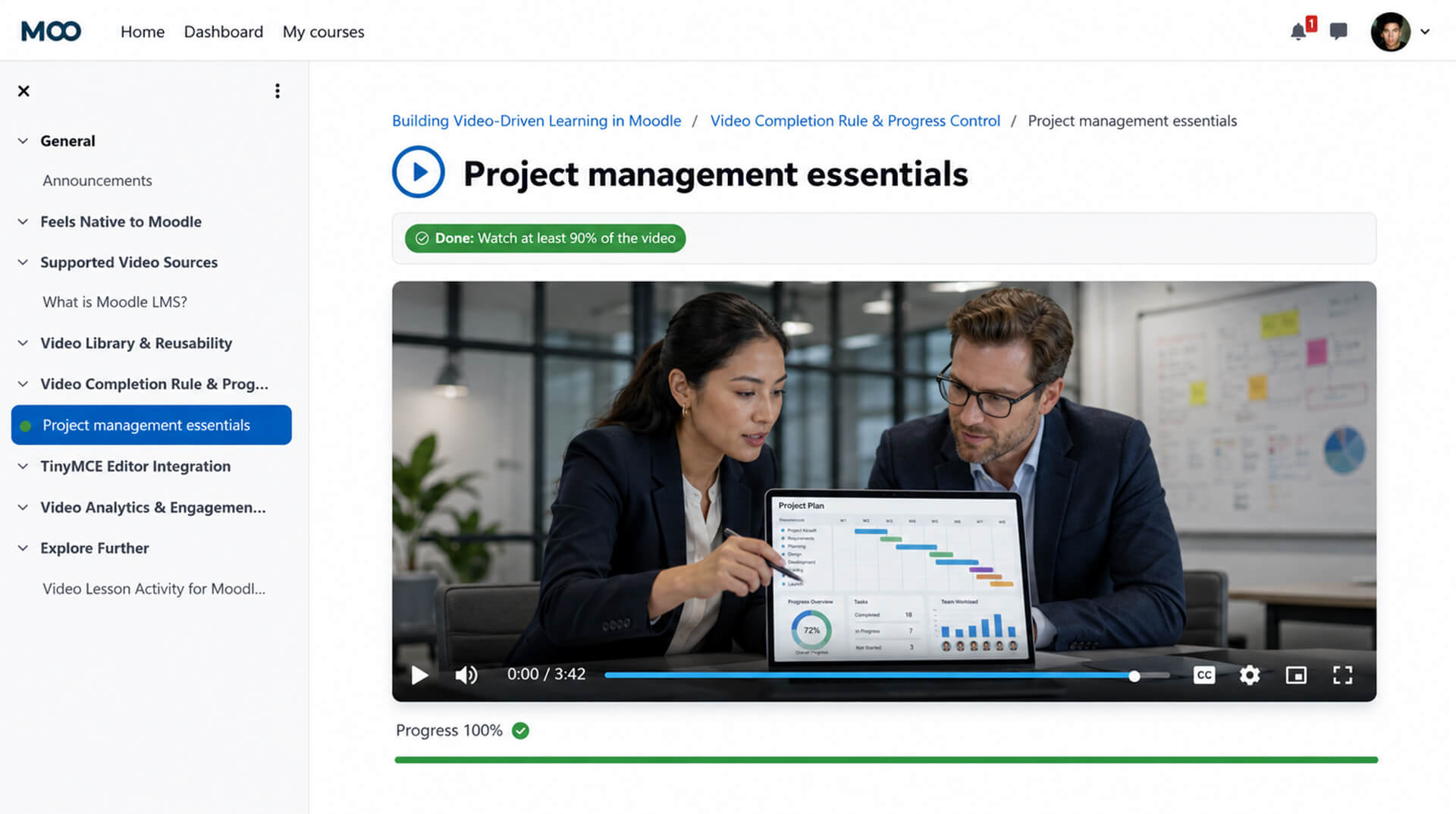
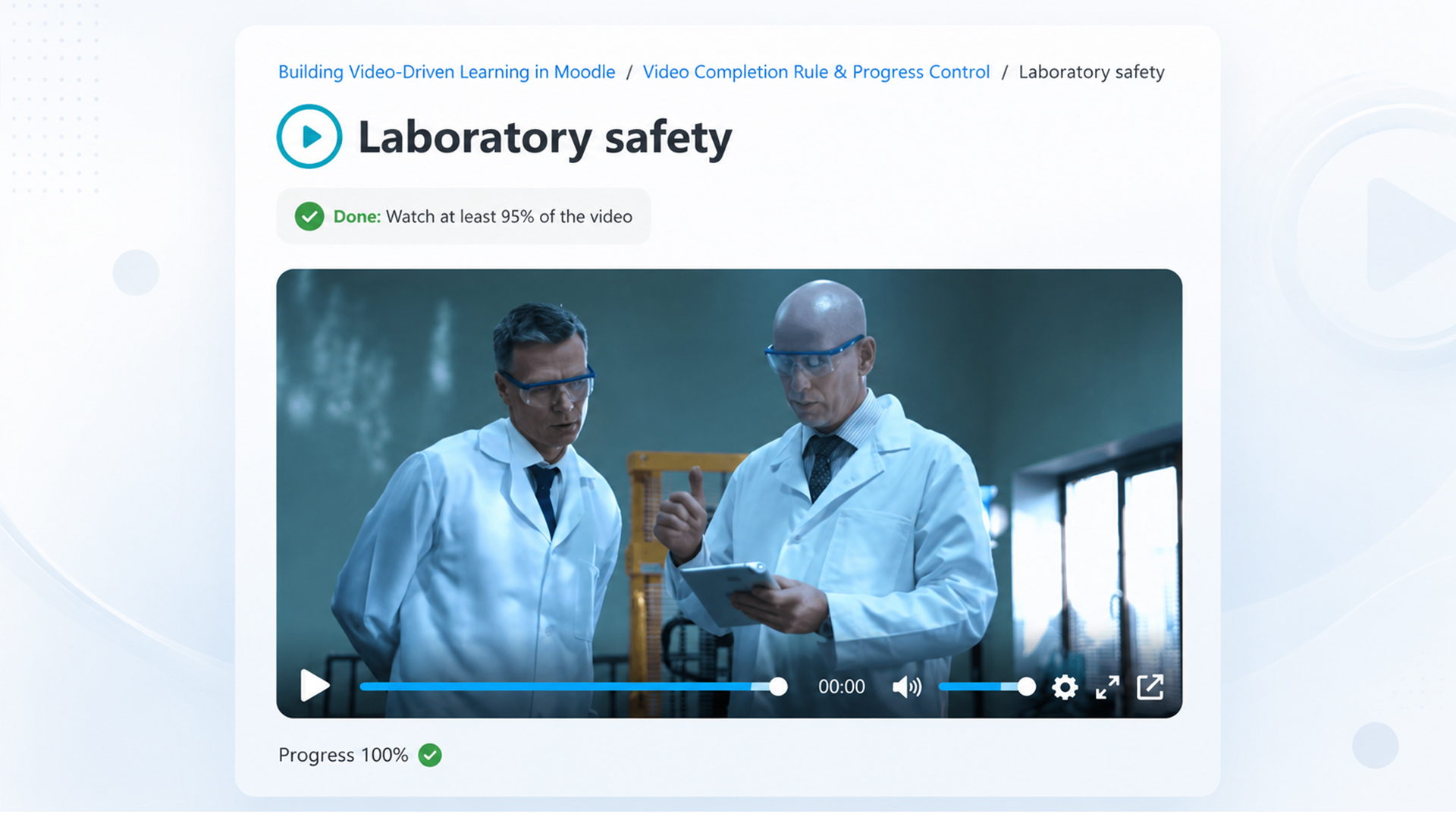
Video Lesson Activity helps Teachers create structured video-based learning activities directly inside Moodle™ courses. It adds video-specific controls for watch progress, completion rules, seeking behavior, reusable video sources, and student engagement reporting.
The activity fits into Moodle's familiar course workflow, so Teachers can add a video lesson like any other activity, configure completion conditions, and review student progress from inside the course.

Add Video Lesson as a standard Moodle course activity and keep video-based learning inside the course structure Teachers already use.
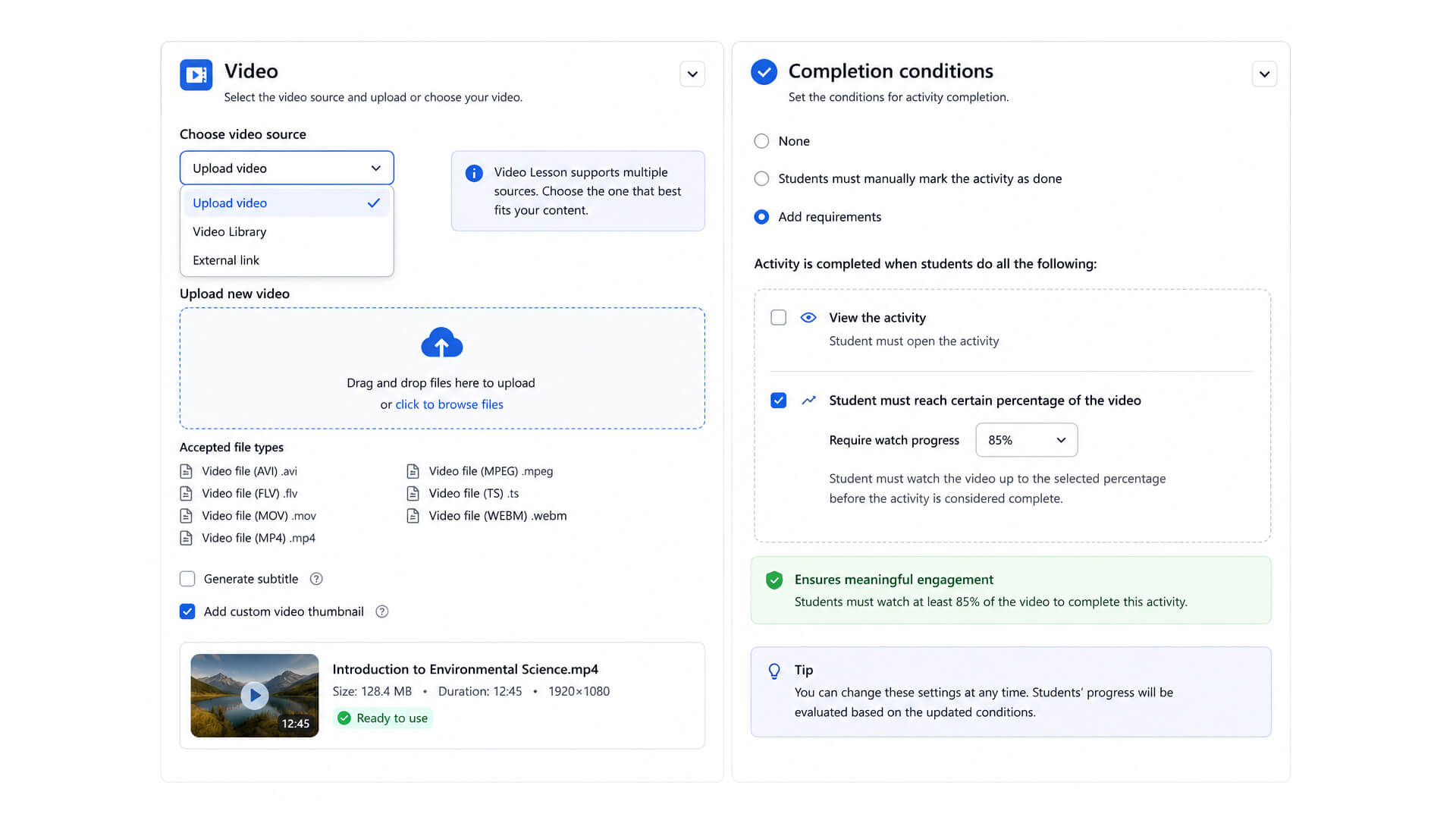
Require Students to reach a selected percentage of the video before the activity is marked complete.
Configure seeking behavior for video lessons, including options to allow seeking, disable seeking, or restrict forward seeking while allowing rewind.
Manage videos in a central library and reuse them across courses instead of uploading the same video repeatedly.
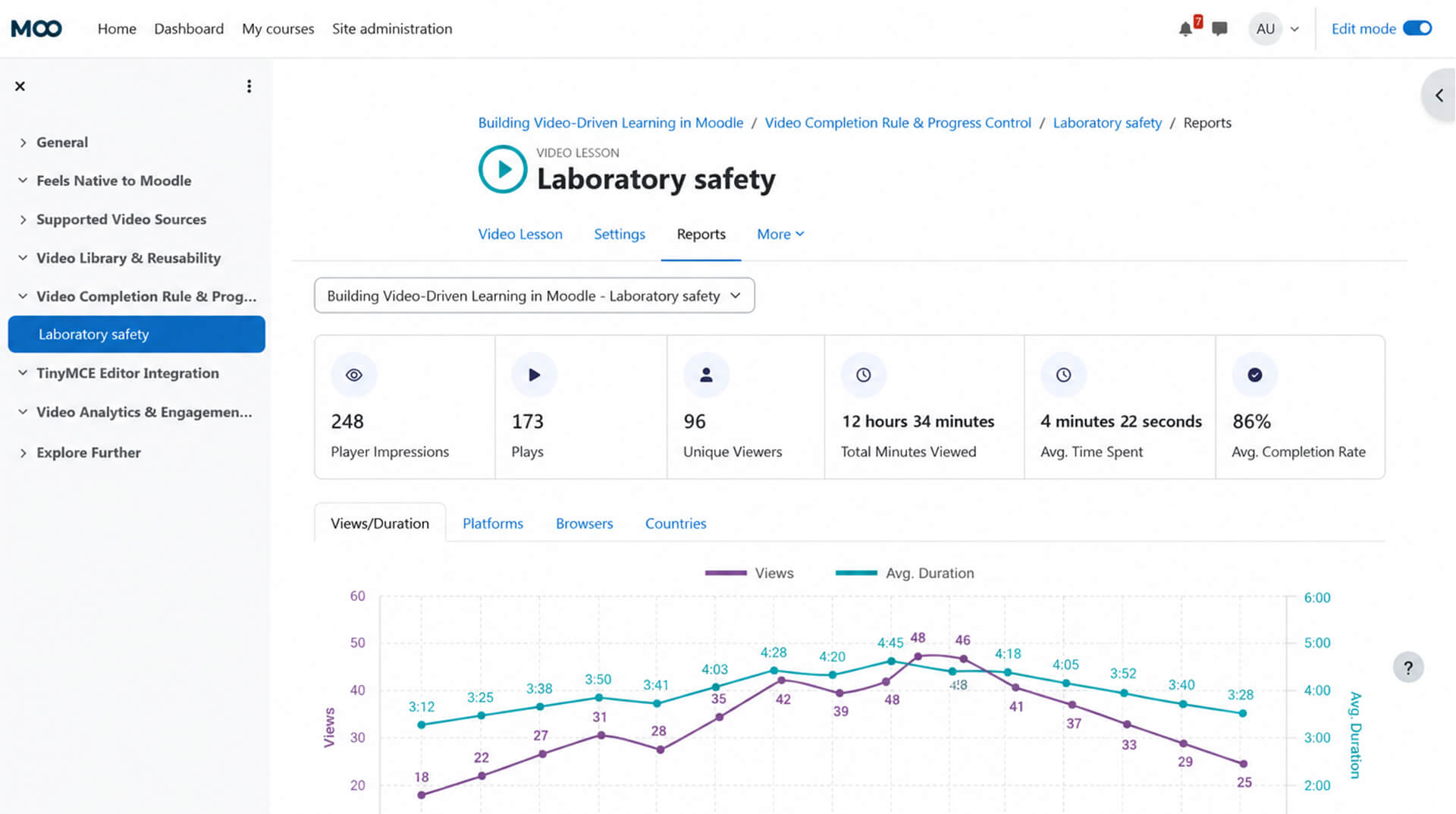
Review views, plays, watch time, completion rate, and student engagement data to understand how videos are being used.
Use uploaded videos, Video Library videos, YouTube, Vimeo, or direct video URLs depending on site configuration.

Teachers can add a Video Lesson activity from Moodle's activity chooser, then select the video source, configure completion behavior, and publish it inside the course.

A video lesson can use different video sources depending on the site setup. Teachers can also define completion conditions, such as requiring Students to watch a selected percentage of the video.

Reports help Teachers and Administrators understand how Students interact with video lessons, including plays, unique viewers, total minutes viewed, average time spent, and completion rate.
Video Lesson Activity is useful for Moodle courses where video progress and engagement matter, including:
Explore Video Lesson Activity in a sample Moodle course and see the student view, completion behavior, and reports in context.
Review setup instructions, admin settings, video source options, completion behavior, and reporting guidance.
Issues and feature requests can be reported through the project issue tracker.
Video Lesson Activity is part of the Video Lesson plugin suite for Moodle. The companion plugins are useful when you want to insert and render Video Lesson content inside Moodle text areas.
| Plugin | Purpose | GitHub | Moodle plugins directory |
|---|---|---|---|
| Video Lesson Activity | This plugin. Provides the main Video Lesson activity, video progress tracking, completion rules, video library, and analytics. | GitHub | Moodle plugins directory |
| Video Lesson Filter | Companion plugin. Required for rendering inserted Video Lesson content inside Moodle text areas. | GitHub | Moodle plugins directory |
| Video Lesson TinyMCE Button | Companion plugin. Adds a TinyMCE editor button for inserting Video Lesson content. | GitHub | Moodle plugins directory |
mod_videolesson first.filter_videolesson.tiny_videolesson to add the editor button.Video Lesson Activity can be used with external video sources such as YouTube, Vimeo, or direct video URLs depending on site configuration.
For uploaded video workflows, the plugin can use AWS services such as Amazon S3 and AWS MediaConvert for video storage, transcoding, and adaptive streaming. These services require separate AWS credentials and configuration.
Documentation is available from the MooPlugins documentation portal. Issues and feature requests can be reported through the GitHub issue tracker.

