Stefan-Alexander Scholz
Lead maintainer


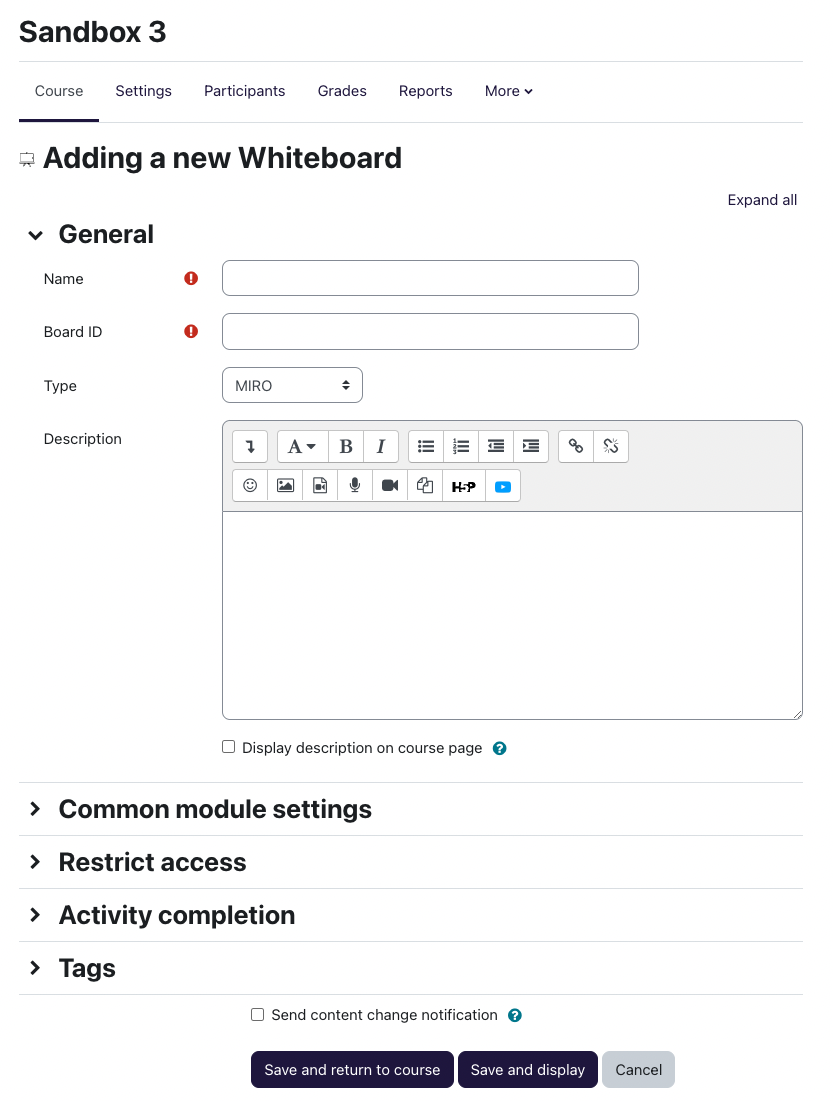
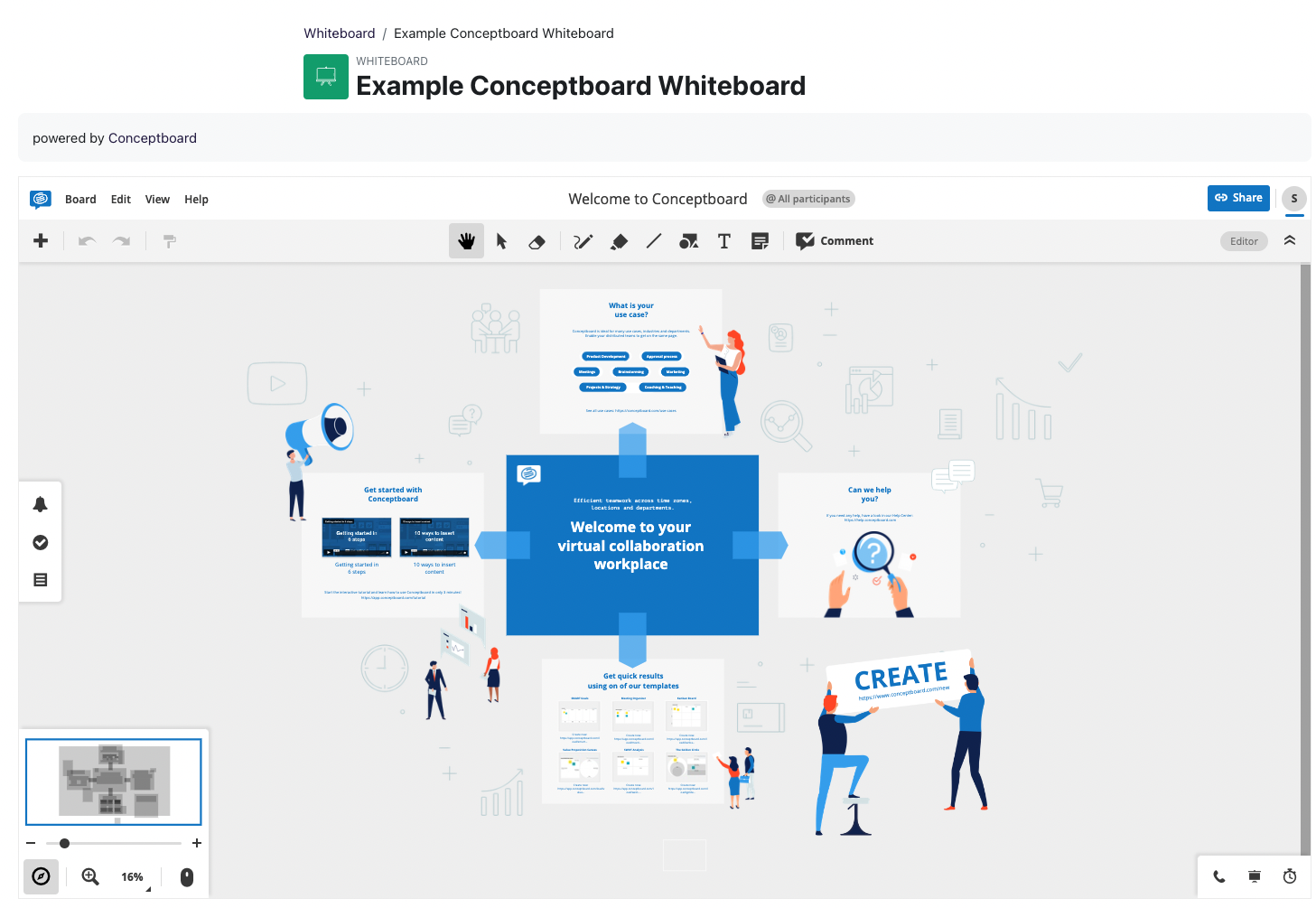
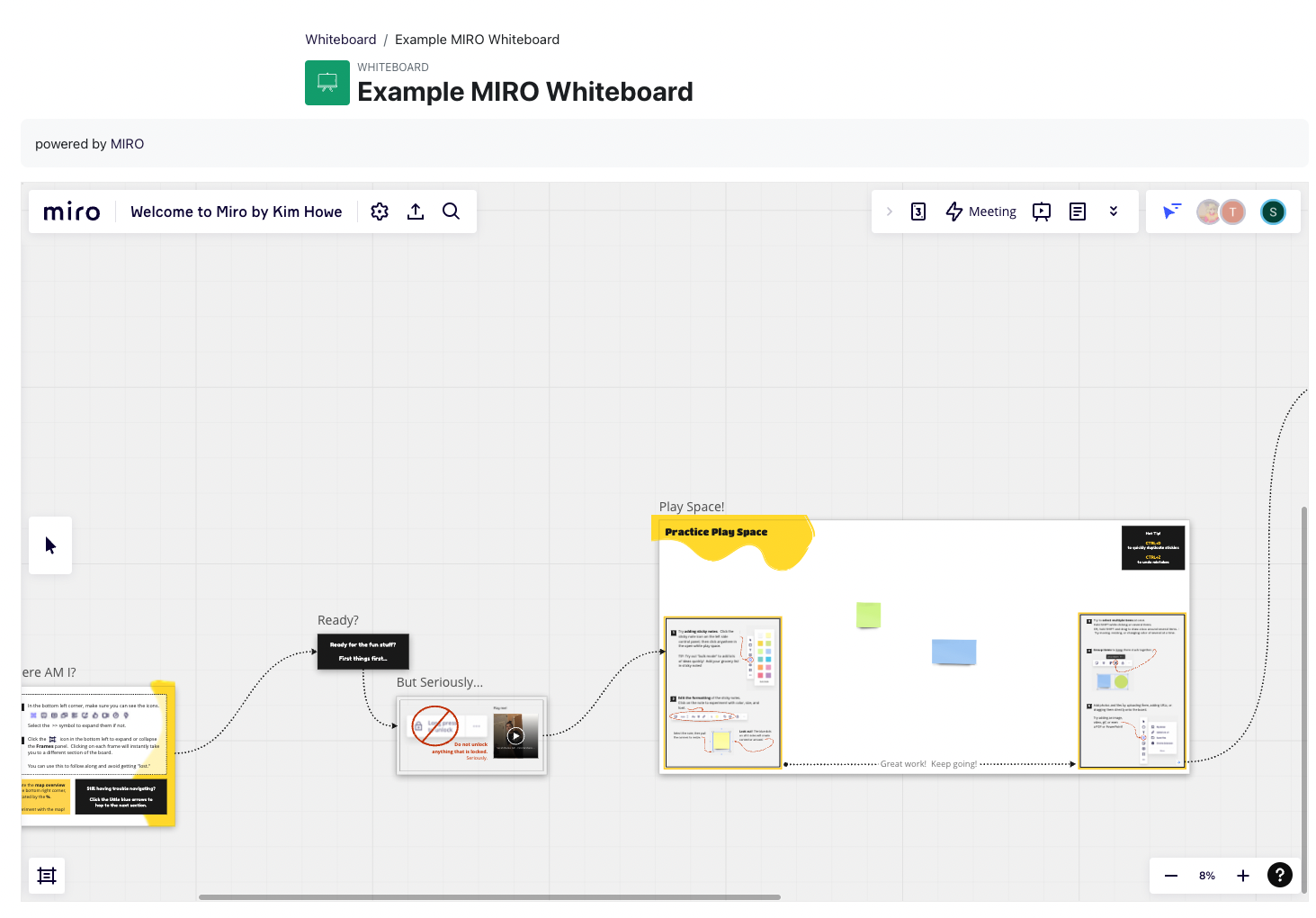
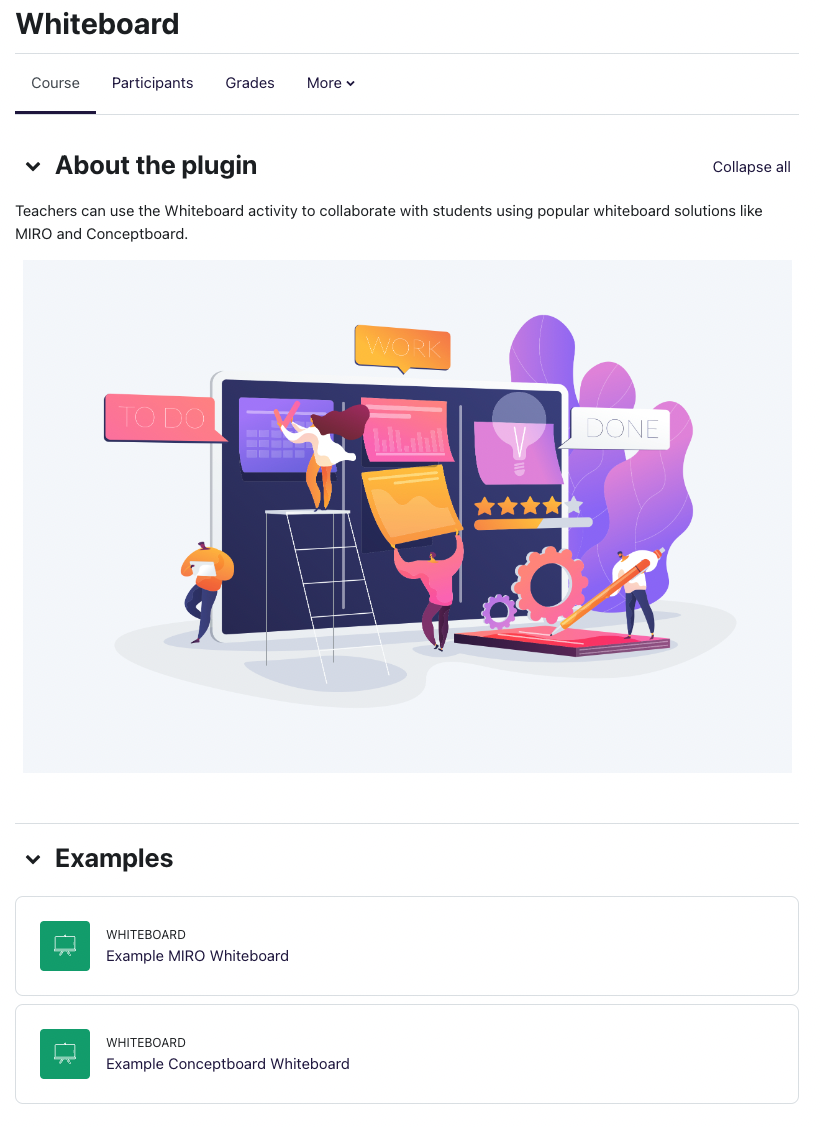
Moodle activity plugin to embed whiteboards into the Moodle course.
Motivation for this plugin
This plugin was built to enable teachers to improve collaboration with students using one of the popular whiteboard solutions. This was techincally already possible by using the URL activity, but having an activity for a specific purpose makes it easier for students to understand immediately what kind of content/activity their about to use. Also, the Whiteboard activity makes it easier for the teacher to add a whiteboard.
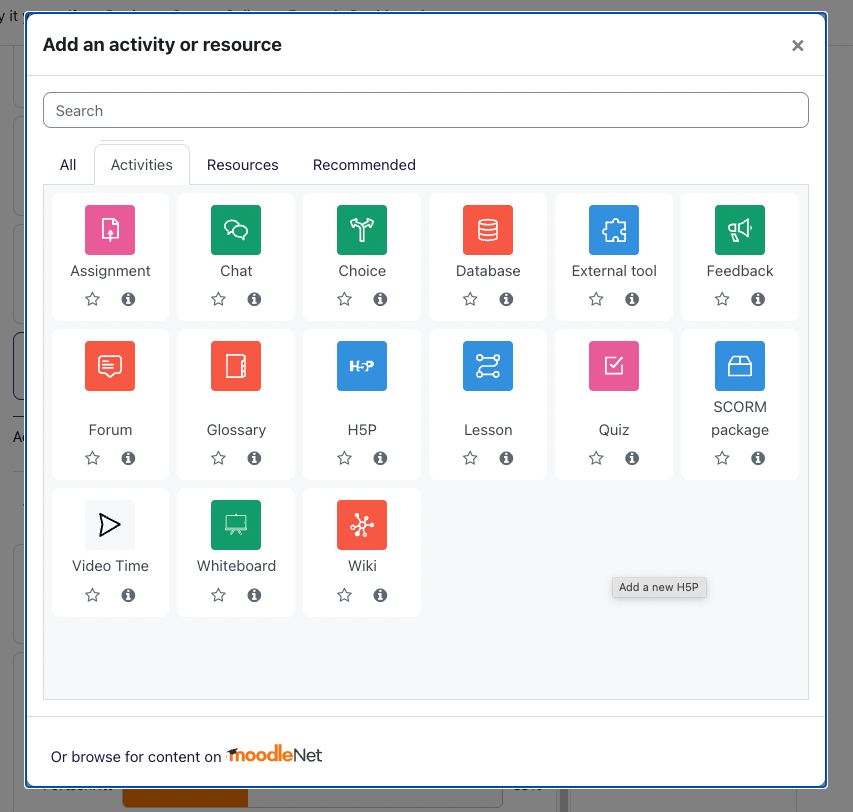
The Whiteboard activity is added like any other activity:
Here's how you can find the board ID:
Please note:
Please refer to the documentation page: https://docs.moodle.org/400/en/Whiteboard/Installation
See http://docs.moodle.org/en/Installing_plugins for details on installing Moodle plugins
We're happy to support more solutions — please create an issue in the bug tracker liseted below for it and we'll review it. (or, if you know what you're doing, create a pull request)
