Introduction
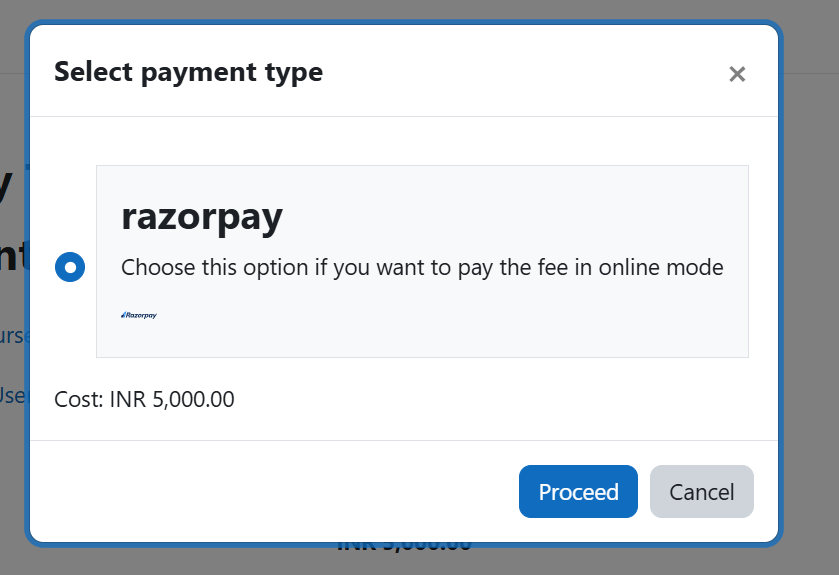
This is a payment gateway plugin to integrate Razorpay payment gateway with Moodle.
About Razorpay
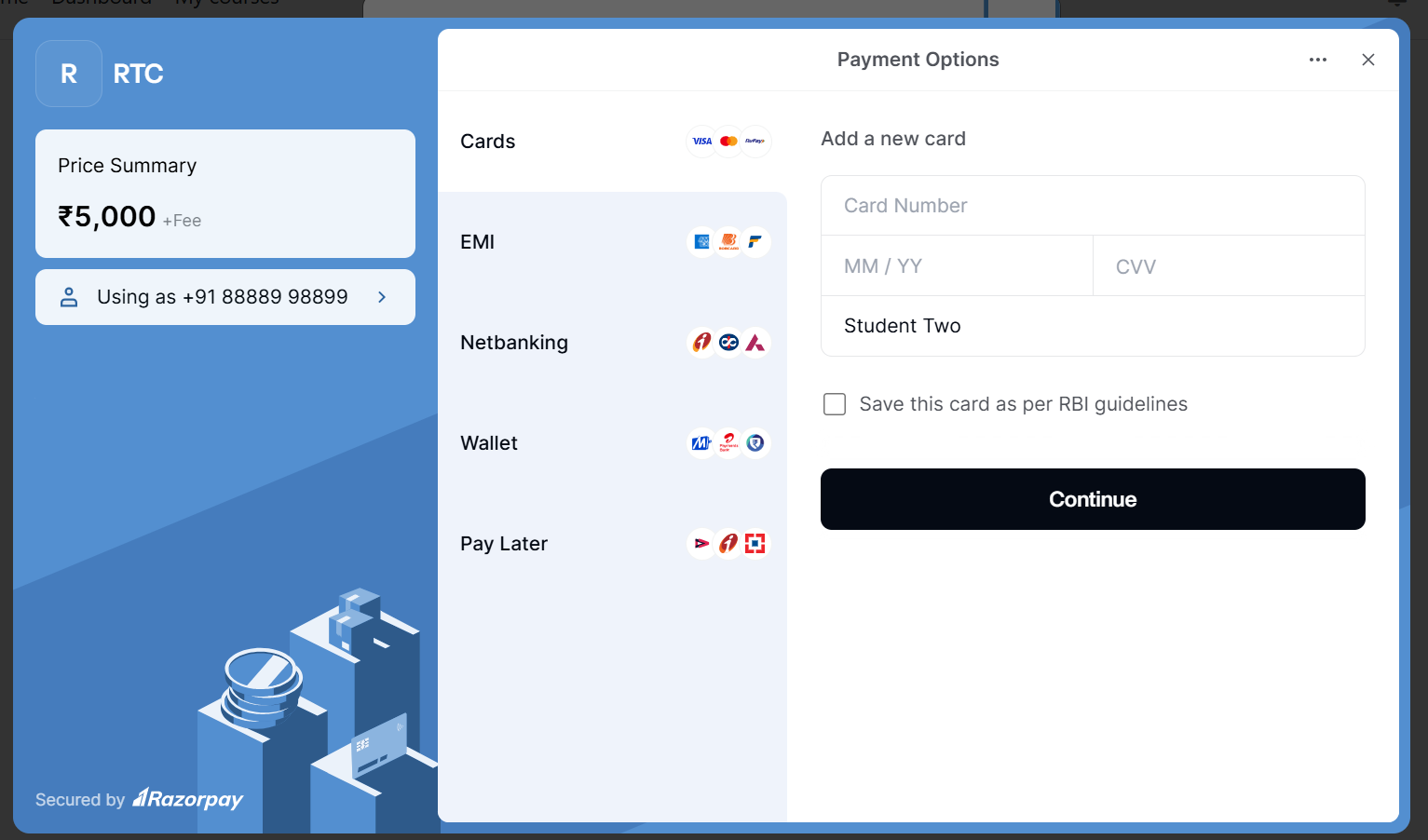
Razorpay is an India-based fintech company that provides payment gateway services to vendors, merchants, and e-commerce platforms. It allows businesses to accept, process, and disburse payments using various modes including credit cards, debit cards, netbanking, UPI, and popular wallets.
Note: This plugin is not affiliated with razorpay.com. The Razorpay logo is a trademark of razorpay.com
Features
- Integrate razorpay payment gateway with Moodle.
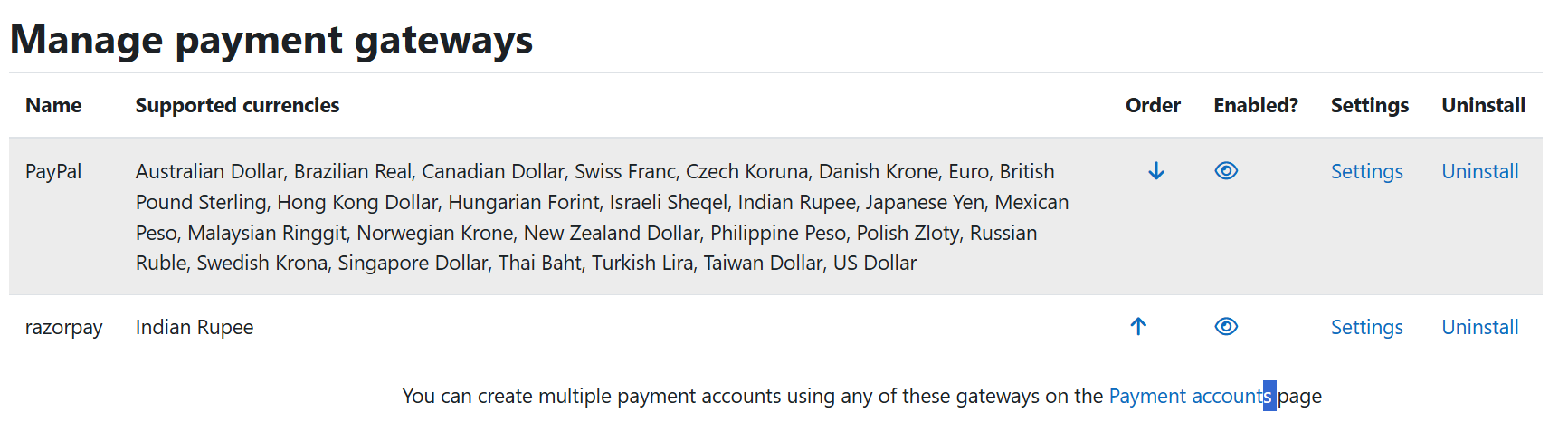
- Supports INR (Indian Rupees) currency only.
Installation
- Download the zip file from github repository or moodle plugin directory.
- Extract the zip file and copy to /payment/gateway folder or Install it from Moodle's install plugin admin feature.
How to Use
- Register for Razorpay
- Go to Accounts and Settings page (https://dashboard.razorpay.com/app/account-settings) and switch to Test mode/Live mode
- Click on Api key menu and generate your Razorpay API Client ID and Secret keys
- Configure the Razorpay payment account in Moodle with those keys and your payment method
- Add 'Enrolment on payment' to the Moodle courses that you want
- Configure the enrolment method with the currency INR (Indian Rupees) only
Demo Credentials
You can use following demo(sandbox) credentials to test this plugin with your moodle setup.
- Client Id: rzp_test_kKjykaHKFgQy56
- Secret Key: mLIJrSZjIRWiWsrTzXPBp18Q
Support
If you encounter issues or bugs, please open an issue in the official GitHub repository: GitHub Issues
Author
Santosh Nagargoje
Website: https://www.santoshnagargoje.in