Stripe icon

Stripe

Maintained by Alex Morris
Connect Moodle with Stripe to collect payments through various providers. E.g. credit cards, Alipay, Sofort. Requires a Stripe account.
Price option: Free
Supports Moodle 4.1-5.2 See all versions

Latest release: 1 week ago
Installations: 1749
Downloads (last 90 days): 511

Frankenstyle name: paygw_stripe
Payment gateways

Description

Connect Moodle with Stripe to collect payments through various providers. E.g. credit cards, Alipay, Sofort.
Requires a Stripe account.

Setup

Watch this video showing the setup process: https://www.youtube.com/watch?v=oWf5r-XlGsk
  1. Install the plugin
  2. Enable the Stripe payment gateway
  3. Create a new payment account
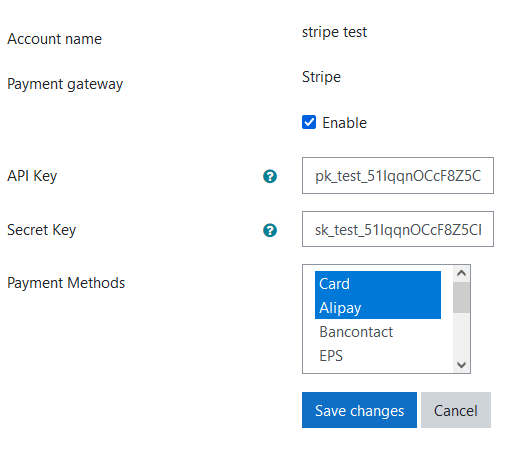
  4. Configure the payment account against the Stripe gateway using your Stripe API keys
  5. Enable the 'Enrolment on Payment' enrolment method
  6. Add the 'Enrolment on Payment' method to your chosen course
  7. Set the payment account, enrolment fee, and currency
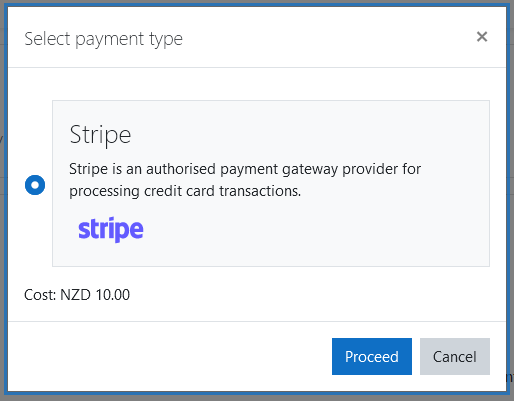
  8. All done! Try a test payment as an unenrolled learner by visiting the course


Details

Stripe offers 106+ currencies however certain payment gateways only support a subset of those.
E.g. Alipay only supports CNY and NZD currencies.

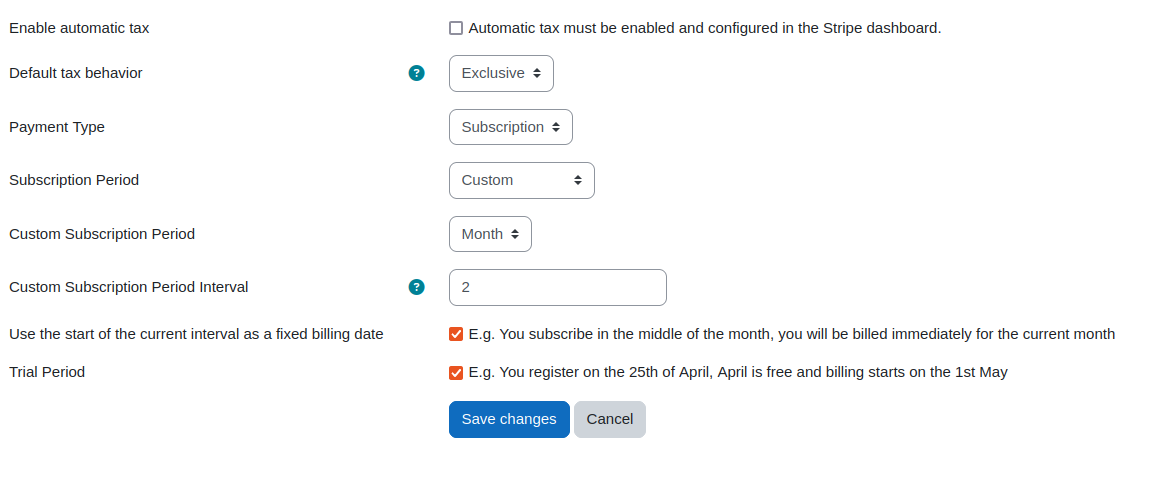
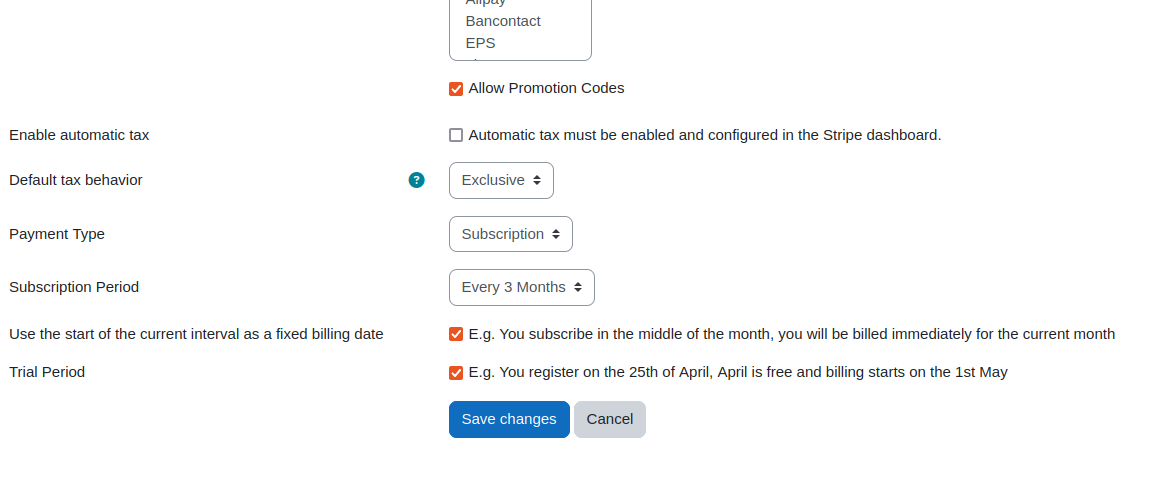
The plugin supports using promotion/coupon codes, automatic tax calculation, and subscriptions.

This plugin can be used with these payment gateways:

  • Card
  • Alipay
  • Bancontact
  • EPS
  • giropay
  • iDEAL
  • P24
  • SEPA Direct Debit
  • UPI
  • Klarna
  • New Zealand BECS Direct Debit

Some of those payment gateways will only work in Stripe if you have provided additional verification details.

Warm Thanks

Thanks to E-learning Co., Ltd for sponsoring the work to add subscription support to this plugin.

Contributors

Awards

Privacy friendly
Early bird 3.11
Early bird 4.0
Early bird 4.1
Early bird 5.1