Sebsoft BV
Maintainer
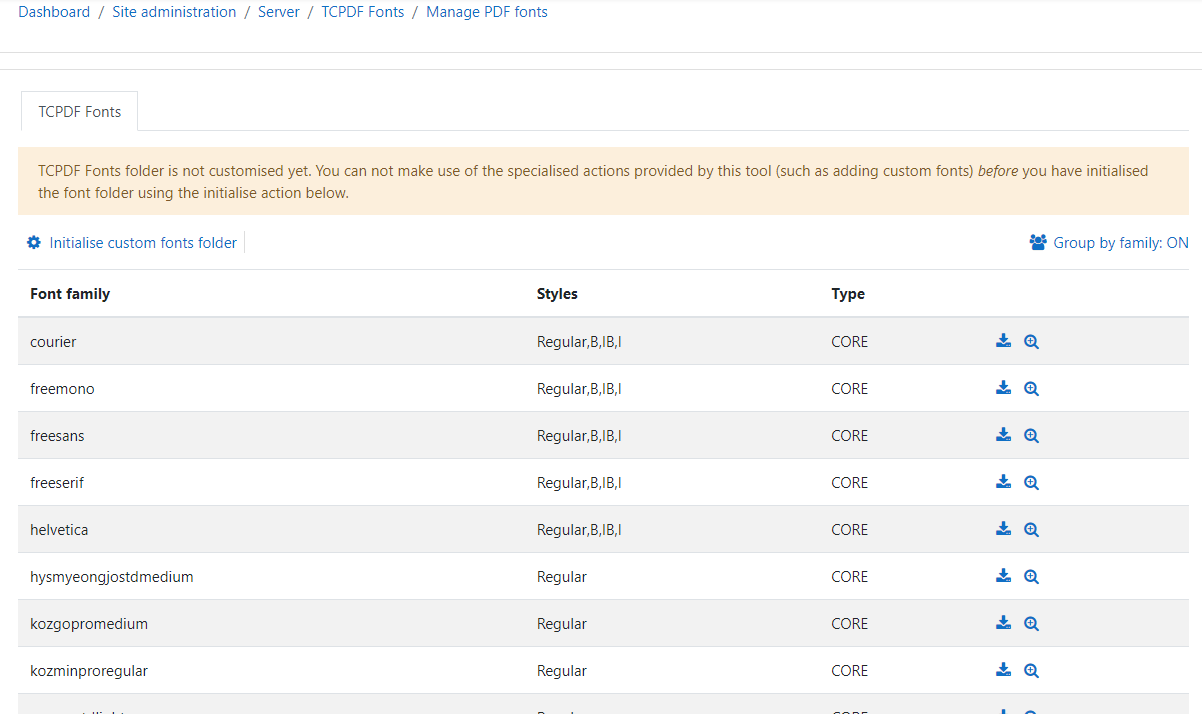
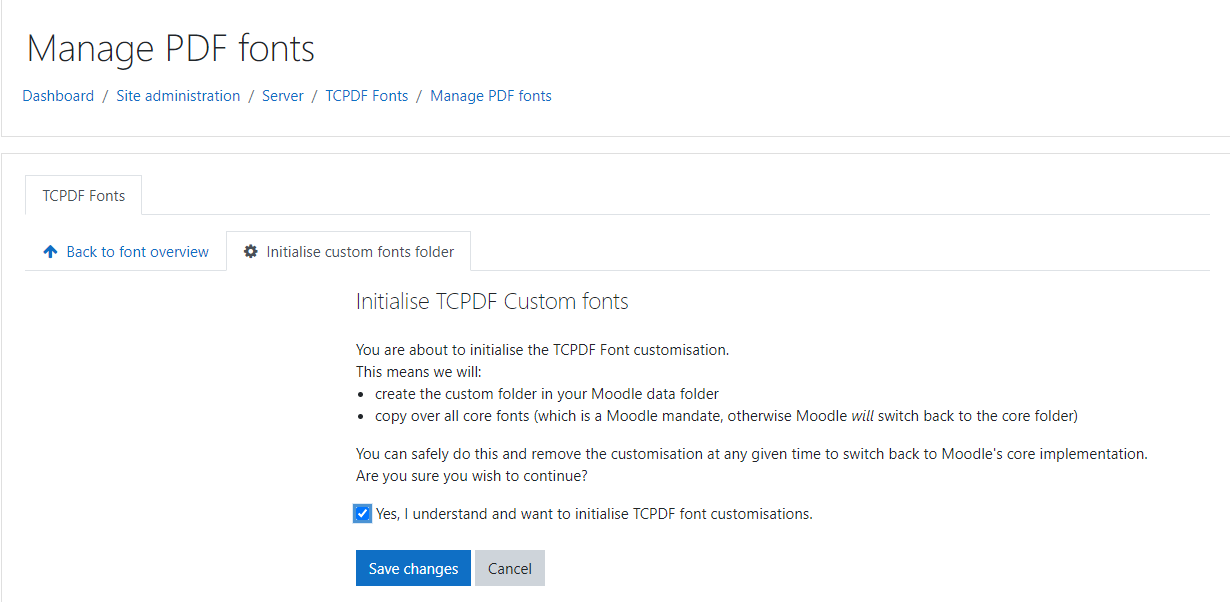
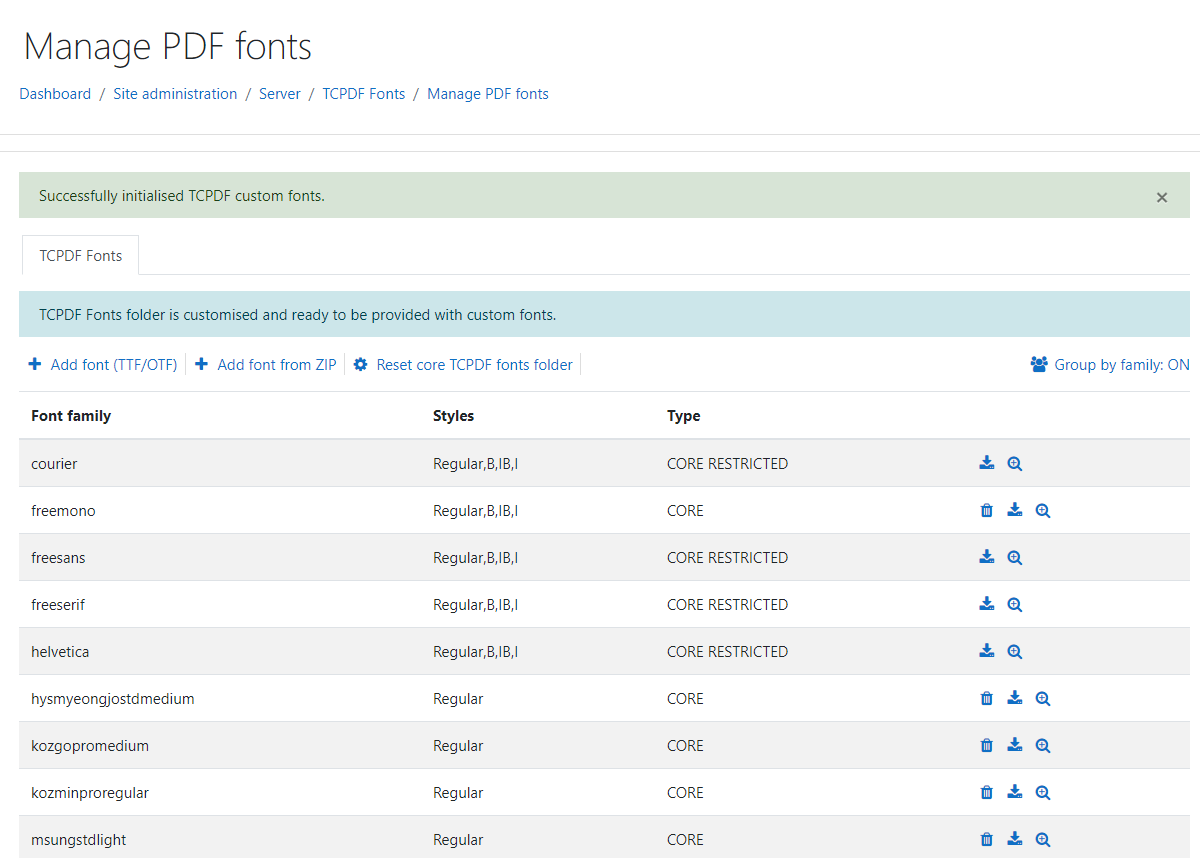
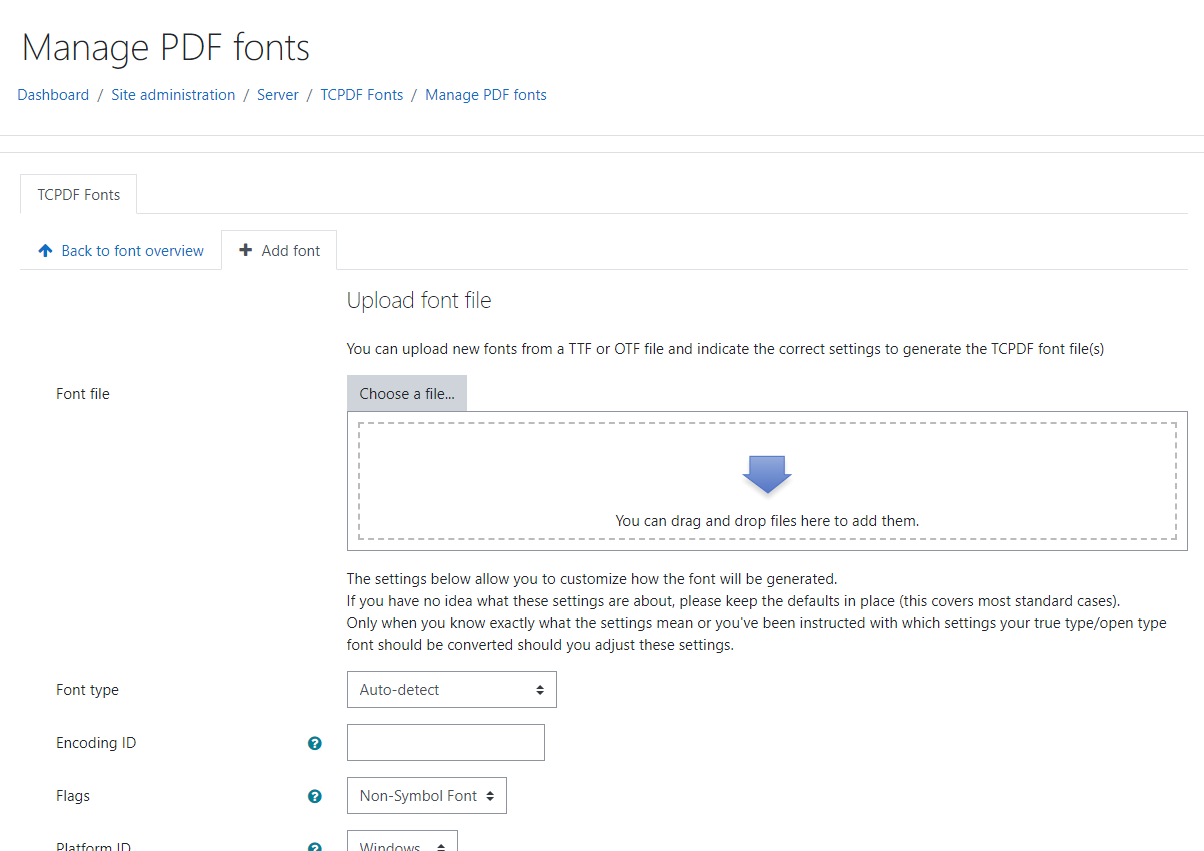
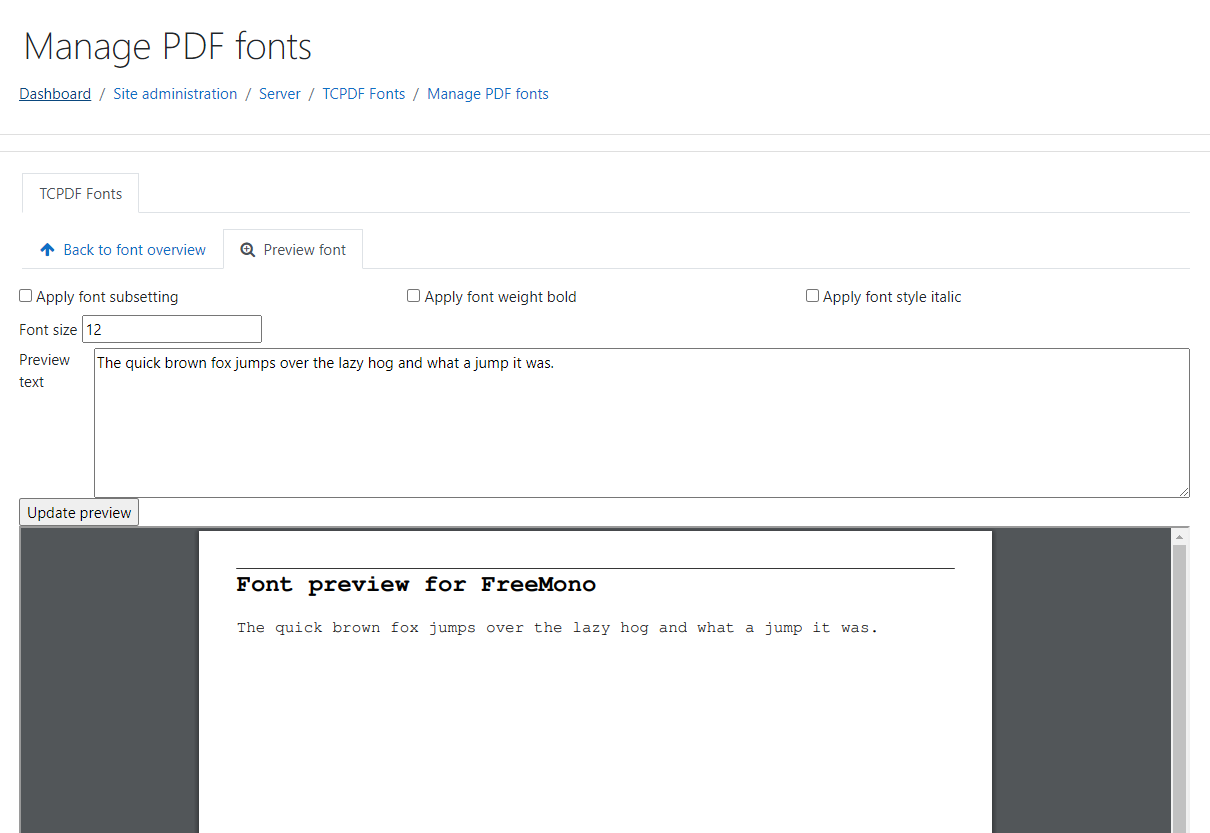
With this plugin it becomes easy to manage your TCPDF fonts.
This plugin was inspired by the lack of a FARSI font in core Moodle. Core Moodle has removed several fonts from the default TCPDF fonts to decrease the installation size.
The issue of lacking fonts was already mentioned back in 2009, but still hasn't made it to core as of today; almost 12 years later. See MDL-18663 for more details.
The TCPDF Font Manager overcomes this problem by automating initialisation of a custom fonts folder, which is in fact defined as a possible override by core Moodle. However, for this type of customisation, you'd have to have access to the filesystem where moodle data resides and create the custom folder. Only then would you be able to upload a bigger collection of fonts than core Moodle provides by default.
The TCPDF Font manager build a graphical shell around this customisation and adds functionality to add fonts from a True Type Font file (TTF) or Open Type Font file (OTF). Second, it's possible to upload a complete archive file containing pre-build TCPDF Fonts. These archives consist of 1-3 files per font variant (.php file, optionally .z and .ctg.z files). A rudimentary check is done on the PHP font definition file because it imposes injection risks.
Important note:
Even though a full archive of pre-built TCPDF Fonts can be uploaded, it is entirely up to the uploading user to verify the archive before uploading it to your Moodle installation. This is because TCPDF Font definition files are not only in PHP, but included when the font is used in PDF. If this included file would contain any malicous code, the consequences may be substantial. The author(s) of this plugin can not take any responsibility for a loss or corruption of your data or even any published data as a result of using this plugin.

