Enhanced User Upload for Moodle
The plugin is designed for Moodle administrators who regularly create, update, or enrol users from CSV files and want a clearer, more guided upload workflow.
Key features - Free version
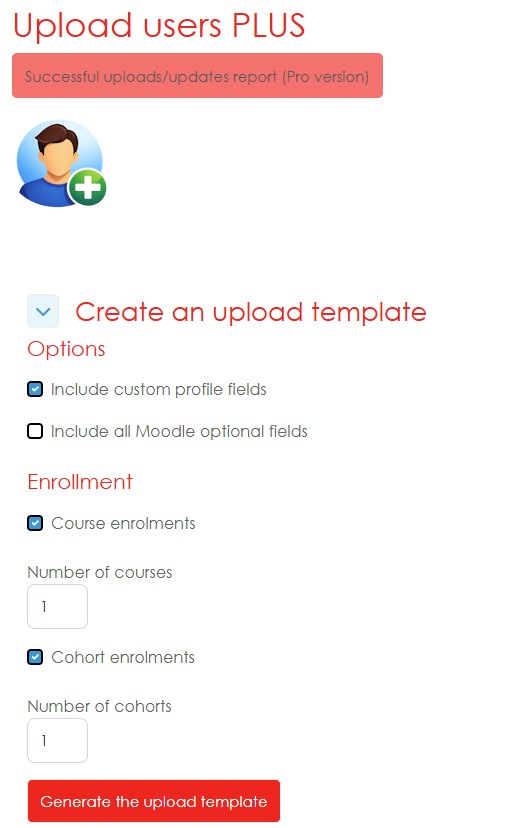
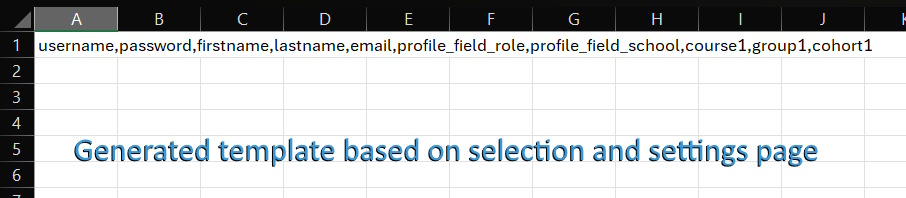
- Dynamic CSV template generator: Create an upload template based on your Moodle site’s available user fields.
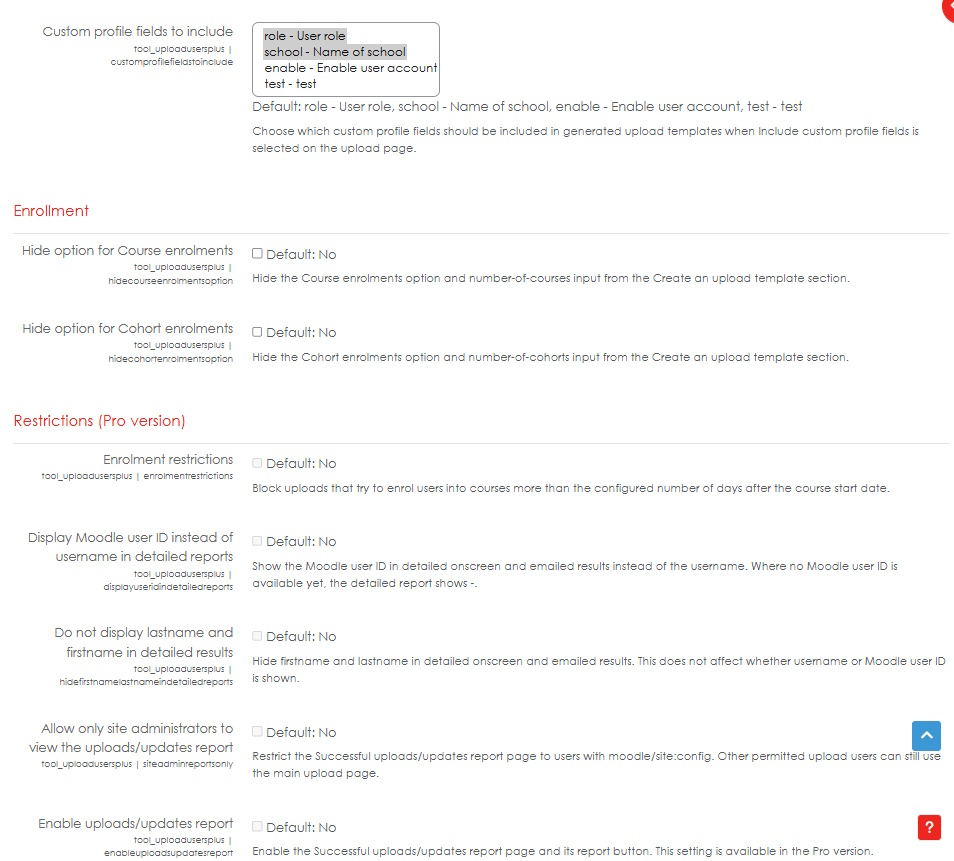
- Custom profile field support: Include selected custom profile fields in generated templates.
- Optional Moodle profile fields: Add standard optional Moodle user fields such as department, institution, city, country, phone, address, and description.
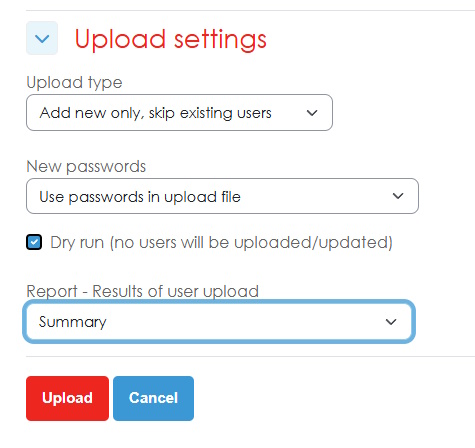
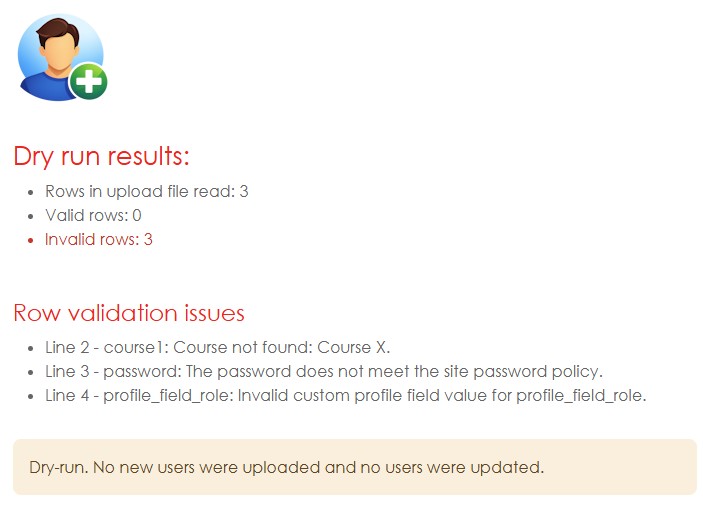
- Dry run: Test an upload before creating or updating users.
- Summary results: Review a clear upload summary before or after processing.
- Row-by-row validation: Detect missing fields, invalid values, formatting issues, and supported custom profile field datatype problems.
- Supported custom profile field types: Includes validation support for text, textarea, menu, checkbox, datetime, textonce, and conditional fields.
- Empty-row handling: Empty rows containing only delimiters or blank cells are ignored.
- Free upload limit: The free version processes the header row and the first 50 data rows.
Pro version
The Pro version unlocks additional reporting, restriction, and audit features:
- Processing beyond the free 50-row limit.
- Detailed onscreen results showing row-level processing information.
- Detailed email reports sent to a selected recipient.
- Successful uploads/updates report showing historical successful upload runs.
- Upload audit information, including who performed the upload, when it occurred, and how many users were uploaded, updated, or enrolled.
- Course enrolment reporting for successful bulk upload runs.
- Additional restriction settings, including optional enrolment restrictions based on course start dates.
- Detailed report display controls, including options to show Moodle user ID instead of username and hide firstname/lastname in detailed results.
- Report access control to limit the successful uploads/updates report to site administrators.