Sebsoft BV
Lead maintainer
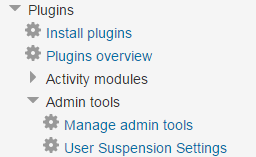
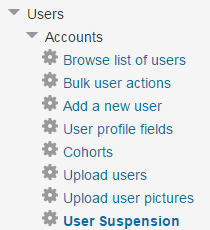
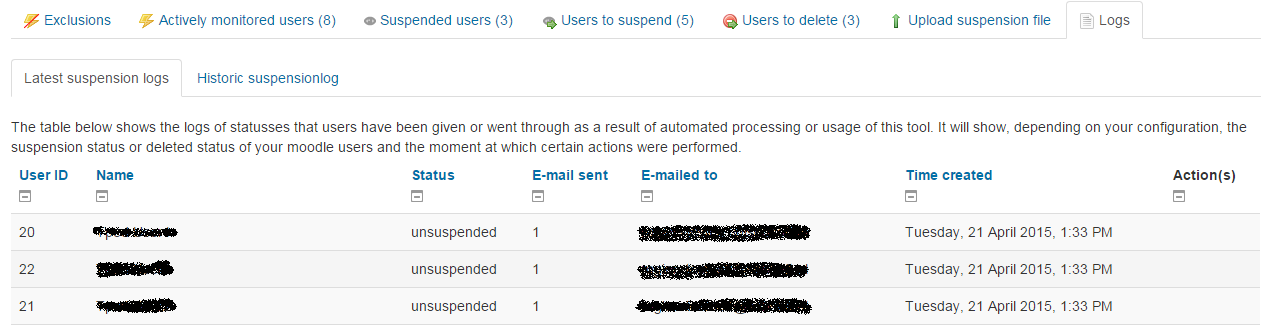
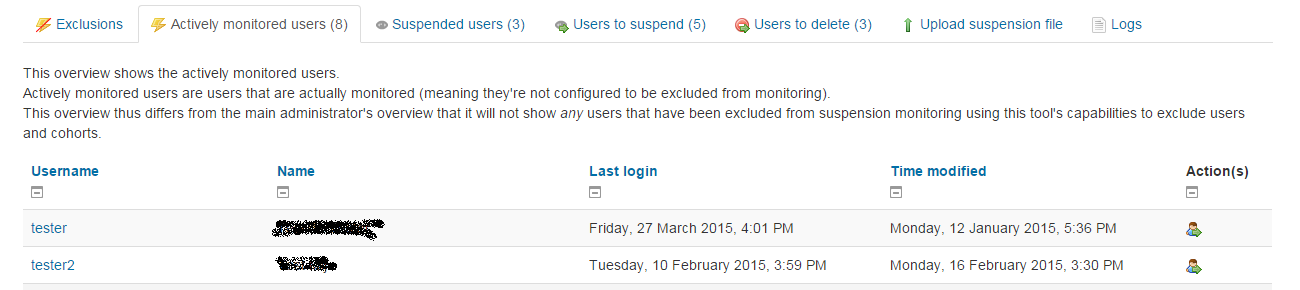
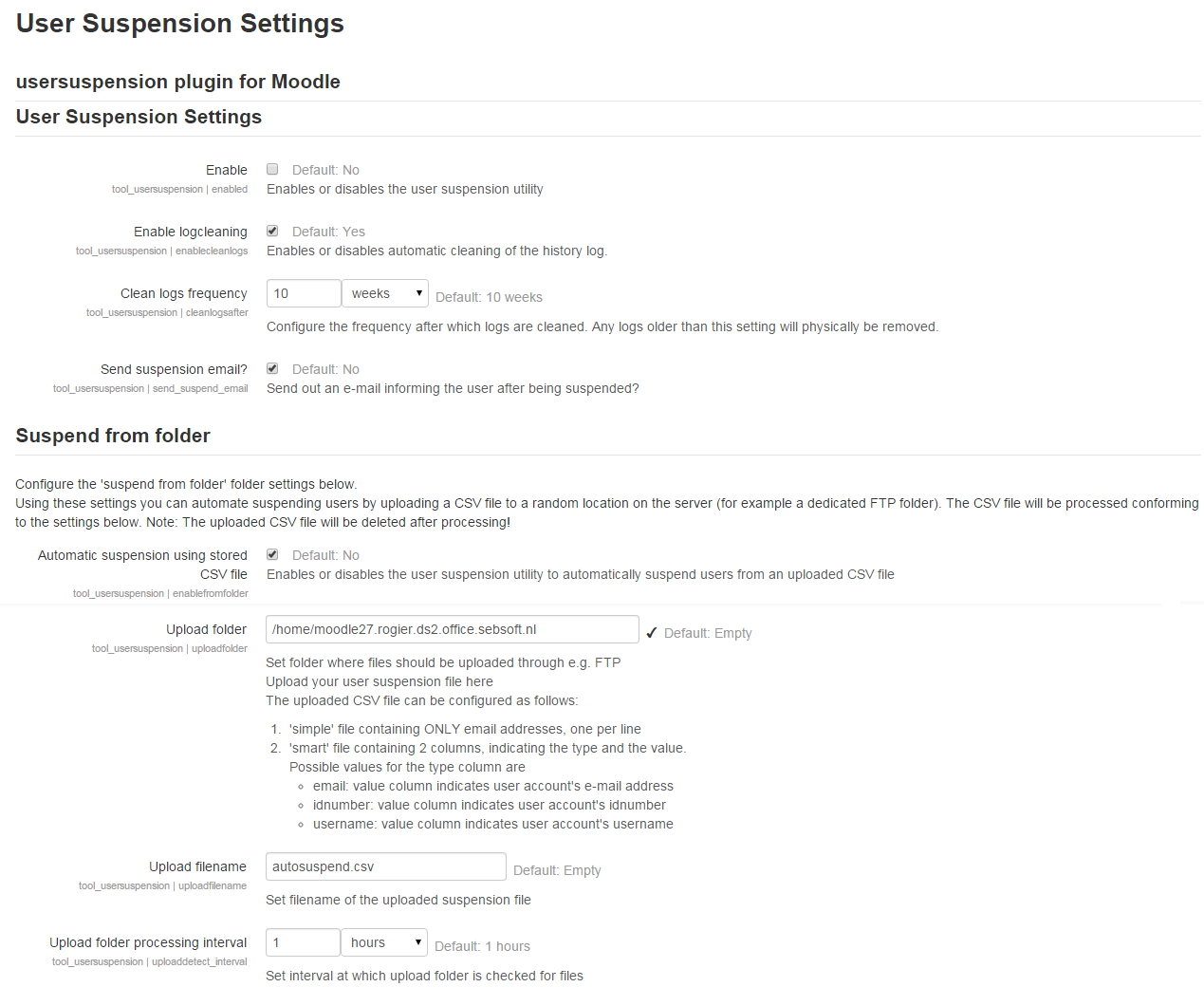

The Sebsoft User Suspension Plugin offers you the possibility to automate the process of suspending users and/or removing user accounts (using moodle's default methods to delete users).
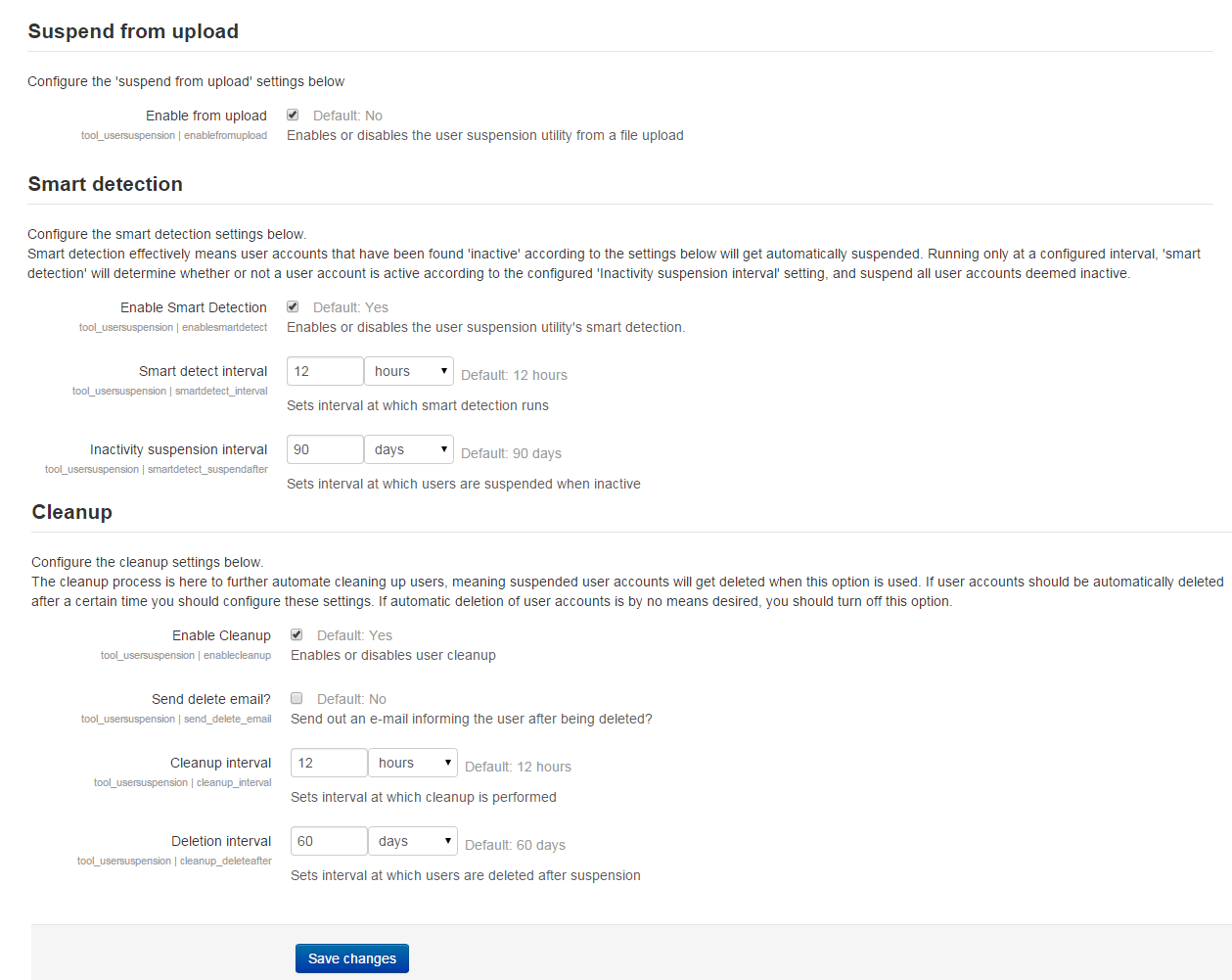
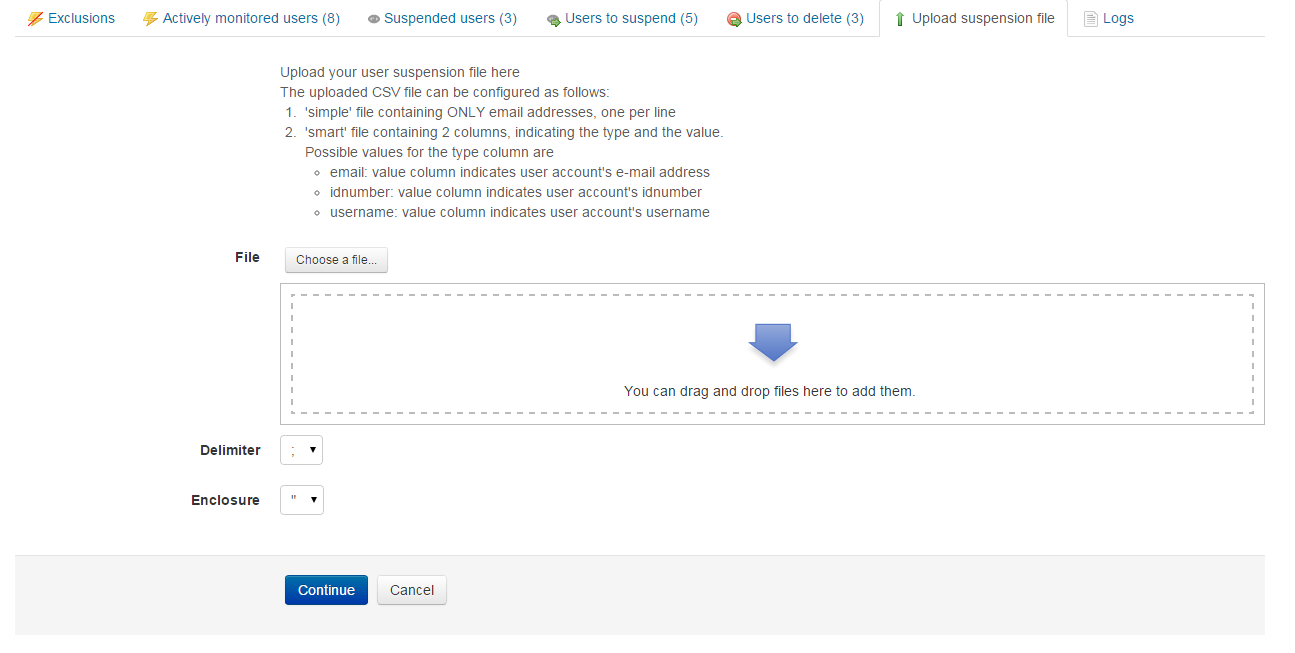
Suspending users is provided in three different ways:
Deleting users is, if configured to be enabled, provided by comparing the date of suspending to the configured period before removal. Once the configured interval has past and the user is deemed suspended for the configured period, the useraccount will be removed using moodle's standard methods.
Furthermore, there's extensive settings that can be configured to turn every feature on or off, as well as disabling the whole tool's features.
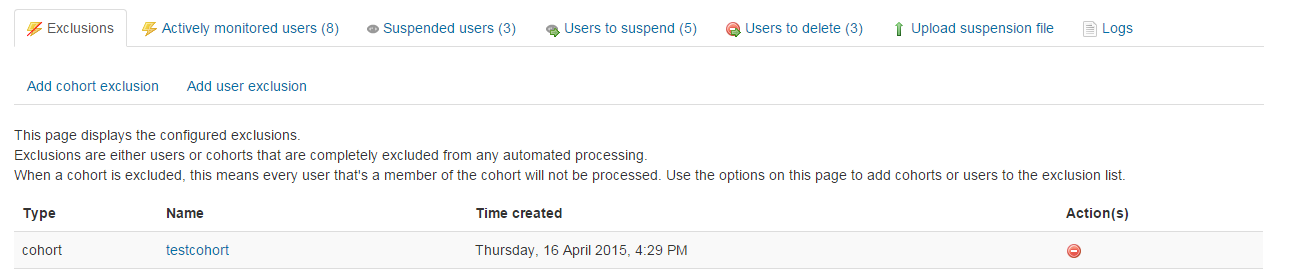
This tool also provides a way of excluding users to be suspended or processed in case of automated processing. There are two methods provided at the moment: single user exclusion and cohort exclusion. During all three different ways of automated suspending / deleting users, only users that have NOT been configured to be excluded, either by cohort or by single user, will be processed.
Important note
Site administrators and the default guest account are completely left out of this tool. For safety measures, it is not recommended to put any form of automation on suspending or deleting administrator accounts or the default guest account, hence the decision to exclude them in any processing.

