
Maintained by
Marc Català, Albert Gasset
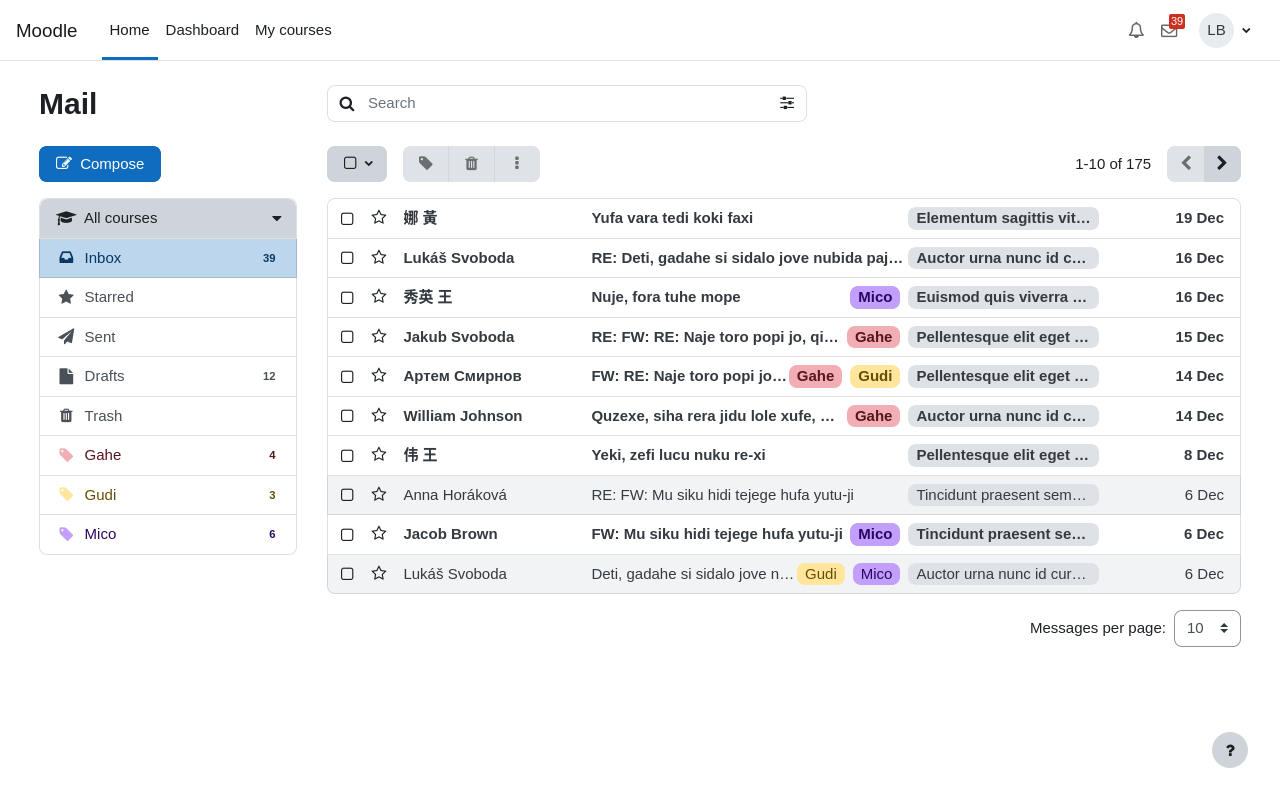
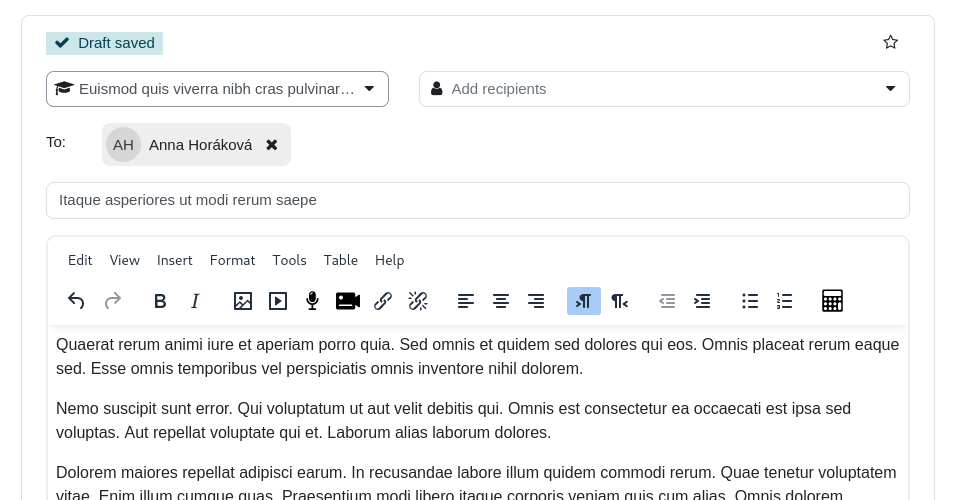
Internal course messaging with a webmail-like interface


Comments
Comments are no longer open for new posts. Existing comments remain available to read.
I am happy to report this plugin just received the "Mobile app support" award. Well done!
Thanks for fixing it quickly.
Debug-Info: You can't specify target table 'o1ei_local_mail_message_refs' for update in FROM clause
DELETE FROM o1ei_local_mail_message_refs
WHERE id IN (
SELECT r.id
FROM o1ei_local_mail_message_refs r
JOIN o1ei_local_mail_messages m1 ON m1.id = r.messageid
JOIN o1ei_local_mail_messages m2 ON m2.id = r.reference
WHERE m1.courseid != m2.courseid
)
[array (
)]
Error code: dmlwriteexception
Please check! How can it be solved?
Thank you!
error:
You can't specify target table 'mdl_local_mail_message_refs' for update in FROM clause
DELETE FROM mdl_local_mail_message_refs
WHERE id IN (
SELECT r.id
FROM mdl_local_mail_message_refs r
JOIN mdl_local_mail_messages m1 ON m1.id = r.messageid
JOIN mdl_local_mail_messages m2 ON m2.id = r.reference
WHERE m1.courseid != m2.courseid
)
[array (
)]
Error code: dmlwriteexception
We have installed this new update of the plugin on a Moodle 4.1.6 and in the tests we have seen that the app does not open the window to select a file to attach to the email.
Best regards
We have installed version 2024021200 on our Moodle 4.1.8. Unfortunately, the problems could not be solved with the new version. Some users do not see participants in the selection list even though they are enrolled in the course. Furthermore, emails cannot be sent to groups. I think that used to work.
Best regards
Friedhelm
Great idea, thanks for your work.
Two remarks, v. 2.4 on Ubuntu 22.04.4:
1.
web notifications turned on,
once the email is received, after refreshing site,
two notifications appear: one on the bell (regular site notification), one on the envelope (Mail plugin).
Too much, I think, a user has to click five times to fully remove it.
I believe, the envelope would be enough.
2.
there are no push notifications, no pop ups or anything.
In order to see the new message one needs to refresh the website.
It would be absolutely great if there would be some push thing or a pop up.
All the best,
Piotr
We have been using the local_mail plugin for a long time but since the last update, when the course setting is "separate groups", it is impossible to select users when sending an email.
Thank you for your feedback
Thanks for the feedback. The teachers are enrolled in the courses. I tested this myself with a course. You have released a new version. I'll try it with that.
Best regards
You need to be enrolled in at least one course to use Mail.
Cheers
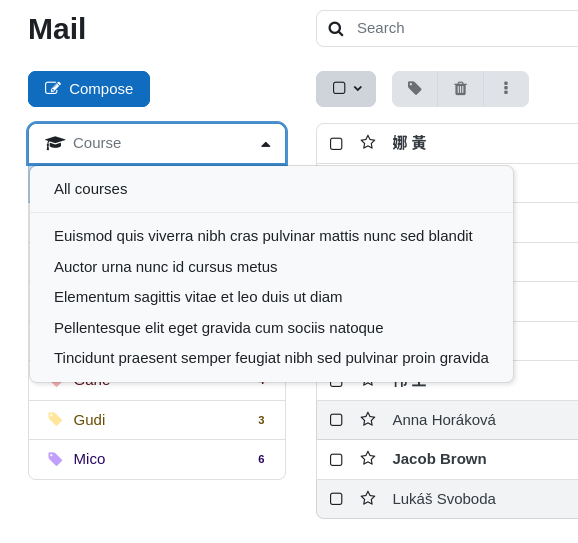
We have installed the current version 2024020300, which fixed some bugs for us. Unfortunately, we now have the problem that for some teachers the students from the course are no longer listed in the recipient list. If you have a different teacher, not all courses will be displayed in the Courses list.
Best regards
Friedhelm