BCU
Maintained by
Jez H, Mike Grant
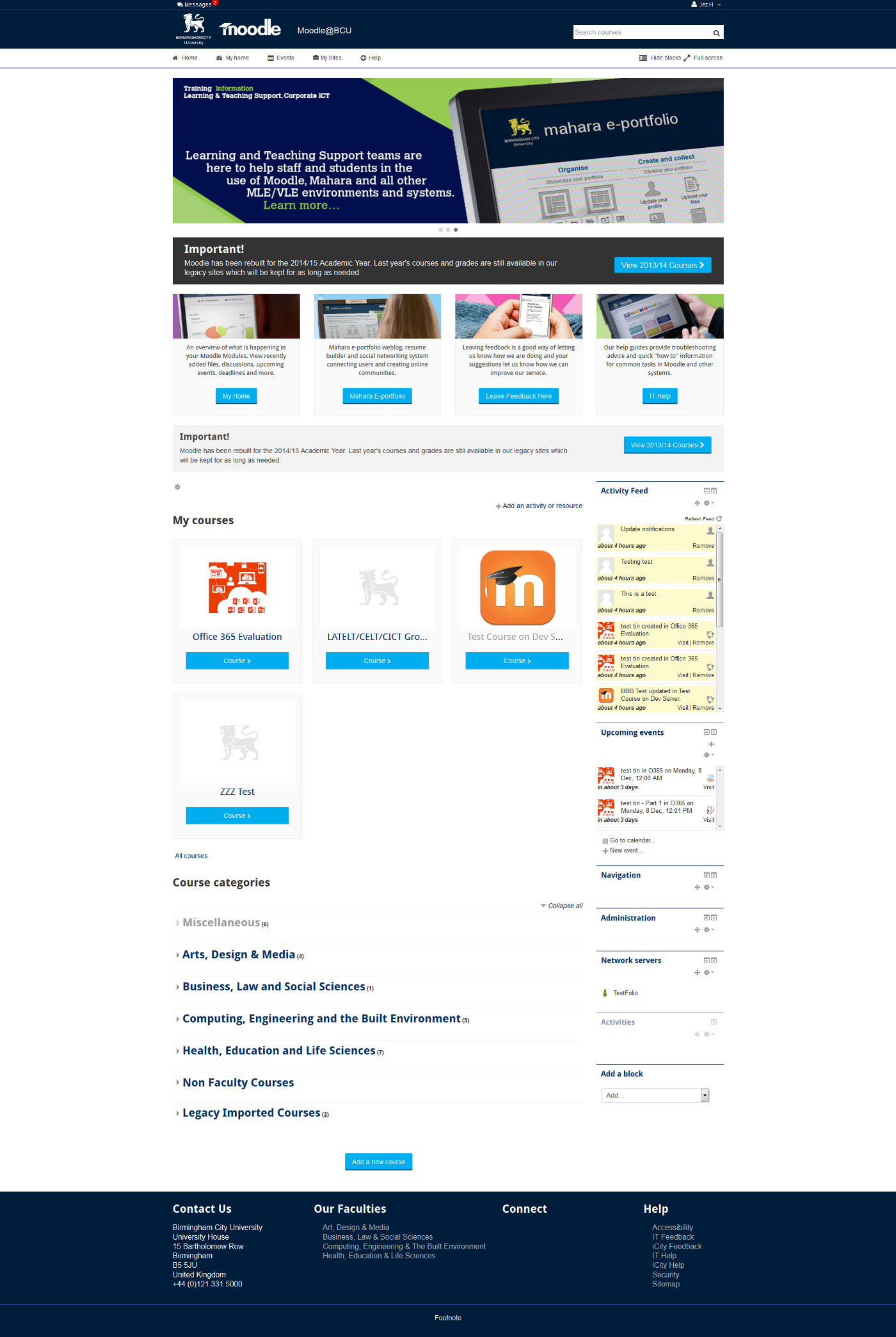
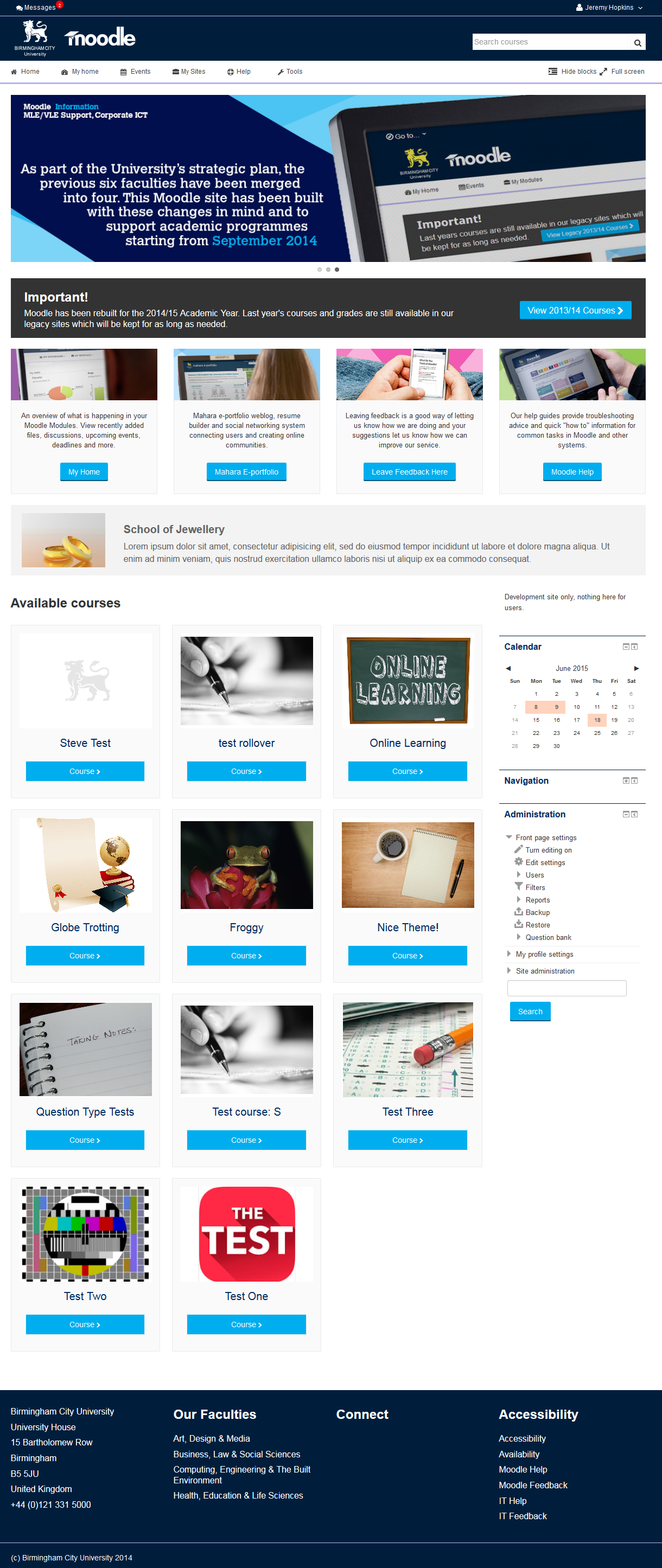
This is the theme from the moodle site of Birmingham City University. It's based on bootstrap and allows for extensive customisation and some unique features to help improve Moodle's usability.

Comments
Comments are no longer open for new posts. Existing comments remain available to read.
a good size for the course images is 450x300px. The default logo is 185x55px and the max. width is 250px
In the existing version, the number of tiles is not limited. So it could be a bit messy when you have many courses. Working on it for the new version.
The breadcrumb is also in the 'To Do' list to have more than one option.
Is it possible vis CSS to remove all the styling, shading etc for the breadcrumbs and have it just some words and maybe a / symbol or a 'greater than "
And thanks Fernando for your post - installed BCU and playing with it.
-Derek
Is there a suggested ideal size and shape for the course images? And the site logo?
-Derek
Just curious
-Derek
Its possible to fix the height of the line containing the name of students in gradebook?
Thanks
bcu.ac.uk is the corporate website not Moodle. I am afraid there isnt any documentation for this theme, there are some html snippets in the readme file and quite a long forum thread (linked above). I will be create a wiki page (on Moodle.Org) once the next version is available (which adds quite a few more settings / options).
Is there anywhere where I might discover such gems? Thanks
We are now working on a new version of this theme, currently in a fork, I am adding recently reported issues to the tracker in that fork.
Changes will be pulled back into the BCU repo as they are completed.
With luck and a fair wind there will be a new version available in the next few weeks.
If anyone has any suggestions on how the theme can be improved please post them in this thread:
https://moodle.org/mod/forum/discuss.php?d=319289
So what you need to do if you have access to the server, is change the order of the stylesheets in BCU/config.php and put 'custom' at the end of the list. Here is what I said in the forum incase you missed it! https://moodle.org/mod/forum/discuss.php?d=318952&parent=1279251