BCU
Maintained by
Jez H, Mike Grant
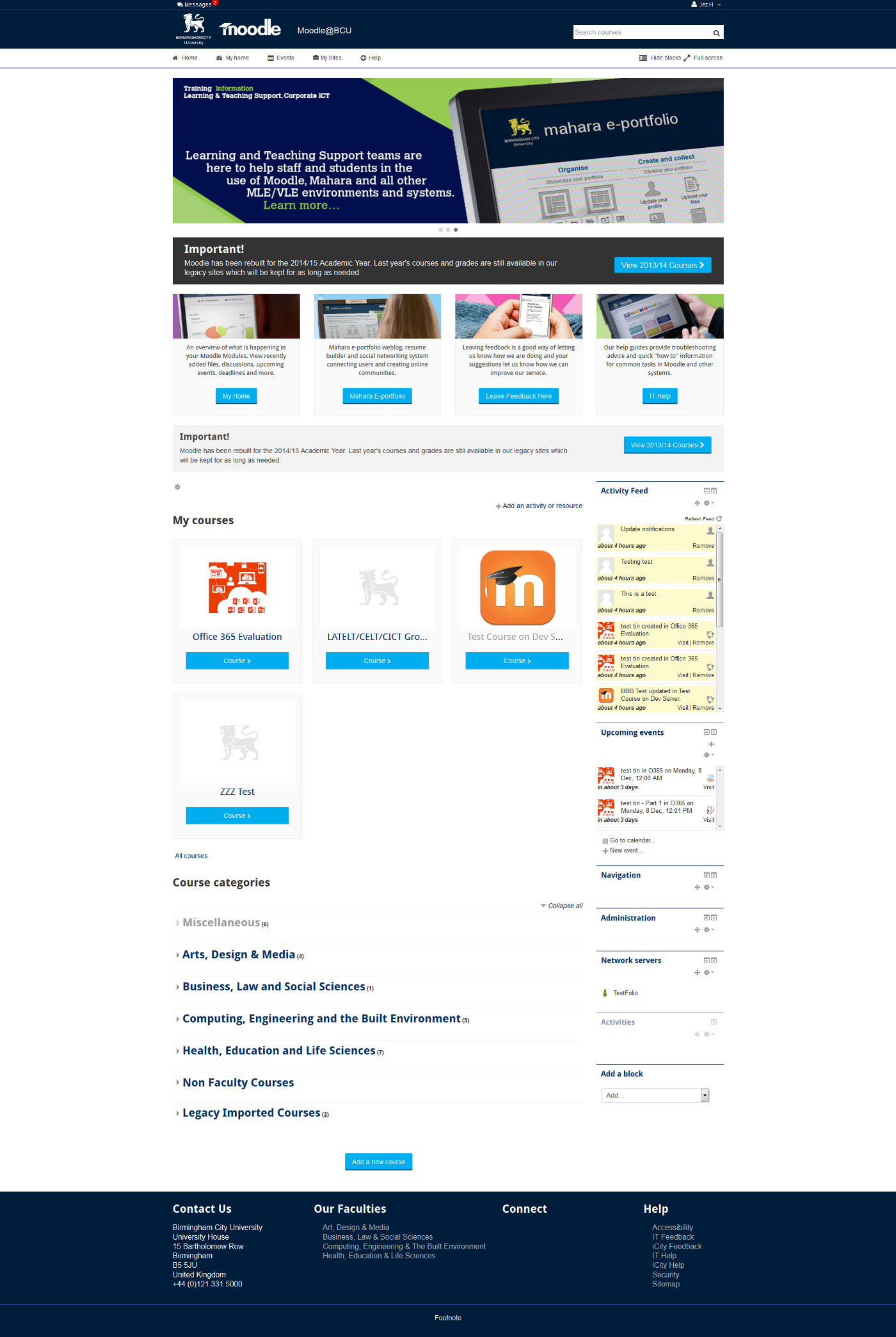
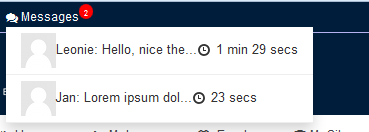
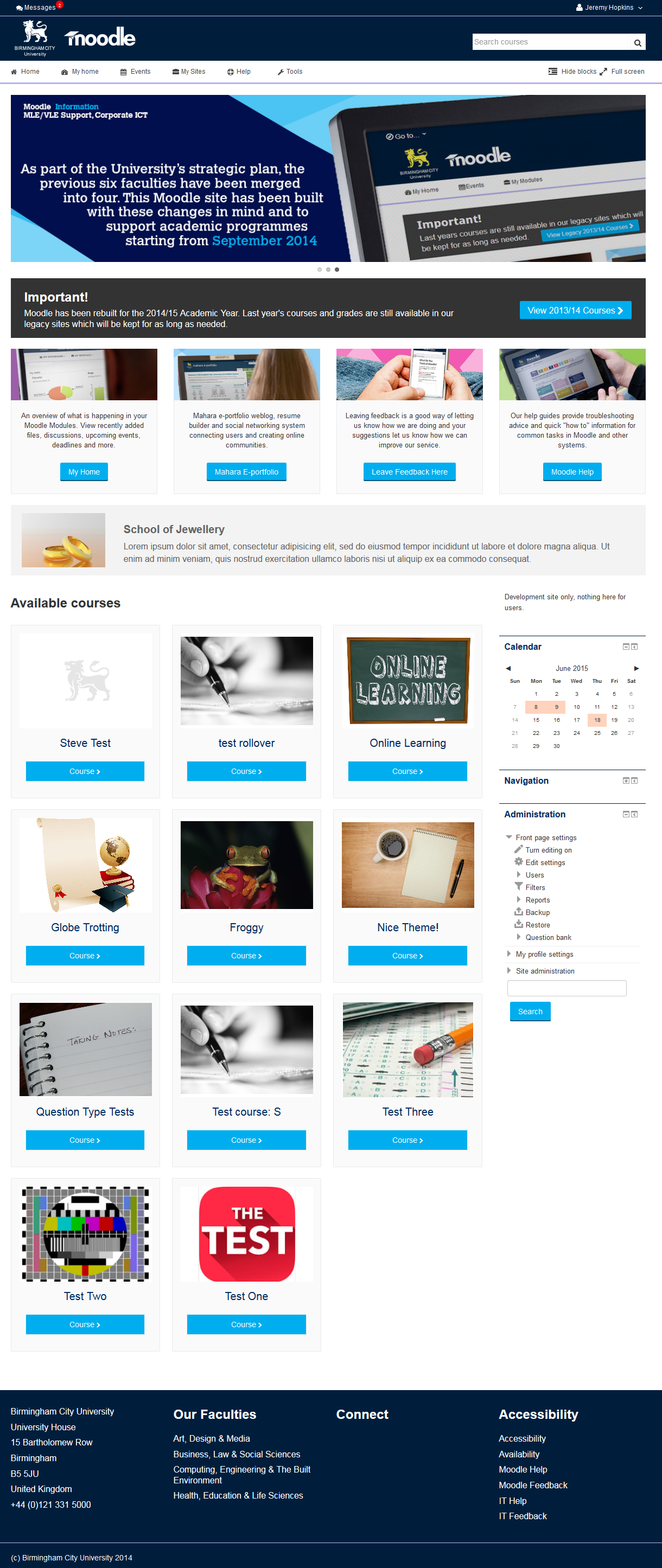
This is the theme from the moodle site of Birmingham City University. It's based on bootstrap and allows for extensive customisation and some unique features to help improve Moodle's usability.

Comments
Comments are no longer open for new posts. Existing comments remain available to read.
Congratulation for the excellent theme. Can someone tell me how to put a background image for the login page?
Our slider images are 1140 x 300 they will work well, but if you go full screen on a large monitor they do look big.
It is possible to edit the jquery to alter the size but I would not recommend it as any future theme updates you make will overwrite your changes (unless you maintain changes in your own GIT).
A few people have asked about this now, I guess it would make sense if this were configurable, it maybe something we go back and look at as we have the same issue and in fact disable the slider on our homepage most of the time for this reason (only using it to notify of changes, events or perhaps "welcome" at the start of the academic year, so being able to switch between different sized sliders would be useful.
In the mean time your best bet is to stick with 1140 x 300.
I think you have pulled the wrong version down from our GIT repository, can you try this download instead please:
https://bitbucket.org/jezh/moodle-theme_bcu/get/master.zip
Just a quick two question.
1. This theme requires cdn1.bcu.ac.uk up. Last day we haven't reach that site. As a result of this our moodle site didn't work. After tha i looked site and download BCU Toolkit. How can i install it? Just unzip from theme folder? And also which code must i remove from existing linked to uk site?
2. I customized BCU theme. What will happen my customization if i upgrade BCU theme to the upper version?
Thanks
İdiye ÖKTEN
First congratulate you for the excellent theme, I am using all my personal work platforms.
Secondly, I am having problems with the slides. or to be exact with "Frontpage Slider" because when upload images of different resolutions giants I always go on the screen. I want to lower the resolution or the size of the box where cruise slides. www.colegiolapresentaciongirardot.org is my place and I have not podidoo change this.
2.6 moodle use remain attentive to the situation
Thanks for your attention and good heart.
1. Frontpage Slider
CUSTOMISE THE CAROUSEL ON THE FRONT PAGE no me deja llamar url..dice que archivos con error no cargados, y o cuando subo una foto sale de tamaño gigante....como puedo bajar a la resolucion de este espacio...que sea mas banner y no tamaño gigante????
gracias
@Jayapramod You would need to edit the javscript for that which I would not recommend, 444 x 200 is an odd size. If you can produce slider images 1140 x 300 they will work well