
Compatibility Test
Maintained by
Jeremy FitzPatrick, Chris Clark
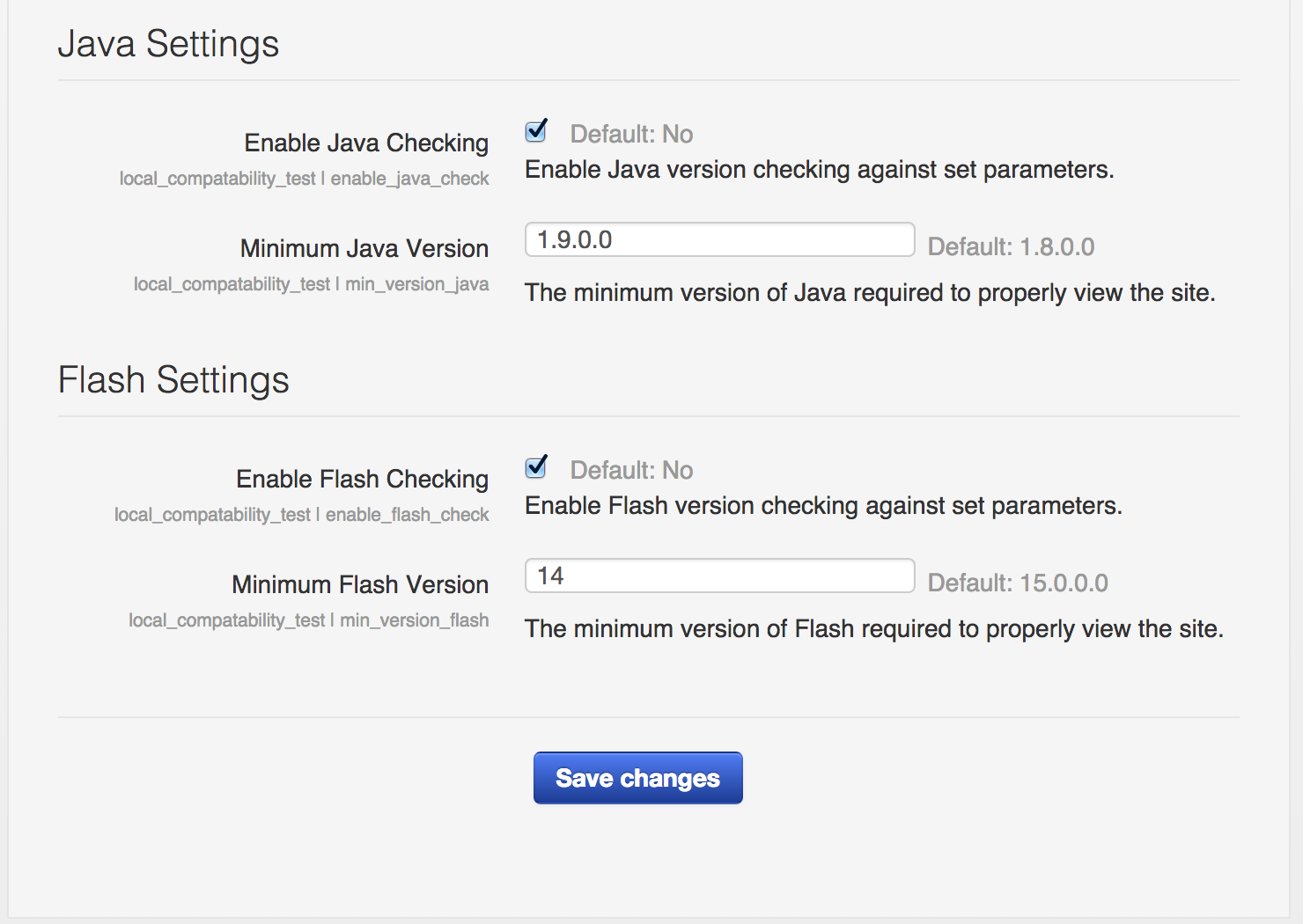
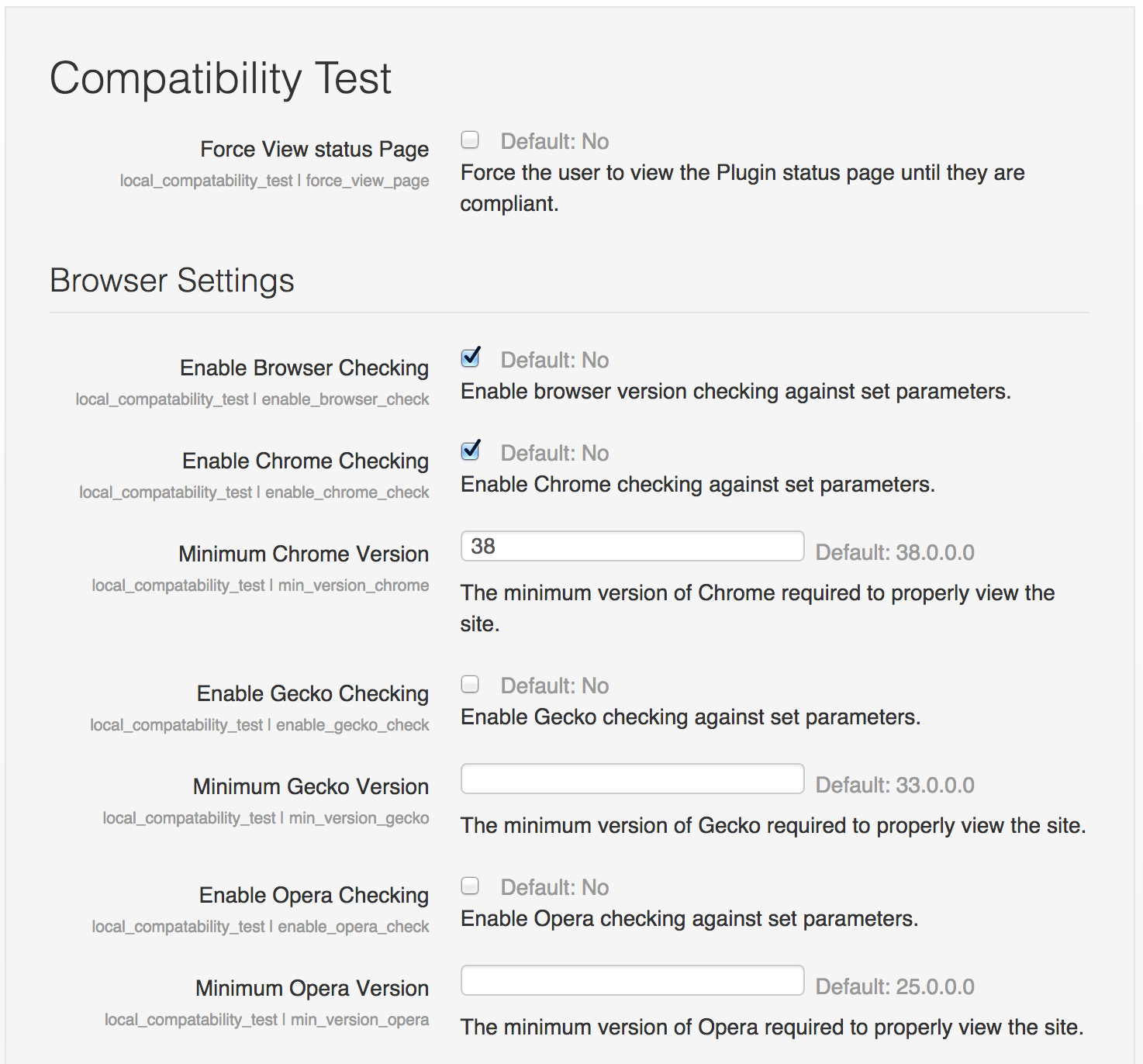
This local plug-in provides the functionality to check the users browser (Chrome, Firefox, Opera, Safari), Flash, Java, Quicktime and/or Silverlight version against a pre-set minimum version and notify the user that they are not meeting the sites minimum requirements.



Comments
Comments are no longer open for new posts. Existing comments remain available to read.
It seems like a really useful plugin in concept, but we would prefer a block display and the ability to check IE versions as well as the others. (Actually, we'd prefer to tell users if they are using anything OTHER than a recent version of Firefox to switch.)
Thanks for this amazing plugin. I installed it on Moodle 2.8, it doesn't display the notification if I checked against browsers only. I have to check one of the plugins (Java, flash, etc.) to work. Unfortunately, I don't need to check any of the plugin. How we can fix that?
Also, could you please add checking against IE because most problems comes from older version of IE.
Thanks
Chris
I have sent the email to the address you supplied as below.
matthes134@gmail.com
Please advise if this is correct
I have emailed you requesting the screenshots and further information on the issues you are experiencing.
Thanks for helping us improve this plugin for the community.
Aaron
Your browser and/or plugins are not up to date. Click here for more information.
Yes screenshot would be very helpful thanks, also can you ntoe the moodle version and anything else that may be useful - OS, browser etc