Raison
Lead maintainer

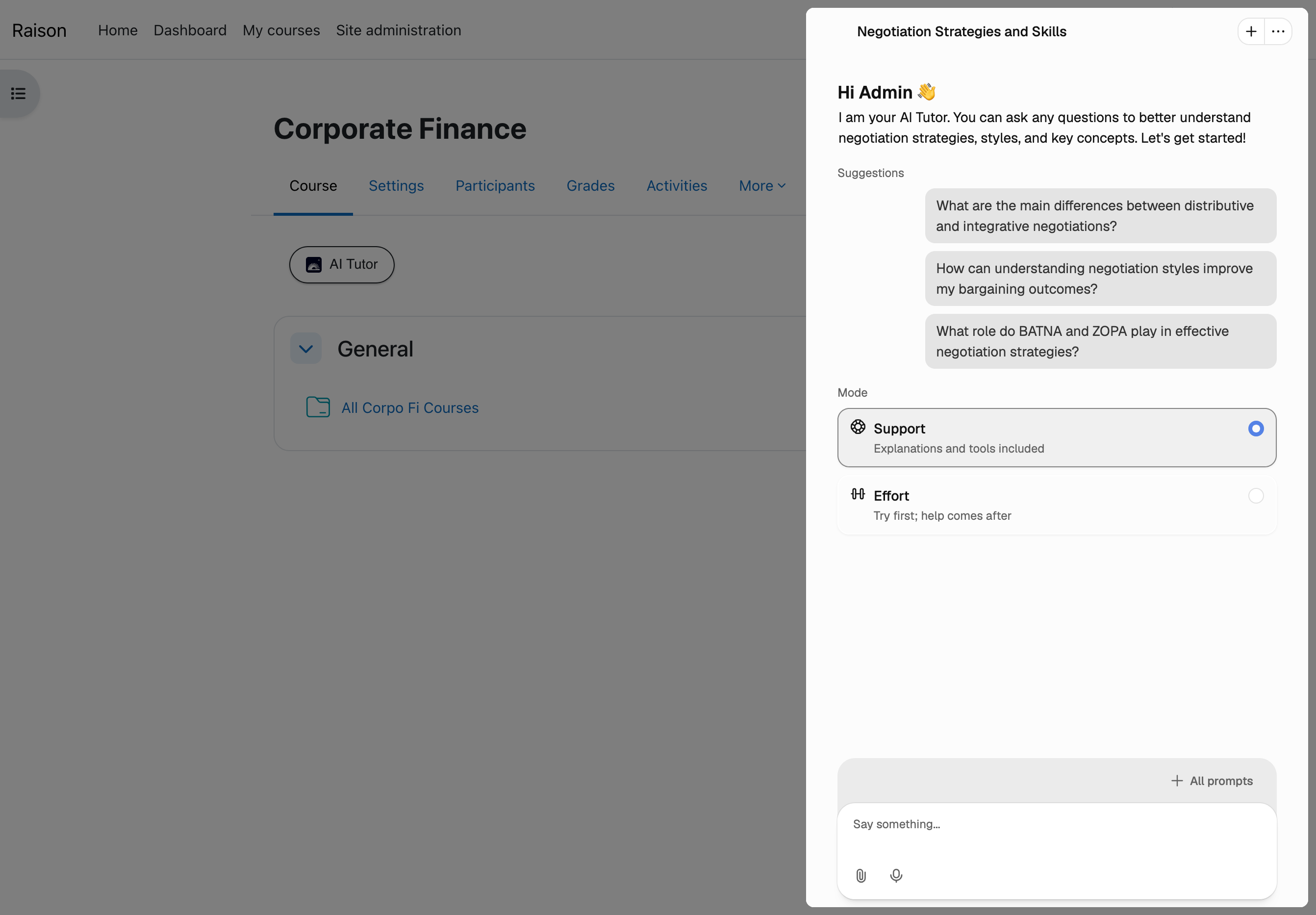
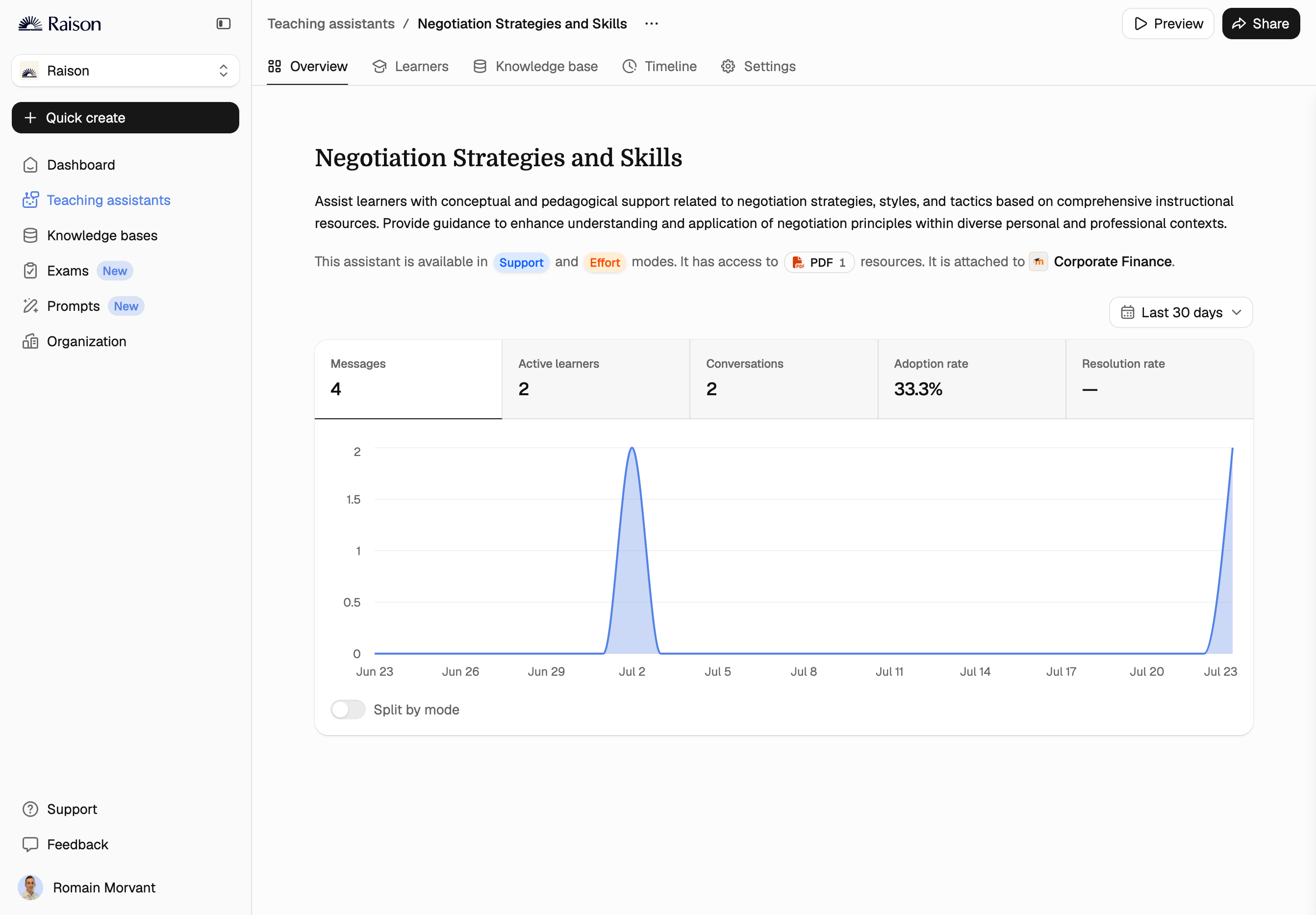
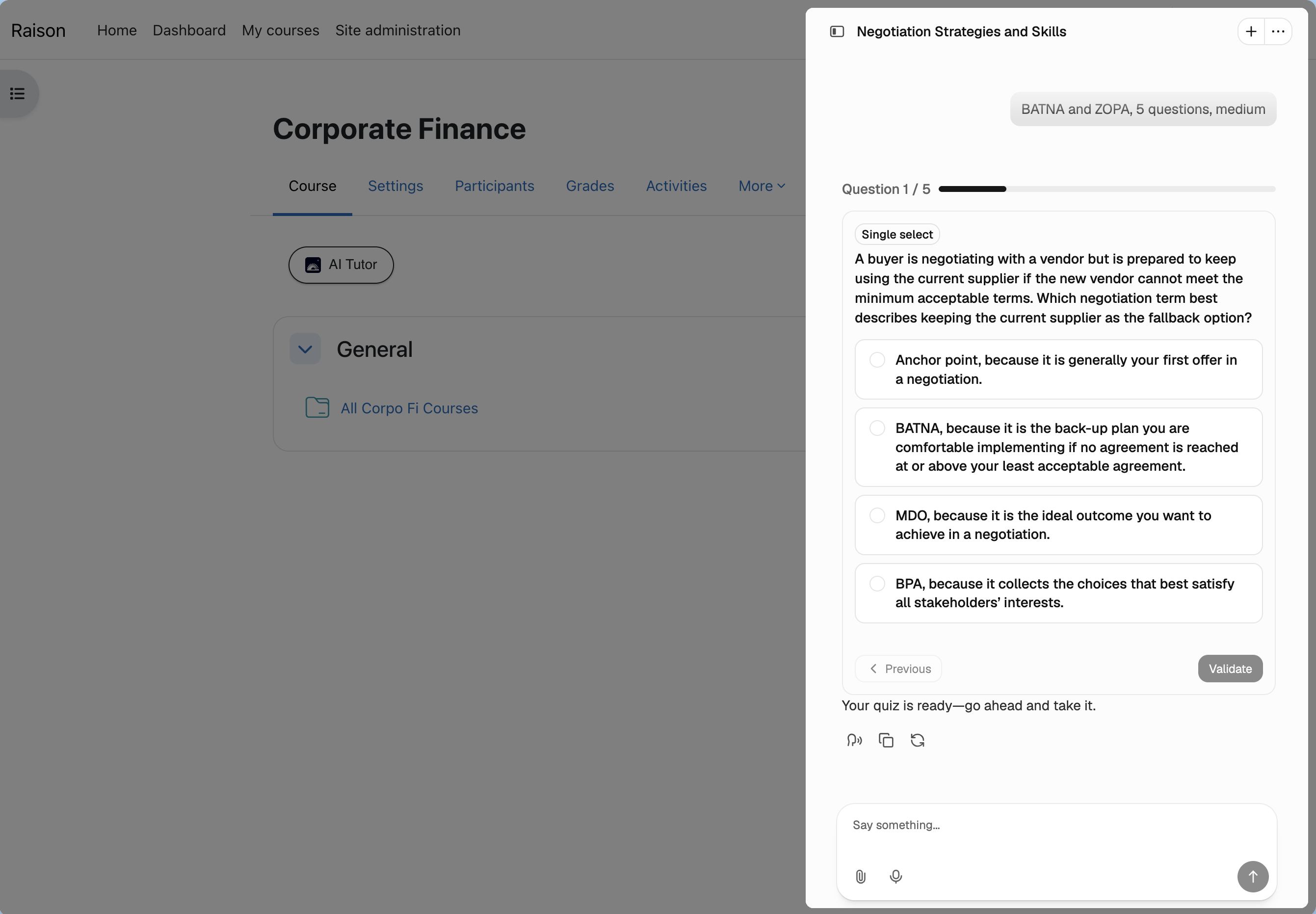
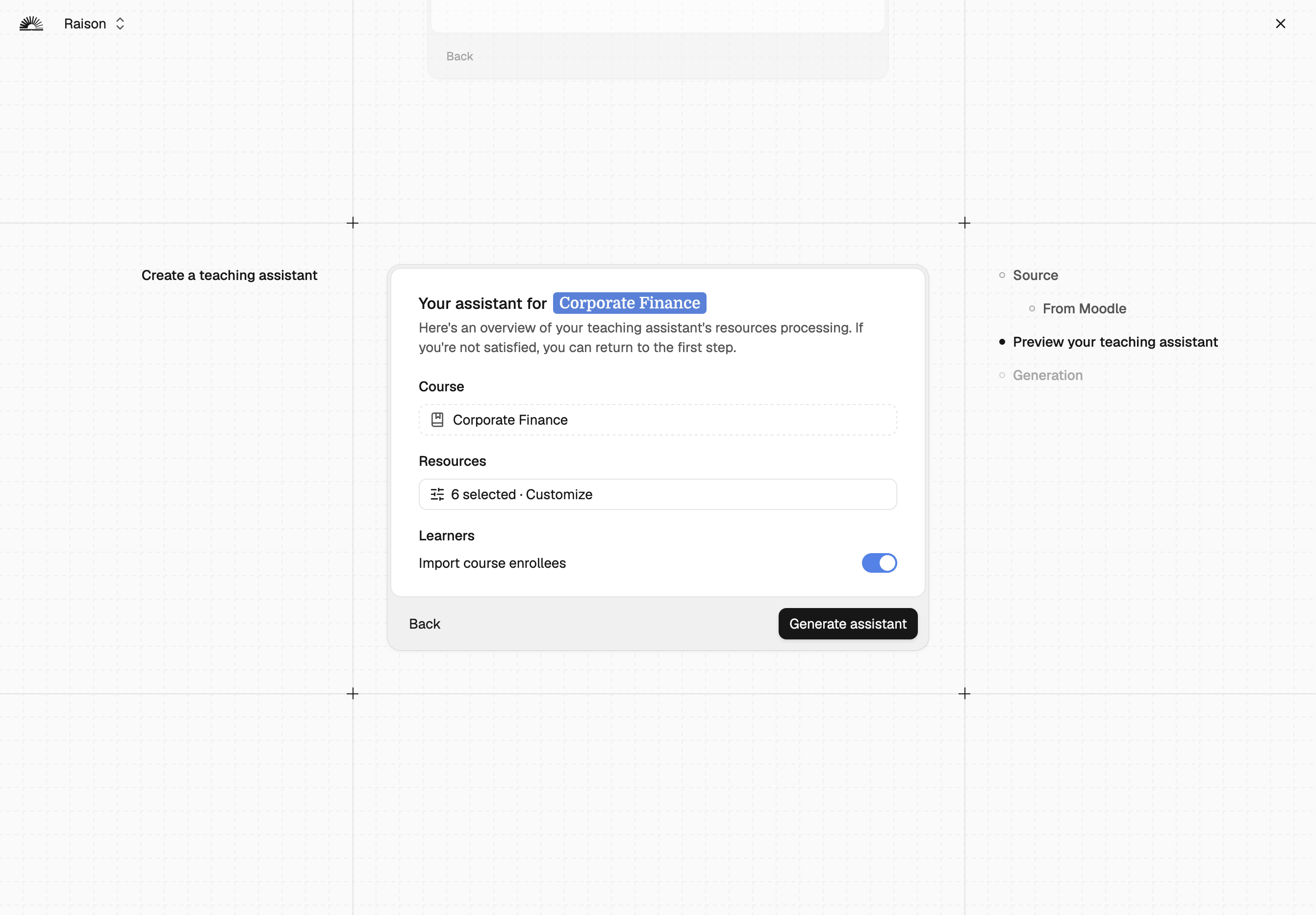
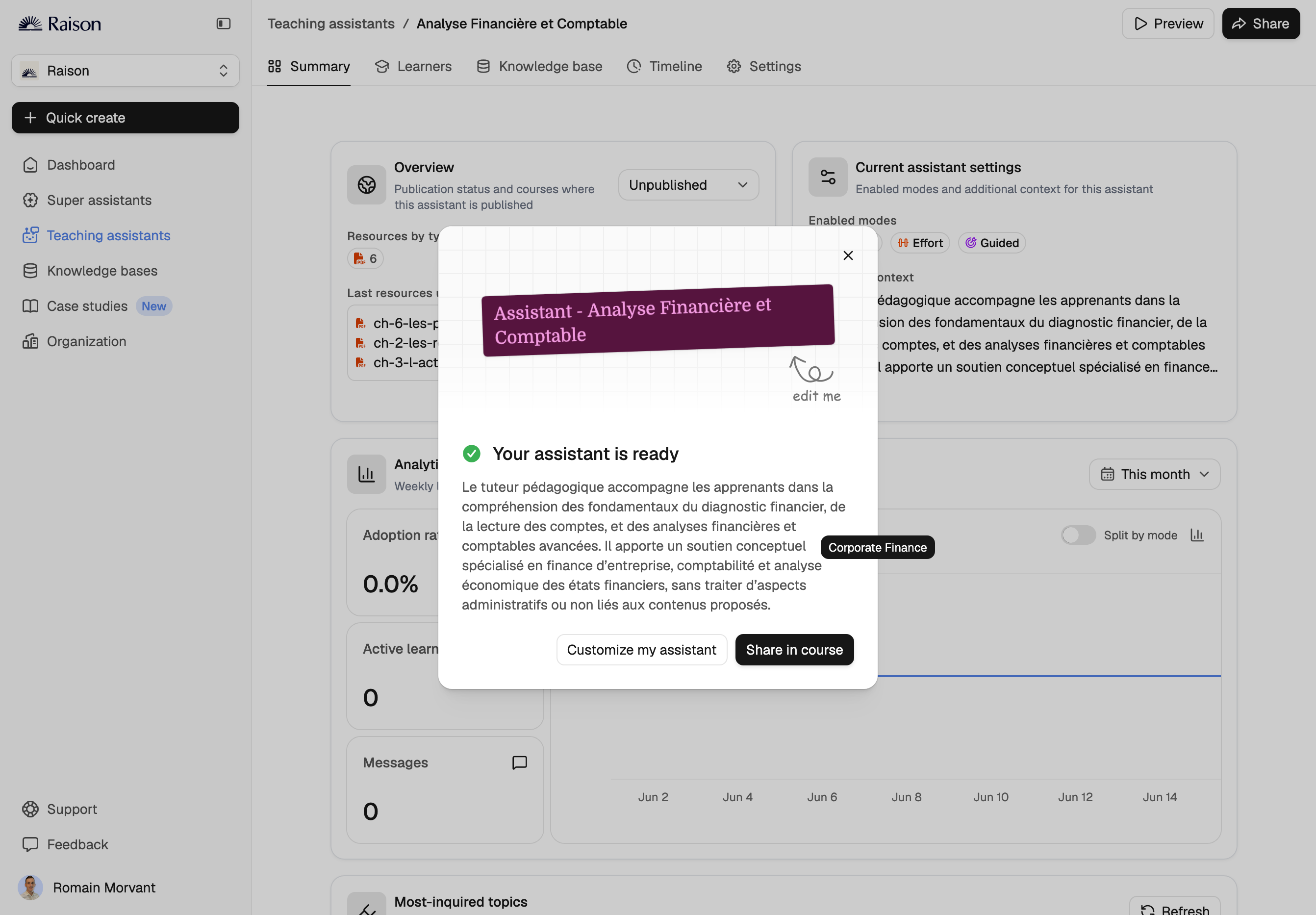
Raison adds AI teaching assistants — AI tutors and course chatbots — directly inside your Moodle courses. The plugin turns your existing course content into an interactive AI assistant that answers learner questions 24/7, grounded in your own materials. No API keys to configure, no LTI setup, no coding.
If you are looking for a way to bring ChatGPT, Claude, Mistral or other large language models into your Moodle instance, Raison is the ready-made answer: it handles the AI infrastructure, the course-content grounding and the learner experience for you, so you do not have to build or host anything yourself.
What the plugin does
Raison connects your Moodle instance to the Raison platform and embeds an AI tutor into any course you choose. The assistant is built from that course's own resources — files, pages, lessons and SCORM packages — so answers stay grounded in your material rather than generic web knowledge. Learners chat with it without ever leaving Moodle.
It is designed for training organisations, universities, schools and companies that want to give learners always-available, course-specific support without adding to trainer workload.
Key features
For trainers and instructional designers
For learners
Where you access Raison
| Location | Who | What you can do |
|---|---|---|
| Moodle homepage | Trainers | Open the Raison platform and manage all existing assistants |
| Inside a course | Trainers | Create a new assistant with that course's resources already loaded |
| Inside a course | Learners | Use the assistant as a side panel or floating chatbot |
Before you install
Raison is an external service. This plugin connects your Moodle instance to the Raison platform, where the AI assistants are hosted and run. Installing the plugin creates a Raison account for your organisation.
Your Moodle instance must be reachable over the public internet. Instances running on localhost, on internal-only networks, or behind a firewall with no external access cannot use assistant creation or learner authentication.
No manual API key or LTI configuration is required — the plugin provisions everything automatically.
Installation and getting started
Installing the plugin automatically creates your Raison workspace and provisions an API key for your Moodle instance via an ad-hoc task.
After installation, open Raison from the Moodle homepage or from any course shortcut to create your first assistant.
Pricing
You start on a free trial: one AI assistant and up to three content sources.
After the trial, Raison is a paid subscription. You can contact the sales team from inside the platform to find a plan that fits your number of assistants, content sources and learners.
Giving trainers access
By default only the admin who installed the plugin has access. To add trainers and instructional designers, open your Raison workspace from the Moodle shortcut and go to:
Organization → Members → Invite Moodle User → Validate Emails → Send Invites
Security and data access
The plugin creates a single dedicated role, Raison Manager, used only by the integration's web-service token. That token is restricted to a fixed allow-list of web-service functions, which are read-only apart from one role assignment used for the trainer invite flow. The plugin is open source and available for review, and no course or user data is ever modified.
Troubleshooting API key issues
If you see an API key error when opening Raison from a course or the homepage, it is usually a blocked ad-hoc task or a connectivity issue, for example an internal-only Moodle instance.
Open the Raison page from the Home or Course shortcut and report the issue. We review your setup and manually assign an API key if needed, typically within one business day.
Read the full troubleshooting guide for step-by-step checks.
Support and documentation
Keywords: AI tutor, AI teaching assistant, AI chatbot, artificial intelligence, generative AI, LLM, course assistant, virtual tutor, student support, learning analytics, #Chatbot #AI #OpenAI #ChatGPT #Claude #Mistral #Gemini #Corolair #Raison

