
Raison AI Tutor: AI Teaching Assistant for Courses
Maintained by
Raison
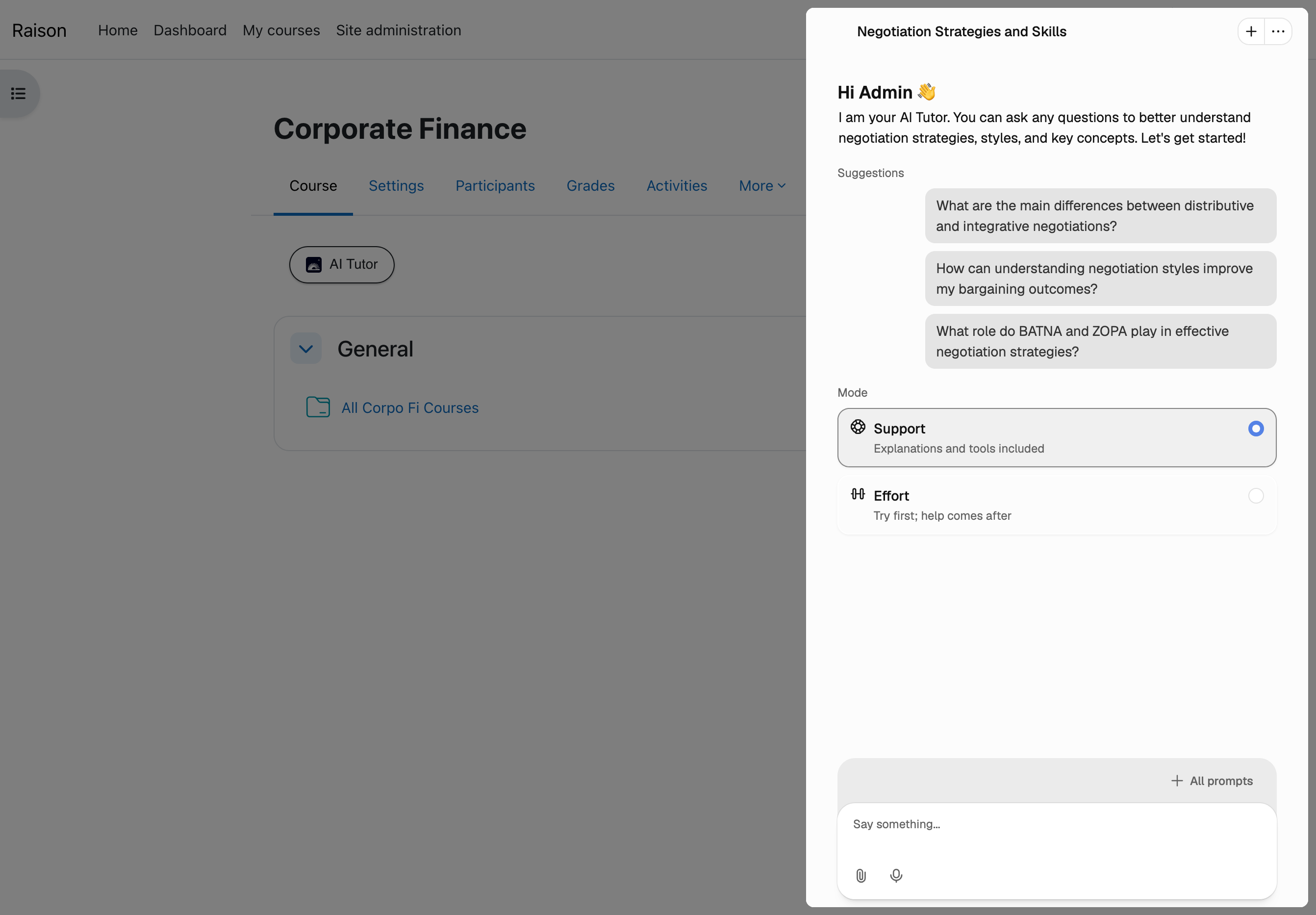
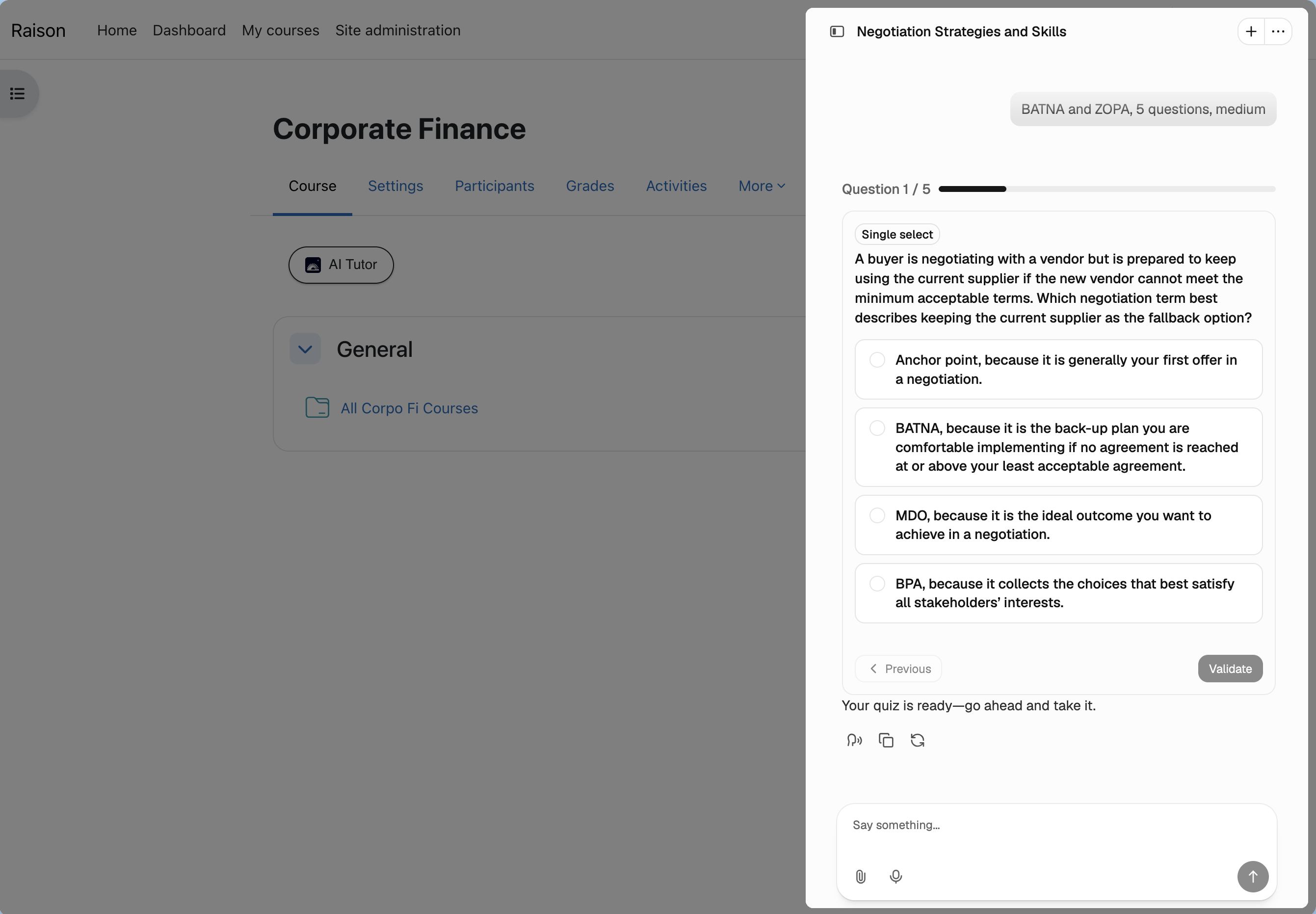
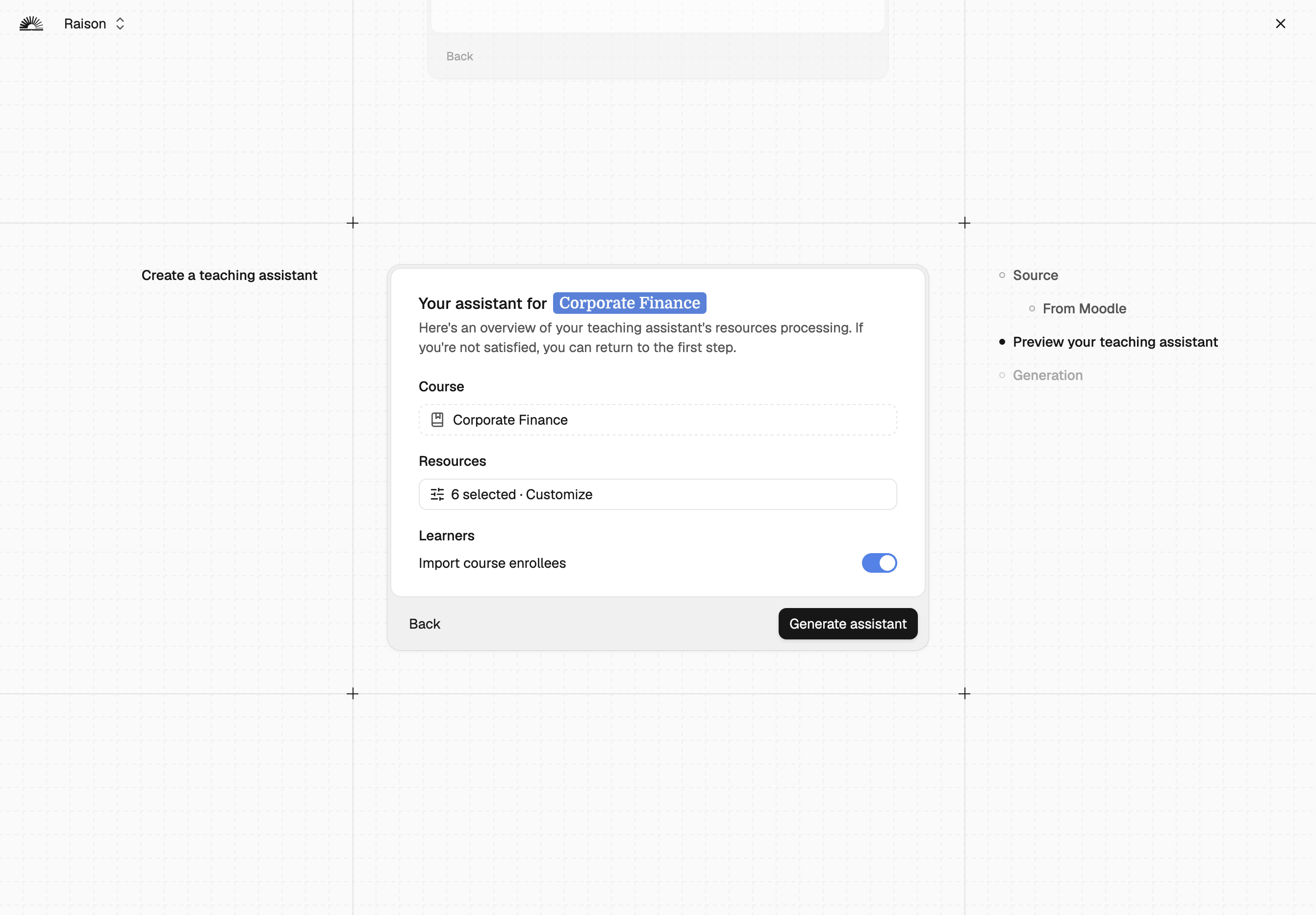
Turn any Moodle course into an AI tutor. Raison builds a course-grounded AI assistant from your existing content (no API key or LTI setup). Trainers create it in clicks; learners get instant answers 24/7 inside the course.
Comments
Product ratings and reviews are coming to Moodle Marketplace. Until then, existing comments remain available to read, but new posts have been disabled.
I can't find your email on your Moodle profile, so I suggest you directly book a call here on Thomas (Corolair CEO) calendar https://calendly.com/corolair/30min
My colleagues and I happily accept your invite for a demo. Would you be available this Wednesday, 29 October, between 9:30 am to 2 pm (CET)?
Many thanks,
Chiara
Thanks a lot for getting back to me. Sounds very promising!
About the demo, I'll report back to my team first and come back to you.
Best,
Chiara
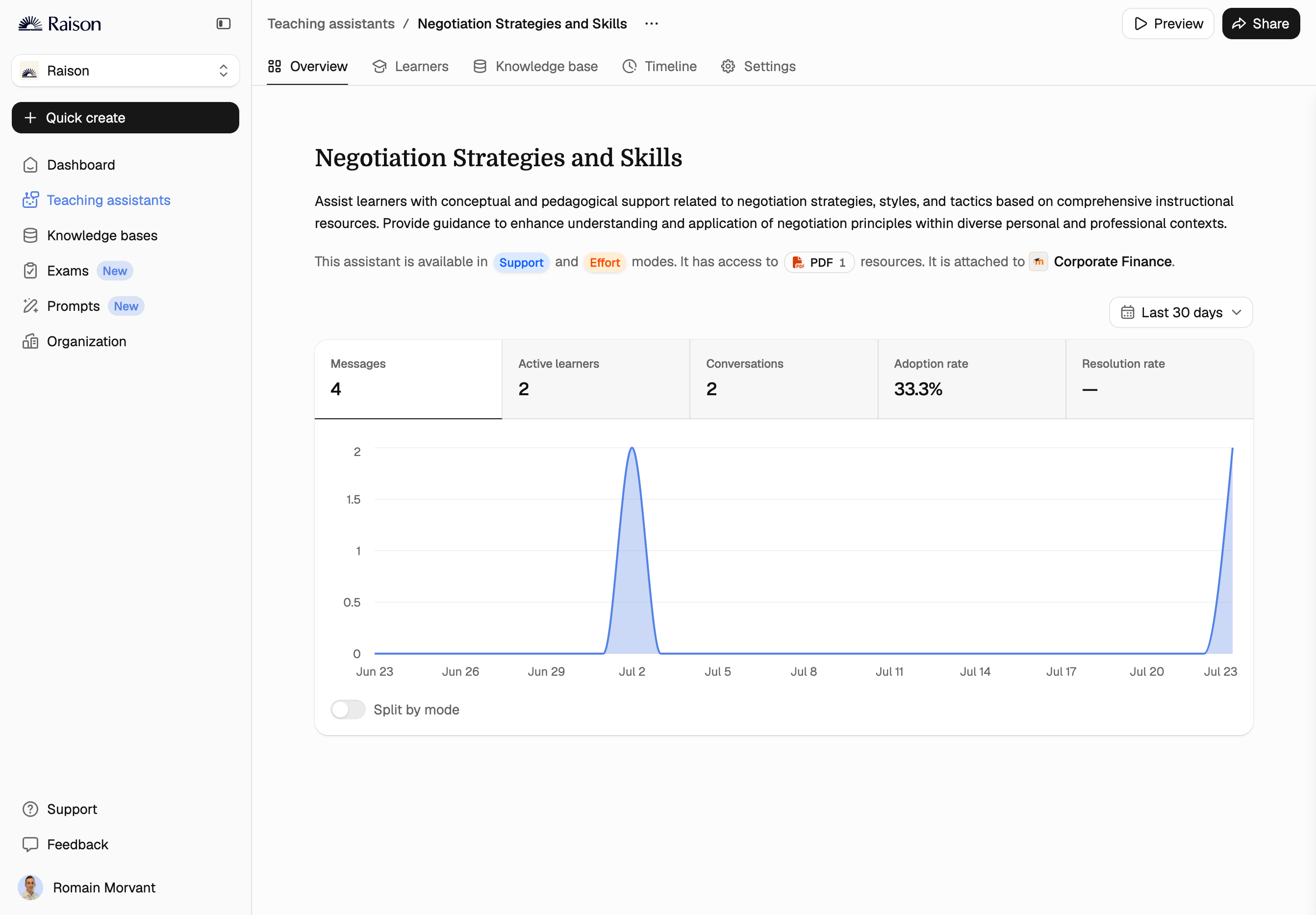
Yes, Corolair is designed precisely to provide actionable insights to teachers. You’ll have access to:
- A granular view of interactions at the individual student level, so you can track engagement and identify who might need extra support.
- An aggregated dashboard offering both quantitative and qualitative insights (such as the most frequently discussed topics/the learning objectives where students required the most help).
MOOC integration is actually one of the ideal use cases for Corolair, as it helps instructional designers and teachers continuously improve course design and personalize learner support at scale.
Happy to show you a quick demo if you’d like!
Best,
Romain
Corolair looks great!
I would like to use it in our MOOCs, but first I need to understand if teachers can get any feedback (e.g., to understand what to improve in the course) from the interaction between students and the AI assistant. Could you assist me with that?
Many thanks,
Chiara
Thank you for your feedback! The documentation you accessed was outdated. We've updated it here https://corolair.notion.site/Moodle-Integration-EN-5d5dc1e61f8d4bd89372a6b8009ec4e4?pvs=4.
If you encounter any issues, feel free to contact me directly or report a troubleshoot via the Corolair page (via Home or Course shortcut) with your prefilled instance details. I'll respond within a day.
Best,
Romain Morvant
But don't know where to enter the step of:
"Now go to Corolair to configure the connection to Moodle for the entire Organization from the Integrations tab. Click on Connect on the Moodle integration (the only one configurable off the shelf for the moment)."