
Klass
Maintained by
LMSACE
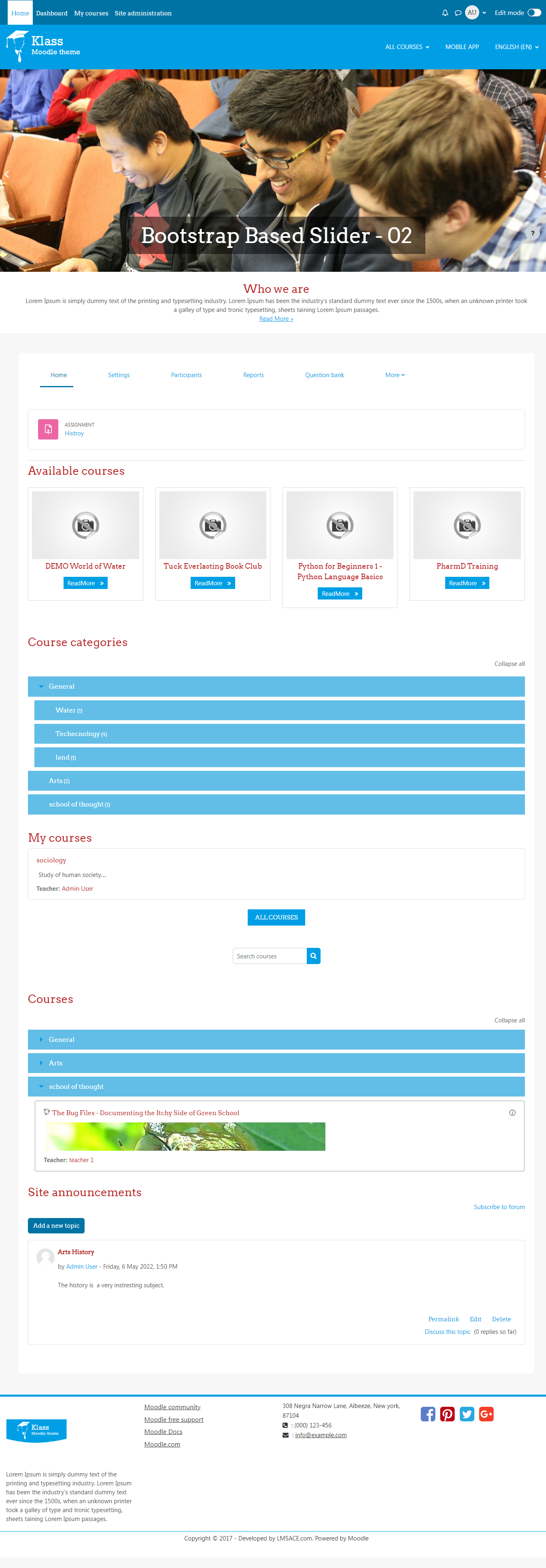
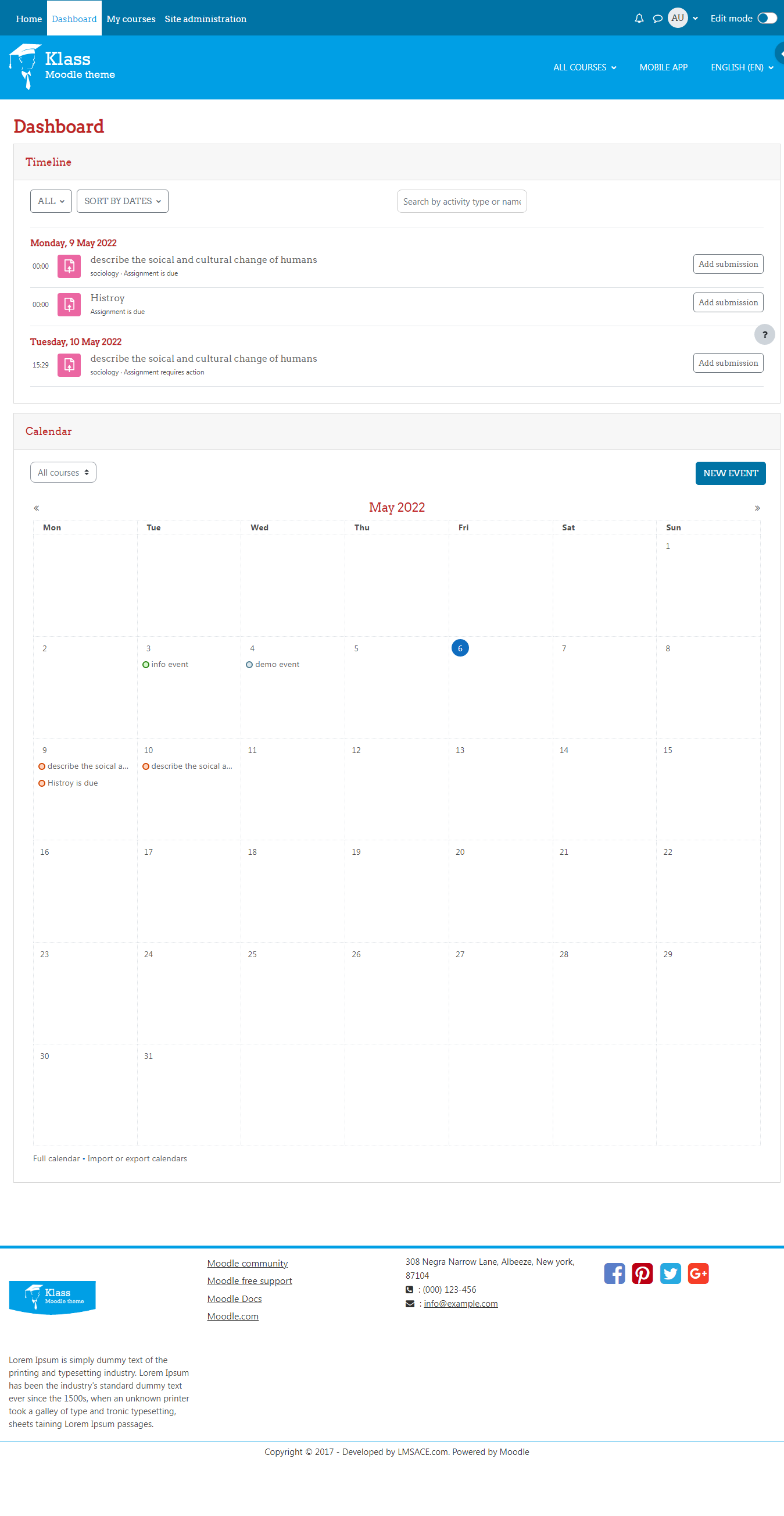
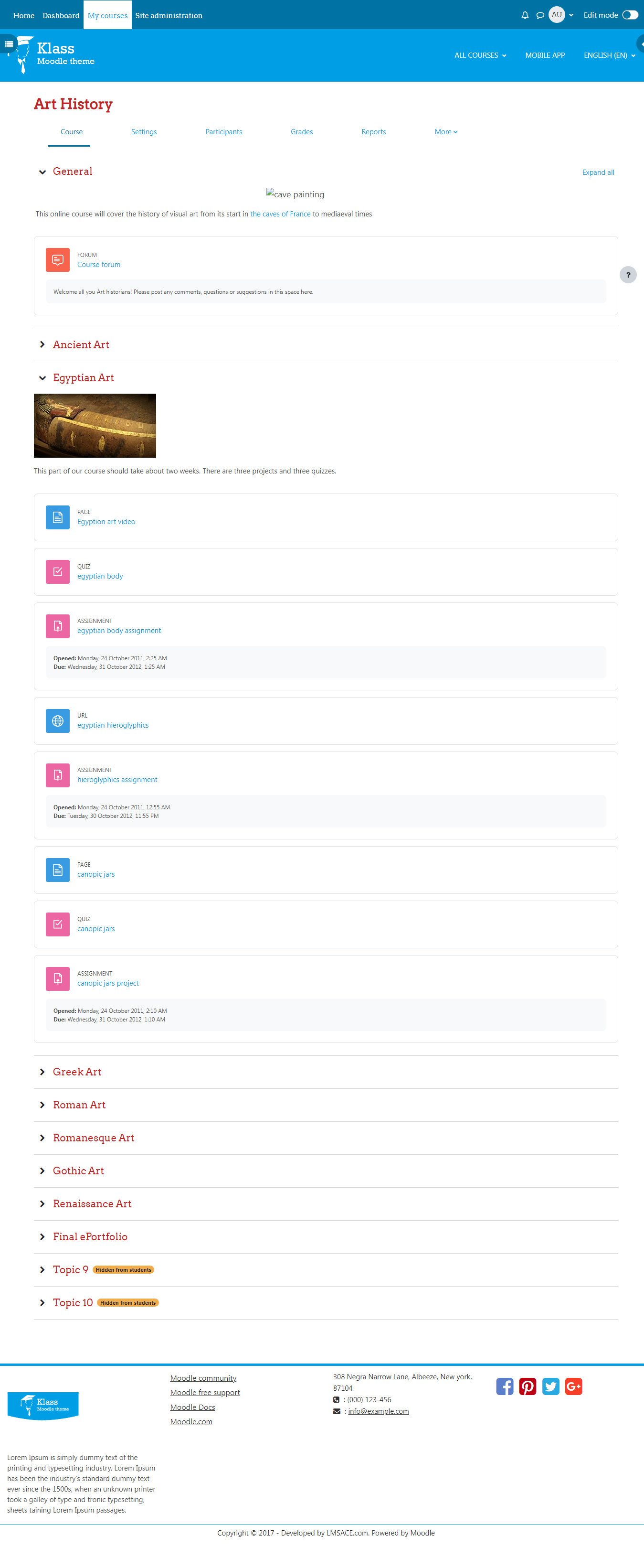
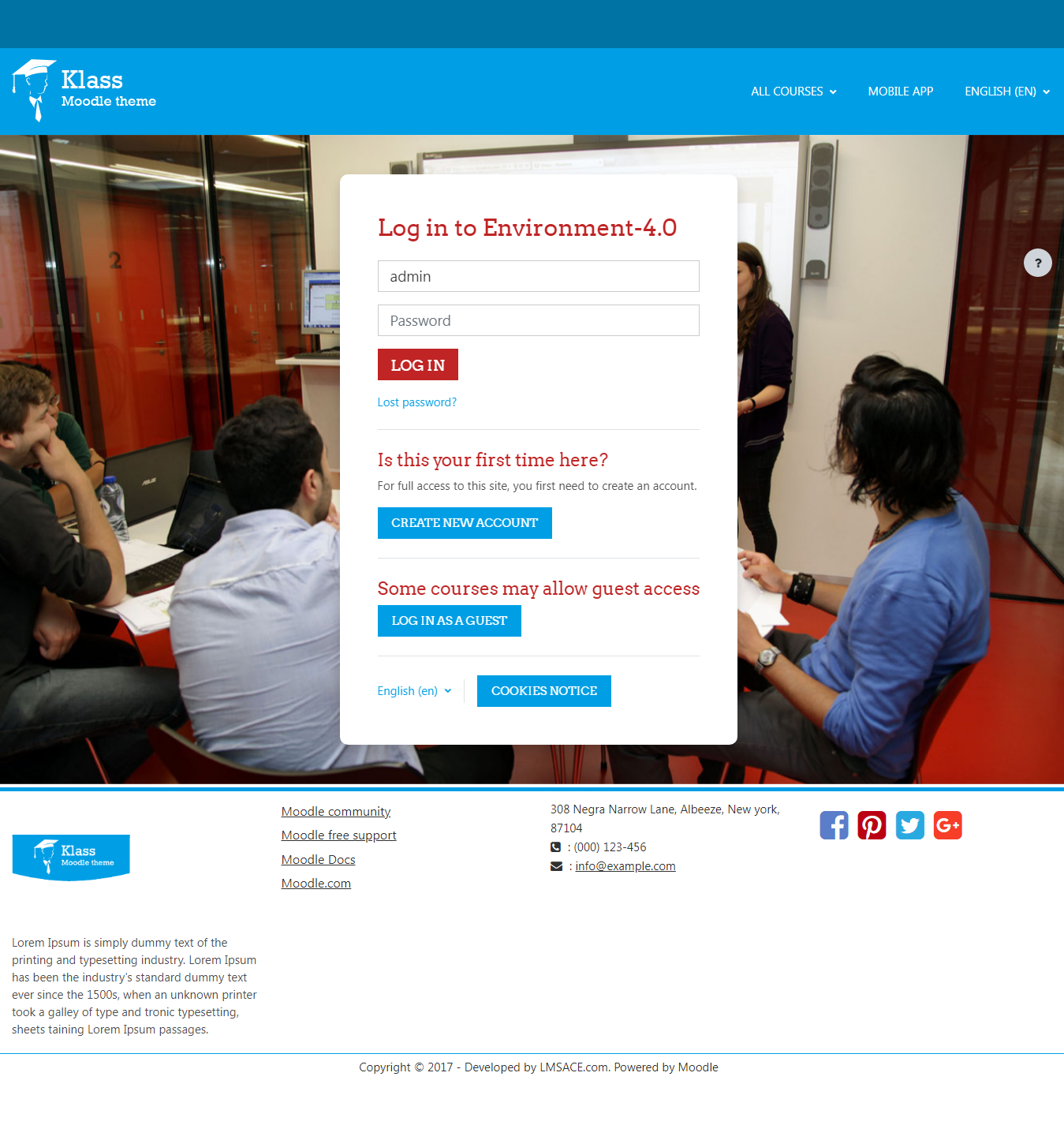
Klass is fully responsive and coded with the latest techniques in HTML5 and CSS3,so it will work on all devices, all browsers, and it does it all seamlessly.Just download and make your e-learn website modern.
Comments
Comments are no longer open for new posts. Existing comments remain available to read.
I have been setting up my institute's LMS with Klass as my theme. You have done an amazing job with the theme. I am very satisfied with the overall design and structure of the theme.
I have a few queries that I hope you can help with.
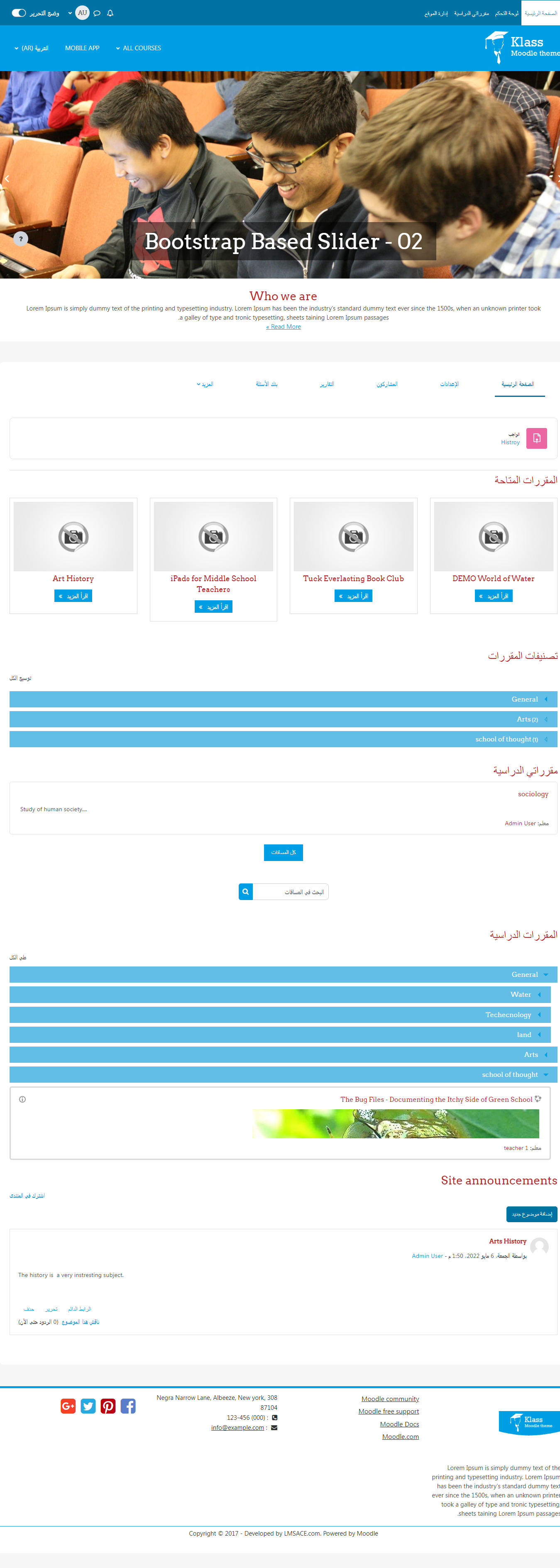
1) How can I tweak the slideshow so that it plays automatically? Right now, it remains static until the user clicks on the next button and then it plays automatically. I would like the slideshow to play as soon as the page loads.
2) I would like to add a menu as is demonstrated in your demo, beneath the header. How can I do that?
3) In the 'Available Courses' section, I'd like to change the 'Readmore' to 'Learn More'. How can I do that?
4) I'd like to add LinkedIn, YouTube and Instagram to the social channels in the footer. How can I do that?
Thank you!
Also disabling the phone number line if none is entered would be great....
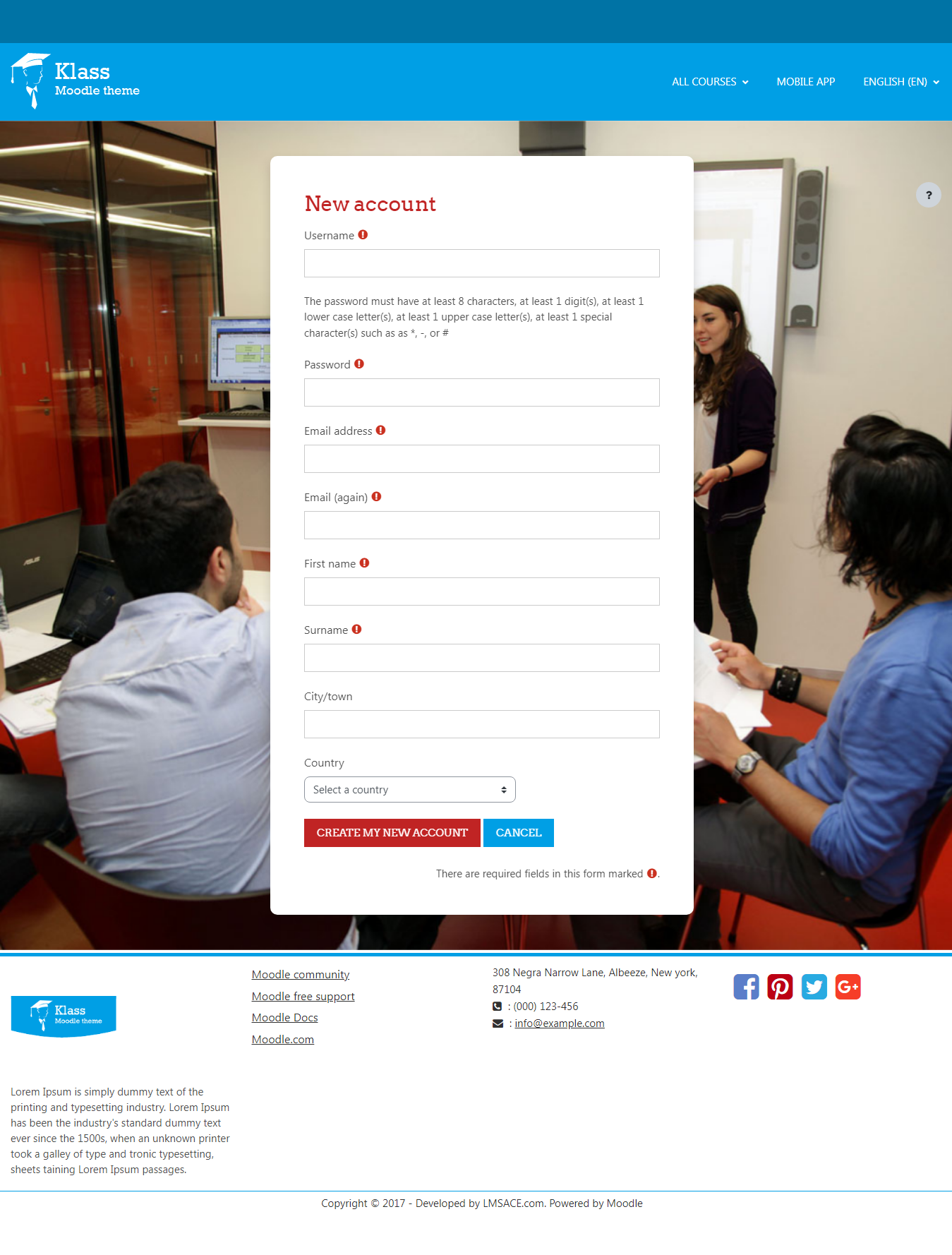
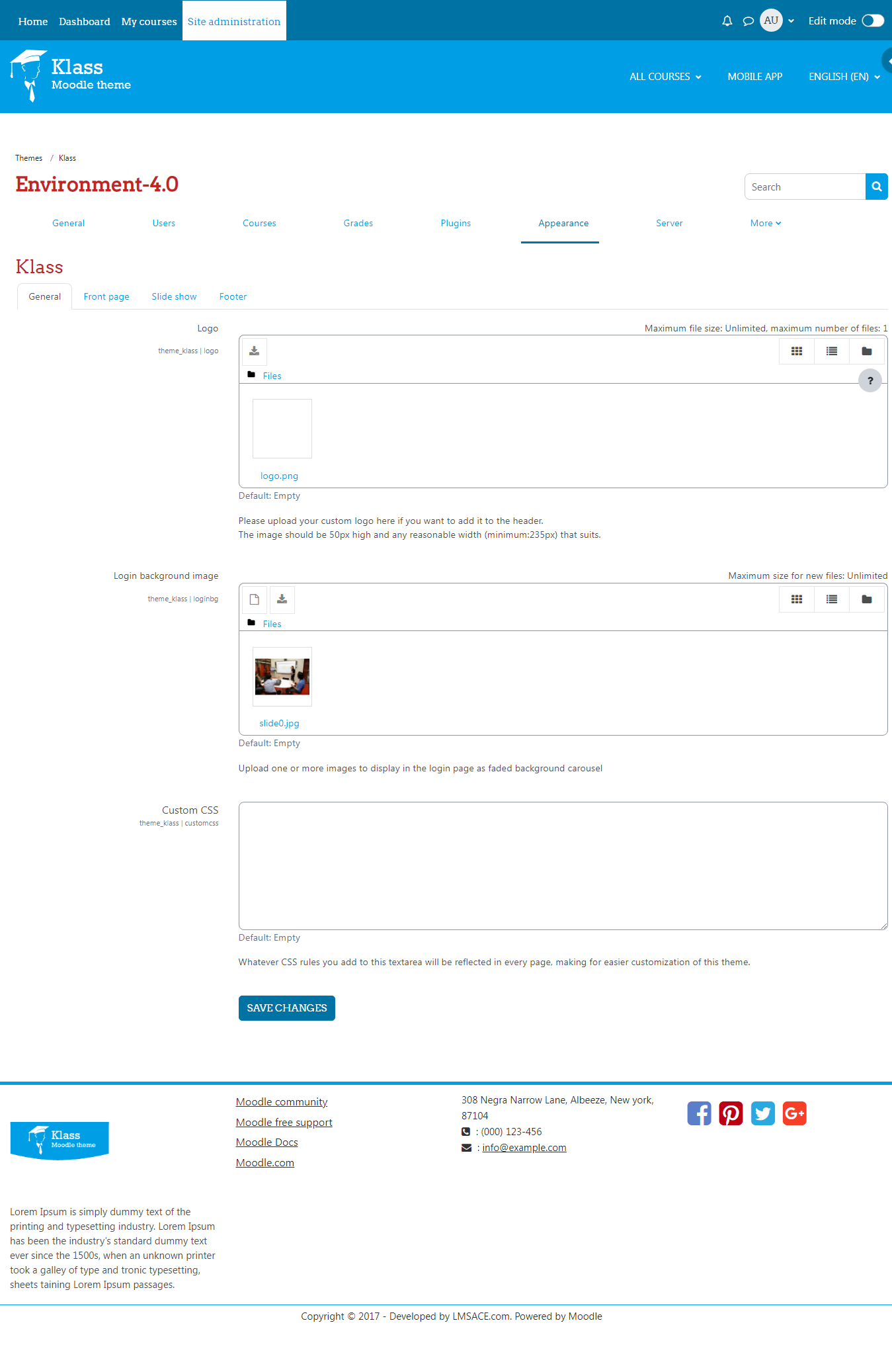
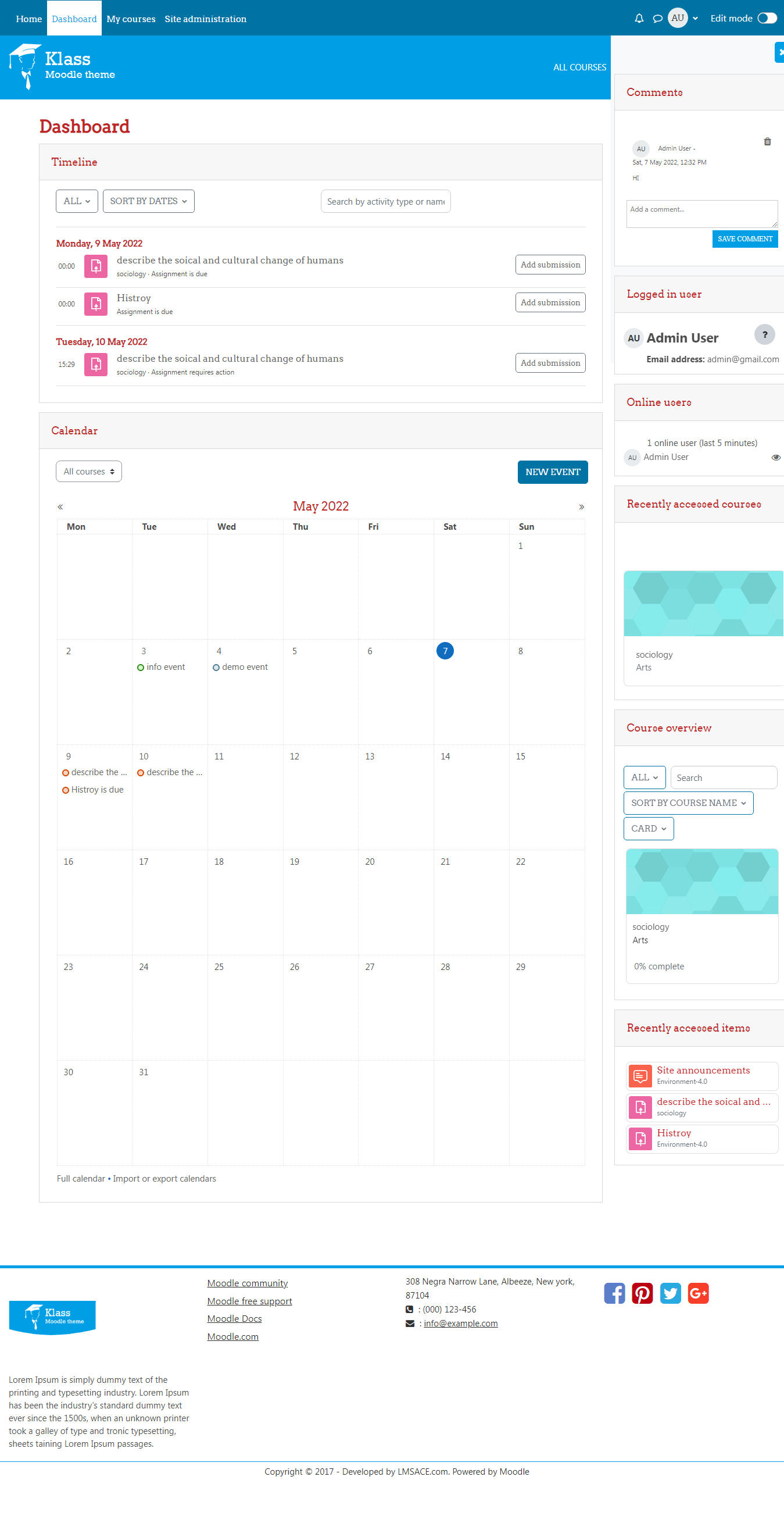
As on first screenshot blocks appear in right region and I wish to appear them in left region in front page. I changed "Where this block appears" setting from right to left but it still appears in right. Please help me.
thanks
Previous styling was much clearer. Now that it just says "Facebook" my users aren't understanding it's a login button at all.
" echo $courserenderer->new_courses();"
Thanks for your query , I can understand your scope to bring the custom course in the home page , in this free version we didn't have this option but our premium themes are having these options.By default the listing based on the course added order if you wish to delete and add again you can login as admin and delete the courses, if you need to make admin option for this we can go for a reasonable price and do it with other necessary changes which you needs to modify.
Please feel free to ask if you have any questions
You can put back what you removed and remove
'.$new_course.'
from line 21 and 144 of course_renderer.phpActually I founf in this forum the answer I wanter about the menu so it's ok
I guess Nephzat would be better of to create a Faq or a user manual with all the technical and redundant questions being asked here.
Thank you for your work, i find your theme great and would want to try for my website, but i don't find any way to change settings for new courses.
I would like to choose the courses that appears on the home page, not necessary new courses but the more important courses, is it possible?
I tried to change the date of my courses but it doesn't work and i don't find anyway to delete courses that should not appears for everyone.
Thank you for your answer.
I'd like to give this thread a bump though, because I'm having trouble getting rid of the "New Courses" blocks on the home page. A user on page 1 of this forum mentioned the problem and I tried the recommended solution, but it didn't work. Admittedly I'm not super savvy on the javascript front.
I removed line 106 from theme_klass.php as was suggested. It read:
$string['newcourses'] = 'New courses';
This was the only reference to the New Courses section I could find. Any chance something has been moved in recent updates and that workaround won't work anymore?
Thanks
Kevin
Check it out: http://www.xtrema.fr/training/
This should remove both the caption and the button link on the slides.
I hope this helps.