
Klass
Maintained by
LMSACE
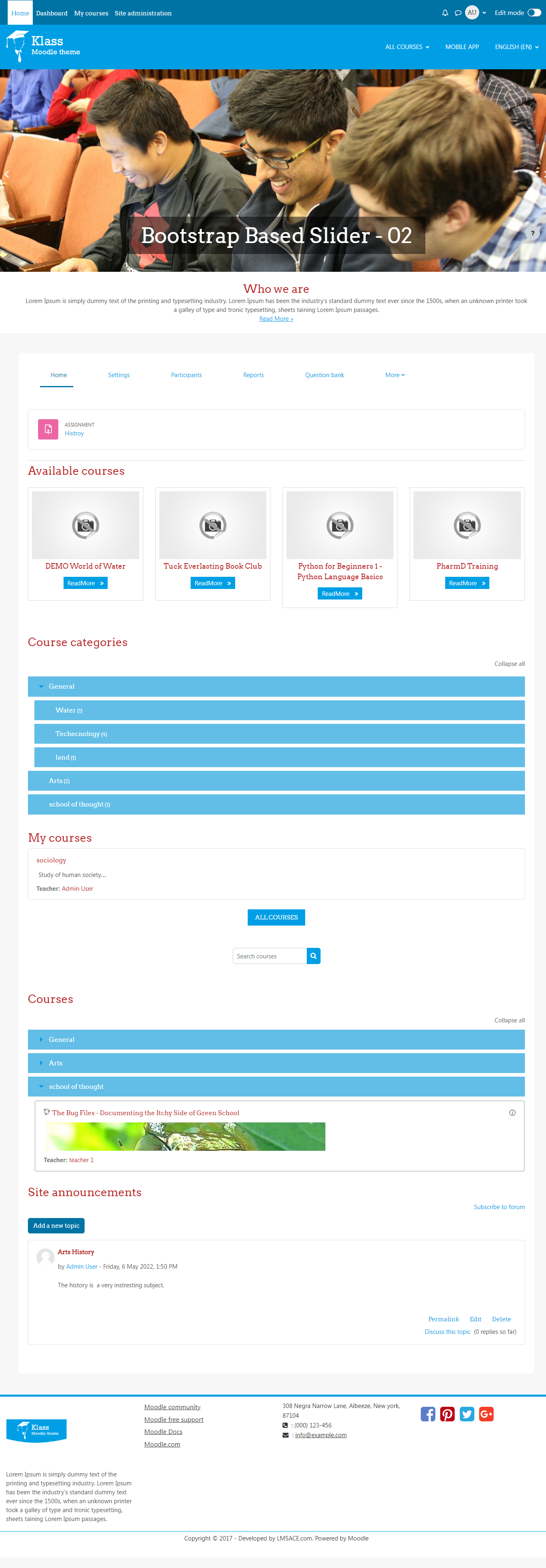
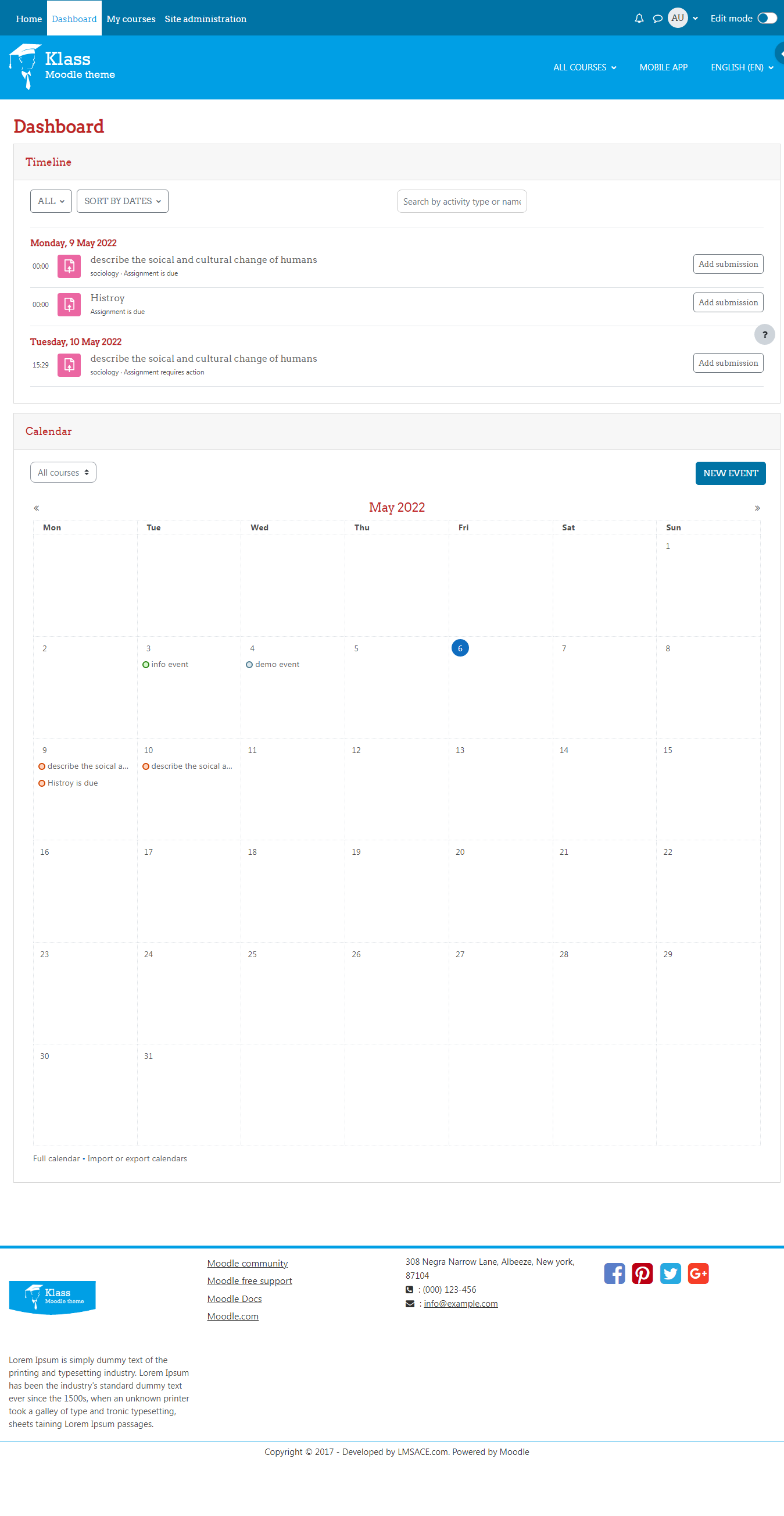
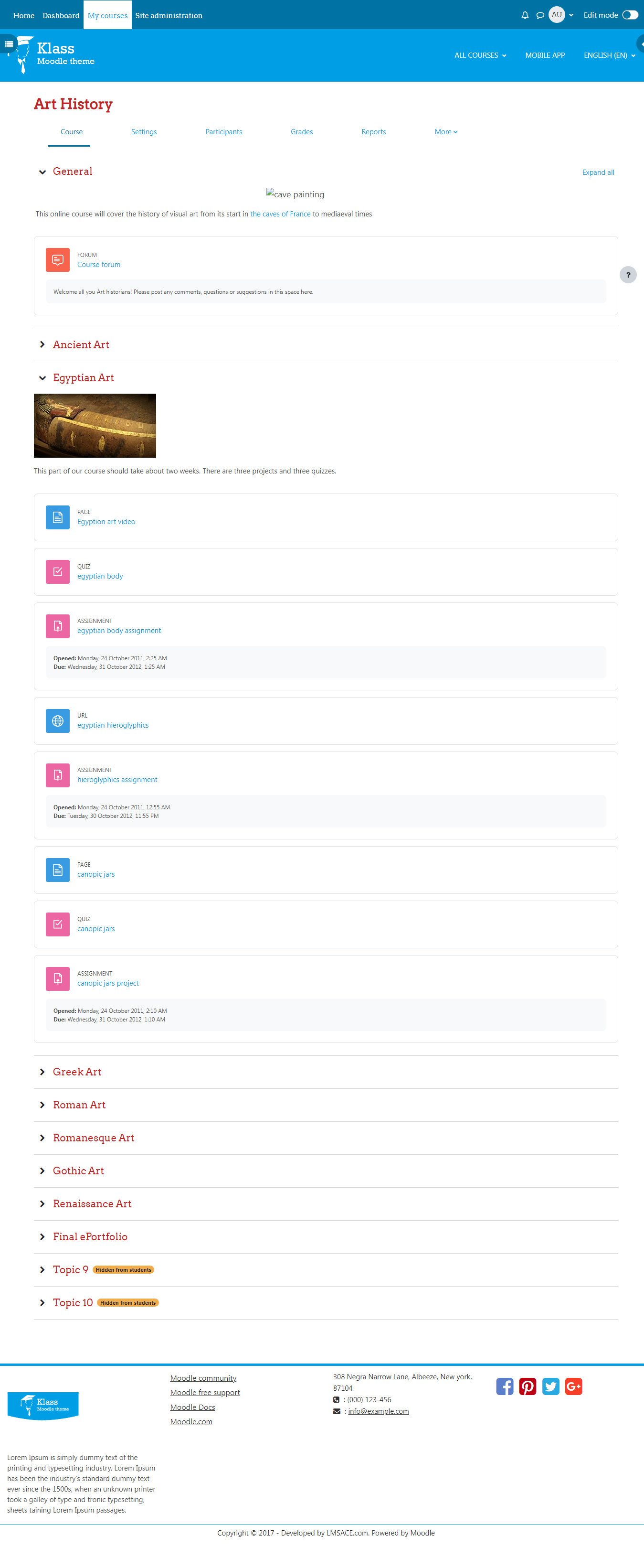
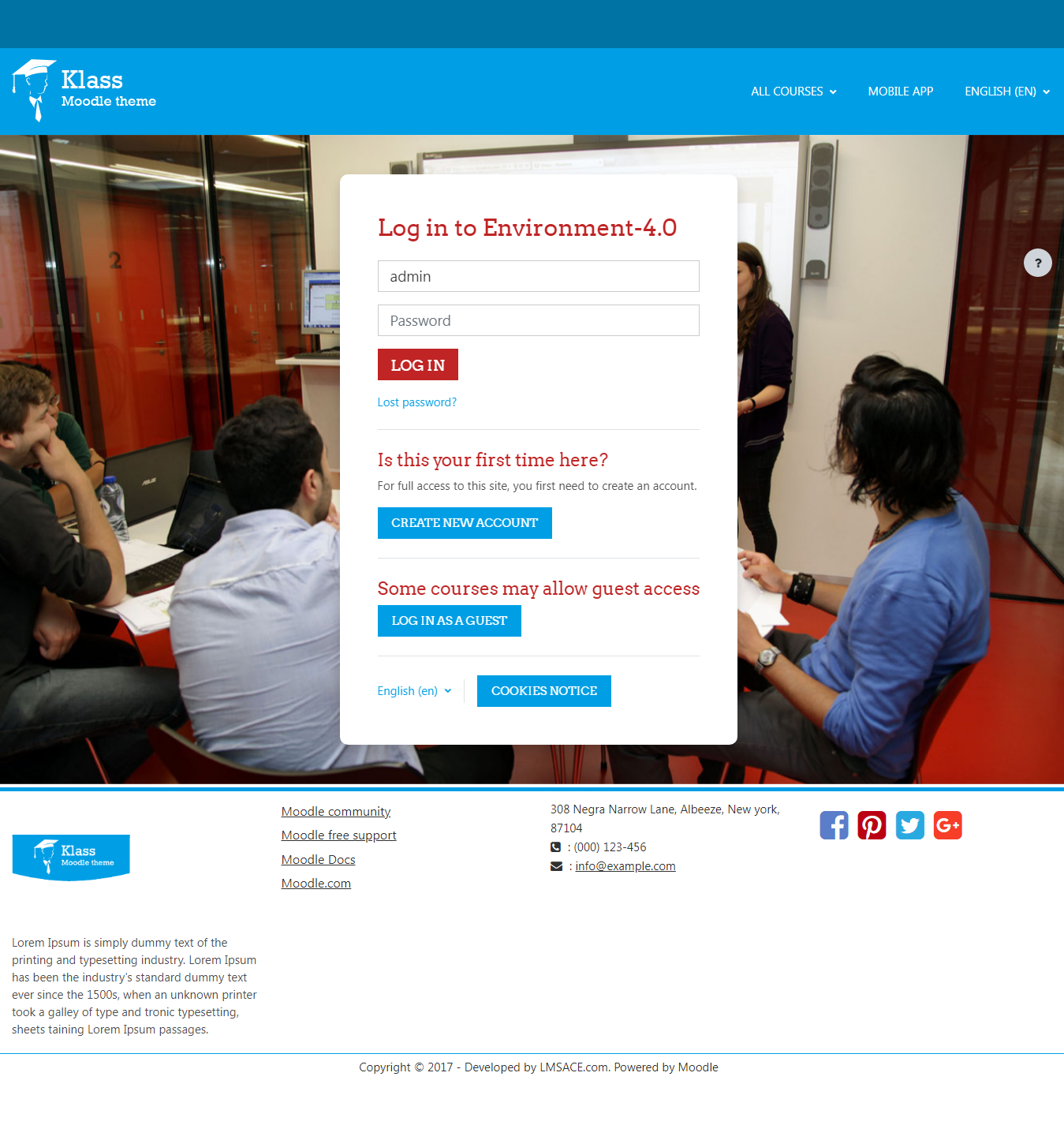
Klass is fully responsive and coded with the latest techniques in HTML5 and CSS3,so it will work on all devices, all browsers, and it does it all seamlessly.Just download and make your e-learn website modern.
Comments
Comments are no longer open for new posts. Existing comments remain available to read.
Contrary to what Nephzat mentione, this cannot be done for the slideshow from the theme settings.
Sorry for I took long to reply to you, buh Nephzat has explained it better than me, I also had my "read more" stuff changed here: https://elearning.strathmore.edu/
@Nephzat: many thanks indeed for the theme, my boss said it is "delicious"
Cheers,
I already worked that out by modifying course_renderer.php and slideshow.php, much cleaner look: http://www.xtrema.fr/training/
I believe you can find the lang key "newcourses" in the theme / klass / lang / en / theme_klass.php and change the string , so you can see the changes in homepage frontend. Also you can remove or change read more text in the theme / klass / renderers / core_renderer.php line number around 73 and 192.
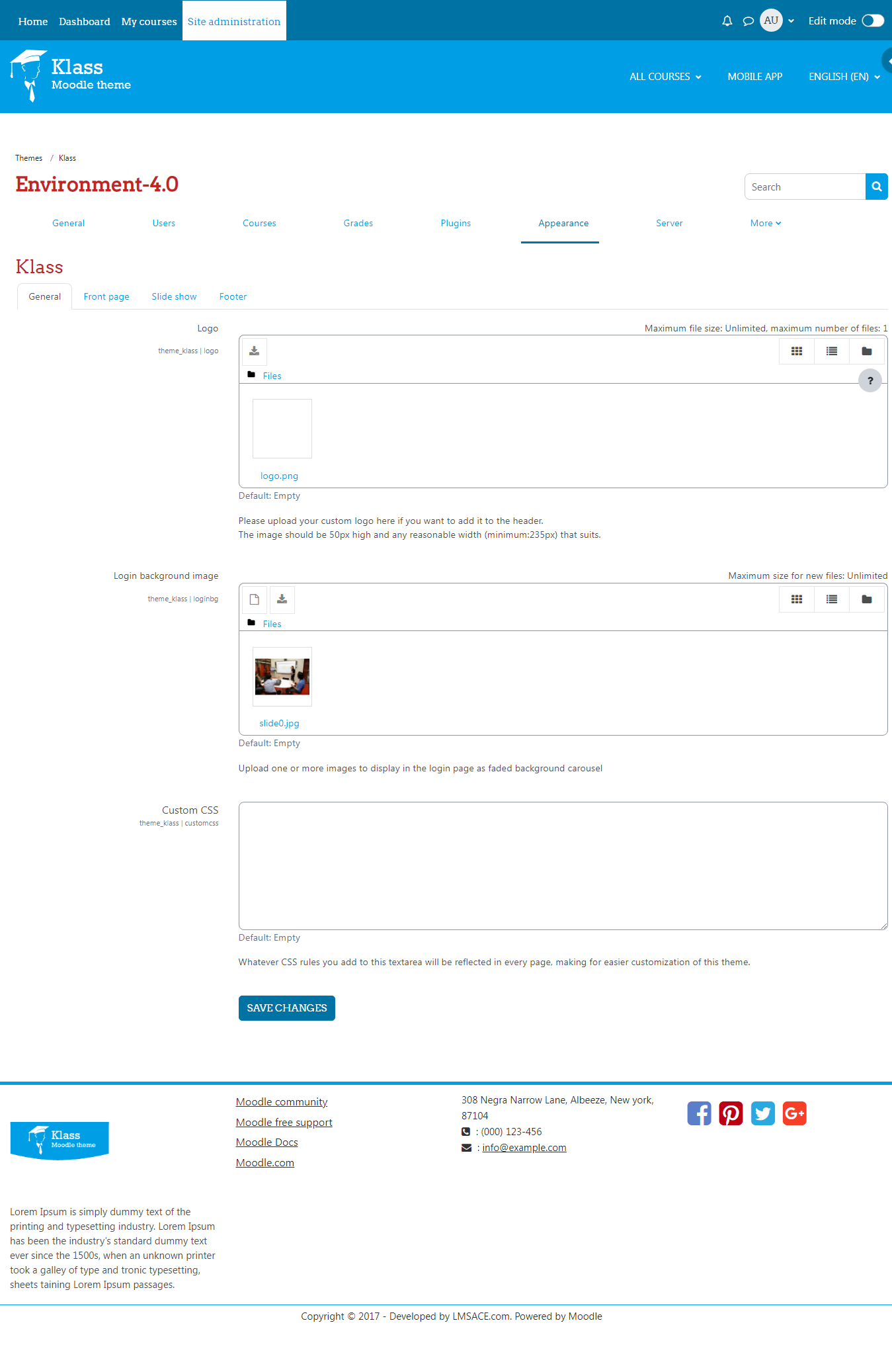
To manage slideshow image and contents , please go to Appearance >> themes >> klass >> slide show settings and can change it.
Let me know if you have any questions.
I'd really like a precise answer to my differents questions:
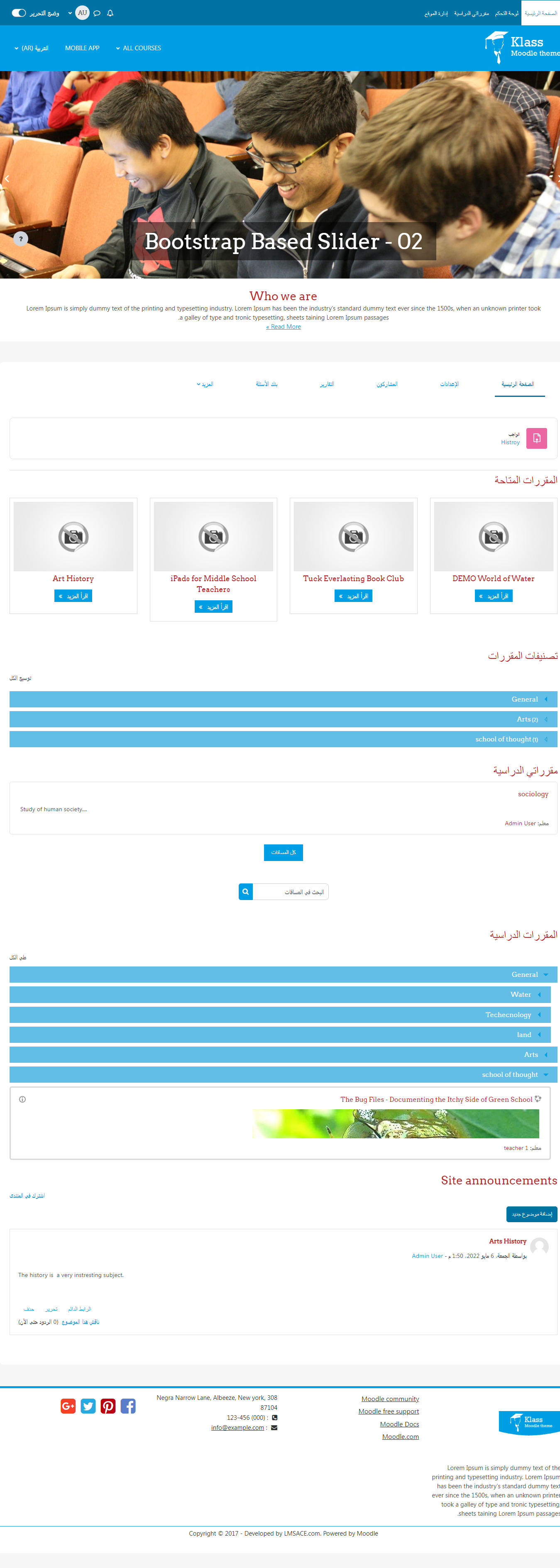
Where is the text of NEW COURSES on the front page as it is not in theme_klass.php?
How do I take away the Read More Buttons which are very annoying under the pictures of Courses and in the slideshow?
And how do I take away the caption zone on the slideshow?
Looking forward to your answers.
Best Regards
And how can I get rid of the Read More Buttons under the course pictures as well as on the slides pictures. On the slides pictures I'd like to take away the caption zone also.
The NEW COUSES text is in the language theme folder ...\moodle\theme\klass\lang\en\theme_klass.php [Line 90]
Cheers
I can't find anywhere how to get rid or change the title NEW COUSES just over course pictures
Hi , Sorry for the inconvenience , but i believe it's working fine for everyone , i just downloaded the source and unzip it it's fine anyway we will keep eye on it and make sure it, Kindly check your system side too , better kindly send me your email we will send you the source script.
Thanks
I can't find anywhere how to get rid or change the title NEW COUSES just over course pictures
I have downloaded the .zip for the theme but when I try to extract it it says that the file is corrupt or damaged. I am using Moodle version 2.8.
Thanks got it..
Please login as admin and go to Add / Edit course settings and find a field that name is summary file , upload your course image there so your course image will appear in front.
Thanks