
Klass
Maintained by
LMSACE
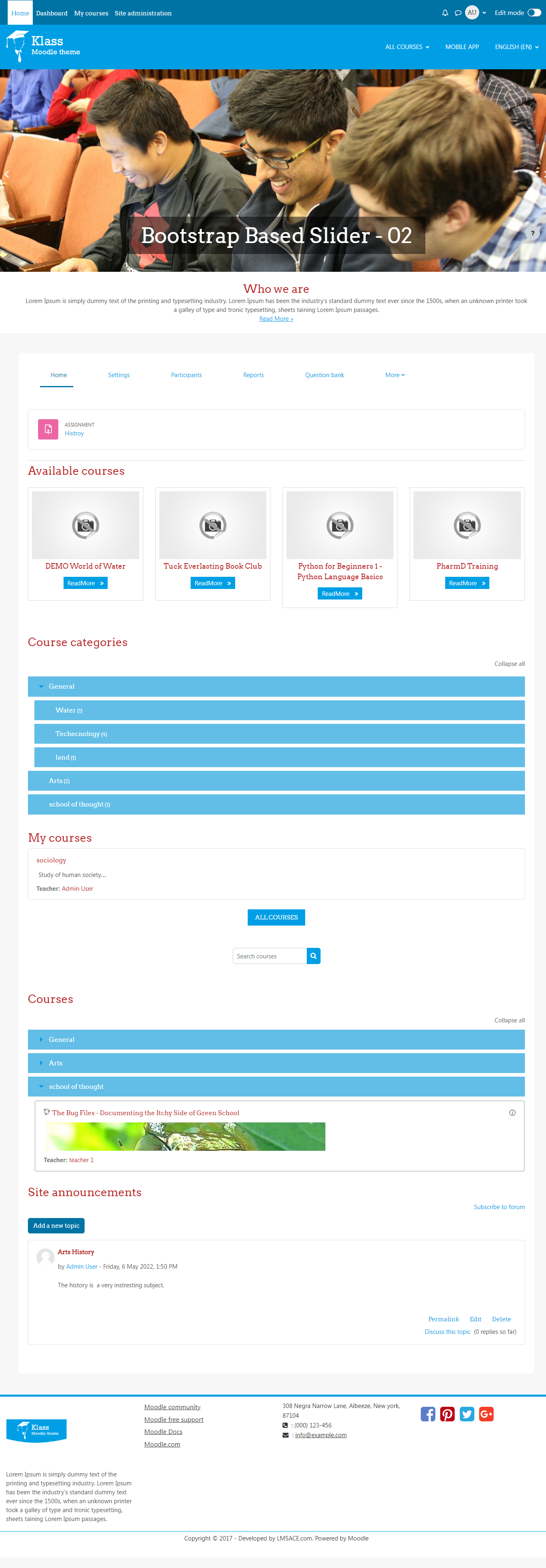
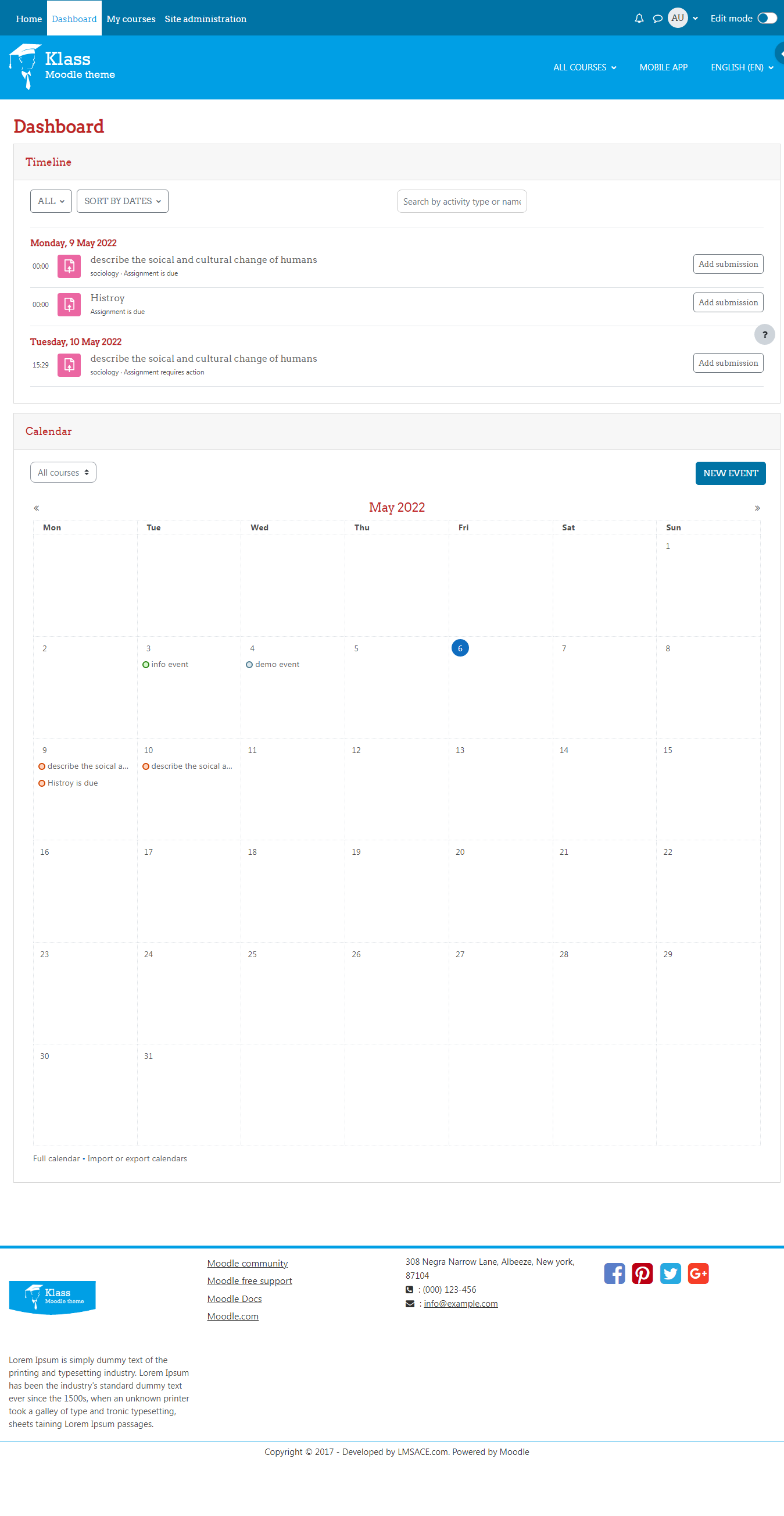
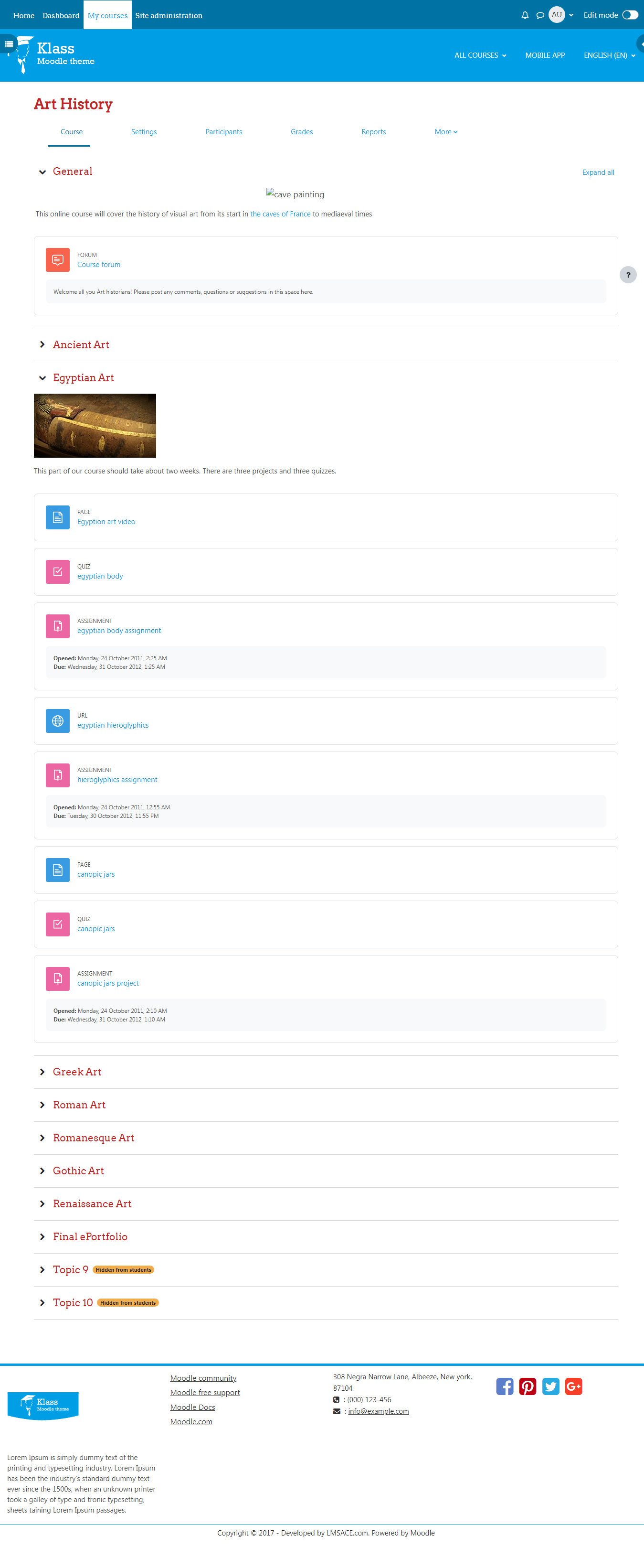
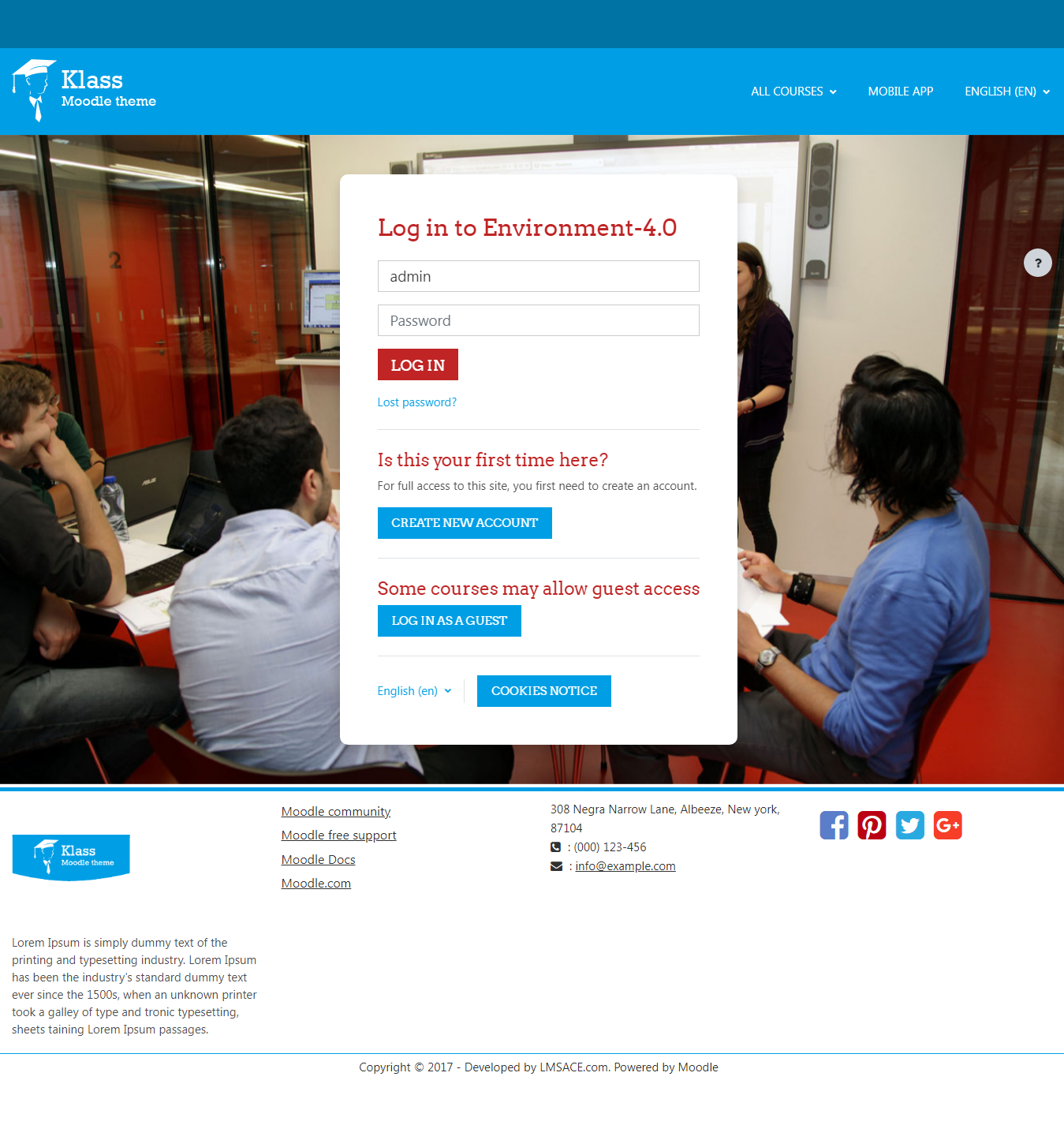
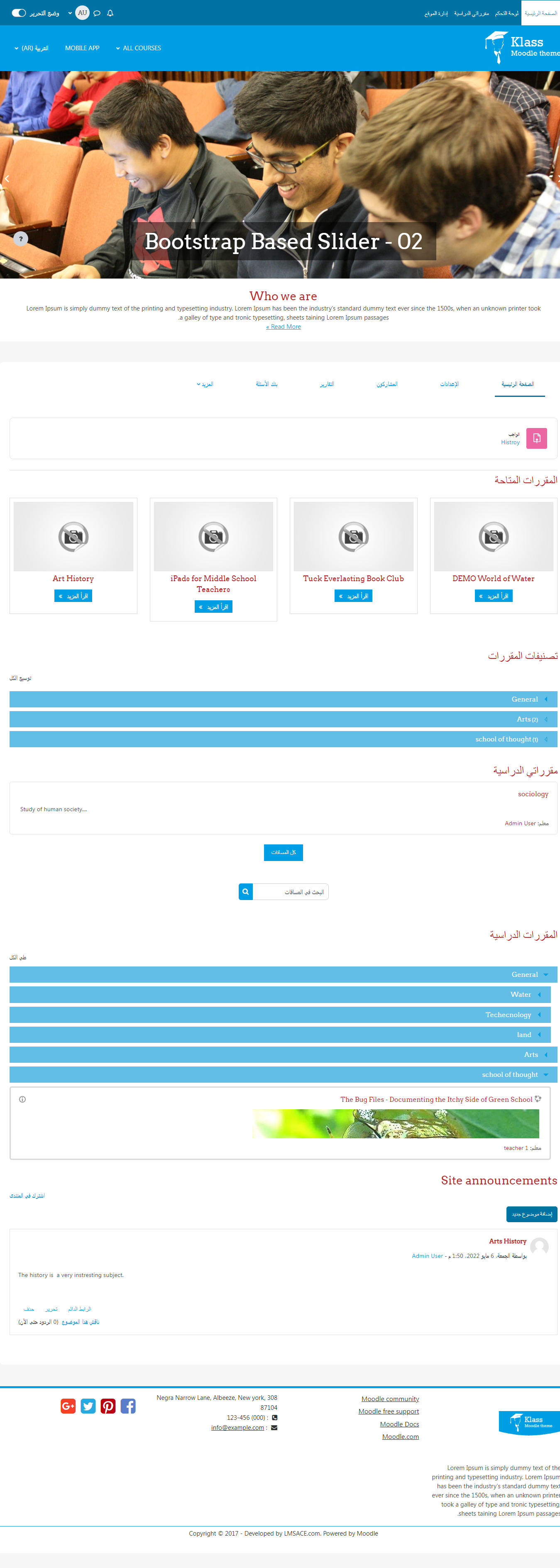
Klass is fully responsive and coded with the latest techniques in HTML5 and CSS3,so it will work on all devices, all browsers, and it does it all seamlessly.Just download and make your e-learn website modern.
Comments
Comments are no longer open for new posts. Existing comments remain available to read.
I can't manage a problem, when I connect on the home page, the slideshow does not appear !
I believe Moodle restricting the script tags due to security purpose , please find the script code below and add the tags as mentioned
// Please add the javascript open tag
$(function(){
$('.carousel').carousel({
interval: 2000
});
});
// Please add the javascript close tag
Thanks
Please go to your moodle root folder >> theme >> klass >> layout >> includes >> slideshow.php and add the following script lines at the bottom of the page (please make sure you that shouldn't put this script inside the <?php tags)
Even you can change the sliding duration by adjusting the value of interval 2000.
Thanks
Thanks for a great looking theme!
One small point - I notice that the slideshow on the Home page does not start automatically, only once it has been clicked does it start scrolling. Is there some way of changing this so the default behaviouris to auto-scroll?
Cheers - Henry
Thanks
We have released our Klass theme version 1.1 , Now the following things are included
# Added new logo for the theme
#Theme settings provided for frontpage "Who we are" section
# Theme settings provided to modify links in "INFO" block on footer section
# Theme settings provided to change social media links in "Get social" block on footer section
# Theme settings provided to change copyright information on footer section
Take a look and update.
Thanks
I feel great right now! I was able to actually edit the front page using your notes! You guys are great, and I really do appreciate all the hard work you put into doing this. I have another question though. How do I remove the "read more" link from the slider on the front page?
Thank you,
Keith
I've just downloaded the Klass theme and would like to know if you can change the colour of the background from blue or is it just a standard colour which cannot be changed?
If you can change it please could you explain how to.
Thanks
Just go to your Add course or Edit course settings and find the "Course summary files " in Description section and add your course image that's all you will get the course image in the front page.
Thanks
Regards
Andrea
Sure we would like to support you , Our dev team will answer you shortly.
Thanks
Thanks for your template. Please I would like to know
1) How can I do automatic and more fast the slideshow pics?, by admin panel only can add pics, not automatically or faster. Is this function in layout/includes/slideshow.php? wich is de appropiate code please?
2) I have create 02 new courses but the image per course in front page dont appears. How can add image to each course that i create and see it in front page?
3) I follow the recomend image size inside admin to slideshow pics, So I put in this size 1366x385 px, but it seems too big. What is the more apropiate size to the slideshow pics to see good in PC, laptop, tablet and smartphone at same time?
Thanks a lot !
Regards
Luchokike
Thanks for your great feedback , There is no content management option for this via admin in this version , will make it in next version, but we would like to guide you to change the details using the file
Just go to your moodle root folder >> theme >> klass >> layout >> frontpage.php line number 62 approximately , there you can change with your own details
Hope it will work fine , Please feel free to ask if you have any questions
Thanks