Checklist
Maintained by
Open LMS Development
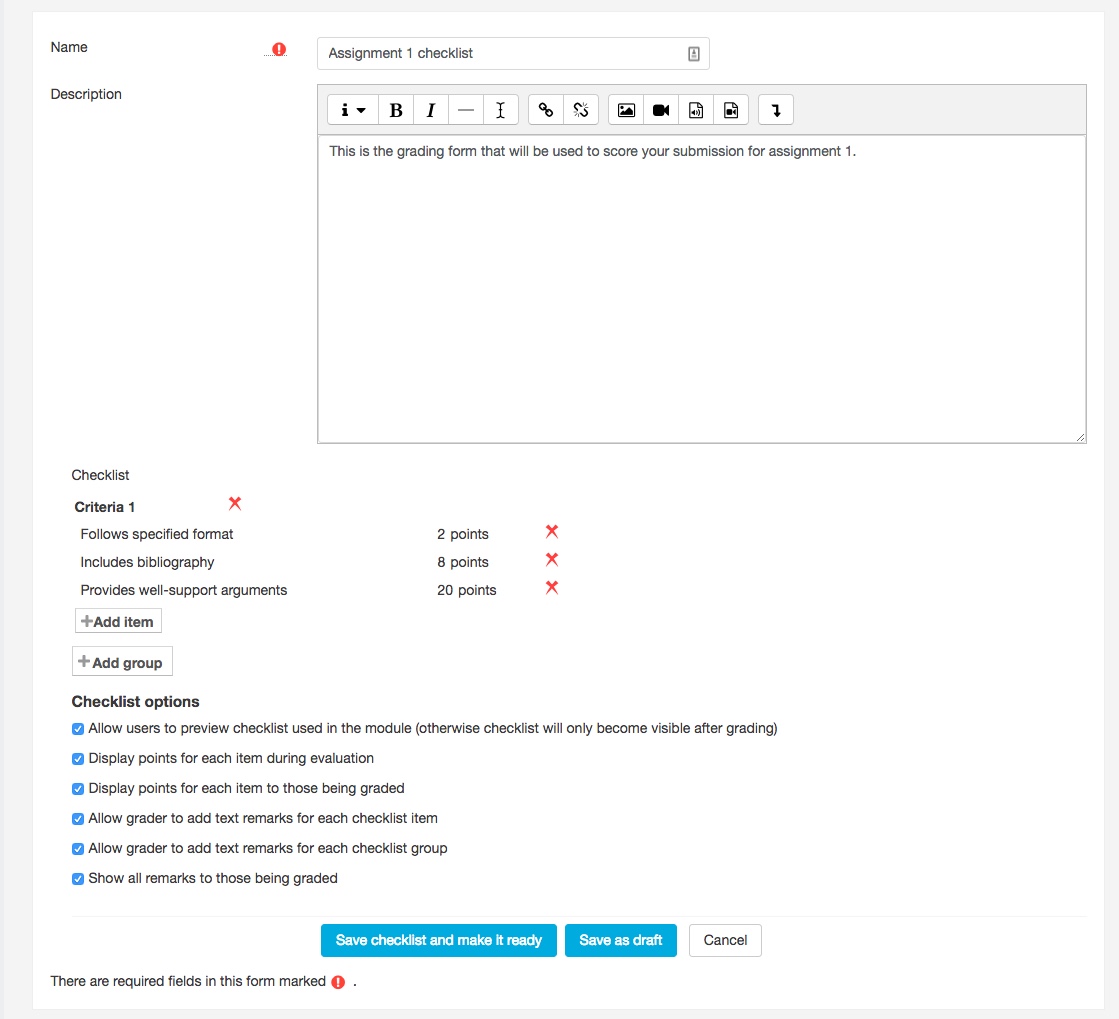
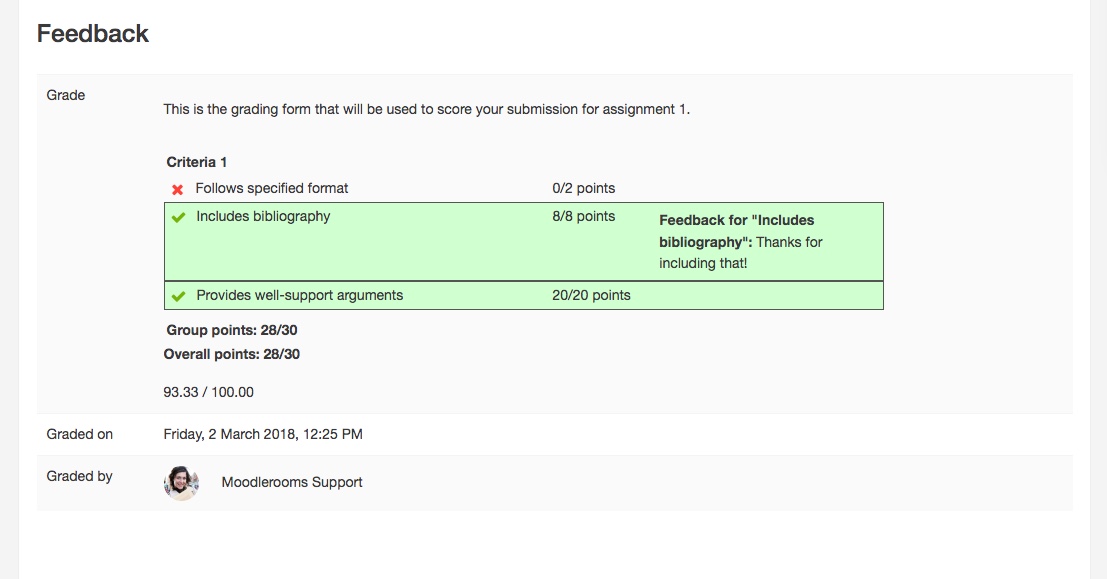
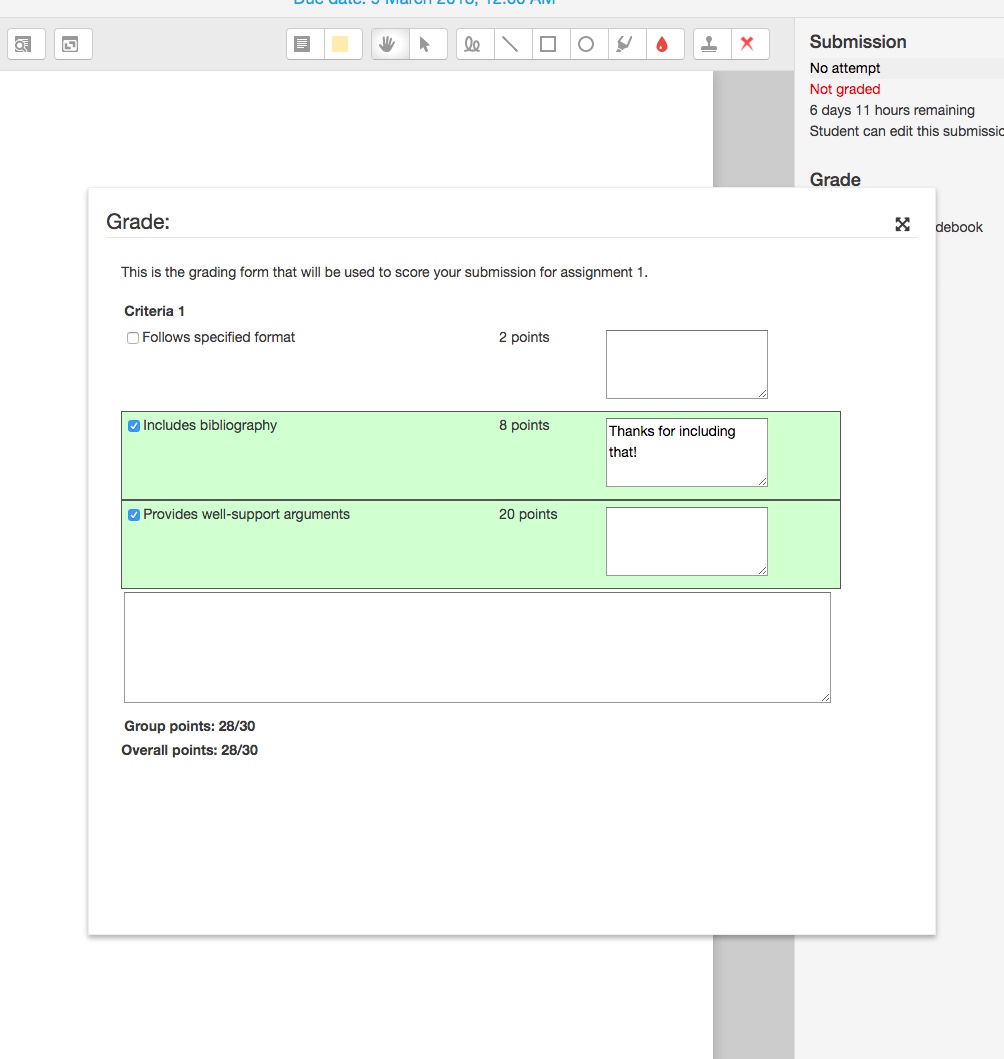
Moodlerooms is proud to release the Checklist advanced grading method, an easy way for the user and teacher to view a list of criteria and the associated grade value for each criteria.
Comments
Comments are no longer open for new posts. Existing comments remain available to read.
I really like the plugin, but I have a question regarding the grading system. In our rubric, we only select one level per criteria group based on the student's performance. However, the plugin currently sums all the selected levels, which results in a total score exceeding the maximum (e.g., 10).
We would like to ensure that the maximum obtainable score remains 10 and that only the highest level achieved in each criteria group is considered.
Is there a way to configure the plugin so that only one level per group is selectable, rather than summing all levels?
Thank you in advance for your help!
Best regards
1. The ability to paste multiple criteria at once. ie: copy 10 lines of criteria and paste once - 10 new criteria is created instantly - similar to google forms
2. the option to change the green colour
3. write "comments" in very light grey at the top of each comments box as placeholder text - some of my new teachers write the score in the comments box when they first use
4. a help icon at the top for new teachers telling them to click each criteria and write comments in the box
Thanks for listening and great job with the plugin
Just broke my Moodle installation trying to upgrade
Version 3.4 is available now. Thanks for the heads up.
Best regards,
Blackboard Open LMS development team
In what activity can it be used?
Thanks!