
Level Up XP - Gamification 🏅
Maintained by
Frédéric Massart ⭐
🔥 🤩 The easiest way to add gamification to your Moodle site! Engage your learners! Gamify their learning experience to increase participation and completion rates. #gamification #engagement
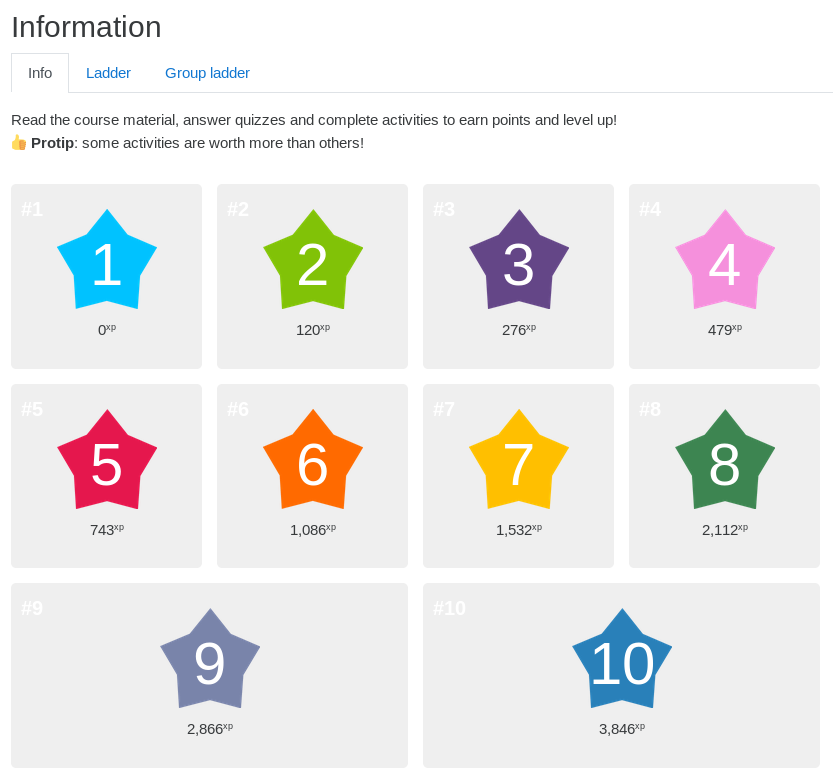
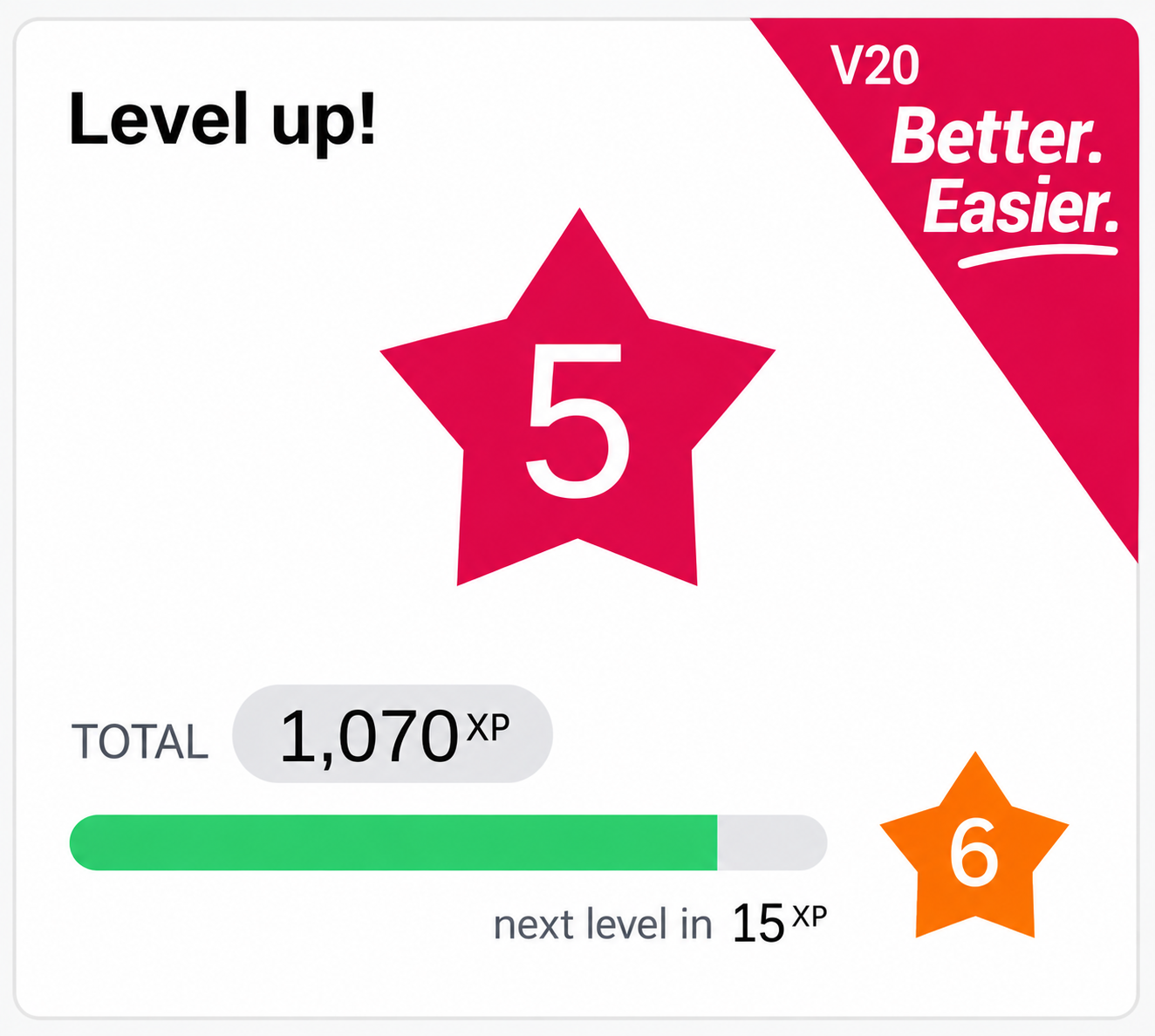
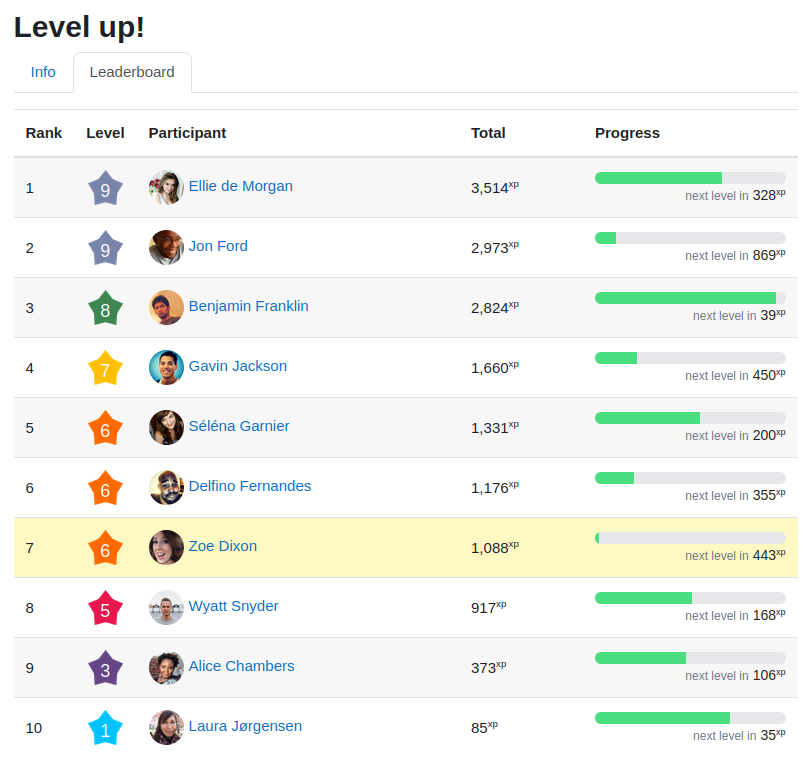
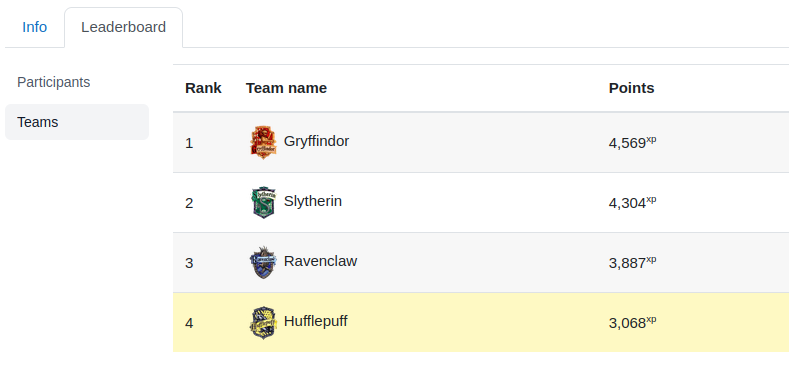
Comments
Comments are no longer open for new posts. Existing comments remain available to read.
First off, I'd like to congratulate you about your work. Fantastic!
Second, it'd be great to have an option to trade the points collected. This is related to the virtual money/market mechanics of gamification. Have you ever thought about it? Points could be used to join a VIP group, give them to a friend, add a distinctive mark to the avatar, level-up in the profile's role/permissions to help the teacher, etc...
Thanks!
Andoni.
@andonisanz
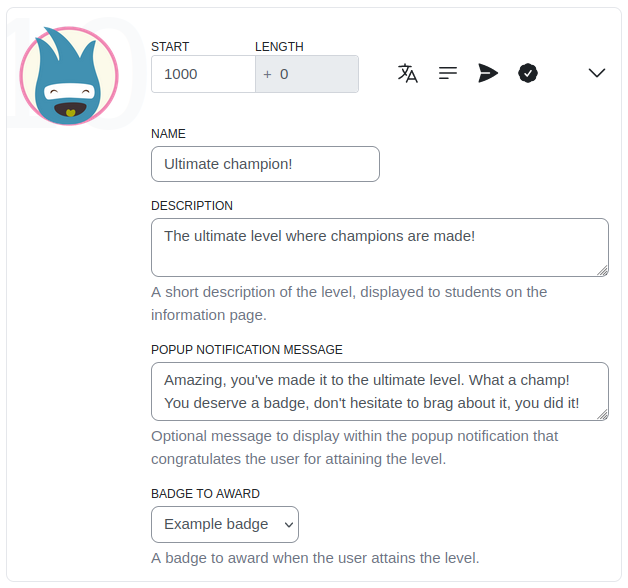
You can add a description for the level, but not change its name. That is an interesting request, can I ask you to suggest the issue here: https://github.com/FMCorz/moodle-block_xp/issues
Meantime, maybe you can find a workaround by uploading your own images for the levels.
Cheers,
Fred
Hi Lizet, at the moment I don't think there is, however you might be able to 'trick' it by using the other plugin: https://moodle.org/plugins/view/availability_xp which allows you to hide/lock an activity until a certain level is reached. So you could hide an activity until level 3 and ask your students to visit it. In the course completion you would then check if they visited or. I have not tried, but maybe you can get something like that working.
Cheers!
One of the rules for student to complete their course is gain level 3 at least.
Thank you in advance!
Kind regards
I have to look into it, but I suspect that I forgot to handle backups, I will look into it when I have time.
Cheers,
Fred
I have found a small problem, that I put already in the bug tracker. When you restore a course containing the plugin enabled you always get a disabled plugin. If you can have a look or give me a clue, it would be very nice.
Thanks in advance!
Santi
May I suggest raising an issue and continuing the discussion on the plugin's tracker issue? http://github.com/FMCorz/moodle-block_xp/issues
It is easier to keep track of feature requests and their associated discussions.
Thanks!
I would like to see your suggestion implemented but perhaps with a top 10 for the entire course and then the 2 people immediately above and below you.
Thanks for your feedback! I am glad to see that the plugin is being used in real environments and I would be happy to hear about the results of your gamification experimentation.
Unfortunately it will never be easy for me to prevent the students to trick the system. The more barriers you put, the more fun
The plugins entirely relies on the "events" triggered by the system. The default behaviour of "Level up!" is to allow N points for the events of type "Create", "Update" and "Read". The "Delete" actions are ignored. The problem you are facing is that you want a greater level of granurality that I cannot provide as a default, even though it makes perfect sense. I assumed that teachers would have to experiment with the plugins to see when and where events make sense and don't, and from there maybe we can improve block_xp to reduce the world load when setting up a course.
In the mean time, may I suggest you to redefine the Read, Update and Create events and give them 0, then on top of that you can add the specific events that you want to reward your students with, say submitting an assignment, or posting to a forum. To find out what events/actions are available, observe the Log reports which will contain all the actions performed by your or your students.
Another way to limit the "places" where a student can earn experience points is to use the capability "earnxp" or something like this. The modules in which the user does not have that permission will not be awarded anything. That can be useful if you want to blacklist an activity for example.
I hope that helped, let me know how it works and please keep on sharing your experience.
(Filing bugs or improvements requests on the Github page helps also ;)).
Cheers!
Some problems I have run into include students refreshing a course page to gain points. Is there any time function built into the code which would prevent repeated actions within a short time period? and can this be adjusted within the code? As my students are a bit younger, some of them are more interested in gaming the system to receive points instead of doing the work to receive points.
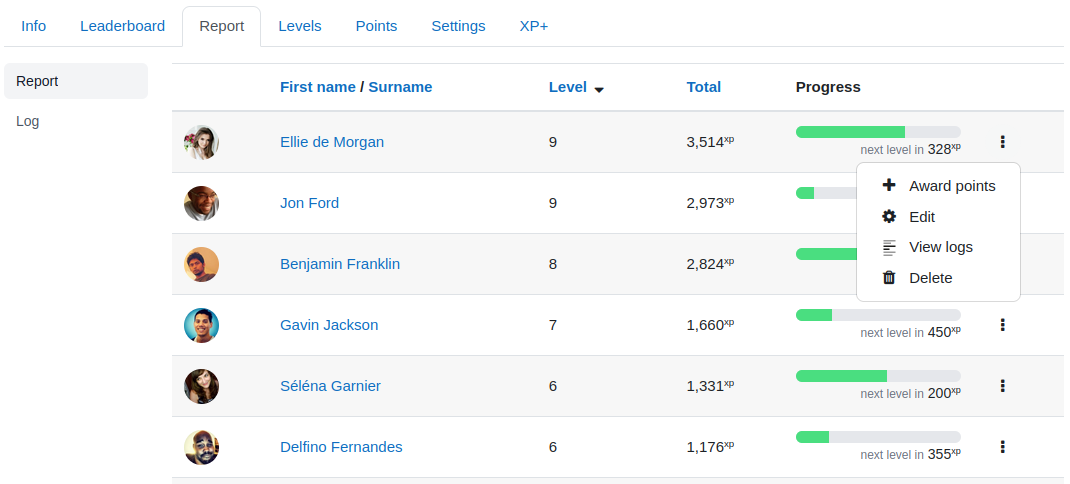
One thing that would be great for my application would be if all of the default point values were zero to begin with and then I can select what I want to award points for. Currently as I look through the report I am surprised at what actions are being awarded points and then I often have to go in and lower them or set them to zero. I realize I could raise the point values for each level but I would like to be able to identify to students what actions receive what point values. For example when students submit an assignment I would like them to receive 10xp. Currently adding a submission is awarded points. If text is entered then that is awarded points as well. If a file is uploaded points as well. Many things are happening with one submission it is difficult to predefine how may points are going to be awarded for that action(s).
Students want to know what they will receive points for. It gets a bit difficult for me to predefine these values.
All in all a great plugin. Just need to tailor it to my particular application.
Thanks!