
Level Up XP - Gamification 🏅
Maintained by
Frédéric Massart ⭐
🔥 🤩 The easiest way to add gamification to your Moodle site! Engage your learners! Gamify their learning experience to increase participation and completion rates. #gamification #engagement
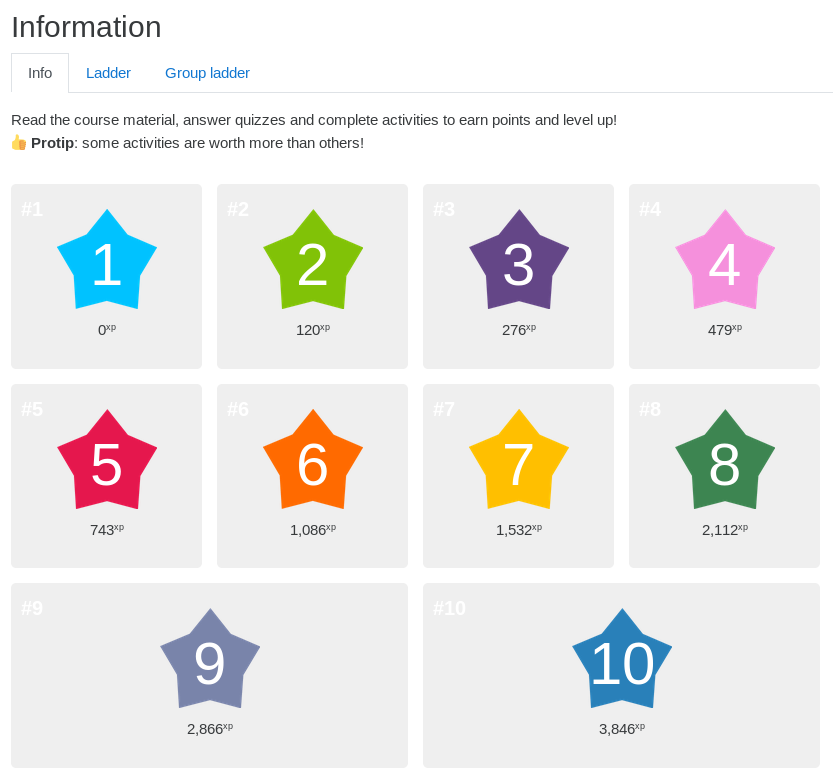
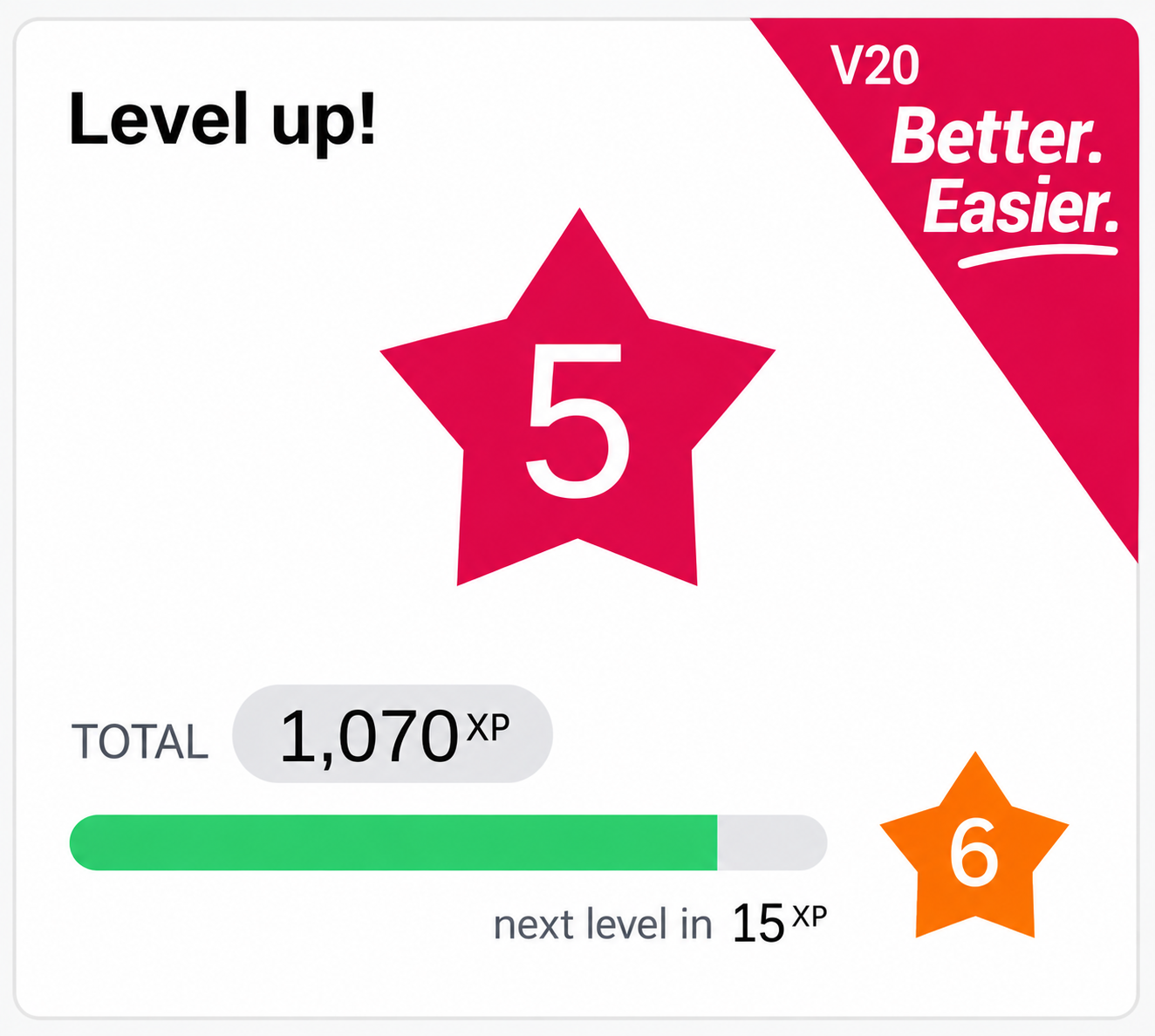
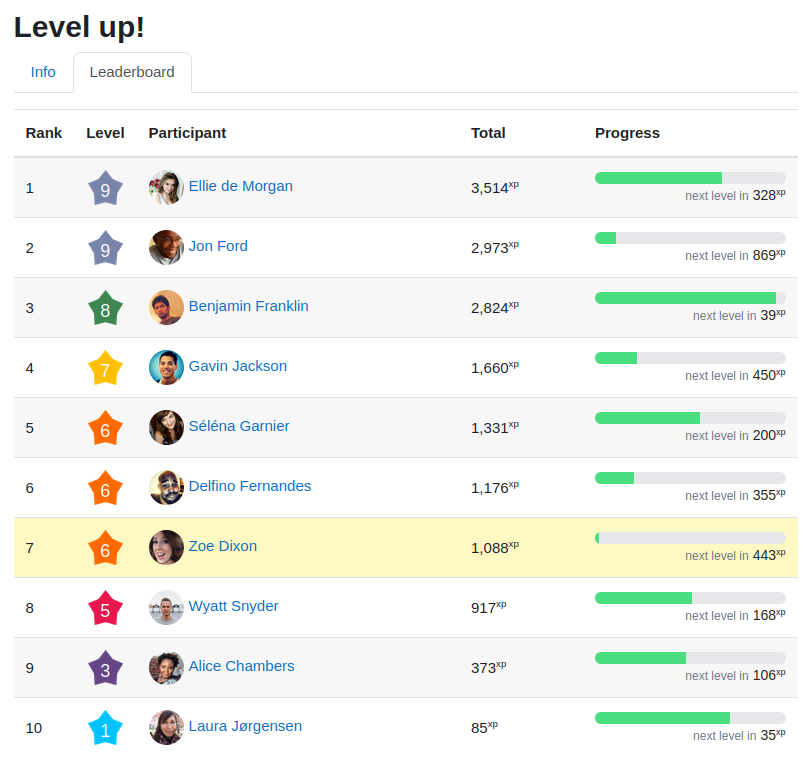
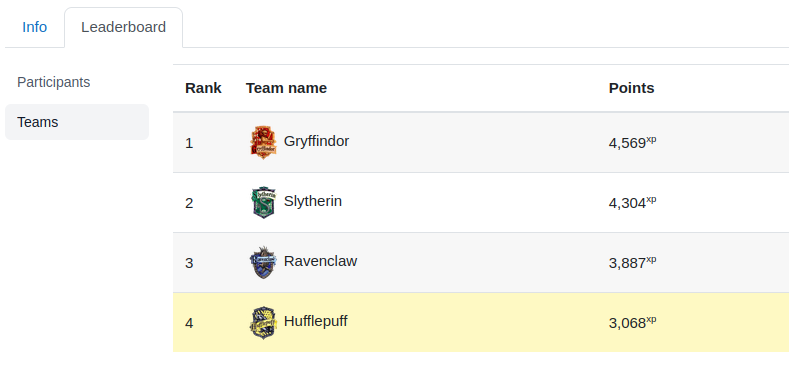
Comments
Comments are no longer open for new posts. Existing comments remain available to read.
At the moment I have just installed and tested with one URL activity in a course.
Visiting the site gives me XP's. However doing the activity again I get rewarded a second time. Clicking it several times made me complete level 1. Shouldn't doing the same activity be de-duplicated? Or is this the way it has been designed?
We are on Moodle 2.7 (Build: 20140512)
mysql (5.5.37-0ubuntu0.12.04.1) 5.5.37.0.0.12.04.1
php 5.5.12.2.1
it is not possible to install it on 2.6 except if you update a tiny bit the code. But, 2.6 has such a low support of events that you would not really get much out of the plugins.
The experience gained is based on the user actions. When things happen in Moodle, some events are triggered. Each event tell us if the user was creating, updating, deleting or just viewing some content. At that point, the plugin block_xp listens to those events and give experience point according to those actions.
From memory you get:
* Creating: 45
* Updating: 9
* Deleting: 0
* viewing: 3
Those are arbitrary values that I've set, but I plan to provide an interface to customize those and get more control on what gives how much XP.
I was successfully able to install the plugin and it appears to function as expected although I did not have enough sample data to do any serious testing.
Code checking shows:
Files found: 20
blocks/xp/log.php - 1 error(s) and 0 warning(s)
blocks/xp/rules.php - 1 error(s) and 0 warning(s)
blocks/xp/renderer.php - 1 error(s) and 0 warning(s)
blocks/xp/classes/helper.php - 6 error(s) and 0 warning(s)
blocks/xp/classes/event/user_leveledup.php - 1 error(s) and 0 warning(s)
blocks/xp/classes/report_table.php - 1 error(s) and 0 warning(s)
blocks/xp/classes/progress.php - 1 error(s) and 0 warning(s)
blocks/xp/classes/log_table.php - 1 error(s) and 0 warning(s)
blocks/xp/classes/settings_form.php - 1 error(s) and 0 warning(s)
blocks/xp/classes/manager.php - 2 error(s) and 0 warning(s)
blocks/xp/lang/en/block_xp.php - 1 error(s) and 0 warning(s)
blocks/xp/styles.css
blocks/xp/block_xp.php - 1 error(s) and 0 warning(s)
blocks/xp/edit_form.php - 1 error(s) and 0 warning(s)
blocks/xp/db/events.php - 1 error(s) and 0 warning(s)
blocks/xp/db/upgrade.php - 1 error(s) and 0 warning(s)
blocks/xp/db/access.php - 1 error(s) and 0 warning(s)
blocks/xp/version.php - 1 error(s) and 0 warning(s)
blocks/xp/report.php - 1 error(s) and 0 warning(s)
blocks/xp/README.txt - 1 error(s) and 0 warning(s)
Total: 25 error(s) and 0 warning(s)
Most of those were default timezone messages - nothing significant. I am going to go ahead and approve the plugin.
Peace - Anthony
I have updated the plugin to use the beta version of 2.7. I do not wish to use Moodle Docs at the moment so I linked to the readme file on Github which has a bit of information.
Cheers,
Fred
In order to review this plugin, the version(s) of Moodle for which it is intended needs to be specified. You can find this by navigating to the plugin, going to the Download versions tab, and clicking on the Edit details link for the most recent version. Under the Supported and/or required software section, select the Moodle versions for which that particular version of the plugin is designed to work with and then Save changes.
Please provide a documentation URL. You are welcome to create your documentation in Moodle Docs, See http://docs.moodle.org/dev/Plugin_documentation for more information.
For now, I am going to mark this plugin as needing more work until we get these issues resolved. Thanks for your patience with the review and approval process.
Peace - Anthony