
Booking
Maintained by
Wunderbyte GmbH, David Bogner
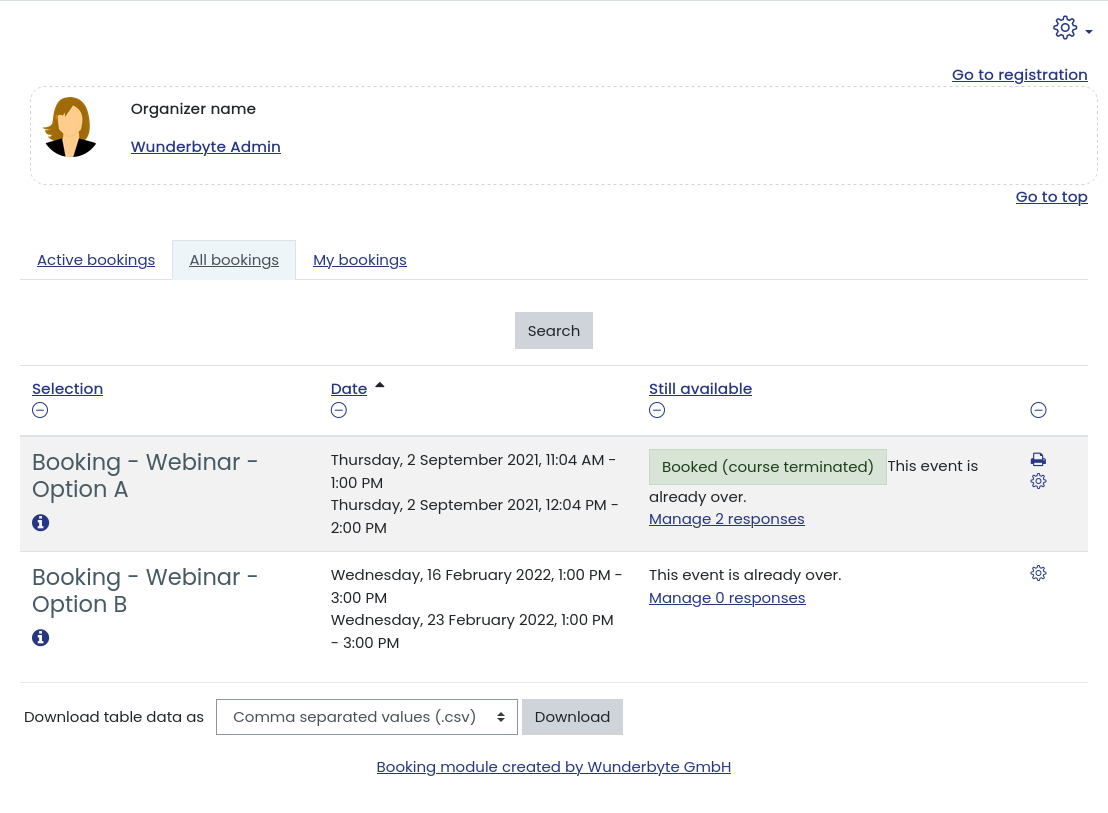
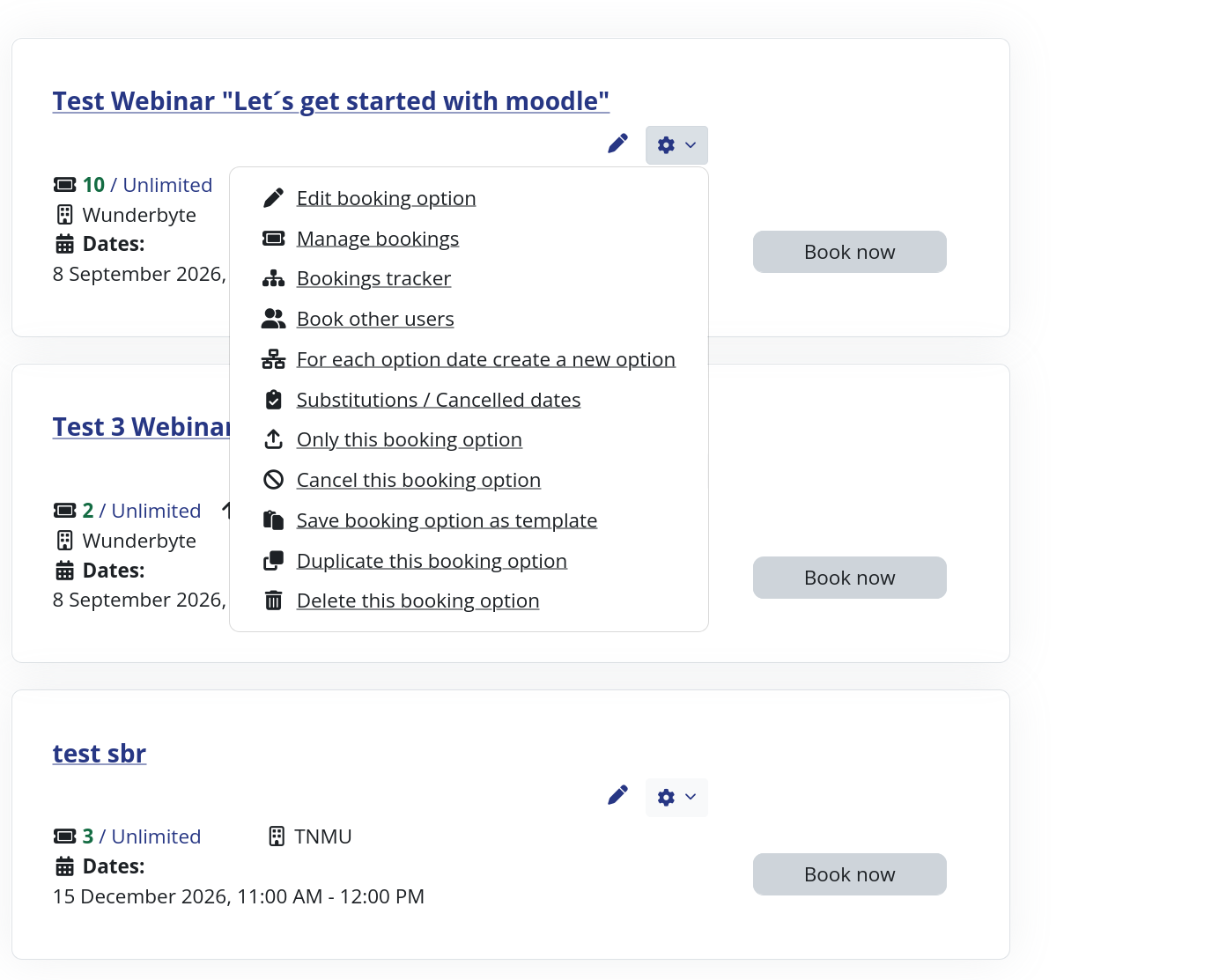
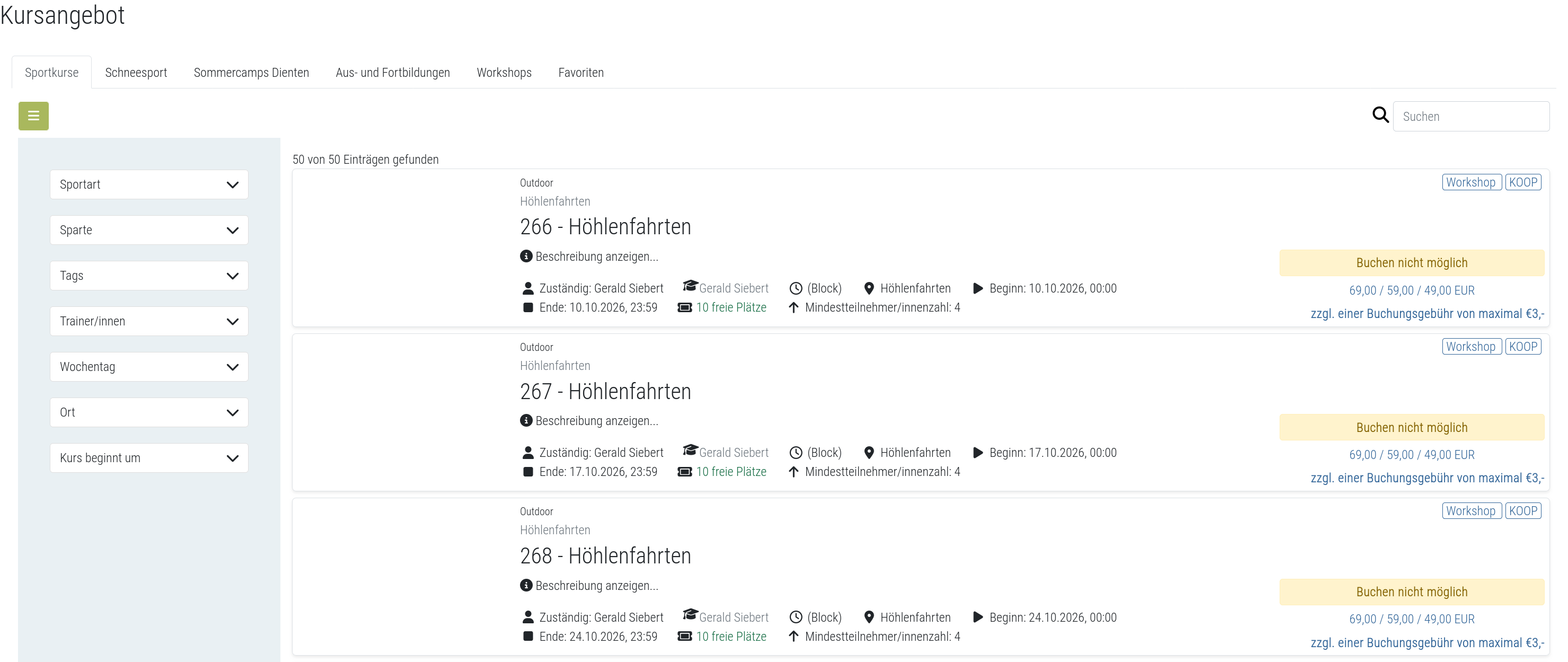
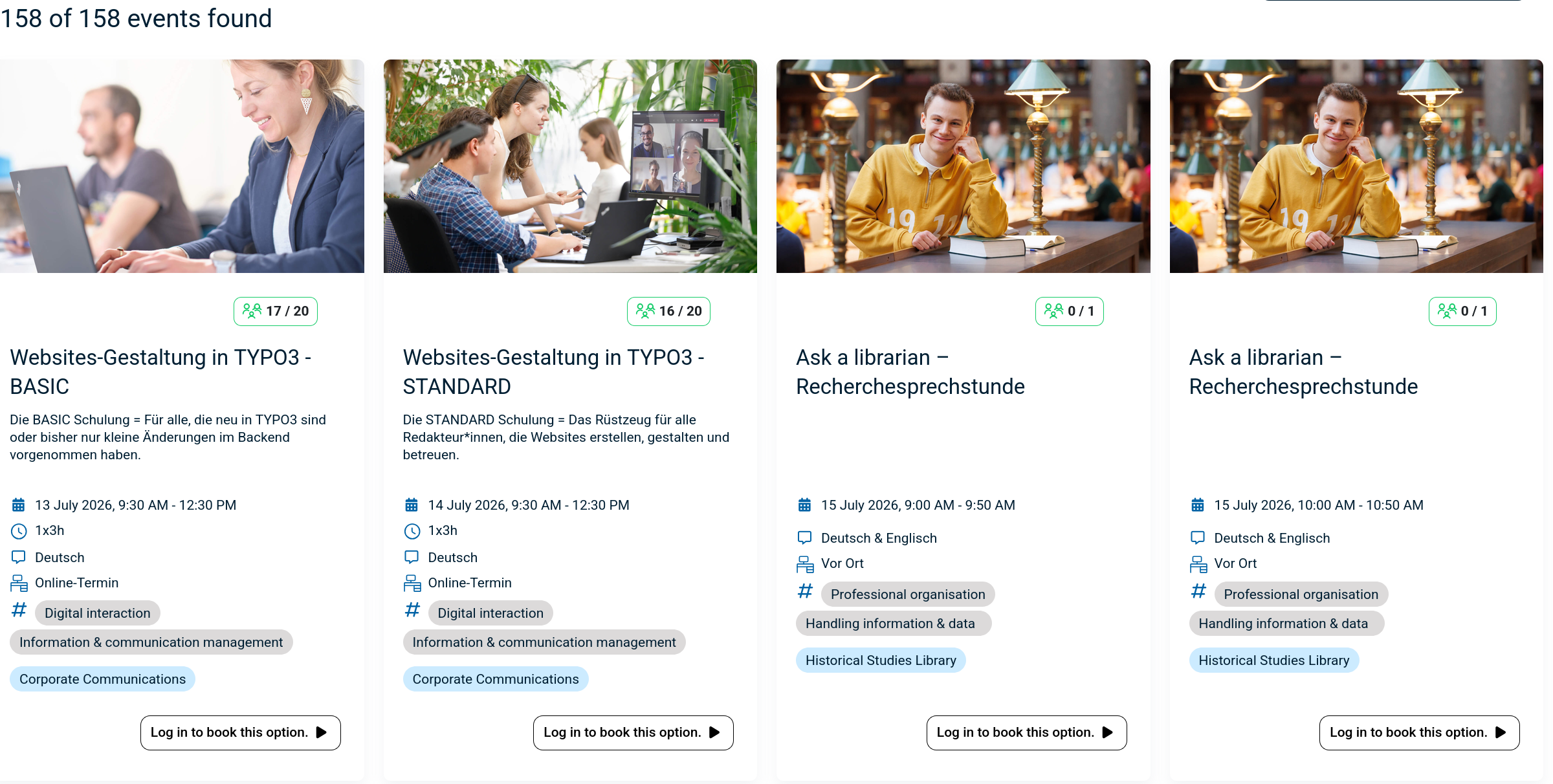
The booking module simplifies event, seminar, and course registrations. 500+ Features include capacity limits, automated waitlists, custom email notifications, confirmation tracking, and seamless integration into Moodle courses.
Comments
Product ratings and reviews are coming to Moodle Marketplace. Until then, existing comments remain available to read, but new posts have been disabled.
you already answered your question yourself. The implemented tags are in the language file (also in the help buttons in beneath the according settings in the booking plugin). I do not think {description} will work. You can try {text} (that would maybe render the description, but I am not sure. Best thing would be to test it and report back here, if it worked.
Kind regards,
David
New question:
Is there a "placeholder" for the "description" field in the booking option?
I can use things like {startdate} and {location} but would like to be able to use {description} however I am not sure if this is possible.
JC
https://github.com/dasistwas/moodle-mod_booking/blob/master/lang/en/booking.php
I have the latest module working on Moodle 3.4.9. So happy that it exists!
However I can't get the email notifications to go out automatically.. I have to "send out a reminder email" to get it to go. Is there a setting for this that I am missing?
JessC
thank you for reporting the problem. I will have a look into it.
Kind regards,
David
My site is using version 2019052800 of the Booking module. Our mobile app users report they are still being prompted to open Bookings in a browser. Booking is not disabled in the site's mobile settings. Is there something more I need to do to get it working in the mobile app?
you can sort the bookings by clicking on the title of the date column in the bookings overview. However a possibility to configure the default order is not yet implemented. You can always create a feature request on the github issues section of this module.
Kind regards,
David
First of all, thank you for this plugin. We LOVE it at our college. We use it to manage staff development training sessions.
I wondered if there's a way to order the bookings so they're in date order for users? Normally we create the bookings in date order so that's how they appear, however I've added a new booking, and it's been created at the bottom of the list. Is there any way of moving this new booking to the top of the list?
Kind regards
Emma
thank you for the bug report. I will investigate this and I think in one of the next versions, a fix will be available. I can not say anything about time frame, because the development of the plugin depends largely on institutions who finance new features or need support.
Kind regards
David
Although, I think I've found a bug... Could you help me how to fix it?
My moodle is v3.3. and the plugin version is v3.1.
If I'm enrolled into a course "Course A" and I create a event not associated to a course, the Moodle calendar, shows the event without any problem.
But, If I create a event inside Course A, that is associated to Course B, the event doesnt appear on Moodle Calendar. If a user book himself into the event, the plugin enrol him inside a group of Course B normally. The only bug is on Calendar.
Thanks!
I was able to get it to display in Moodle 3.4 with the latest version of the booking Module.
The latest version of 3.5 did not work with this Module for me (hosted locally or on a server).
I am building from scratch so will use 3.4.
Apologies for being a Newbie at this. Guidance is much appreciated. Please see more details below.
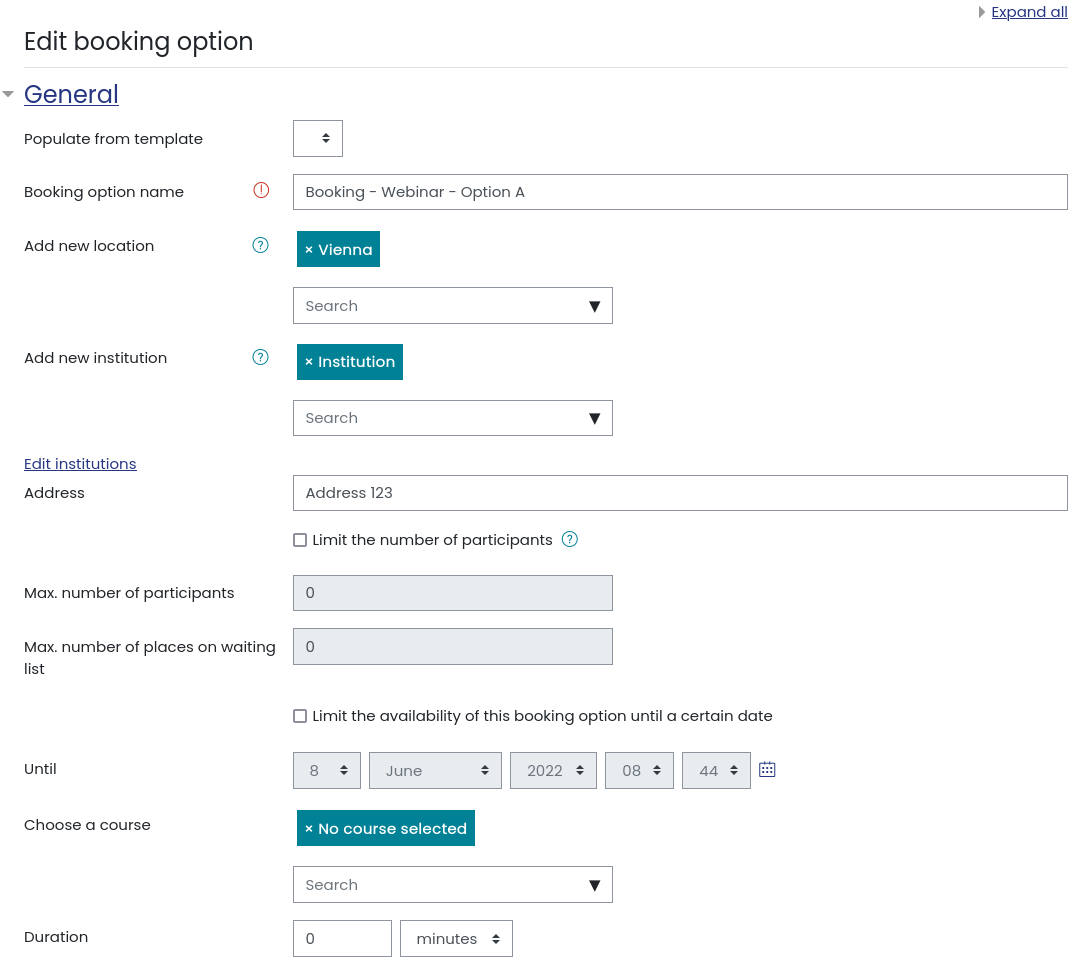
I can see the booking Booking Block (I believe this is the right term), and I have created a booking option. I can "edit this booking option" as well. I have filled most of the fields, but when I go back to the course, the booking options there are all blank with no buttons or any information.
You can see for yourself here if you like:
http://www.stalwartconsulting.ca/Moodle/moodle/mod/booking/view.php?id=2
(I bet you need to sign in)