Booking icon

Booking

Maintained by Wunderbyte GmbH, David Bogner
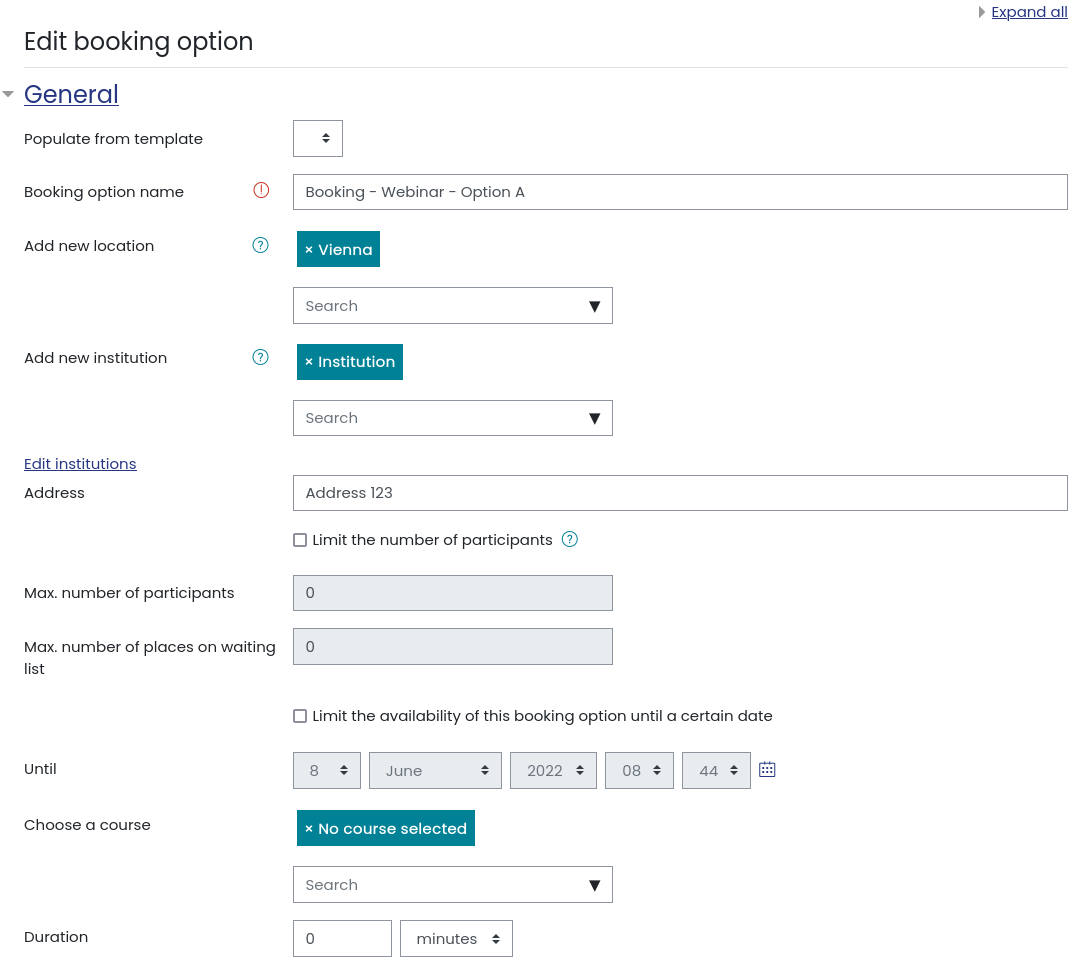
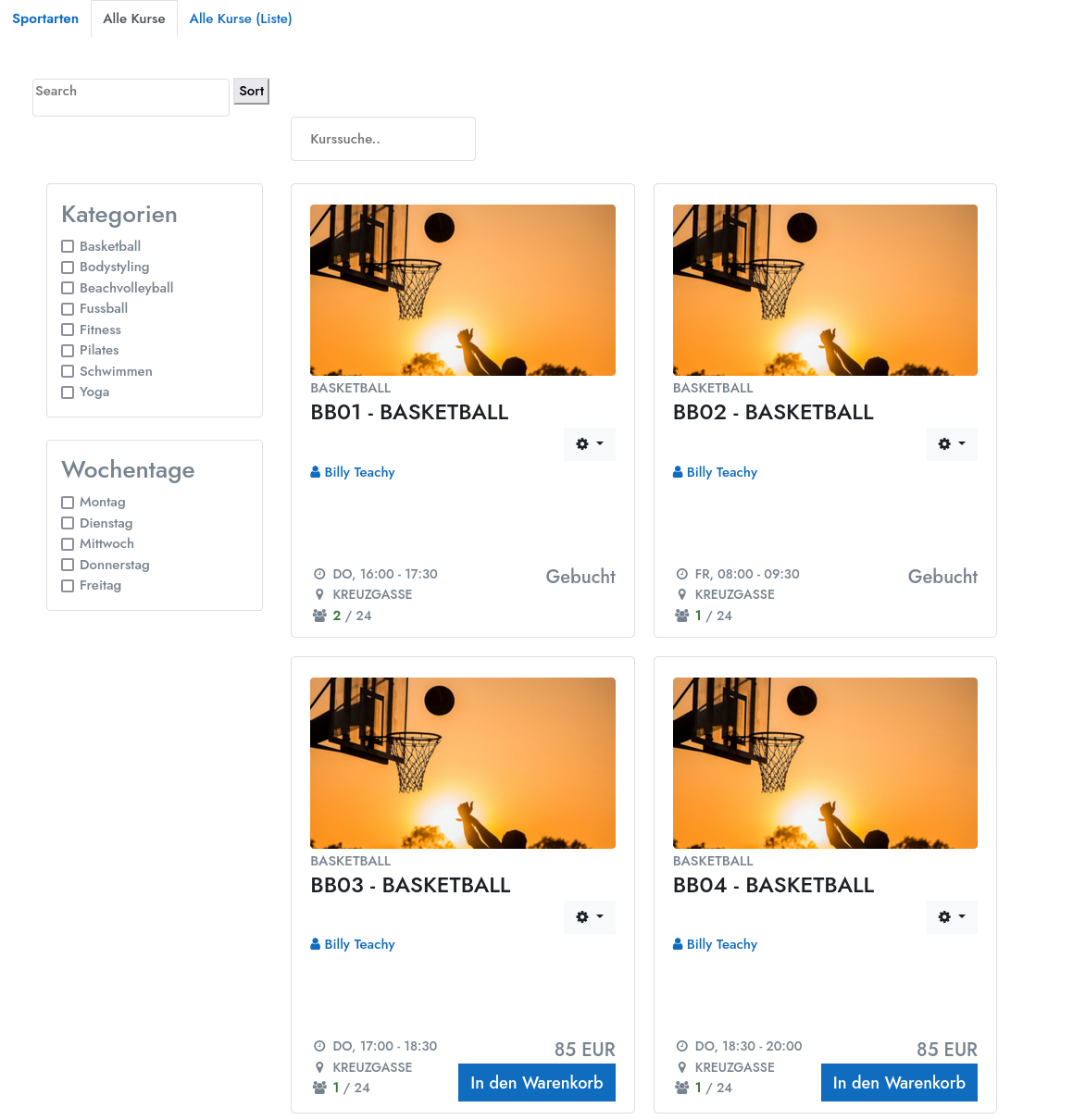
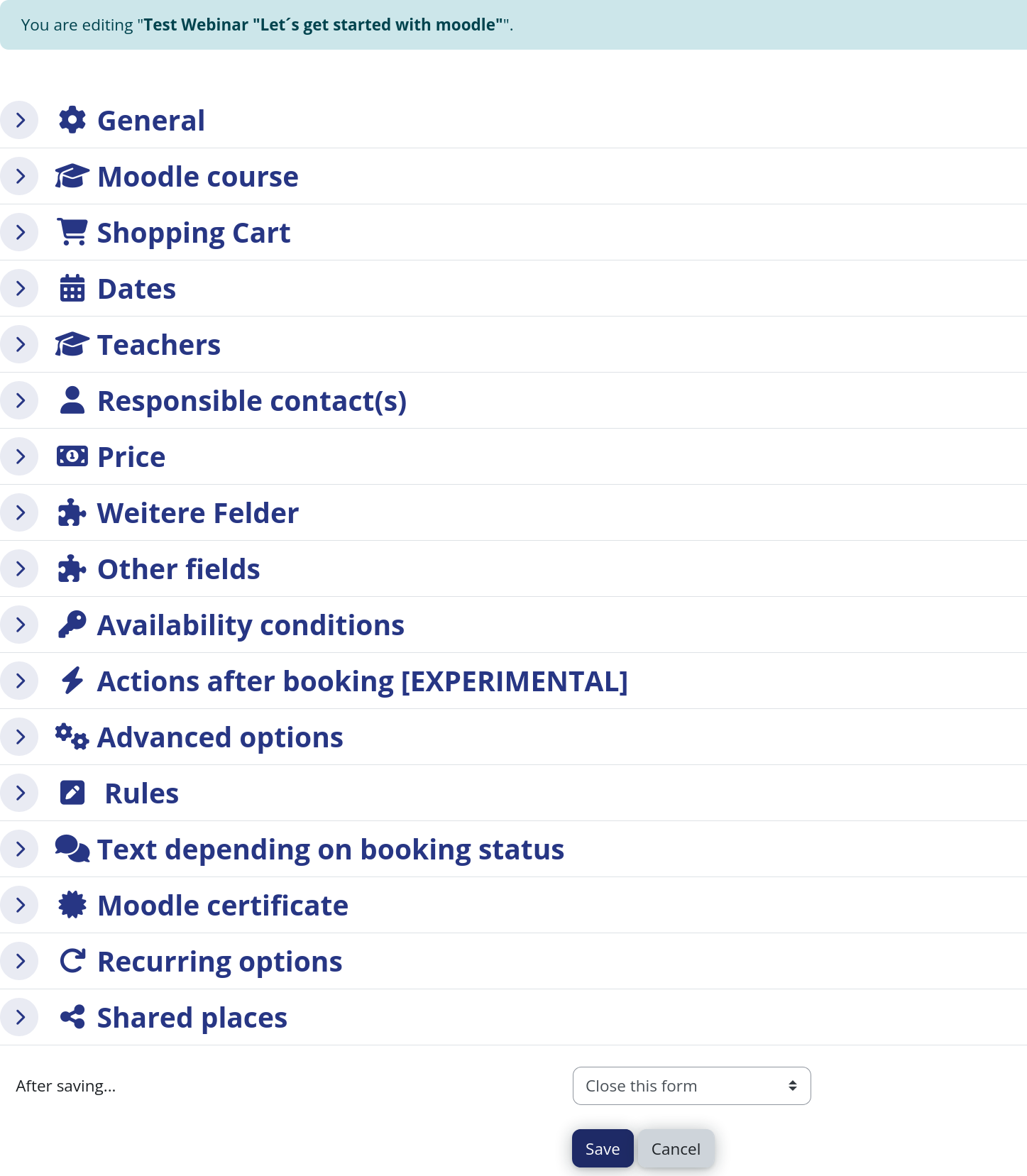
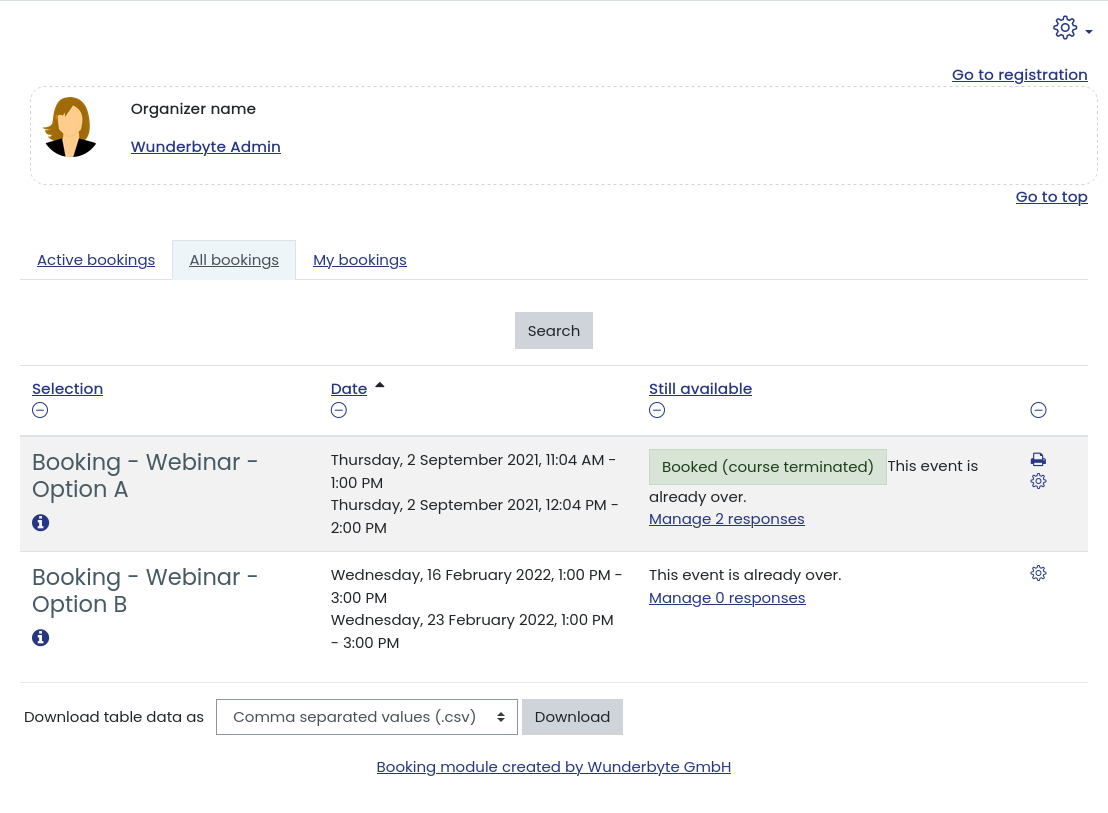
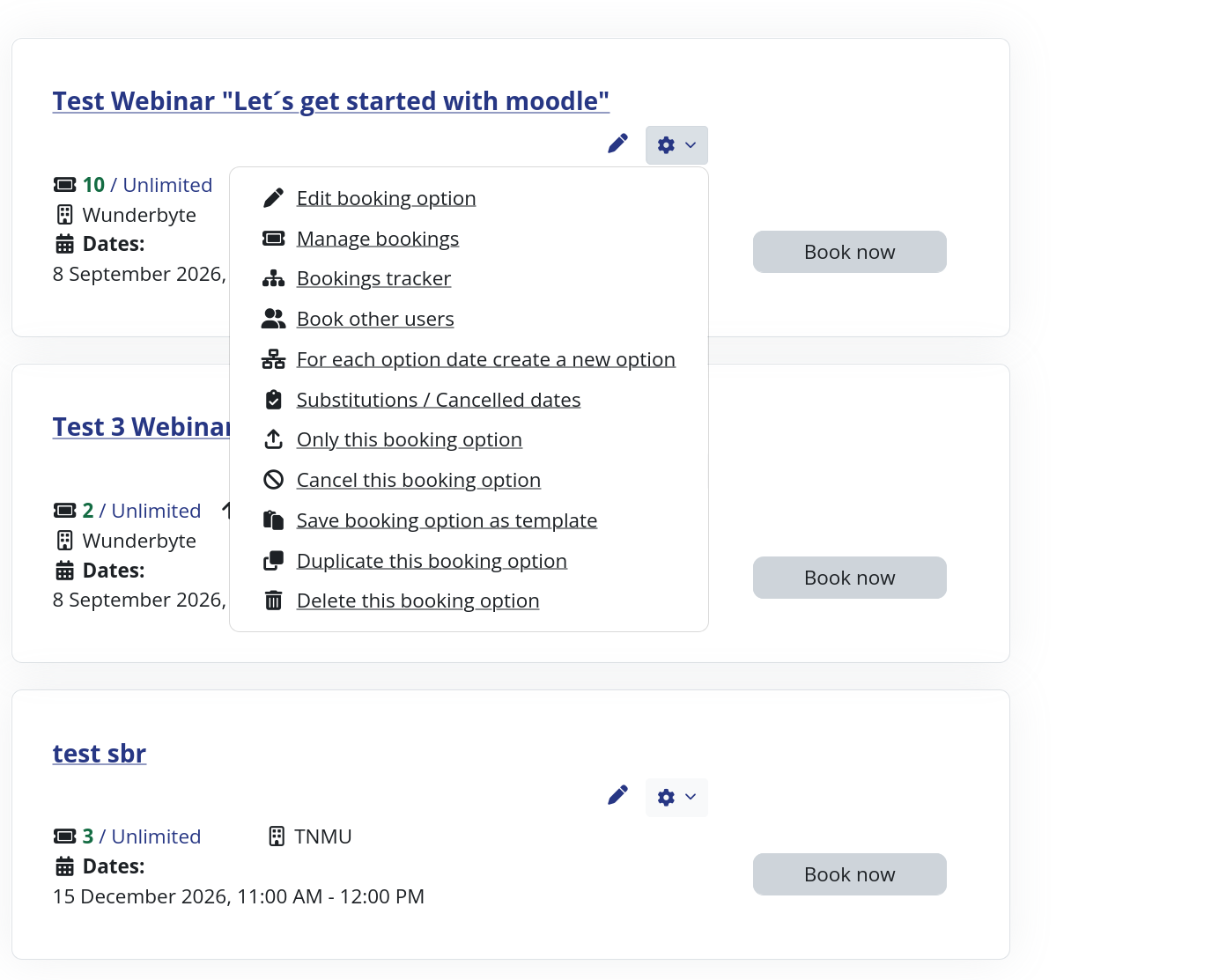
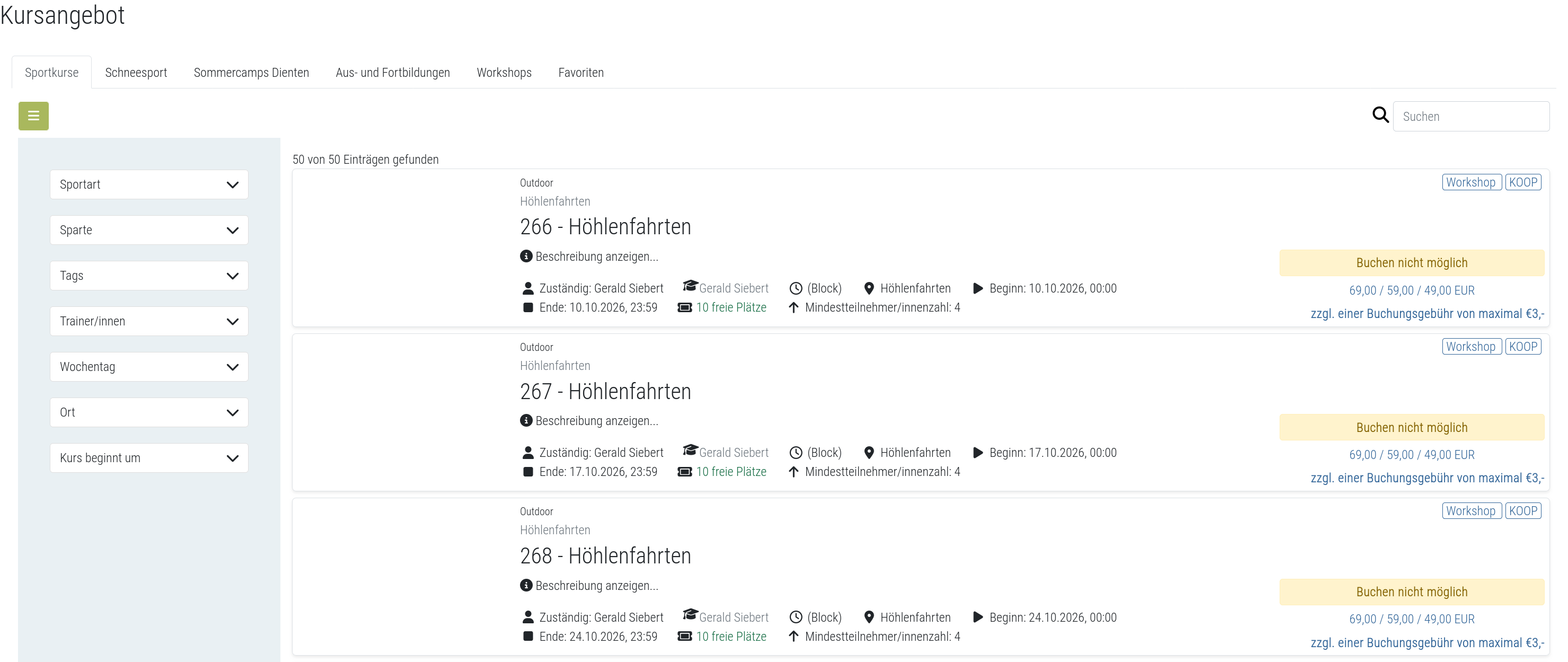
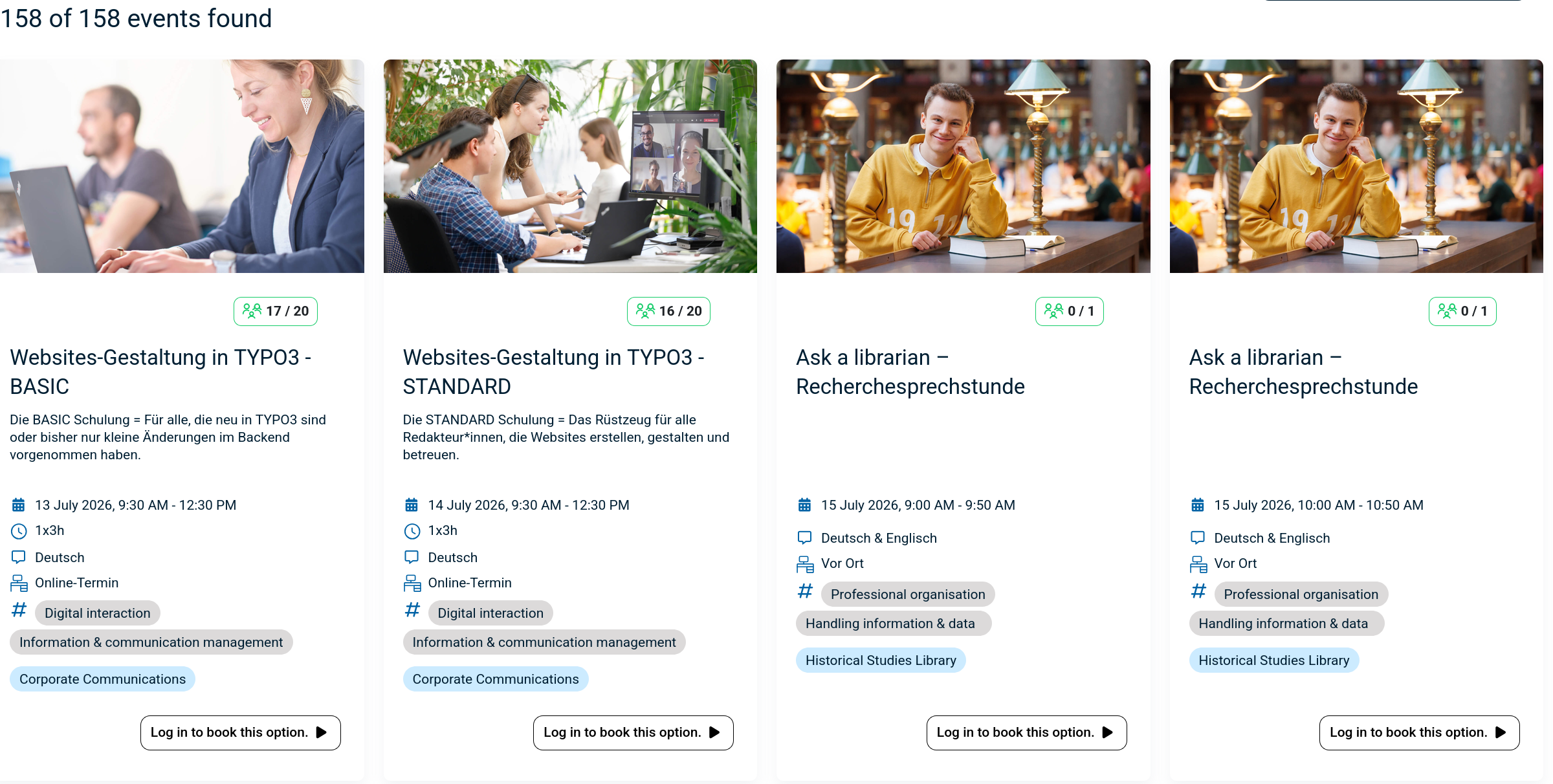
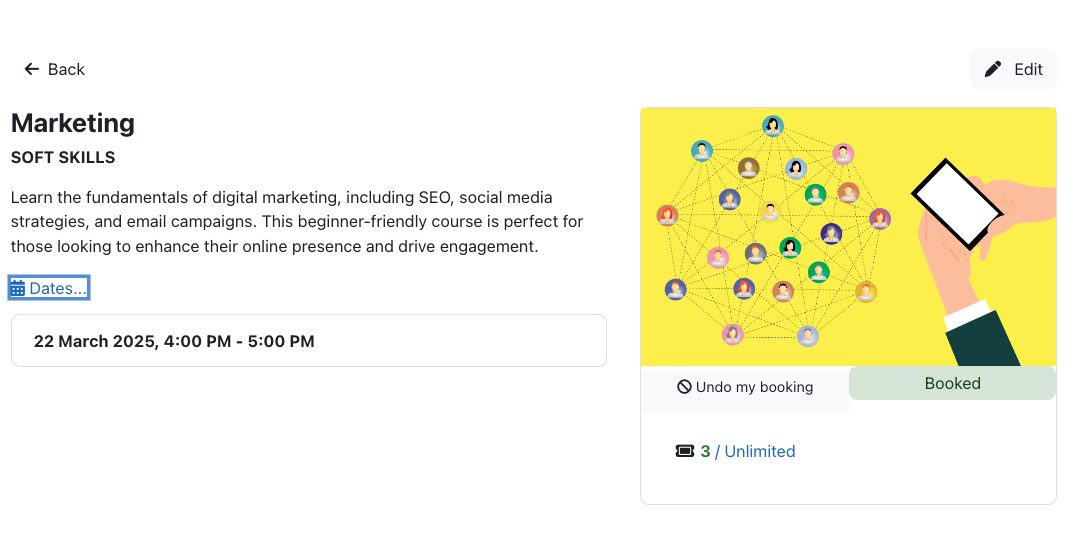
The booking module simplifies event, seminar, and course registrations. 500+ Features include capacity limits, automated waitlists, custom email notifications, confirmation tracking, and seamless integration into Moodle courses.
1 more prices – Free option available See all prices
By buying, you accept the seller's Terms of Sale

Supports Moodle 2.5-5.2 See all versions
Reviewed annually for quality
Latest release: 2 weeks ago
Installations: 1533
Downloads (last 90 days): 956

Frankenstyle name: mod_booking
Activities

Comments

Product ratings and reviews are coming to Moodle Marketplace. Until then, existing comments remain available to read, but new posts have been disabled.

@Michael Milette: could you please post the issues at https://github.com/dasistwas/moodle-mod_booking/issues as described in the description of the latest release. Comments like this are really not helpful and I can not reproduce your statements. If you really want to help, than please do this in a proper way. Thank you. Maybe you do not have a compatible system....
Note to others: If you are using Moodle 3.4 or later, do not install this plugin until it has been updated to support Moodle 3.4+. I installed the plugin and it didn't really work (added nothing to the calendar). There were other issues too. Uninstalling it was also very problematic, displaying many errors with debugging set to developer mode. Looking forward to seeing support for this plugin in Moodle 3.5 in the future.
Thank you David for your quick reply, this was indeed a problem with the cron job smile
@Clement Herr. Have a look at your cronjob, if it is running correctly. /admin/cron.php
Kind regards,
David
Hi David, I'm running Moodle 3.3 and automatic emails sent after booking a session have lately ceased functionning. Emails are however correctly sent to users when clicking on "Send reminder" or throughout the moodle website. Any idea what could be causing a problem specifically with automatic emails ?
Thanks a lot for your answer.
Hi David, I am looking for a place in the code where a booking becomes closed in order to run another plugin at that point. I found some code in your all_options.php within the function called col_maxanswers however when doing a search to find where col_maxanswers is called from. The result turned up empty. Could you please help me with regards to where your piece of code is that closes the booking?
Hi Dirk, I ran into the same issue as I was using CSV UTF-8 instead of CSV, double check you are using CSV (Comma delimited). Also I ran into some issue regarding the Date parse format, for clarification for anyone else who got stuck the default setting is j.n.Y H:i:s which translates to "30.04.2018 14:00:00" (excluding the " ").
Hi David, thanks for the great plugin. I am currently struggling to import booking options using the .csv importing fuctionality. I have read the documentation and followed the steps. I get a wrong file! error in Moodle.
Hi David. Can I set the active booking to show only the multiple date sessions in the calendar (need for many repeating courses) ? Thank you.
Hi again David, Disregard may last comment. I found in the setting that the export is now customizable. Great work. Thanks.
Hi David, I just upgraded to the latest Booking release. One of my teacher noticed that the .csv export no longer shows the student username. Is there a way to get it back? We use the student ID number for username and teachers use that to look up students in our school information system. Thanks in advance.
Dear Christina, I do not think that is a problem of the booking module. This will help you understand the issue. It is a Microsoft thing. https://answers.microsoft.com/en-us/office/forum/office_2007-outlook/icalics-files-creating-new-calendar-instead-of/60ee1860-4654-4487-943f-8e9146791ea7?auth=1
Kind regards,
David
Dear,
I have installed the Booking in the Moodle 3.1.6.
However, the booking.ics from the Booking activity is not working ok. It creates a new calendar in outlook. There is any way to have directly the correct .ics so the students can have the calendar invitation in their Outlook?
Thank you,
Cristina
Dear Rob. The fix has not passed quality assurance yet and this will last still a while, because the new version will add also new features and there is still a lot to do before the release.
Thank you Andraž. I looked on Github hoping to see what was changed, but I could not find anything. Would you mind sharing the fix? If it is an easy code hack, I would like to apply it on my site. Thanks.