Booking icon

Booking

Maintained by Wunderbyte GmbH, David Bogner
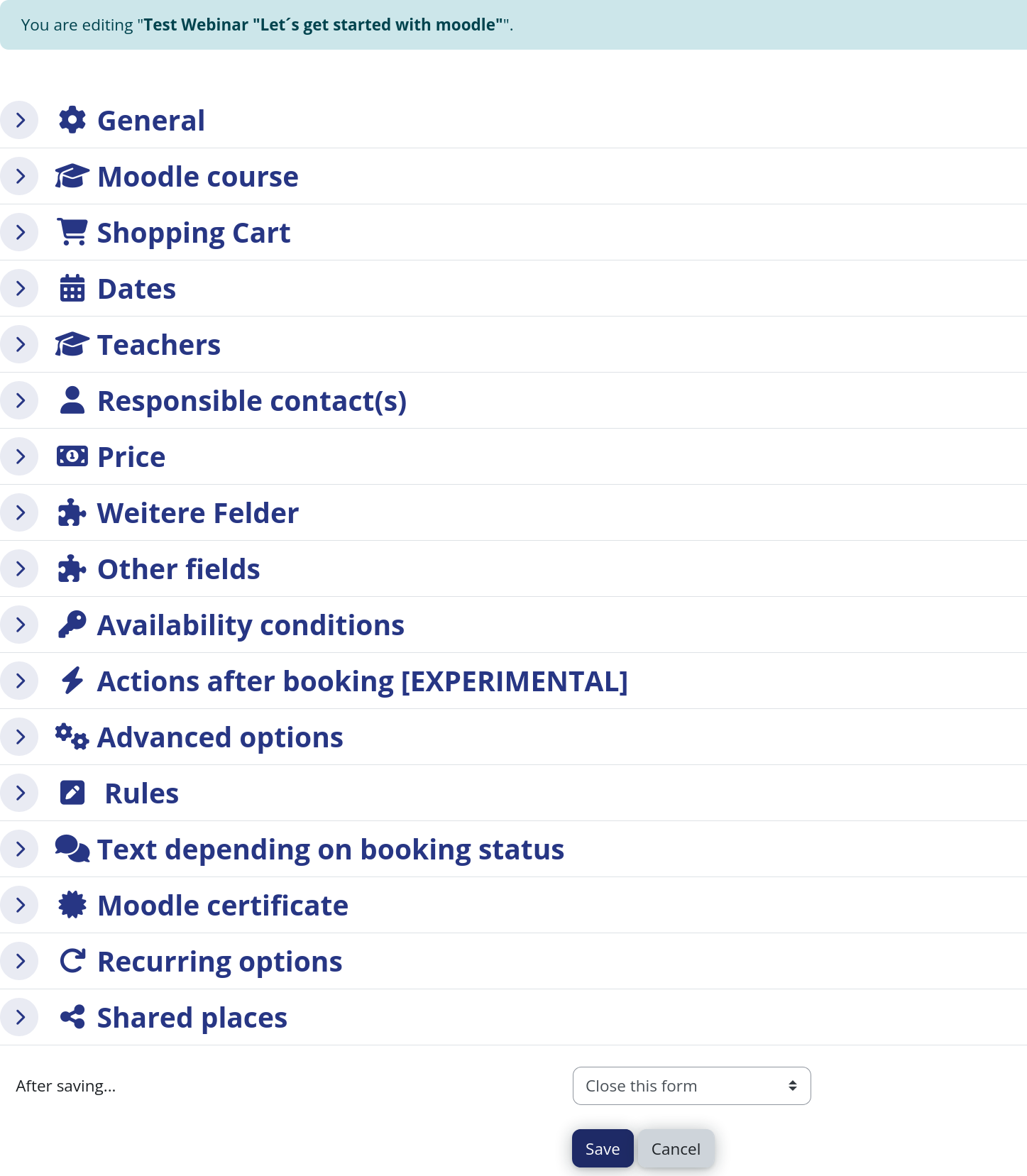
The booking module simplifies event, seminar, and course registrations. 500+ Features include capacity limits, automated waitlists, custom email notifications, confirmation tracking, and seamless integration into Moodle courses.
1 more prices – Free option available See all prices
By buying, you accept the seller's Terms of Sale

Supports Moodle 2.5-5.2 See all versions
Reviewed annually for quality
Latest release: 2 weeks ago
Installations: 1533
Downloads (last 90 days): 956

Frankenstyle name: mod_booking
Activities

Comments

Product ratings and reviews are coming to Moodle Marketplace. Until then, existing comments remain available to read, but new posts have been disabled.

Hi Rob Johnson, I fixed this. I think will be available in next release.
Hi David, My teachers pointed out that when they Book other users, they leave the page as soon as the Add button is pushed. This is with the latest release. In past versions, it would stay on the page and allow them to search for more students. I have told them to use the Back button for now.
I actually tried that but it still didn't appear. However, if that is the design, then I will not continue testing as I was really hoping that I could use this as an event management kind of thing and that all bookings would show up on the calendar. Not sure if you would be interested in developing that for me - if so, send me a PM and we can discuss.
Dear Emma, which version of the booking module do you use? You have to book the actual booking option in order to make it appear in the calendar. Just adding a booking option won't add the date to the calendar. Kind regards, David
I have now installed this on two separate Moodle sites running 3.3.2. On both sites, when I select the Add to Calendar option when creating the booking, it clears when I initially save the booking. I go back in and check it again and this time the setting is retained but, in both instances, the event never shows up on the calendar. I have tried different themes. I am just not sure what I might be missing...everything else seems to be working as intended - just no calendar event.
Hi Rob, indeed there is a problem. This has to do with buggy implementation of the autocompletion field in Moodle. This will never be fixed by Moodle, except if someone does it on his or her own https://tracker.moodle.org/browse/MDL-57680 But it is possible to fix it in the booking module. I will have a look at that during the next days. Kind regards, David
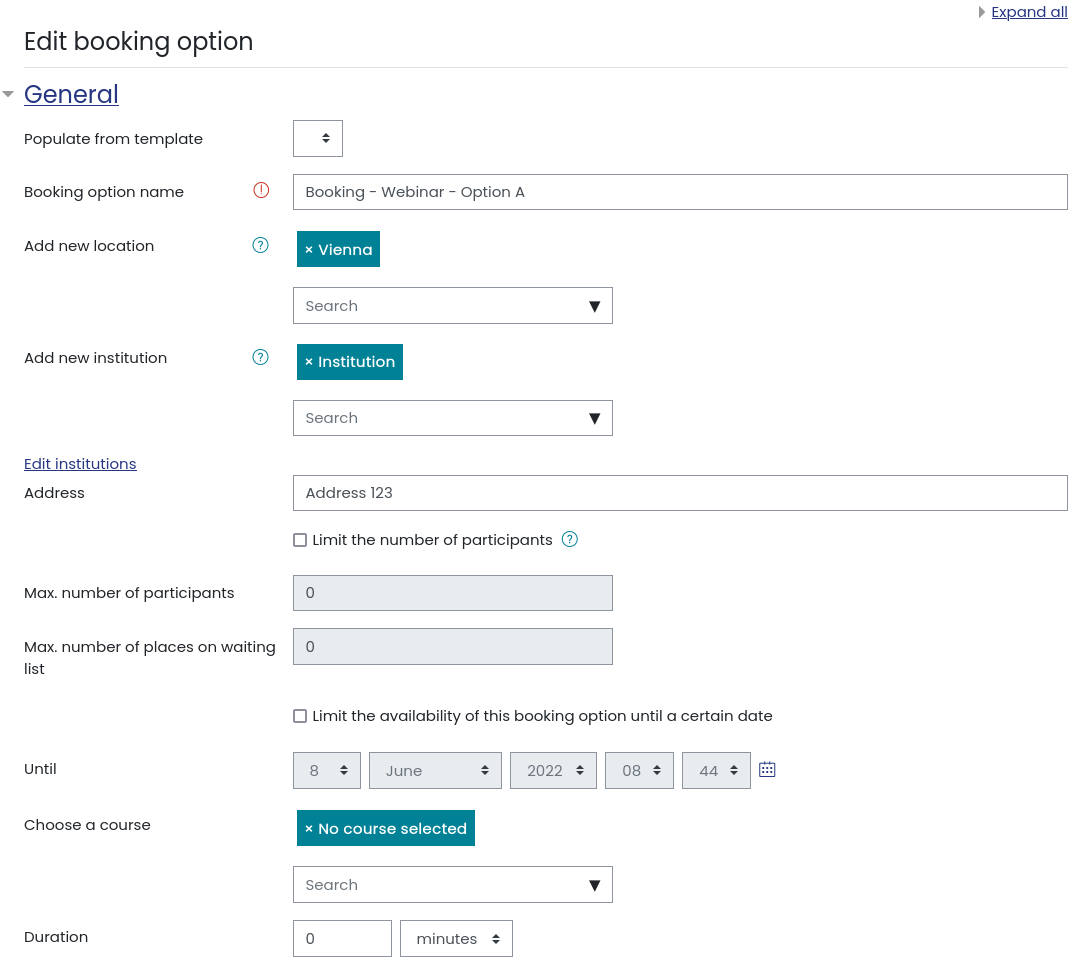
Hi Rob, you need to edit booking instance and remove it manually, as deleting it from institutions don't remove from booking instance.
Hi David,
One of my teachers entered some text in the Institution field of a session. How can that be removed? Deleting the institution using "Edit institutions does not remove it from the booking instance.
Hi Sam, I will have a look at that as soon as I have some spare time. Cheers, David
Hi David,
Running 3.1.6 on the latest available version of mod_booking, should "Notification text shown on activity completion" be sent as an email or can that only be displayed as a message? For the other messages such as the reminder those appear to be being sent as an email but users are not receiving the activity completion message as an email. Kind Regards, Sam
Hi Michelle, thank you for your question. In fact the course points are just a field to fill out. It has no additional functionality. I will not your additional feature proposal. Kind regards, David
I was just wondering how the 'course points' works? I would like to give students points for signing up to workshops but I cannot see how entering a number for course points does anything...
It would also be very helpful if you could include the option to add to calendar to the upload spreadsheet.
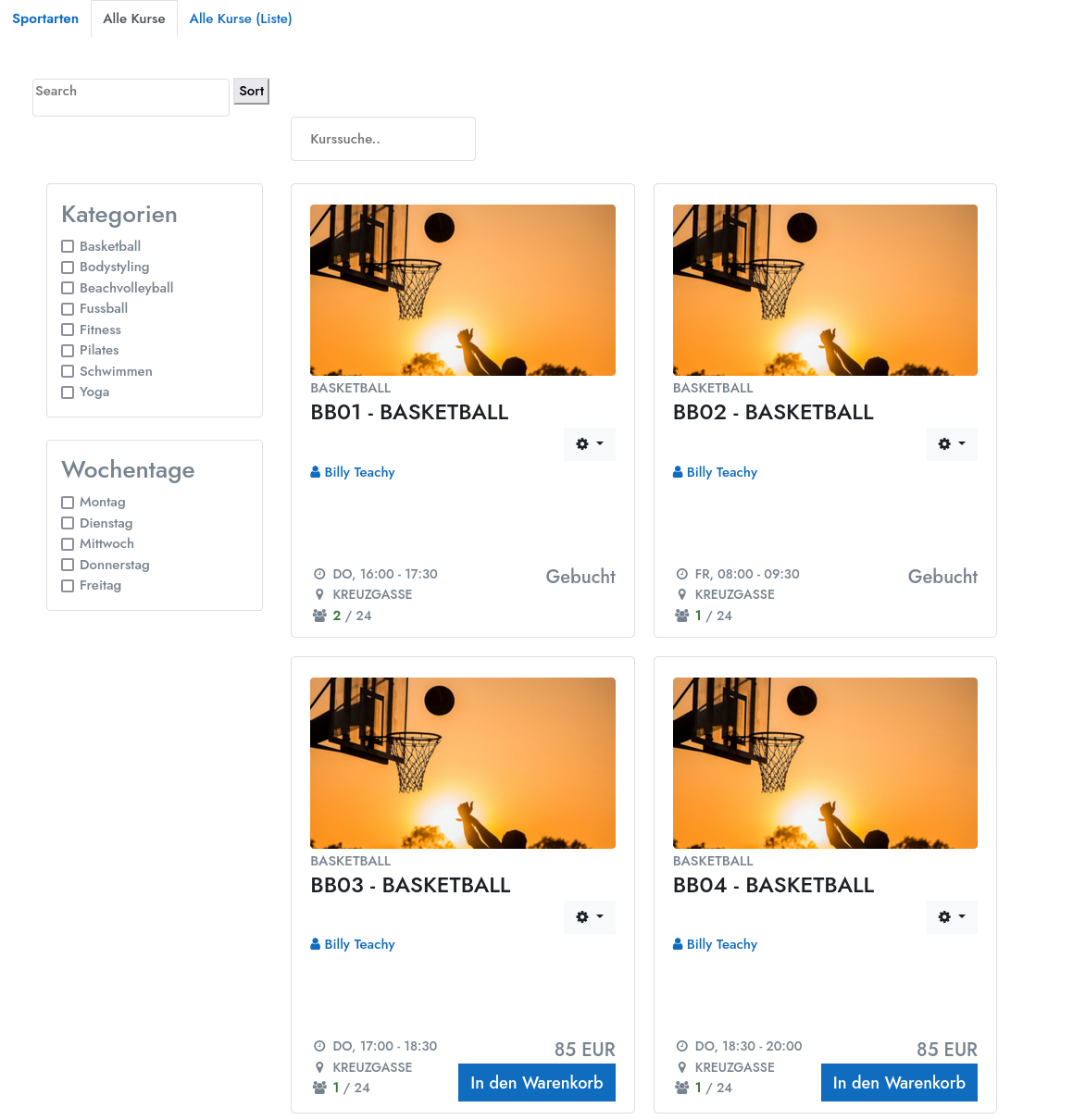
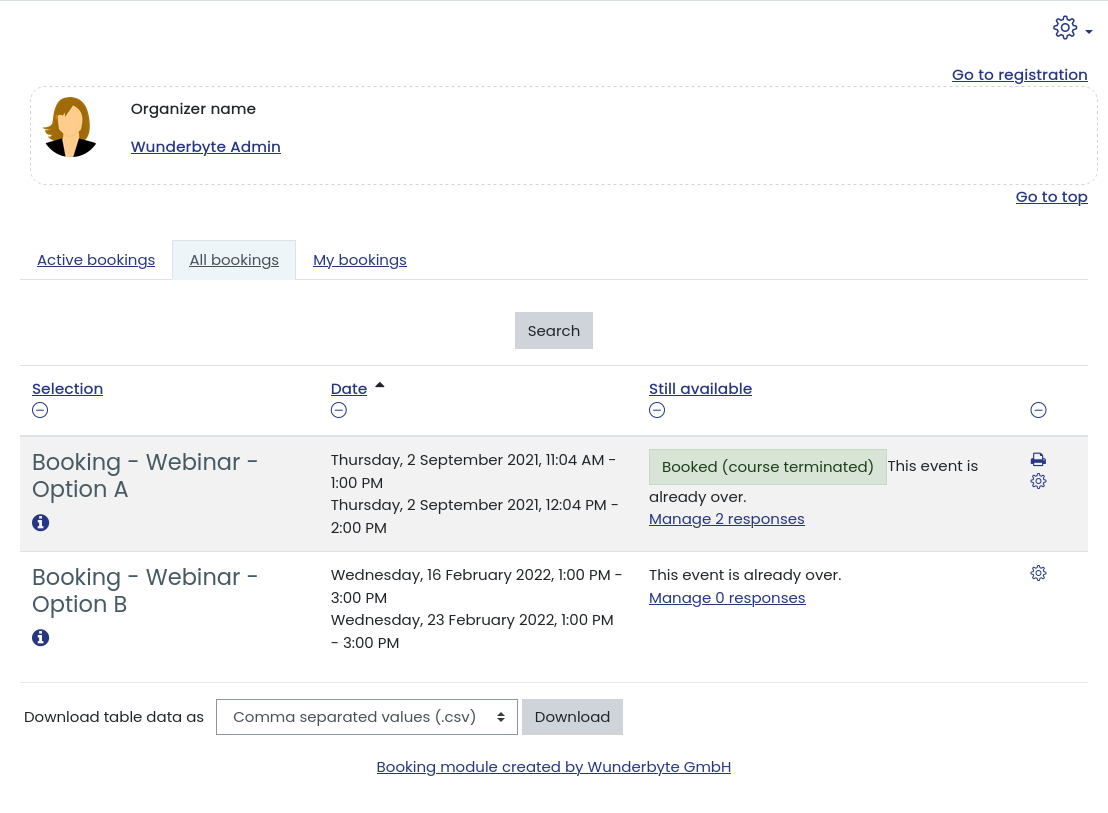
Is it possible to do that Booking was seen in main Moodle site page? Theother question is how can I change the default view from "my bookings" to "active bookings"?
@Laszlo: I could reproduce the bug. It is now fixed. Did not have any effect on functionality.
yes, you can limit max. number of bookings for a user. set it to 1, if a user should only book one event of many.