
Booking
Maintained by
Wunderbyte GmbH, David Bogner
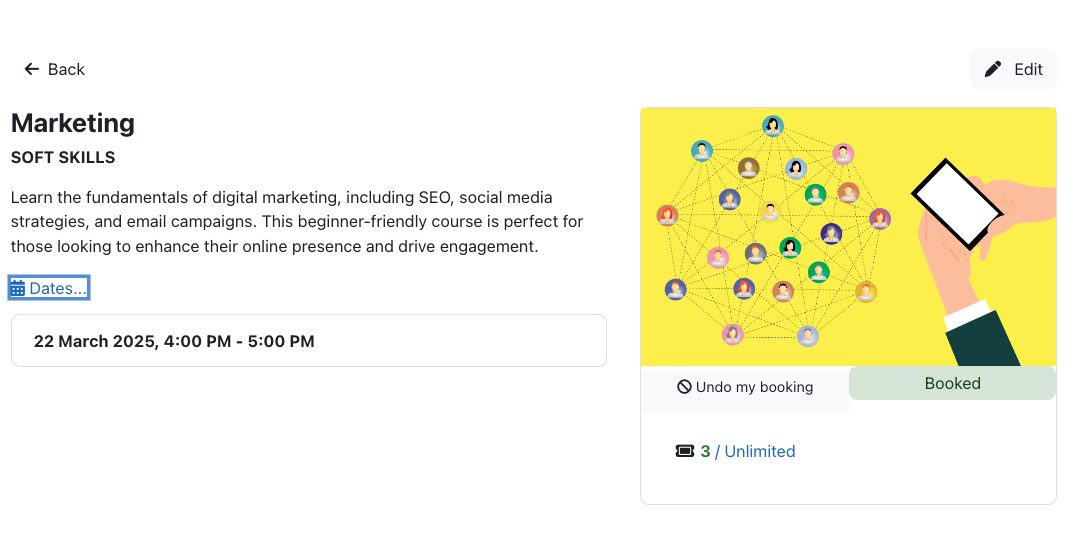
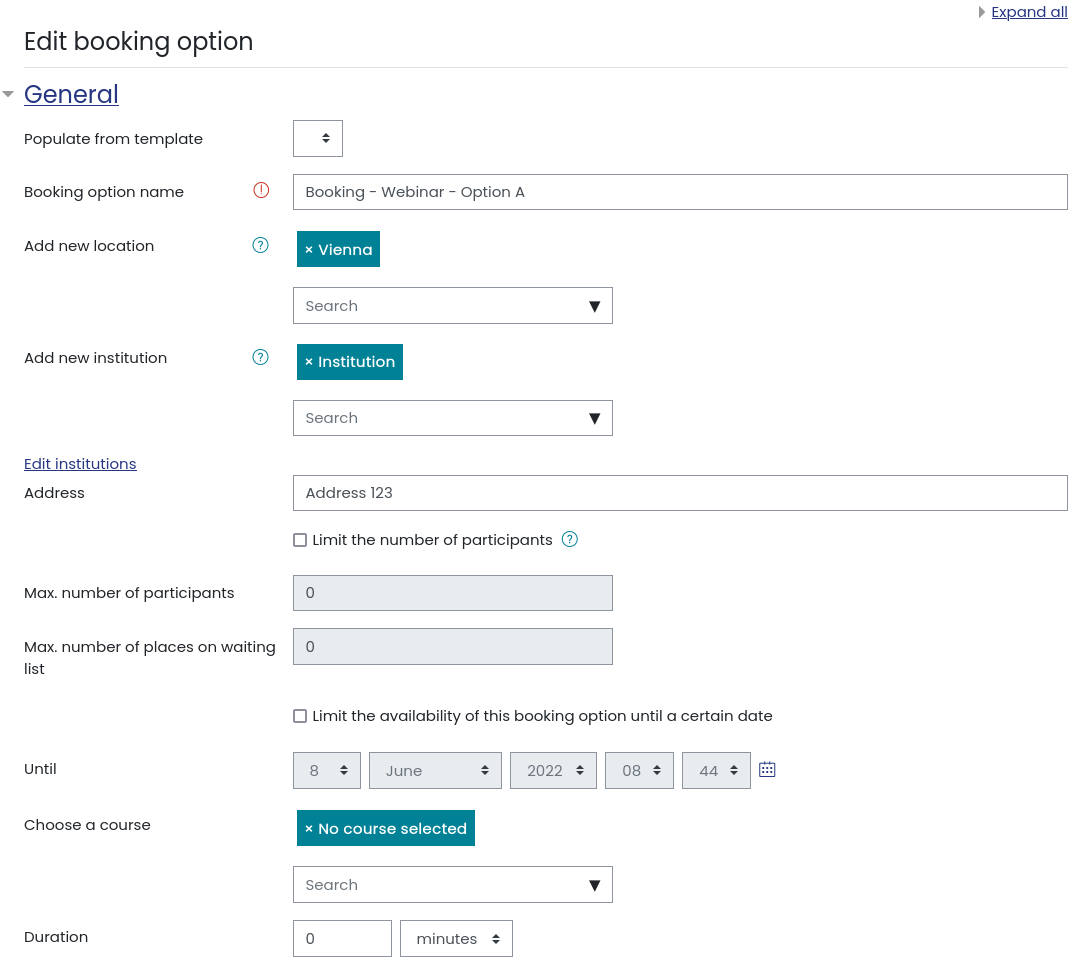
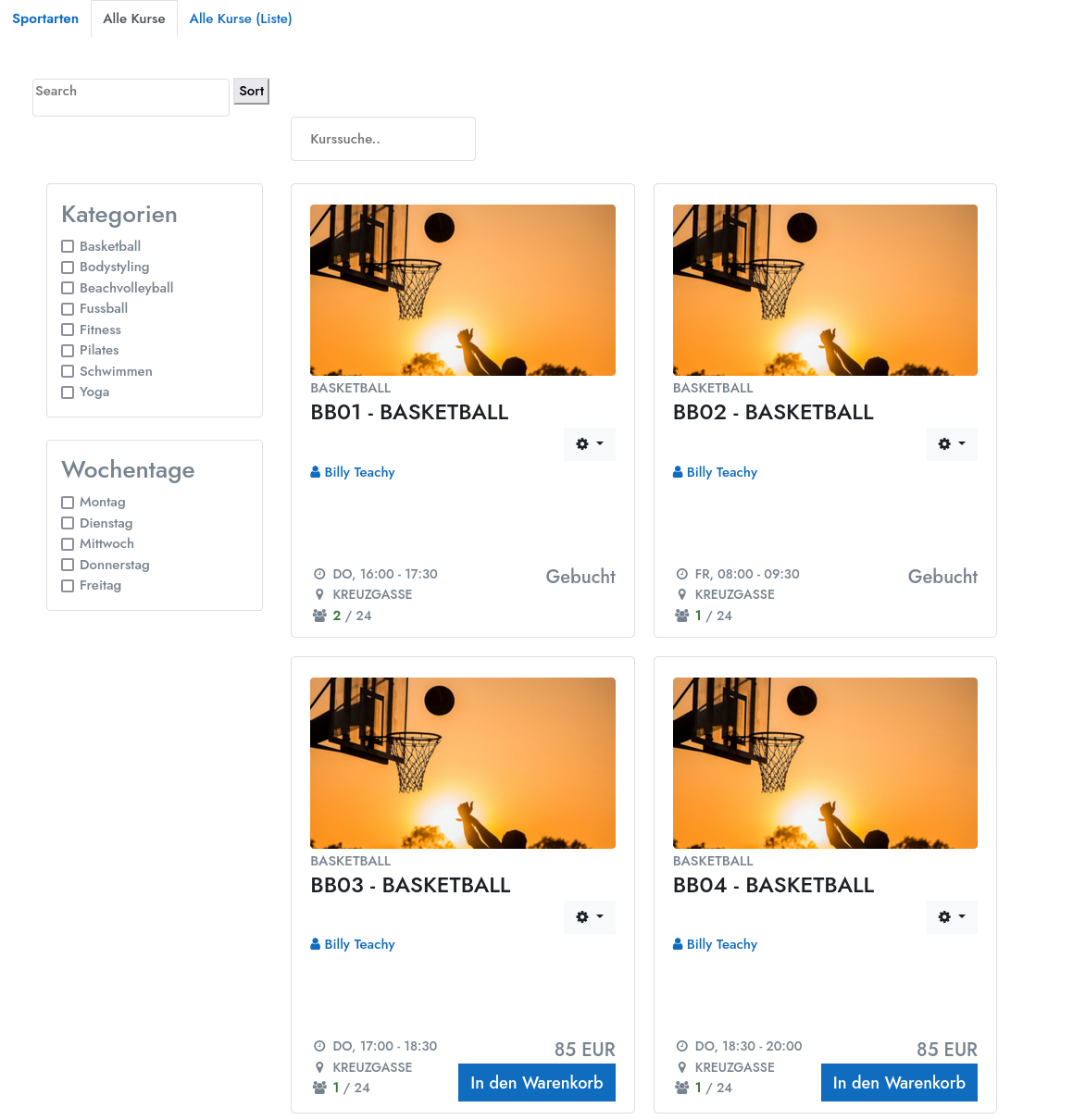
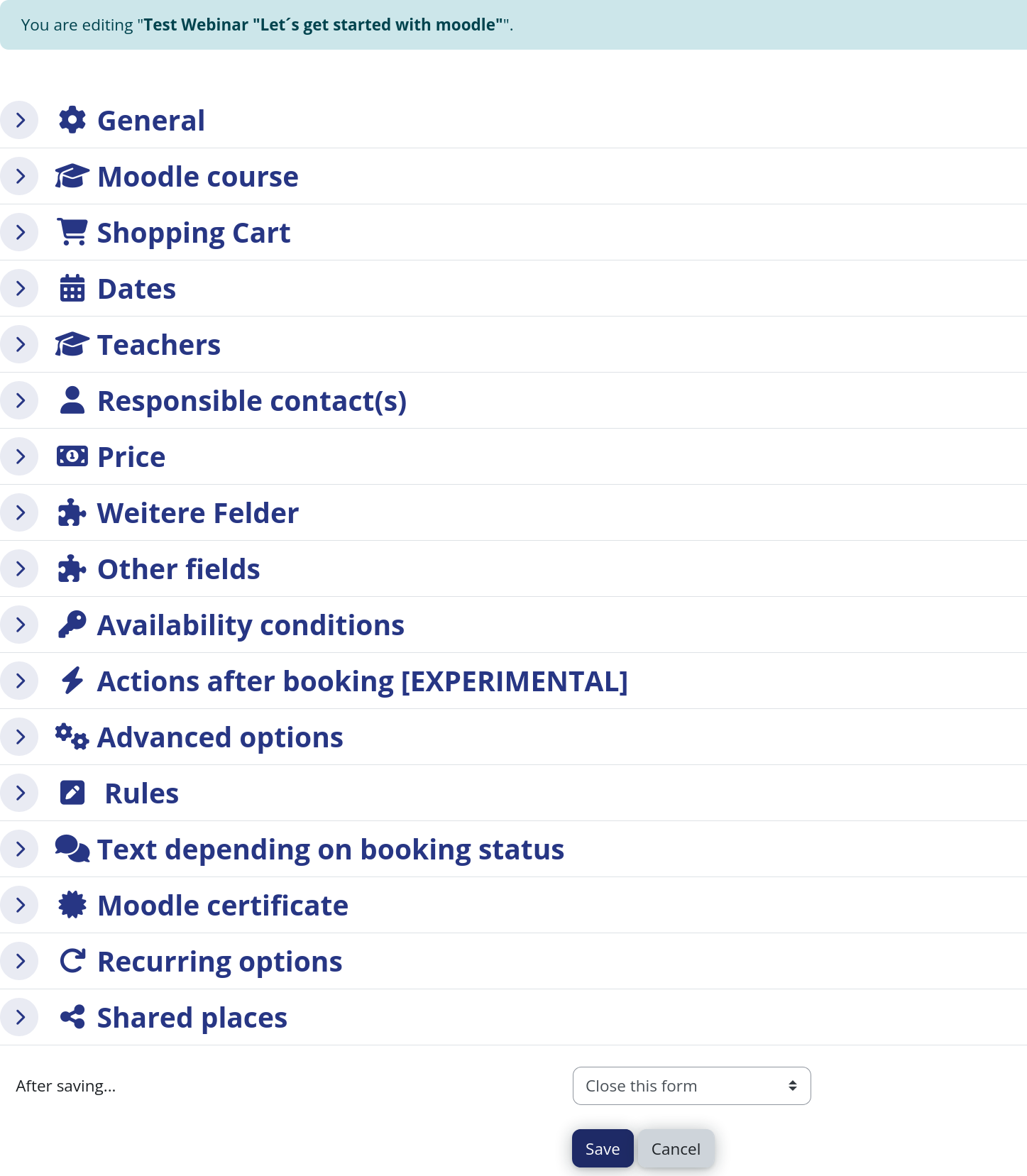
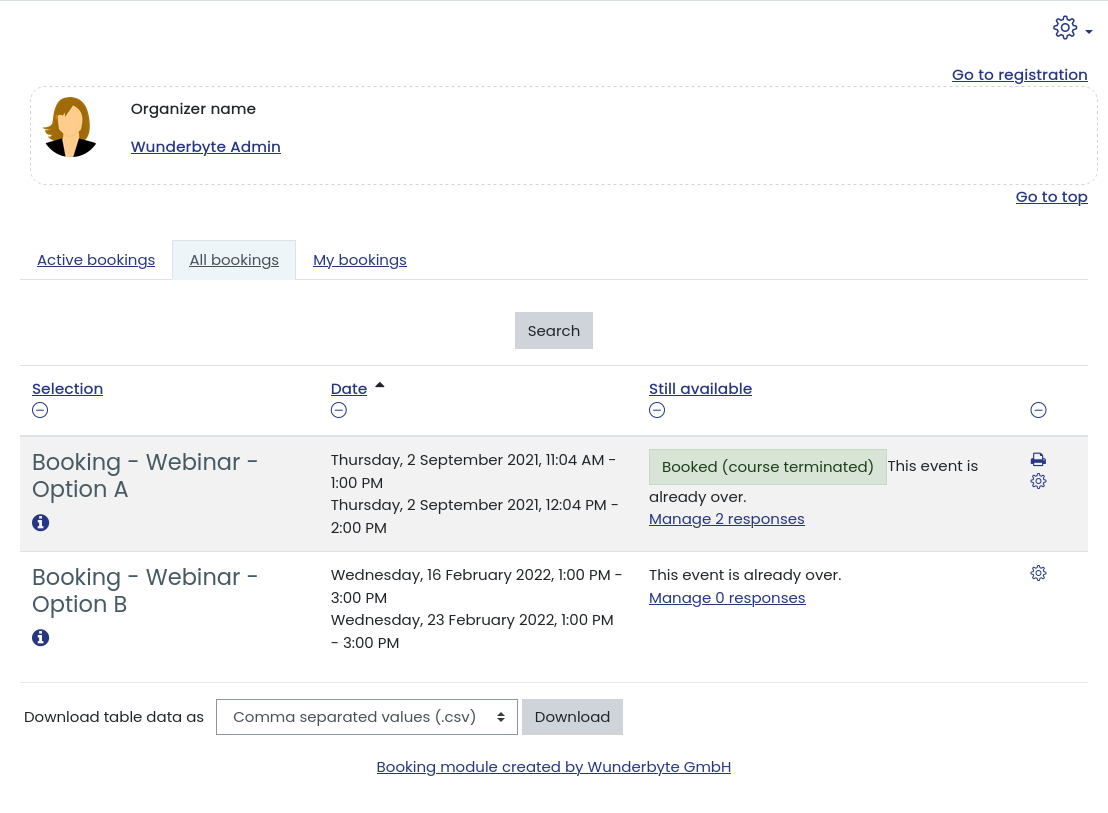
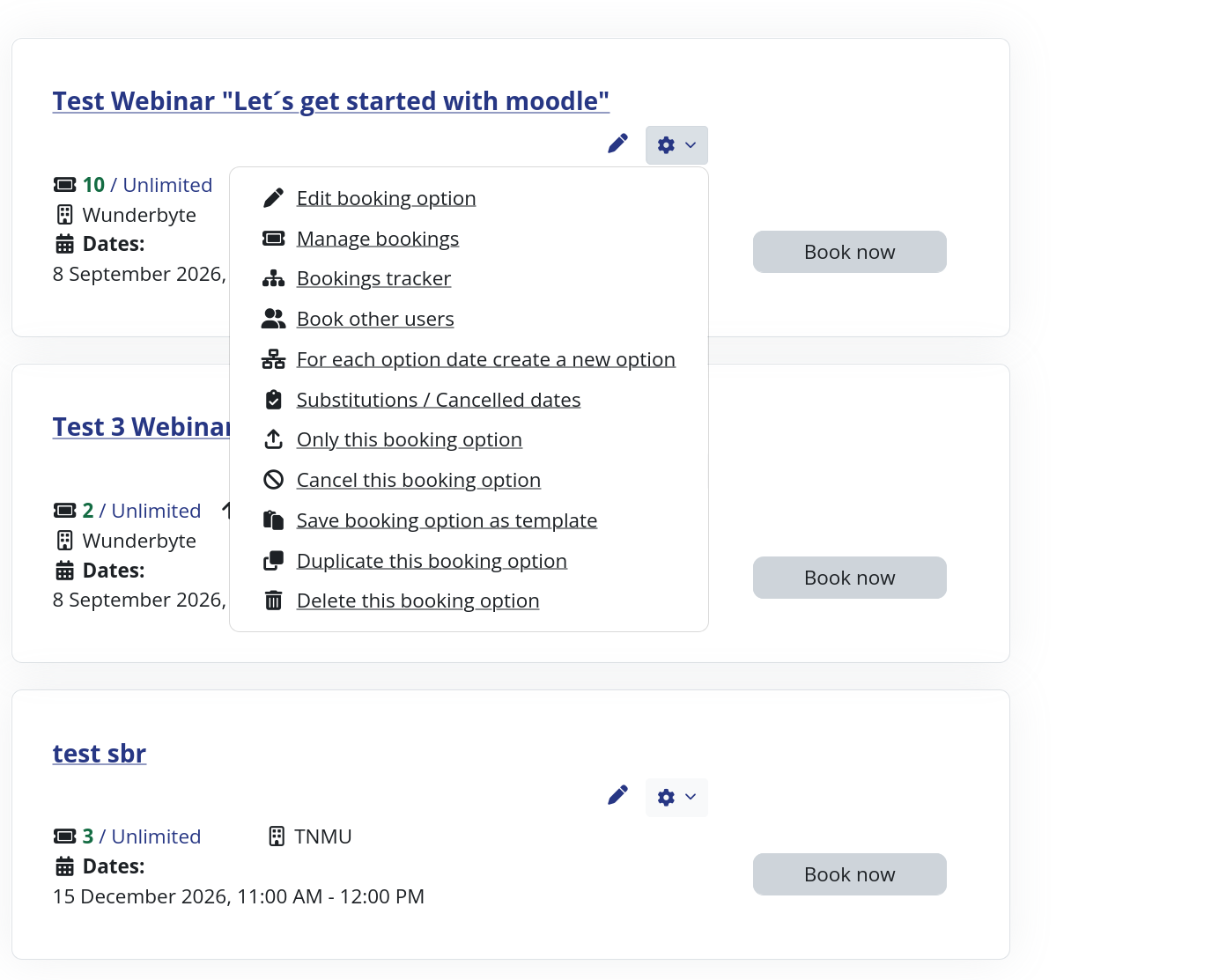
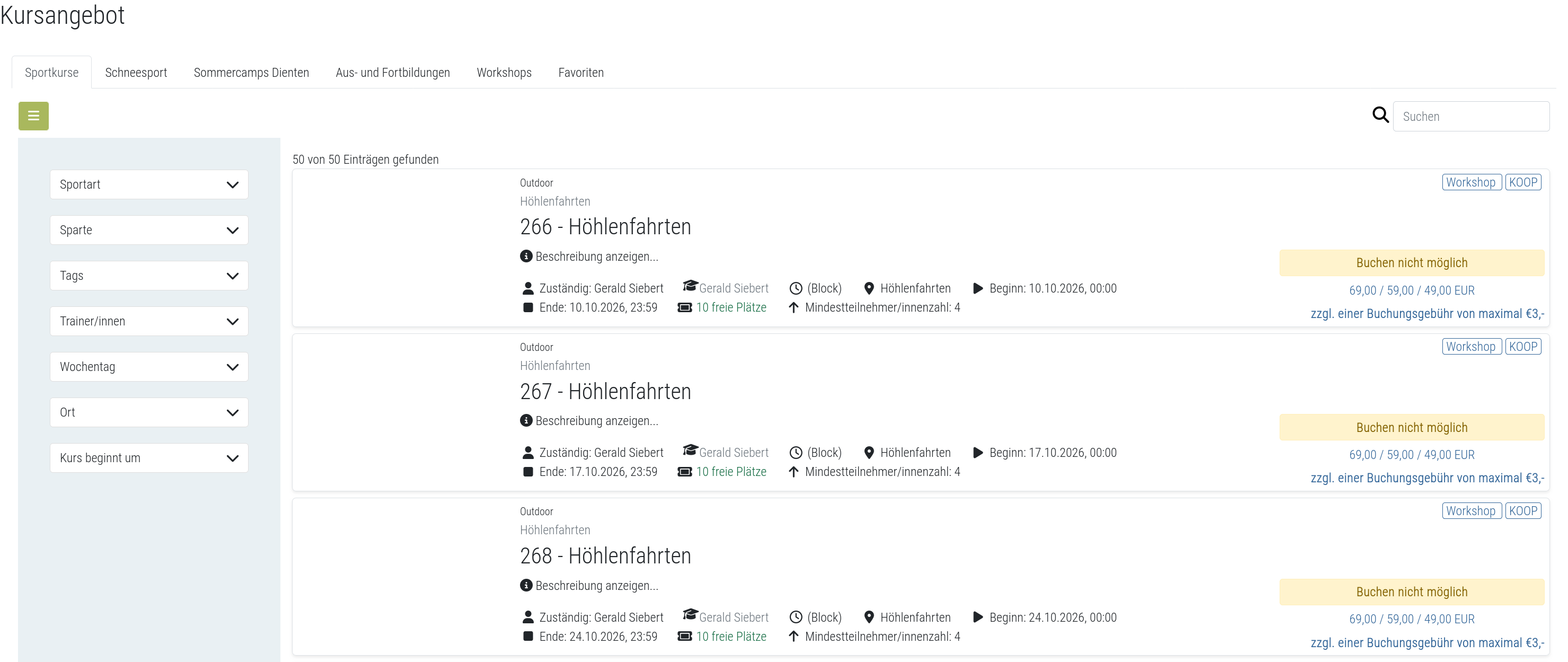
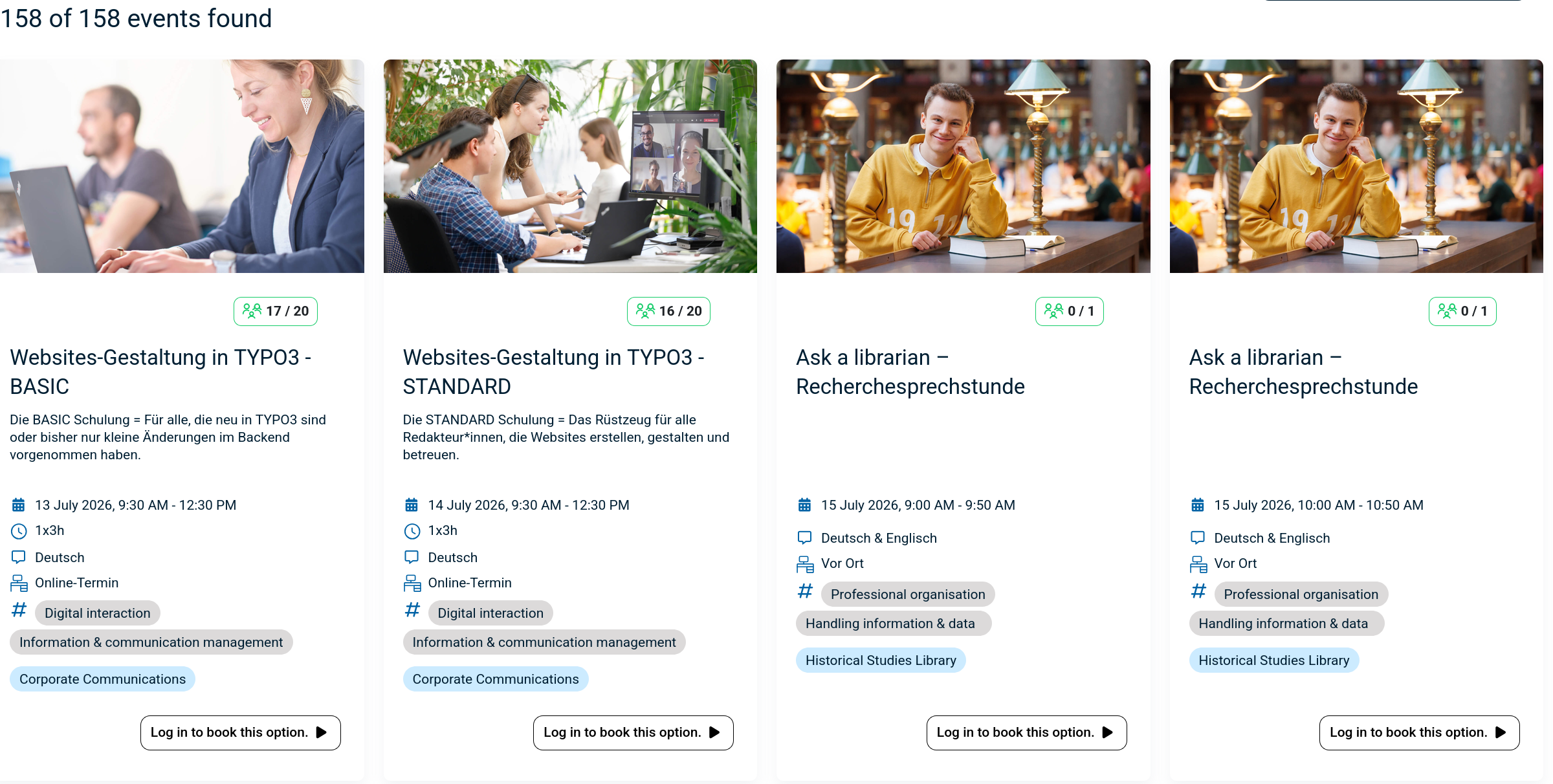
The booking module simplifies event, seminar, and course registrations. 500+ Features include capacity limits, automated waitlists, custom email notifications, confirmation tracking, and seamless integration into Moodle courses.
Comments
Product ratings and reviews are coming to Moodle Marketplace. Until then, existing comments remain available to read, but new posts have been disabled.
Am I doing something wrong?
Safari 10.1
Moodle 3.1.5+
I'd like to be able to upload all my bookings via CSV, but I'm struggling. I get a "wrong file type" when I try to upload it. I have it saved as a CSV.
Is there a template anyone has?
Also, what would the value in the CSV be for having a TRUE tickbox value (for Date and Time of booking is known)?
Thanks
that is possible. It is just not tested nor have I looked into the changed Moodle APIs relevant for this plugin.
Kind regards,
DAvid
I have been testing your plugin a while on Moodle 3.2.2+ and couldn't find any issues so far! Are there any known issues I may have overlooked?
Kind regards,
George
on the page where a person is making a booking for other users; it possible to set a permission of disabling the Remove button (or hiding the button)based on the system role, instead of showing an error message to the user when they clicking on it?
thank you for reporting the solution, but in general I do not recommend to do so. Maybe the booking module you were using did not work well with your Moodle version. Also you might have had a corrupt installation (Do not overwrite when updating, you always have to completely delete and then put the new version on the server or use alternative ways to install like git, etc.). Also posting problems with such little description does not help. It always needs Moodle version, module version, DB type, etc...
Kind regards,
David
18.629361,-34.045381
Location: MITCHELLS PLAIN
Institution: BEACON HILL(SEC)
SELECT * FROM mdl_booking_institutions WHERE course = ?
[array (
0 => '2',
)]
Error code: dmlreadexception" Any advise?
Hi David Thank you for the updates. The plugin is working fantastically. I am experiencing a challenge. I would like provide an image to go out with the confirmation email. I do this via the editor insert image/url = (that of a picture uploaded in the course). When the mail goes out, the picture does not display. Just an icon with an option to view the picture. However, when i click on it to view the picture, i get an error message that says the url was not found on the server" Is there a special place that i should upload pictures to, so that it can be displayed in the outgoing emails.