Booking icon

Booking

Maintained by Wunderbyte GmbH, David Bogner
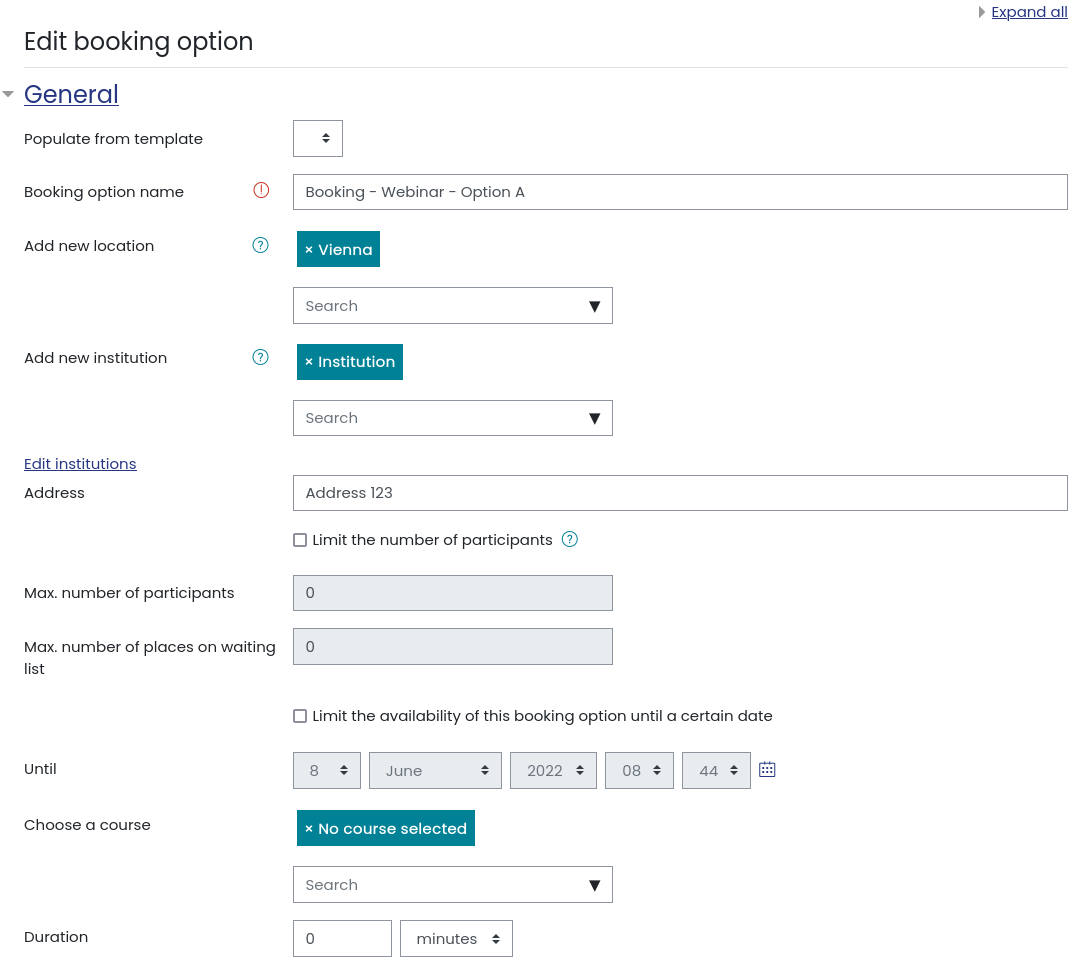
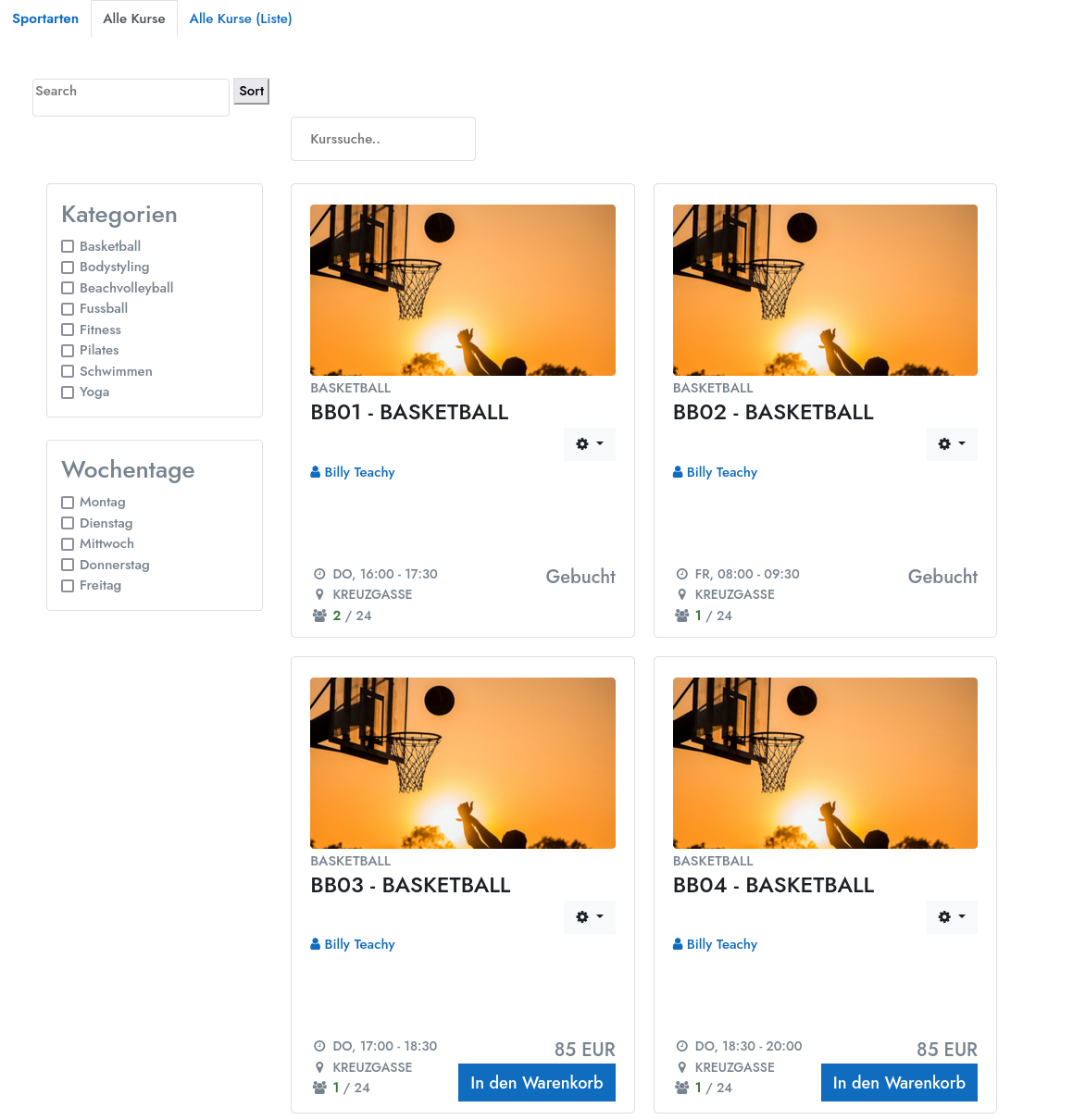
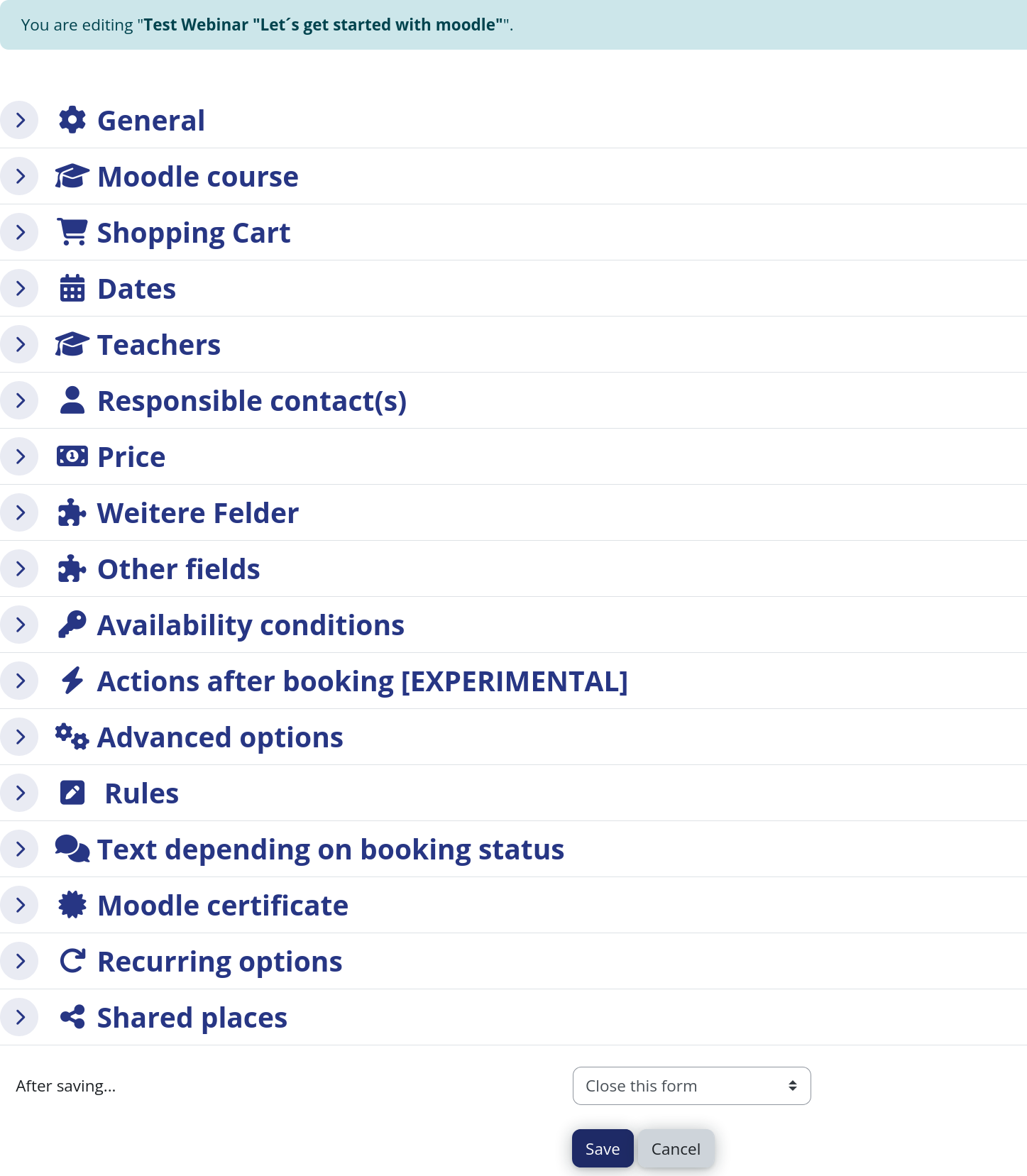
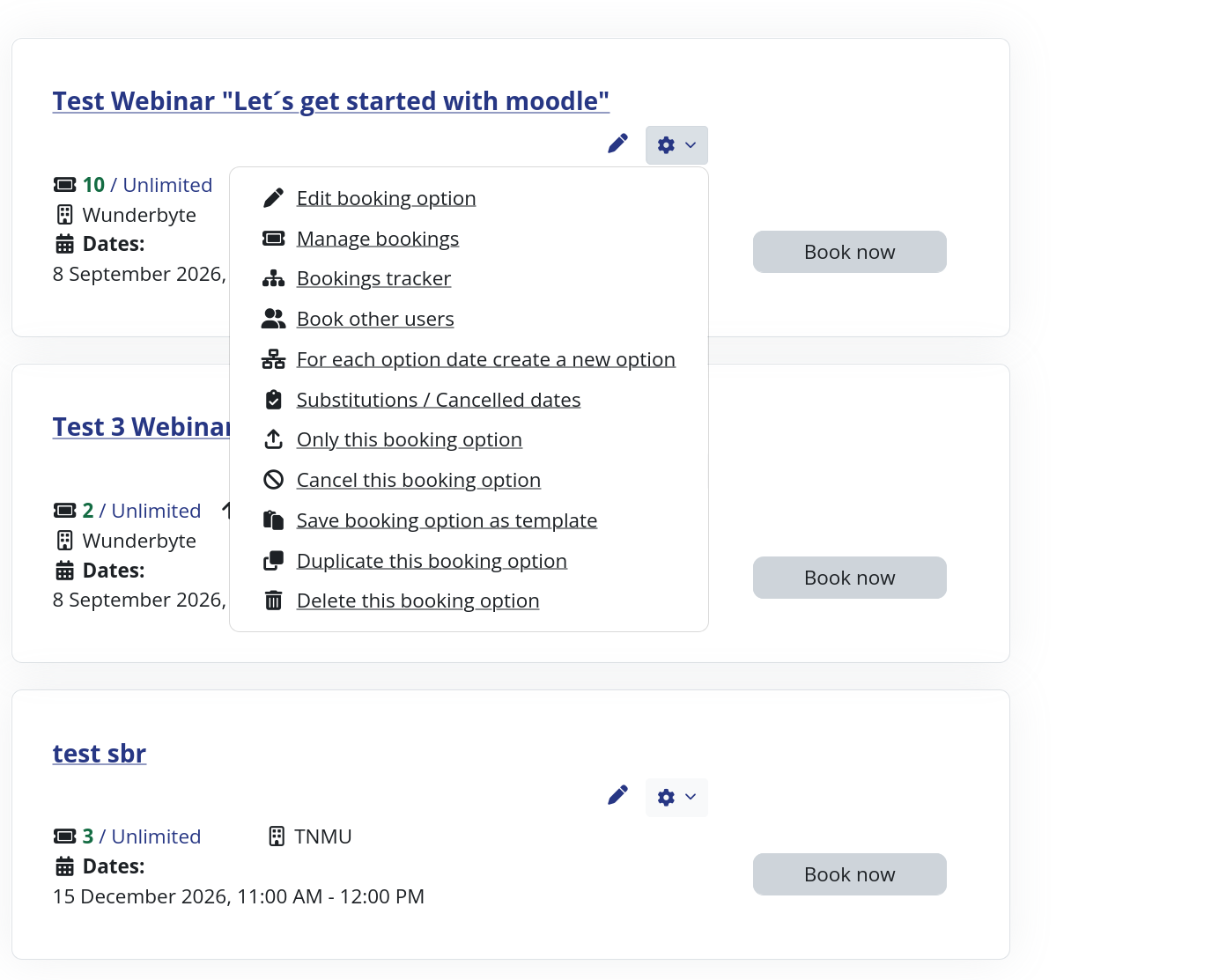
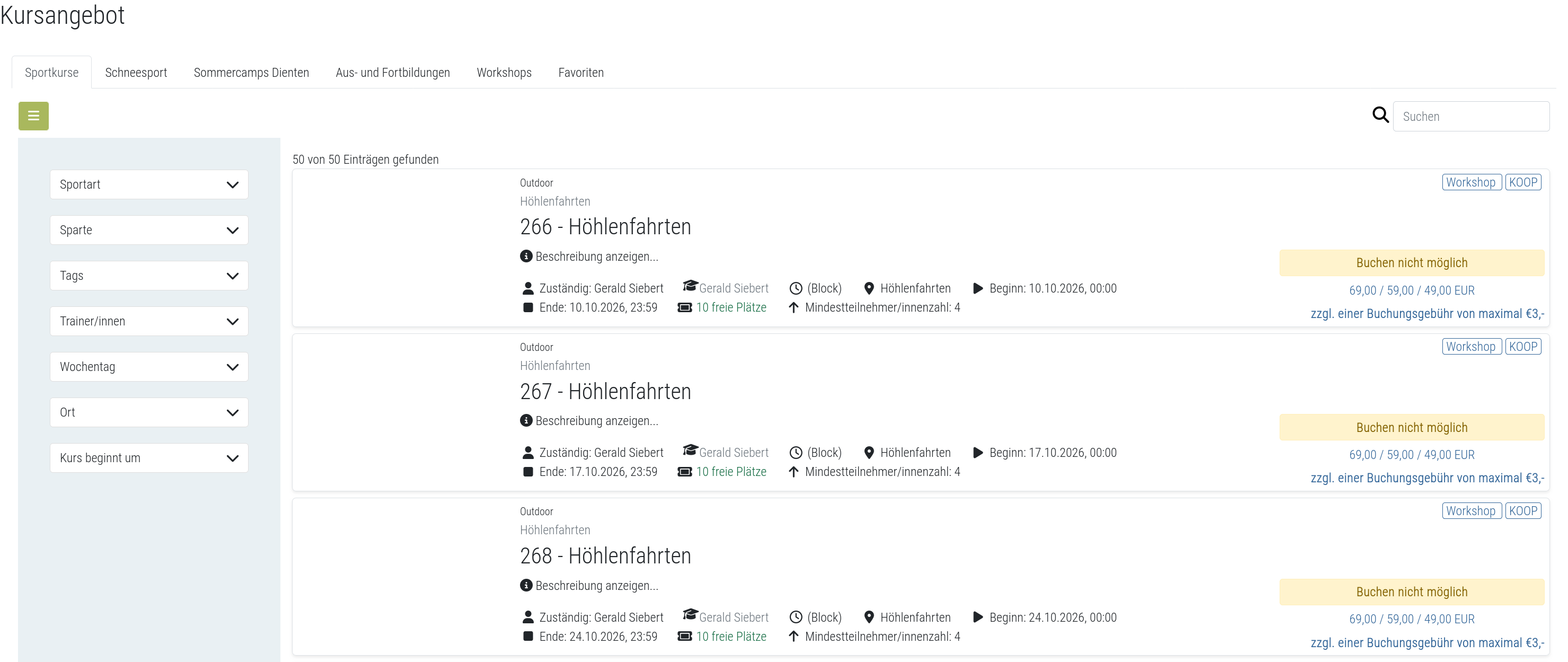
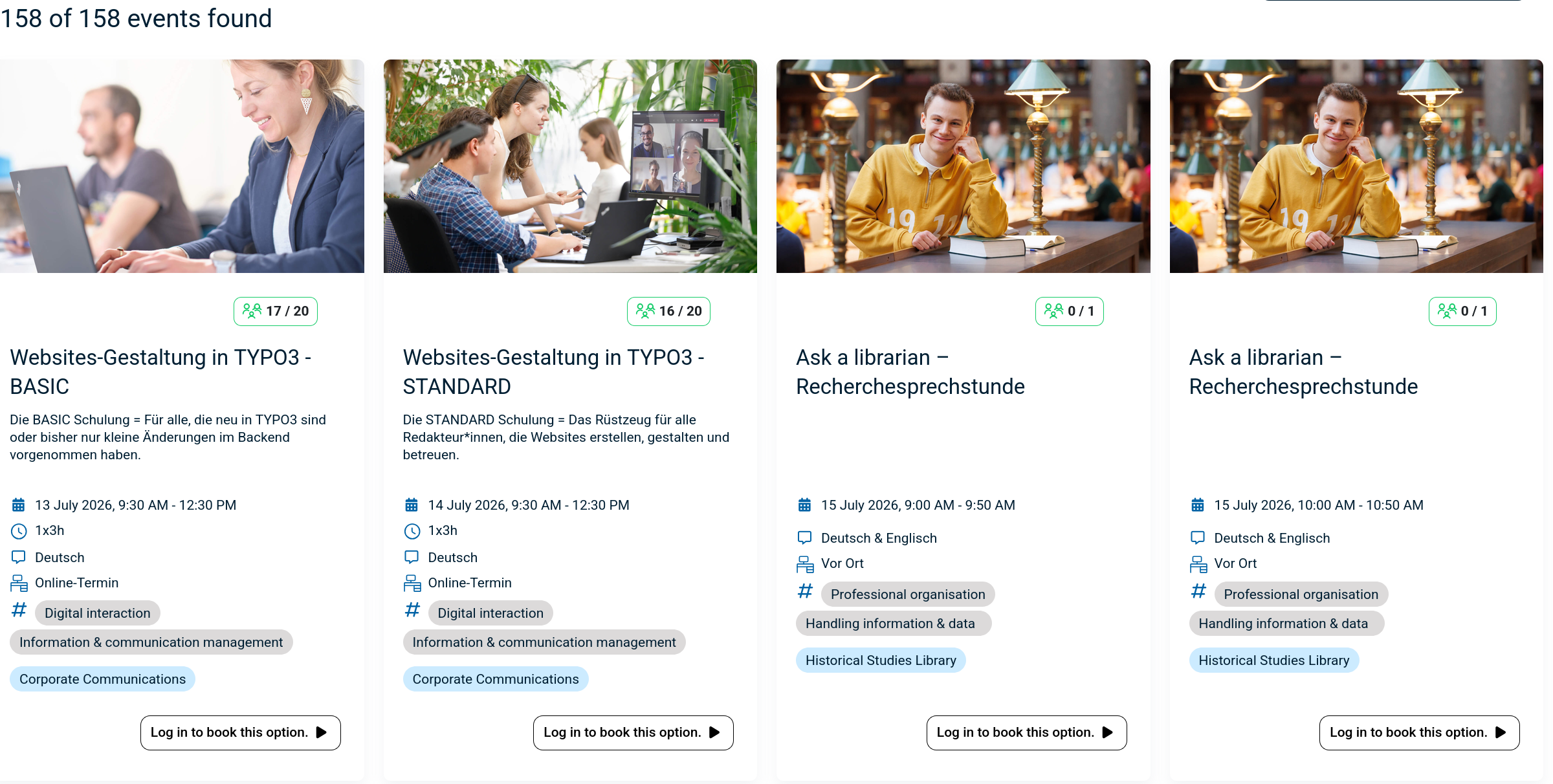
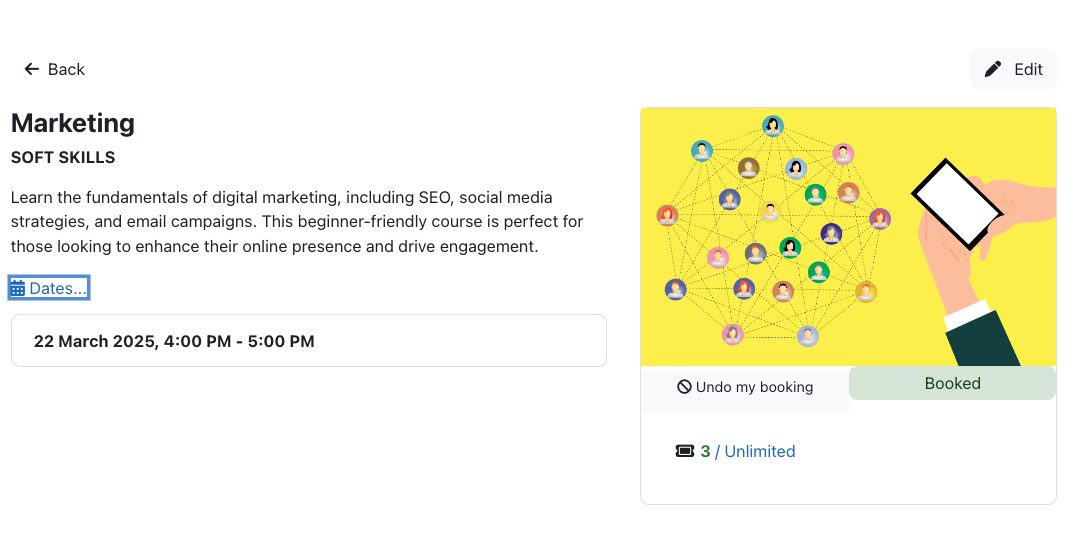
The booking module simplifies event, seminar, and course registrations. 500+ Features include capacity limits, automated waitlists, custom email notifications, confirmation tracking, and seamless integration into Moodle courses.
1 more prices – Free option available See all prices
By buying, you accept the seller's Terms of Sale

Supports Moodle 2.5-5.2 See all versions
Reviewed annually for quality
Latest release: 2 weeks ago
Installations: 1533
Downloads (last 90 days): 956

Frankenstyle name: mod_booking
Activities

Comments

Product ratings and reviews are coming to Moodle Marketplace. Until then, existing comments remain available to read, but new posts have been disabled.

hi
after intalled
i cant open my website
white page only
and i deleted plugin but stel white page
@David, FYI, your latest release has fixed the Export all issue I had previously reported. Thanks.
Hi Saaid, the error should be fixed in the latest version. Kind regards, David
Hi David
I am using moodle 3.1.4. I have upgraded to the latest version of the booking plug-in. I now get an error when i want to "download the sign-in sheet"
"Coding error detected, it must be fixed by a programmer: PHP catchable fatal error
More information about this error"
Thanks David
Hi Lebato,
thank you for reporting the problem. I just uploaded a new version which fixes the bug.
Kind regards,
David
Hi David,
I have installed the new version. but when i edit/update the existing booking options and click "Save and Display", i get this error: "The group already exists in the target course, please choose another name for the booking option". it looks like the system is attempting to add a new booking option instead of updating.
stack trace:
line 413 of /mod/booking/locallib.php: moodle_exception thrown
line 443 of /mod/booking/lib.php: call to booking_utils->group()
line 99 of /mod/booking/editoptions.php: call to booking_update_options()
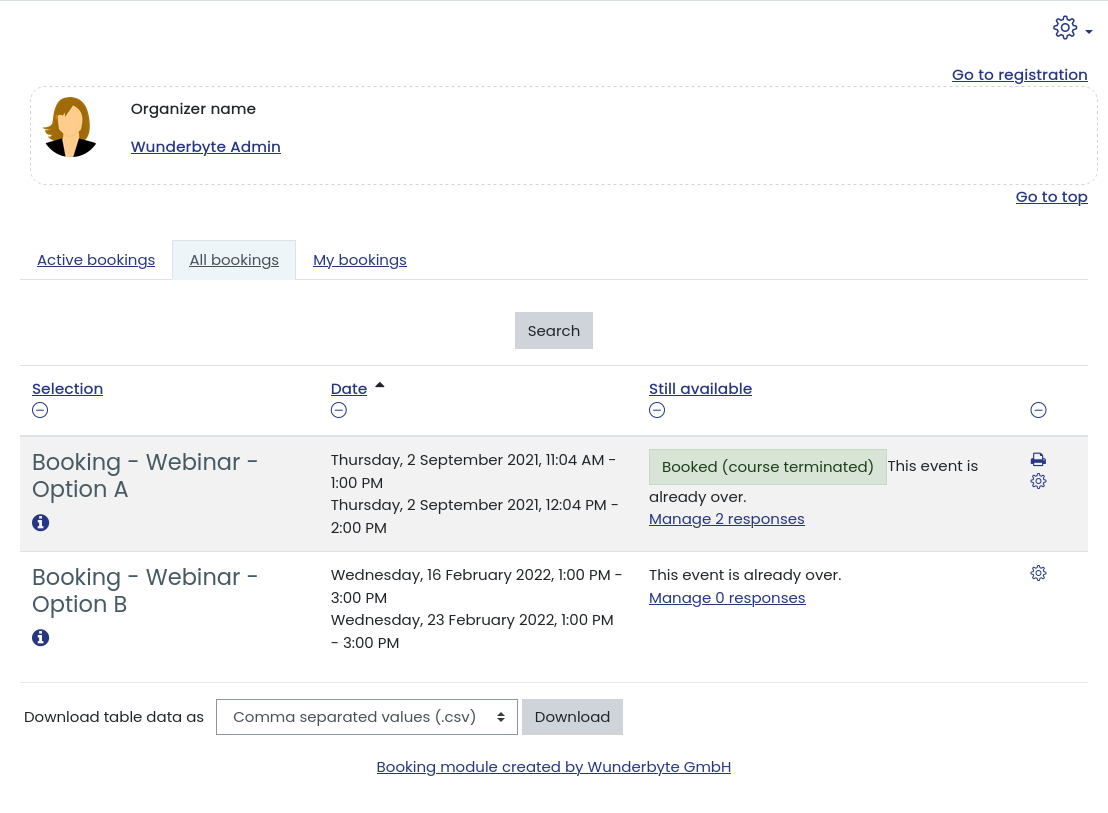
Hi David, thank you for uploading the new version. It does allow you to define a default view. This means that you can determine the active tab i.e. "My Institutions" or "Active Bookings" or "All Bookings" or "My Bookings". I was hoping to hide three of the tabs and only have the student view "My bookings" as is the case in the screen shot image no.4 https://moodle.org/pluginfile.php/50/local_plugins/plugin_screenshots/292/booking04.png?preview=bigthumb. Andraz responded by saying: " this function is not implemented in this version of Booking." Please let me know if this will be implemented in the next version.
Thanking you again for the quick response and for a fantastic booking plugin.
Hi Saaid, I just uploaded a new version. In this version you can define a default view in the booking settings. i hope, that solves your problem. Kind regards,
David
Please help. How can i set my students view to only see the "view only my bookings" as in the case of image four of the pugin screenshots. currently my students see all four tabs: 1. "My Institutions" 2. "Active Bookings" 3. "All Bookings" 4. "My Bookings"

Hi all, has anyone had any issues with this plugin not sending confirmation emails? I've tried on a fresh install of moodle (this is the only custom plugin) and I've enabled Send confirmation email and Send confirmation email to booking manager but neither emails are sent.

My SMTP settings are correct because the registration and course welcome message are both sent successfully.

No idea where to start!

@Dom: You are welcome to contribute to the language file or to the documentation. Right now the documentation really is very basic, but most features can be explored through testing. Personally I can only provide services based on a contract.
Kind regards,
David
@Jose: I you are trying to do strange things. You can't add something directly to the db and then expect to trigger something with your action. I recommend not doing that at all.
Hi, If i add a record direct to mdl_booking_answears, a email confirmation will send in on the next cron.php execution. Or I need to add more records in other tables ?
@Dom, the docs page you linked to is for a very old version of Moodle. Try https://docs.moodle.org/31/en/Booking_module. I am just a user of the module. It was pretty easy to figure out what the settings do by creating a Booking event and using a test account or two to simulate its use. Give it a try, the module works really well.