
Booking
Maintained by
Wunderbyte GmbH, David Bogner
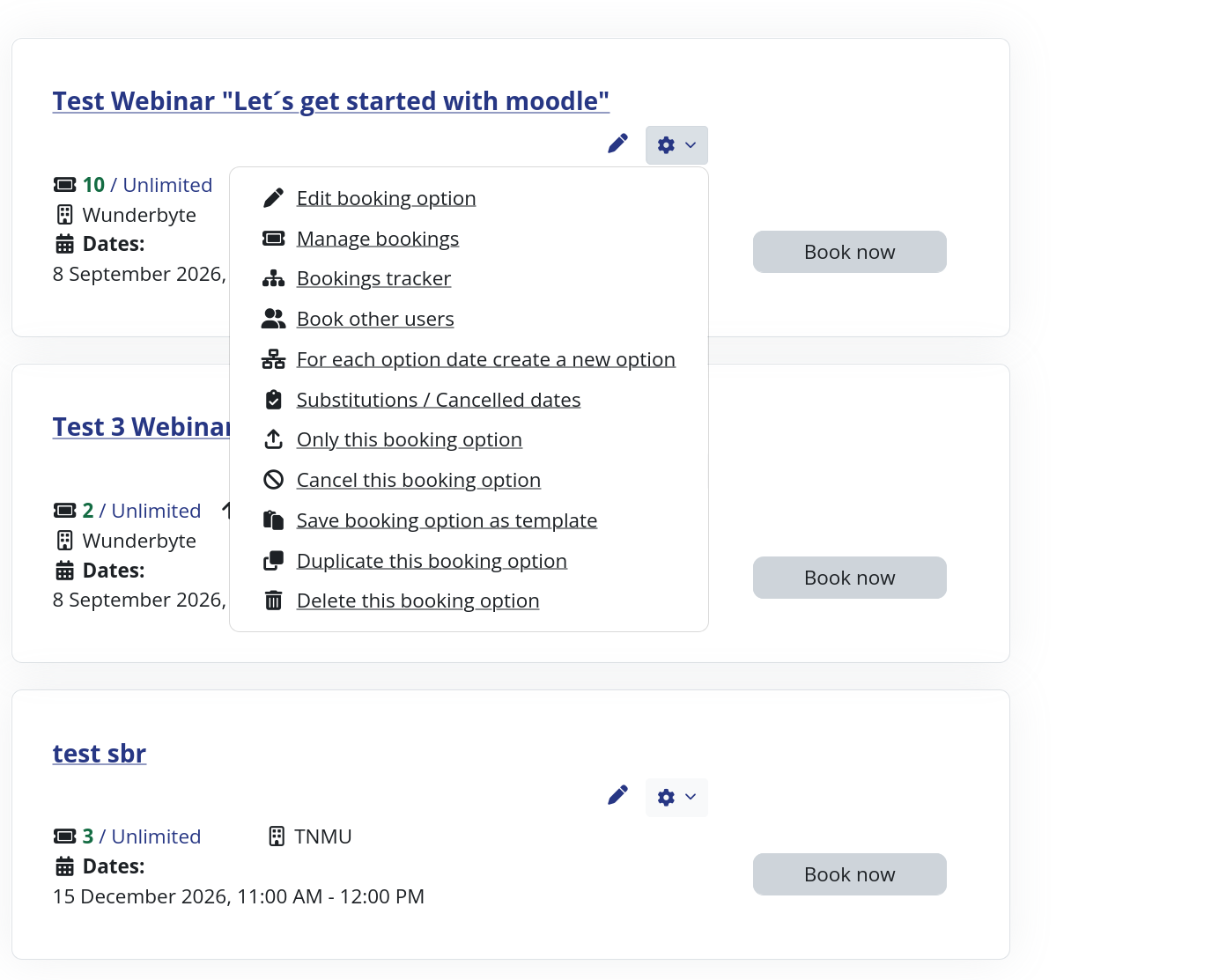
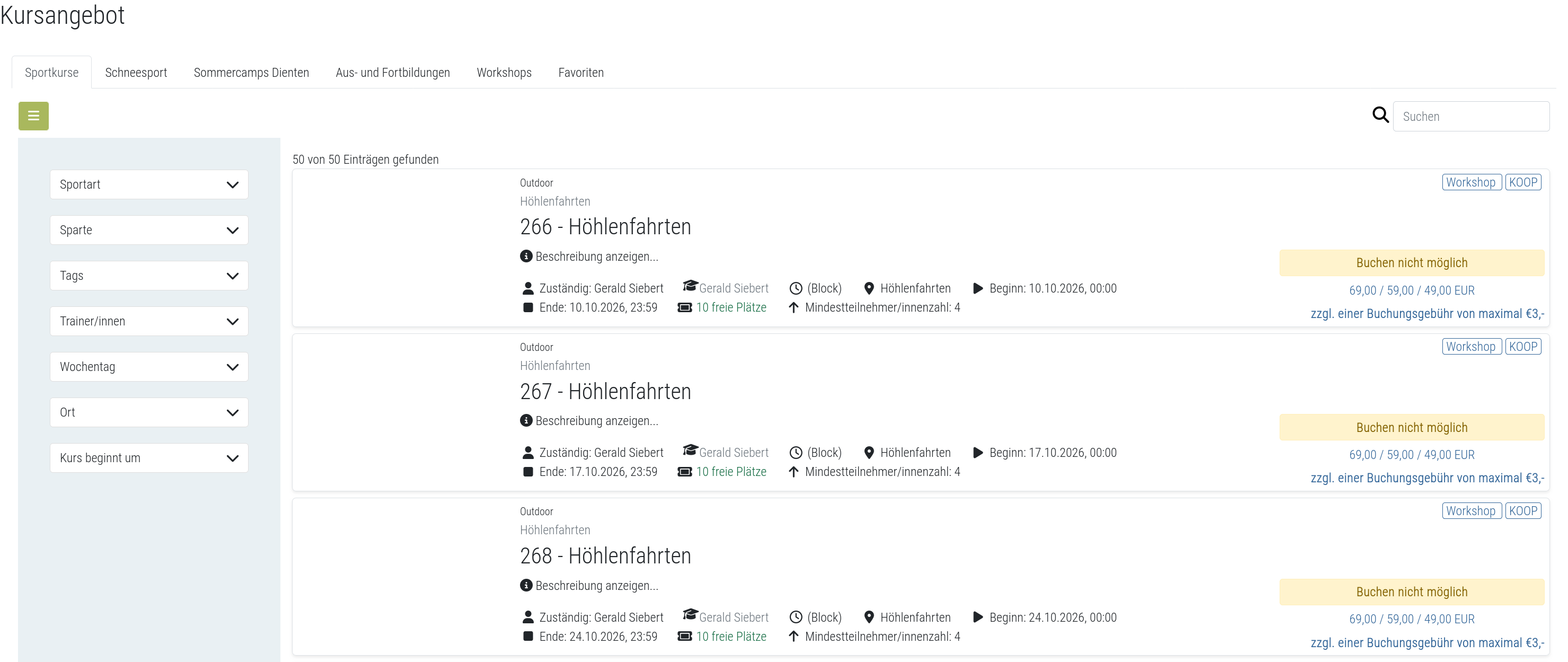
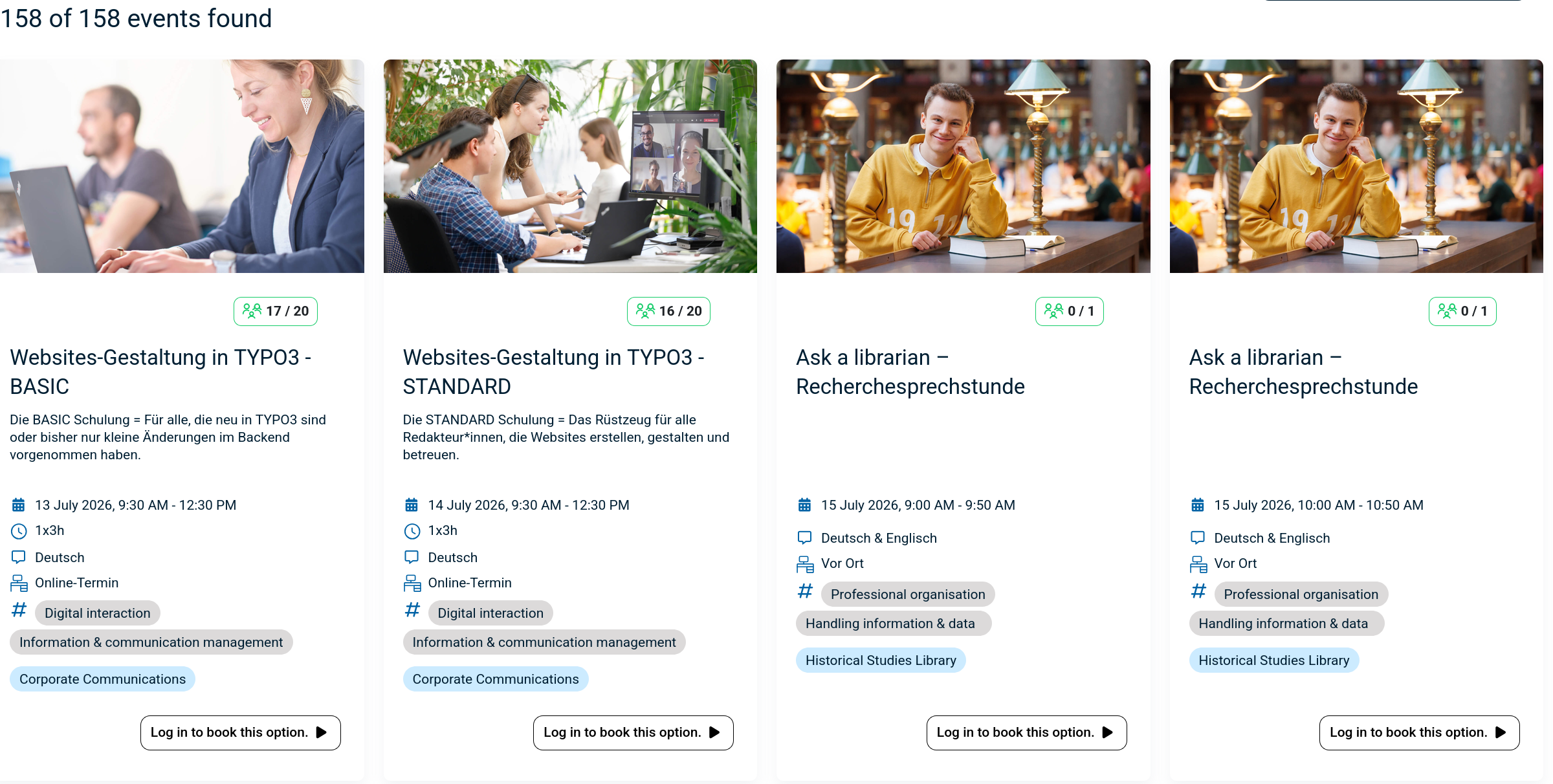
The booking module simplifies event, seminar, and course registrations. 500+ Features include capacity limits, automated waitlists, custom email notifications, confirmation tracking, and seamless integration into Moodle courses.

Comments
Product ratings and reviews are coming to Moodle Marketplace. Until then, existing comments remain available to read, but new posts have been disabled.
My institution really likes the Booking module. We are currently using Eva Thörnblad 2.0 (2016091600). We are seeing an error when using the "Export data table as" function. I would appreciate any help in solving the issue. The stack trace is below:
Coding error detected, it must be fixed by a programmer: Output can not be buffered before instantiating table_dataformat_export_format
More information about this error
Debug info:
Error code: codingerror
Stack trace:
line 1708 of /lib/tablelib.php: coding_exception thrown
line 181 of /lib/tablelib.php: call to table_dataformat_export_format->__construct()
line 165 of /lib/tablelib.php: call to flexible_table->export_class_instance()
line 271 of /mod/booking/view.php: call to flexible_table->is_downloading()
was testing and everything worked fine. suddenly if a user tries to book process seems ok but booking is never actually booked, he returns to the booking page with no bookings booked yet. Any solution?
What are the new features on the latest 2016091600? I have installed the latest version but everything still looks the same.
I would also like to know if there is a way to add Optional fields such as Yahoo ID, Skype ID etc in to the Bookings report?
Thanks,
Lebato
Regards
Dan
Is there a way to add report fields such as 'user profile fields' from existing categories such as "Additional names" or "Optional" categories?.
I know there is an option to include fields from "Additional fields" category, but is there another way to include fields from other categories such as those i have mentuioned above?
regards,
lebato
(Our environment: Moodle 3.1, PHP 7)
Reason: Tags are no longer supported by Moodle.
Solution: Comment out following line in mod/booking/mod_form.php around line 340
....
$taglink = new moodle_url('/tag/search.php', array());
$mform->addElement('static', 'searchtag', '', '' . get_string('searchtag', 'booking') . '');
=> // $mform->addElement('tags', 'tags', get_string('tags')); // disabled to prevent error regardings non supported tags
$options = array();
...
Best, Gerhard
Your latest update works great. Thank you for all your hard work and extensive communications around this topic.
Regards
Dan