
Booking
Maintained by
Wunderbyte GmbH, David Bogner
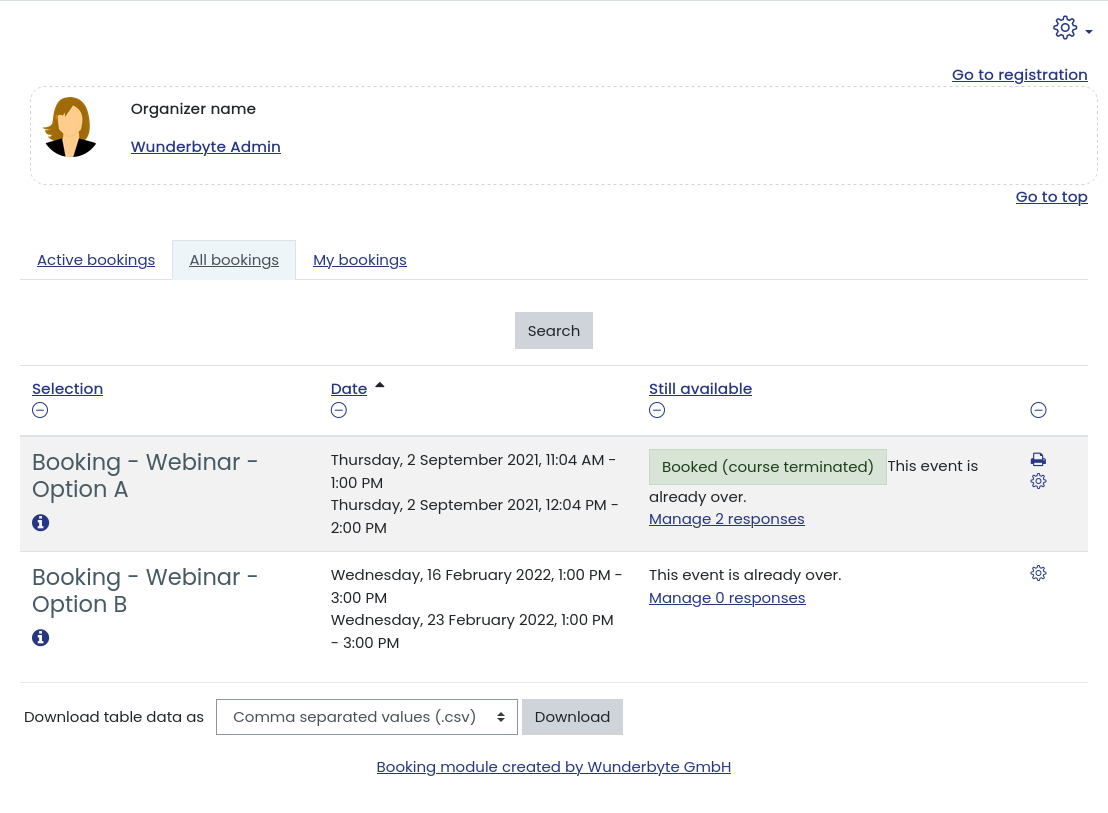
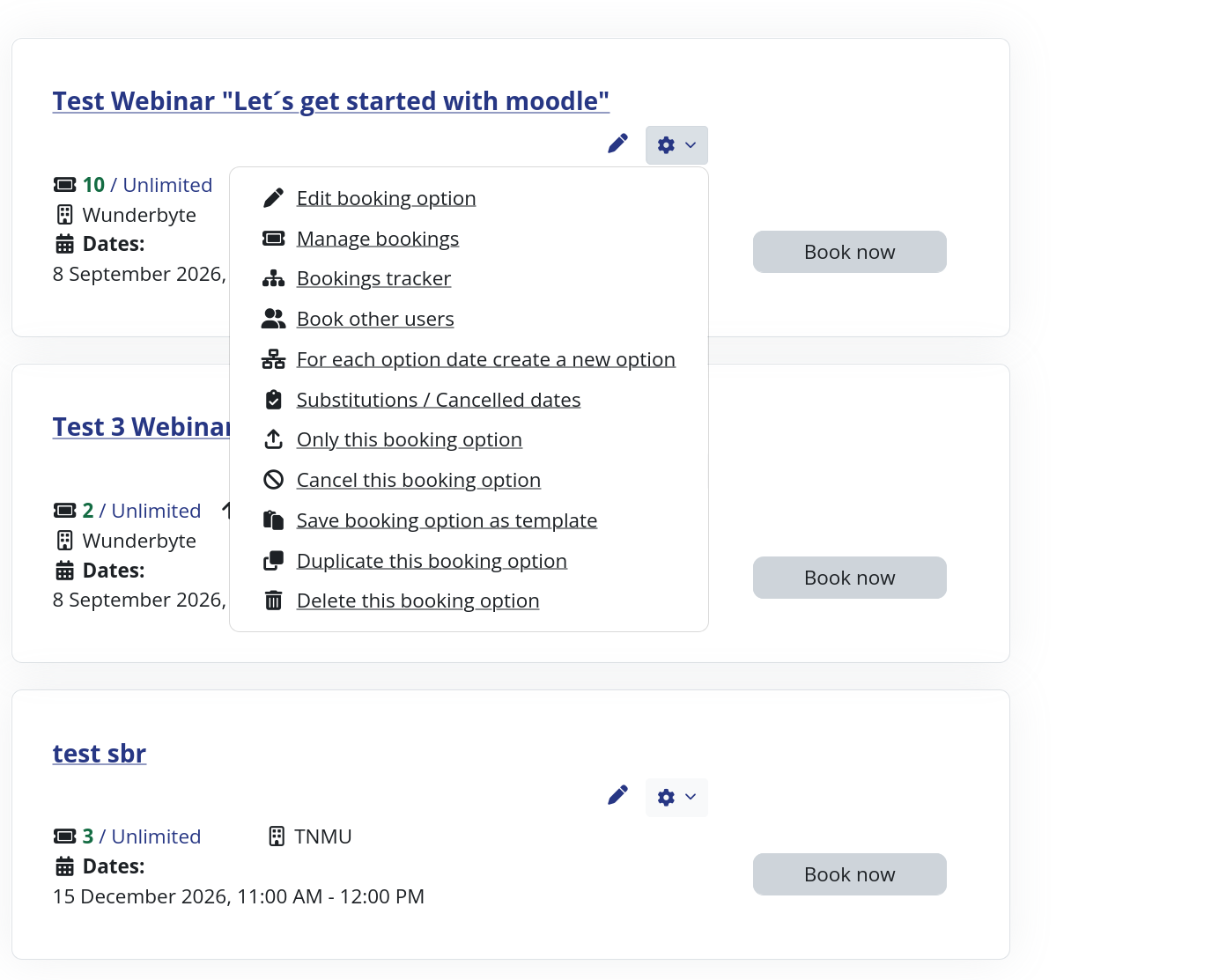
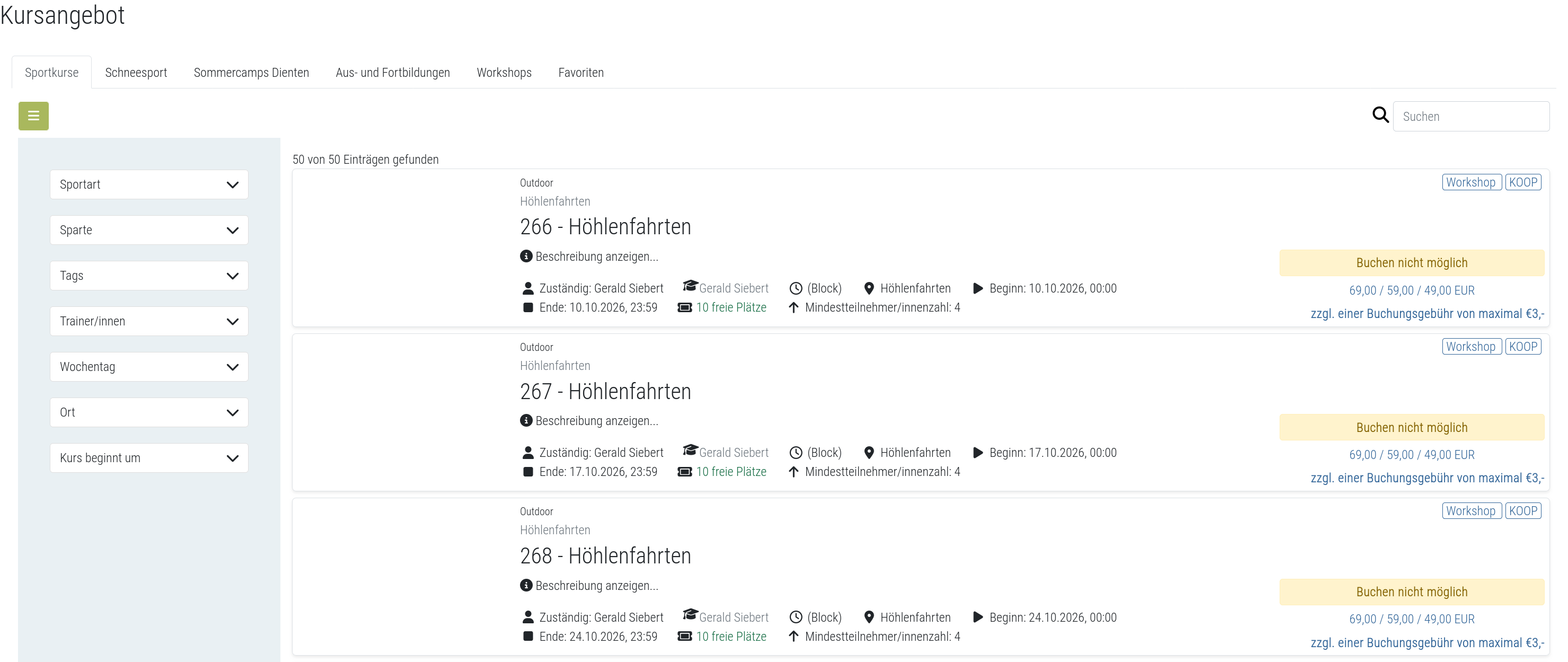
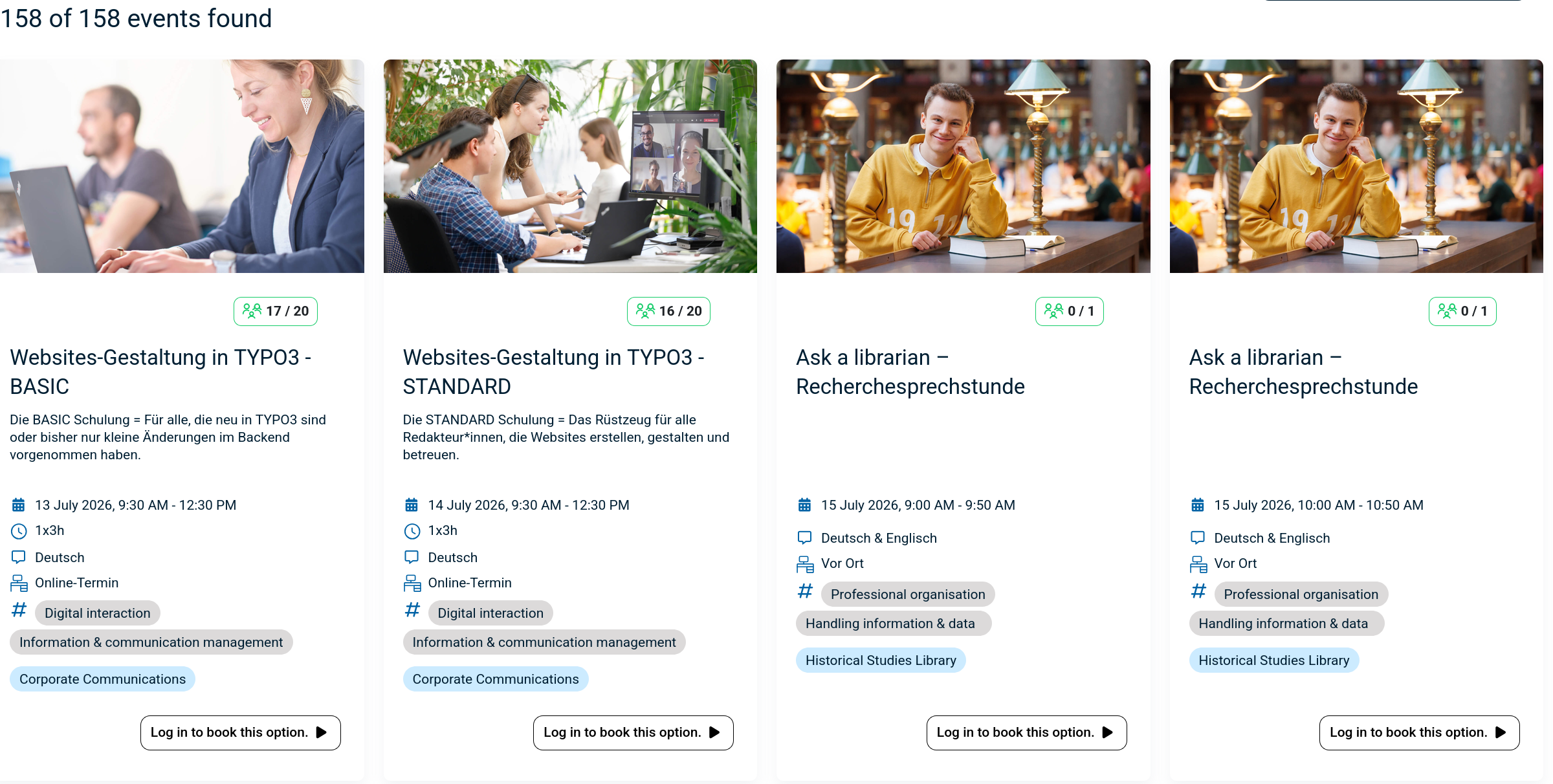
The booking module simplifies event, seminar, and course registrations. 500+ Features include capacity limits, automated waitlists, custom email notifications, confirmation tracking, and seamless integration into Moodle courses.
Comments
Product ratings and reviews are coming to Moodle Marketplace. Until then, existing comments remain available to read, but new posts have been disabled.
we do not offer support here, please head over to https://showroom.wunderbyte.at/
First of, great plugin. We have integrated the booking plugin to our moodle instance and our use case is for setting up one-on-one meetings (teacher and student virtual conversations). How can I add a meeting link to the start button after a session is booked?
(1) Go to the settings of your booking instance (not option, not plugin settings, but instance settings!)
(2) Under "Configure fields and columns" you can choose the columns for your sign-in-sheet => choose only a few, for example: Full name, Signature
(3) Then go to the actual bookings (people who booked) of a specific booking option by clicking on the number, e.g. "3/12", (the number of actual bookings)
(4) On this page (report.php) on the bottom right, you'll see a link called "Configure sign-in sheet"
(5) Play with the configuration settings, until you are happy
(6) Click on download sign-in sheet do download
(7) If necessary, repeat steps (5) and (6) until you are REALLY happy
Best, Bernhard from Wunderbyte
I would like to clarify:
Is the ability to display custom fields (created through the "Custom fields for booking options" menu) limited to the PRO version of the Booking module?
If so, could you confirm why the free version allows the creation of custom fields if they cannot be visualized without upgrading?
Are there any configurations or settings I might have overlooked that could enable me to display these custom fields in the free version?
My friends, I've been having a problem for weeks, maybe months and I've given up. The plugin does not enroll students in groups after they schedule themselves. I have already checked the settings and they are all correct. I have already installed all versions of Moodle and the plugin, it simply does not work and gives me the error that I will leave below. If anyone can help, please, I'll pay for the consultancy. This is very important to me and I am exhausted. No version of the plugin works this.
Here is the log:
[STDERR] Debugging: Coding problem: $PAGE->context was not set. You may have forgotten to call require_login() or $PAGE->set_context(). The page may not display correctly as a result in
* line 570 of /lib/pagelib.php: call to debugging()
* line 967 of /lib/pagelib.php: call to moodle_page->magic_get_context()
* line 42 of /mod/booking/classes/booking_context_helper.php: call to moodle_page->__get()
* line 139 of /mod/booking/classes/message_controller.php: call to mod_booking\booking_context_helper::fix_booking_page_context()
* line 706 of /mod/booking/classes/booking_option.php: call to mod_booking\message_controller->__construct()
* line 564 of /mod/booking/classes/booking_bookit.php: call to mod_booking\booking_option->user_delete_response()
* line 360 of /mod/booking/classes/booking_bookit.php: call to mod_booking\booking_bookit::answer_booking_option()
* line 86 of /mod/booking/classes/external/bookit.php: call to mod_booking\booking_bookit::bookit()
* line ? of unknownfile: call to mod_booking\external\bookit::execute()
* line 253 of /lib/external/classes/external_api.php: call to call_user_func_array()
* line 83 of /lib/ajax/service.php: call to core_external\external_api::call_external_function()
Thanks in advance!
I am having trouble finding, where the sign-in-sheets are generated. Could somebody give me a nudge in the right direction? Thank you!
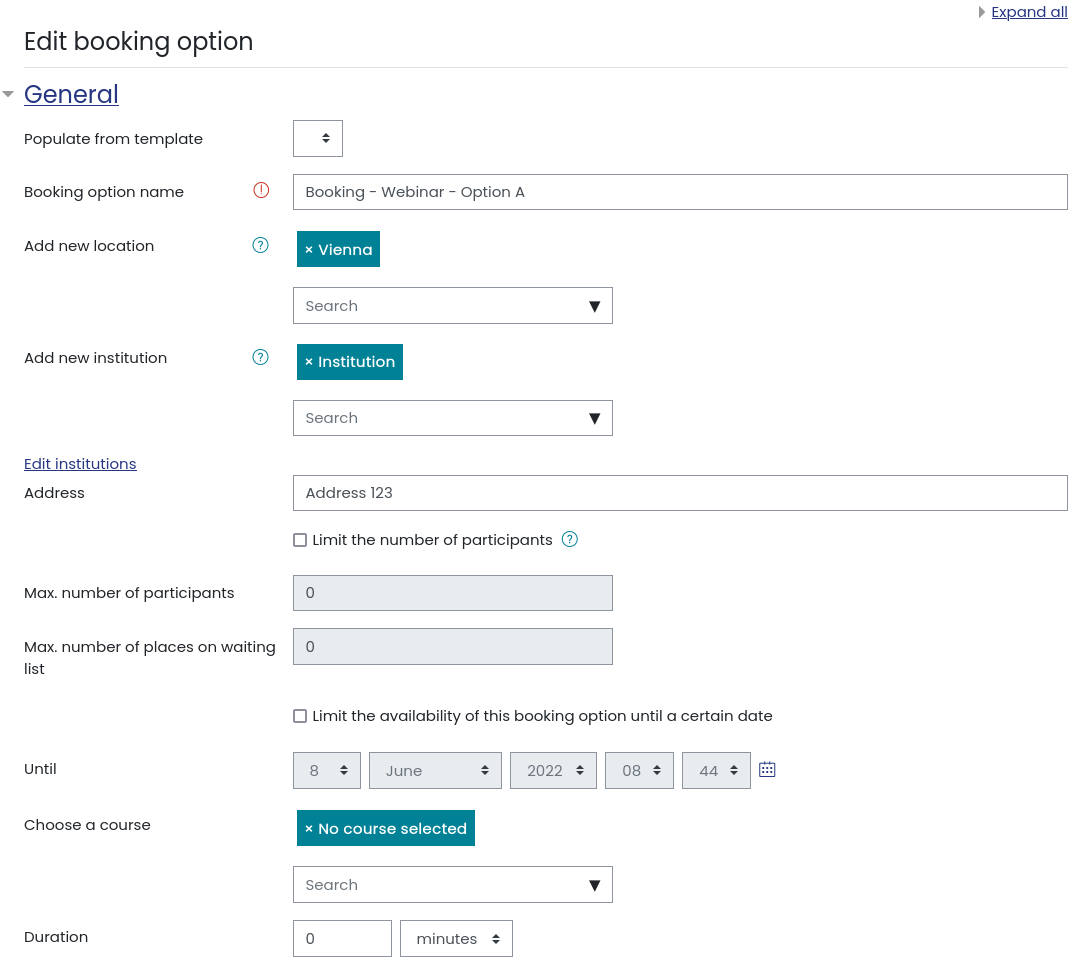
Would the plugin automatically move users from the waitlist to the participants list, if the Max. number of participants was increased in value? Say I had a booking is setup with a Max. number of participants of 10 and a Max. number of places on waiting list of 10, I get 10 registered participants. I notice the waitlist is also full at 10 registered users. I increase the Max. number of participants to 20. Should the plugin move those 10 user from the waitlist to the participants list? Or does that have to be done manually by a Teacher/Admin?
We are using mod_booking 8.3.7 (2024052401) with local_wunderbyte_table 2.0.6 (2024042600) in Moodle 4.1.
Thank you,
it is very unlikely that such errors happen as this is covered via automated tests. For bug reporting please create an issue at https://github.com/Wunderbyte-GmbH/moodle-mod_booking/issues
Thank you, David