
Booking
Maintained by
Wunderbyte GmbH, David Bogner
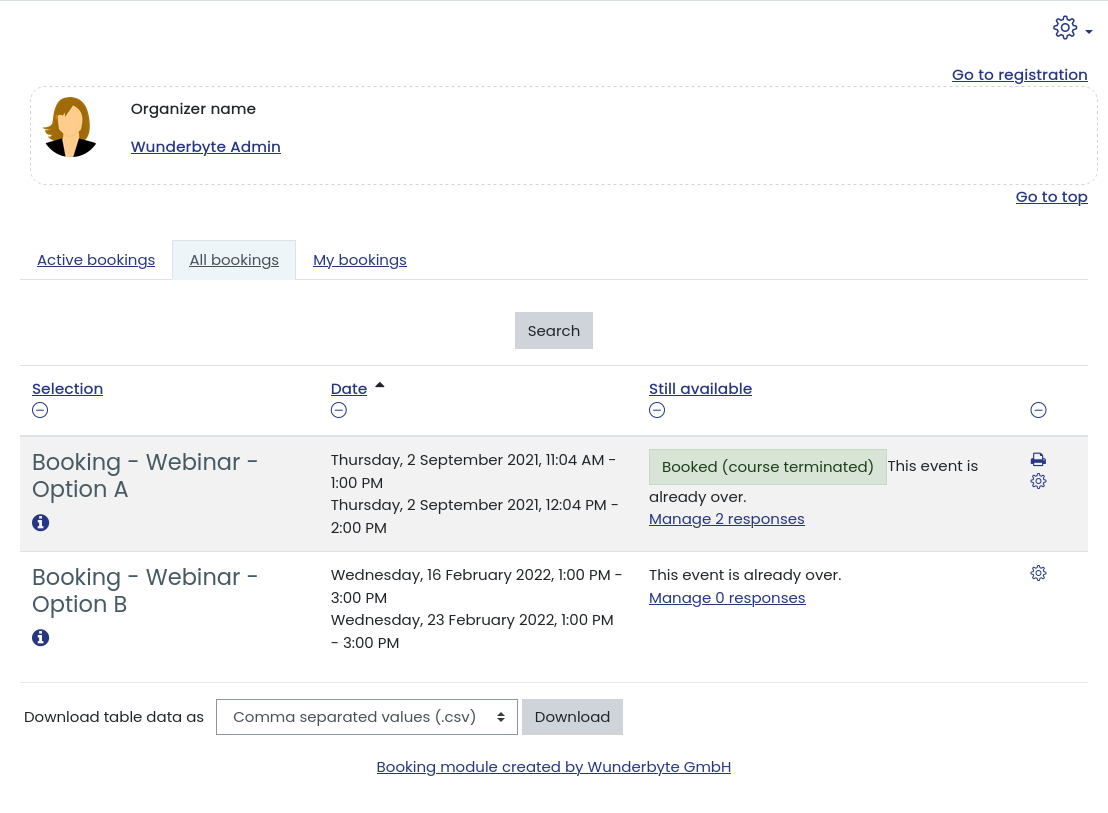
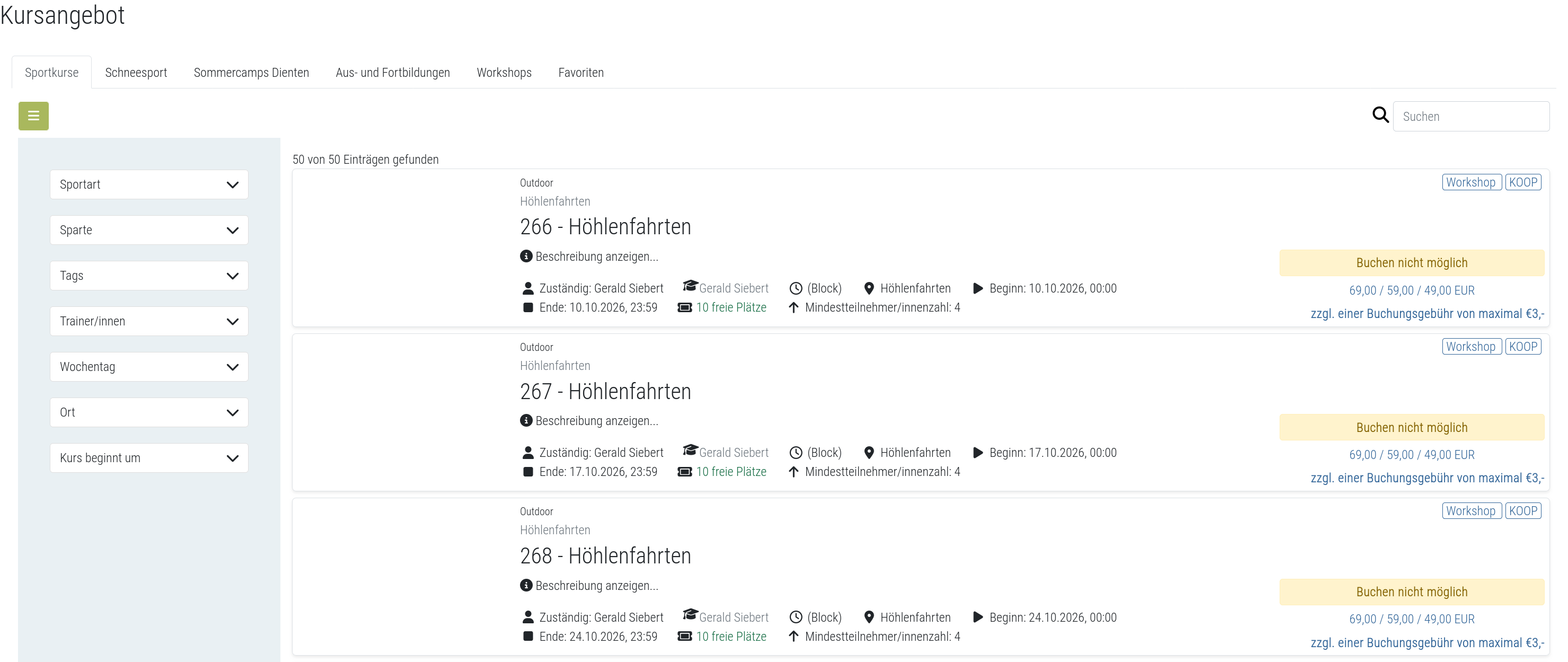
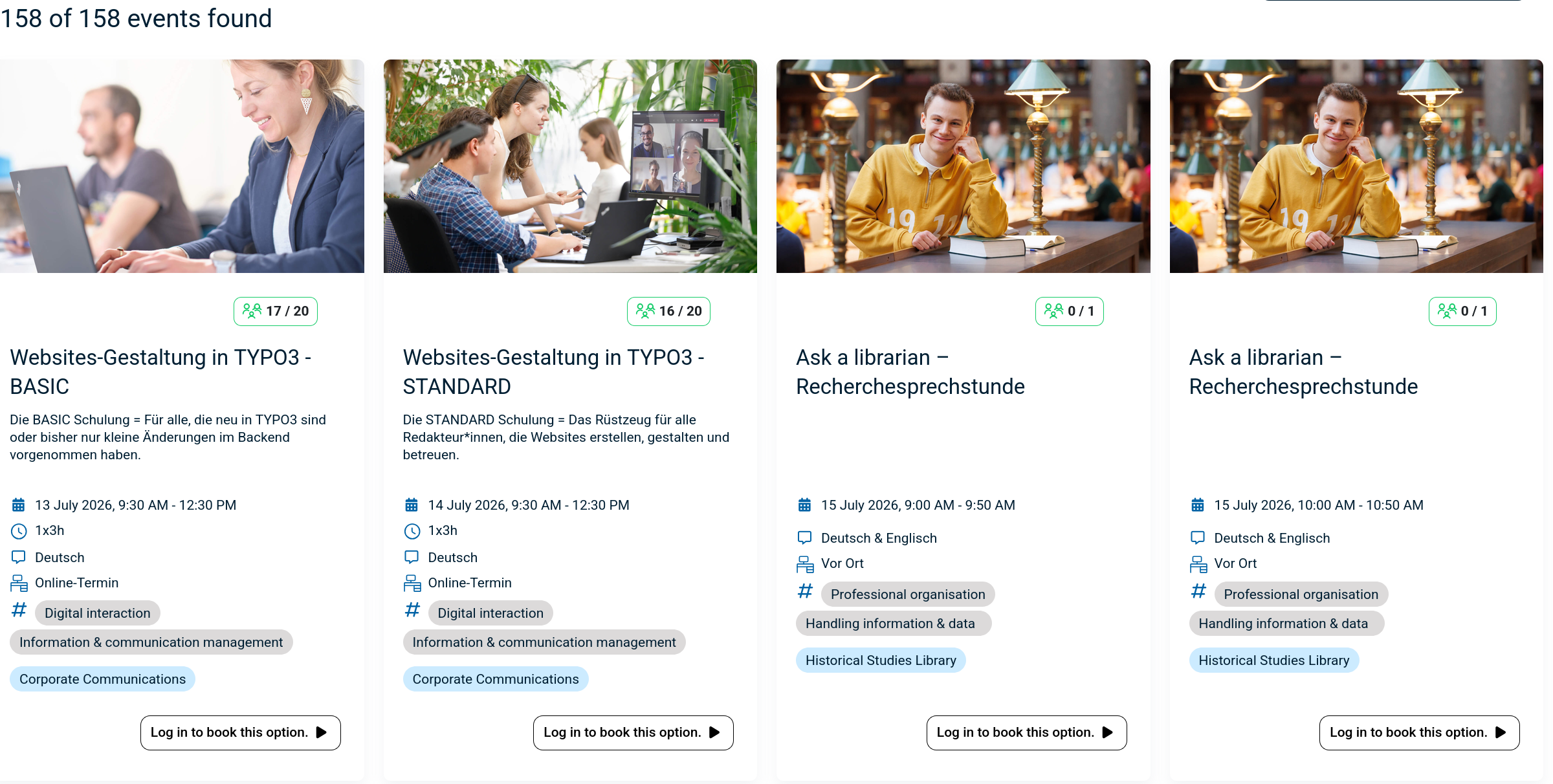
The booking module simplifies event, seminar, and course registrations. 500+ Features include capacity limits, automated waitlists, custom email notifications, confirmation tracking, and seamless integration into Moodle courses.
Comments
Product ratings and reviews are coming to Moodle Marketplace. Until then, existing comments remain available to read, but new posts have been disabled.
I have installed the platform and all the plugins are working very well but i'm having issues with the booking plugin.
Moodle is sending emails to the user/admin when a certificate is obtained, when a new user registers into the system, when a password is recovered etc. I also installed the schedule plugin and the notifications are working fine. The problem is that when booking into a booking option, after the notification that an email is going to be sent, neither the admin or the user is receiving a notification. I notice that in a previous installation, those notifications, some times toke large minutes to arrive but on this new installation, the booking plugin is not sending the emails.
I have checked all the available help available but i cannot find a solution for this issue and the problem is that in this platform, there's no alternative to a booking system, we only have this plugin available.
Additional help is very welcome!
Many Thanks,
Bruno
On mobile app that error is showing.
Class 'mod_booking\output\places' not found
First of all, thank you for this fantastic plugin!
I only have one small query, in the 'booking confirmation' section, I have included {institution} as a value but for some reason it just seems to omit that part and proceeds to carry on with the rest of the email.
Do you know what this coud be?
Thanks
there is a permission you have to set to "allow" for each role, not matter if you are admin or manager. Usually this is set to allow for students: mod/booking:choose
So you have to get the permissions right for your role.
Kind regards,
David
I get this: "Booking is not possible for your user role. Please contact the site administrator to give you the appropriate rights or enrol/sign in."
I'm using my admin account to manage the bookings, so the option should be available...
I lost already hours and cannot sort this.
Thank you
Thanks David!
I tried on a Moodle set up with a PgSQL Database. I have the same issue. I did what you explain in your documentation regarding the overide role rights. Nothing changed. I still don't have any context menu for my mentor to only book for their mentee
I hope you will find the bug or maybe i miss something.
Kind regards,
Julien
if that's the case, then it is a bug. The icon should be visible with the appropriate rights. I will fix that for the next release.
Kind regards,
David
Hum i see... I have this context menu as a Manager. The thing is, i was hoping (because you have the single right about "book for other users") that a user without any other rights than "booking for him/her-self" could have that additionnal right individually added in a specific role.
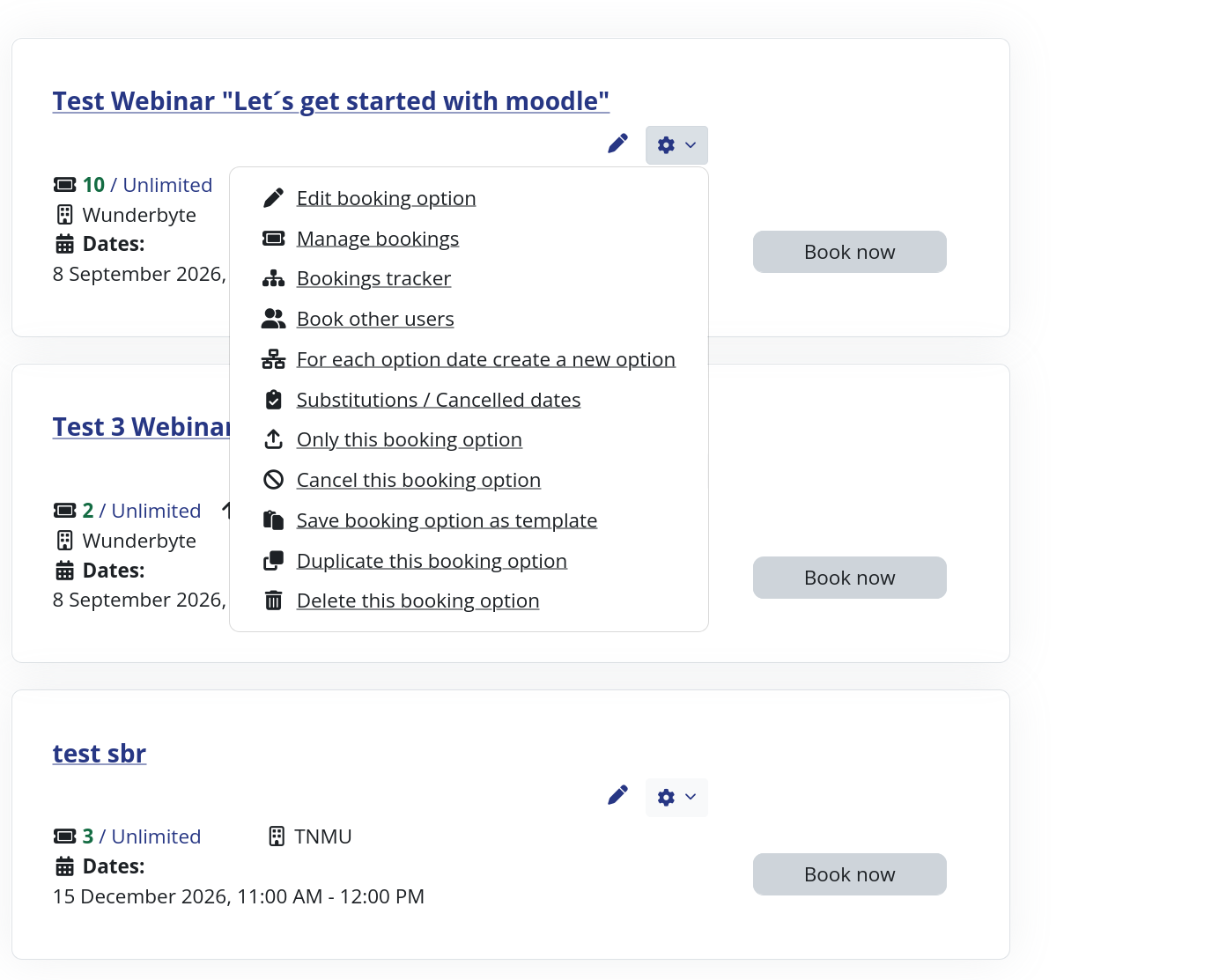
Because as i see on your screenshot, user will be able to "book for other users" but also "Edit this booking option", "Edit teachers"...etc
In other words, if I want someone to only be able to book for him/her-self and for his/her mentee (and no editing capabilities at all), and i give him/her the role with only these booking capabilities, i don't have the gear icon on the top right with the context menu at all
basically you have the right permission set. What version do you use? There has been a version, where the button for subscribing other users was not visible, but should be in the most recent version. You have to click on the cog wheel see screenshot: https://nx811.your-storageshare.de/s/DAtYpdtza94W5oc
Kind regards,
David
I really enjoy your booking plugin. It's gonna save a lot of time for my team to organize training sessions more efficiently! Thanks again.
However, i was trying to figure out how a user (not a manager or teacher with the full good rights on your activiy) is able to book for another user?
For instance, i defined a Mentor role who should be able to book instead of the user if the user didn't do it by him/her-self.
In the fine grained rights you added the right : "Make bookings for other users".
If i log into Moodle with the such granted user with that role (so that right among all), i'm not able to book for anyone, because i don't have any icon
Did i miss or misunderstood something on that usage?
Capture here : https://bit.ly/30EMIyn (available for 1 week)
Thanks a lot for your reply
And the other cuestion, can i connect with Paypal module, for when they booking, the users will be to pay the reservation. This it is possible?
And it is imposible, how i can Admin the payments in the reservations? I need to put in a reservation, it is payed or not.
VERY Thanksss !!!!
Kind regards,
David
In 2do way you refer a template using TAG templates? I found tag templates but i not know how i put in the instance for this as select by the user. Can you help me? please...thanks so much!!
the module was programmed for courses and trainings, that have a start and end time, but it could also cover your scenario. My suggestions would be to create a booking instance per plane and day. The booking options would be the time slots available. Other possibility: One booking instance per plane, then you create for each time slot a booking option for all days available. Use the template feature to create the options fast.
Kind regards,
David
I have to put a booking for aircraft flight reservation system for practice and learning.
I have 5 aircraft and availability is from Monday to Friday from 1 p.m. to 6 p.m.
How can I make each student select a plane, day and time? And also, that another student cannot reserve that same plane, day and time if already reserved.
So far from what I saw, I would have to generate all the reservations on all the planes, all days and times and list them.
Ej> For Monday i have: Option Booking #1: Aircraft1 - Jul 14th - 1 pm.
Option Booking #2: Aircraft1 - Jul 14th - 2 pm.
Option Booking #3: Aircraft1 - Jul 14th - 3 pm.
......................................................................................
Option Booking #1: Aircraft2 - Jul 14th - 1 pm.
Option Booking #2: Aircraft2 - Jul 14th - 2 pm.
Option Booking #3: Aircraft2 - Jul 14th - 3 pm.
........................................................................................................
There are other option ?
Other way?