
Eguru
Maintained by
LMSACE
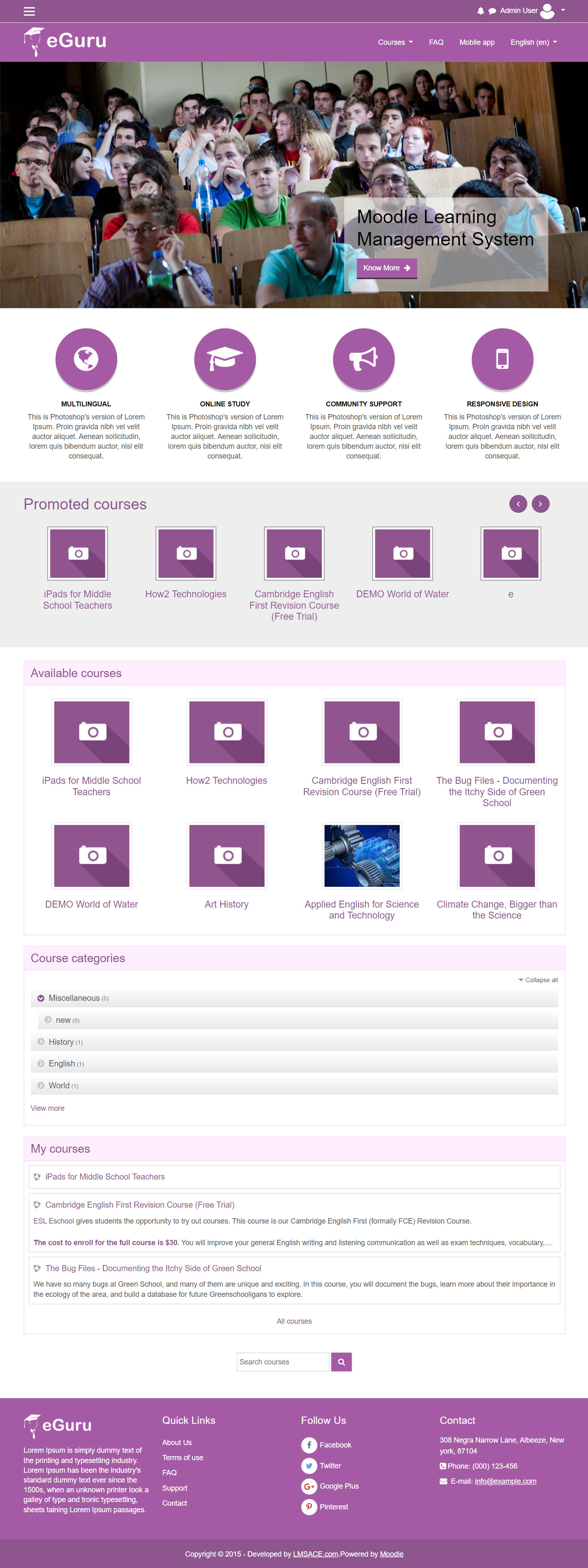
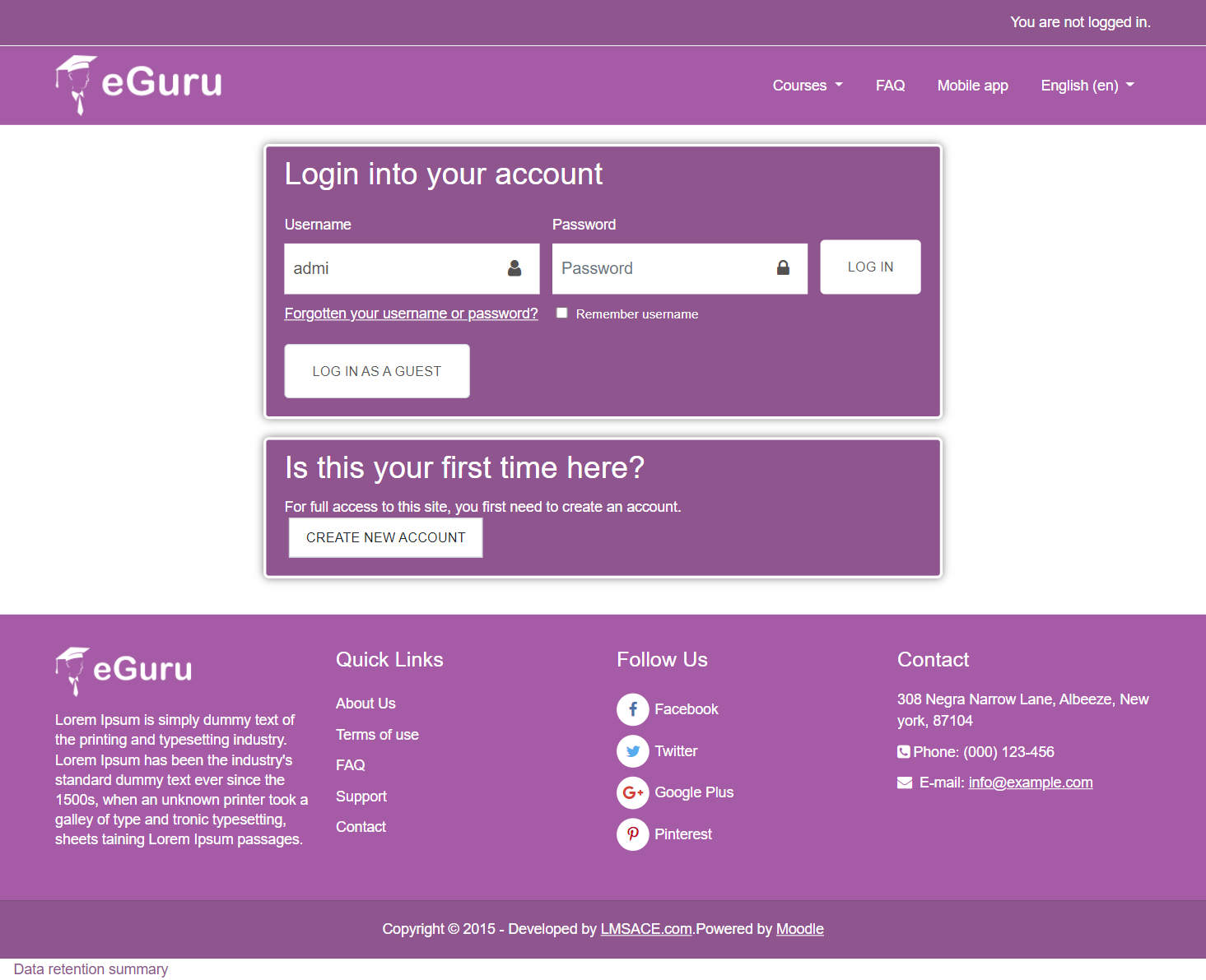
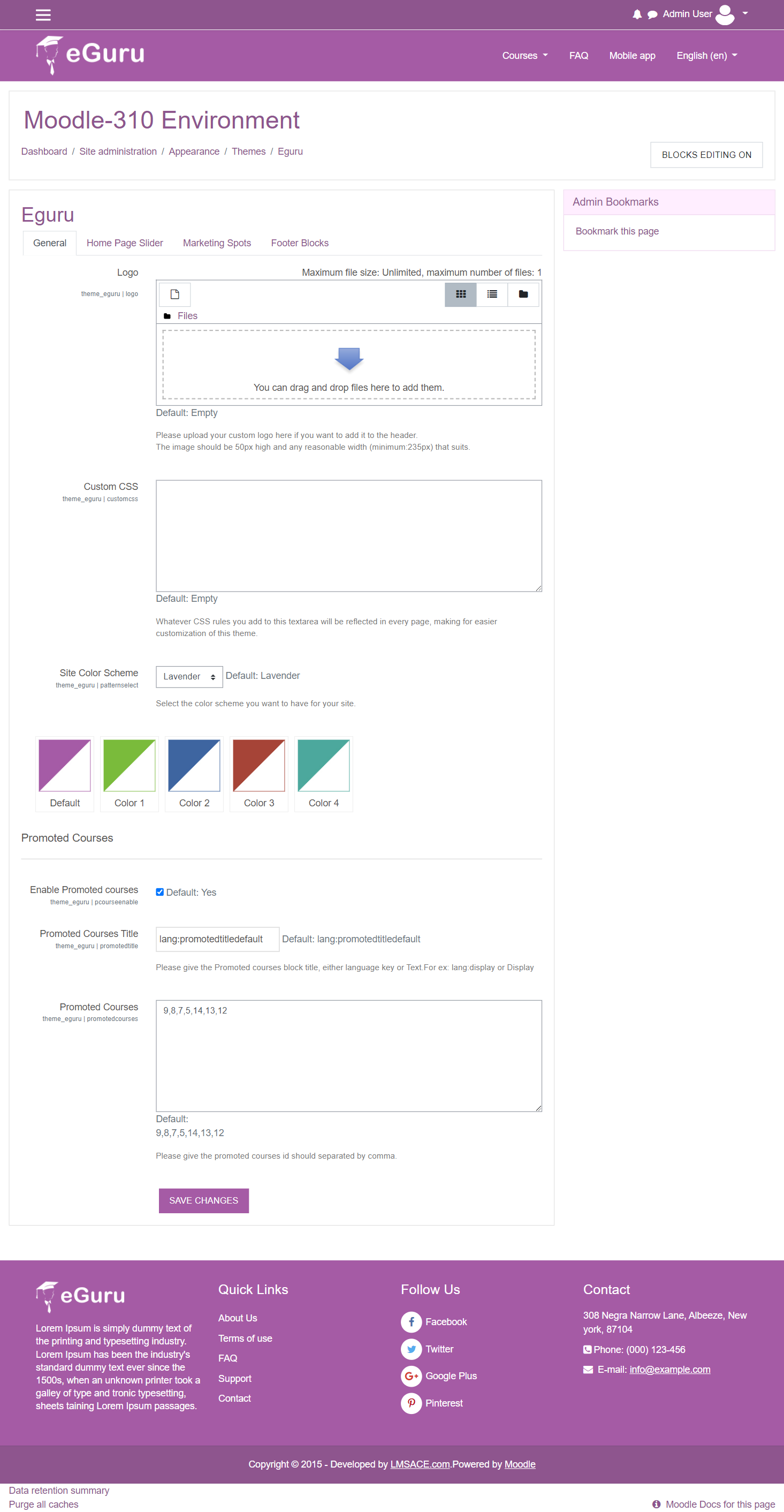
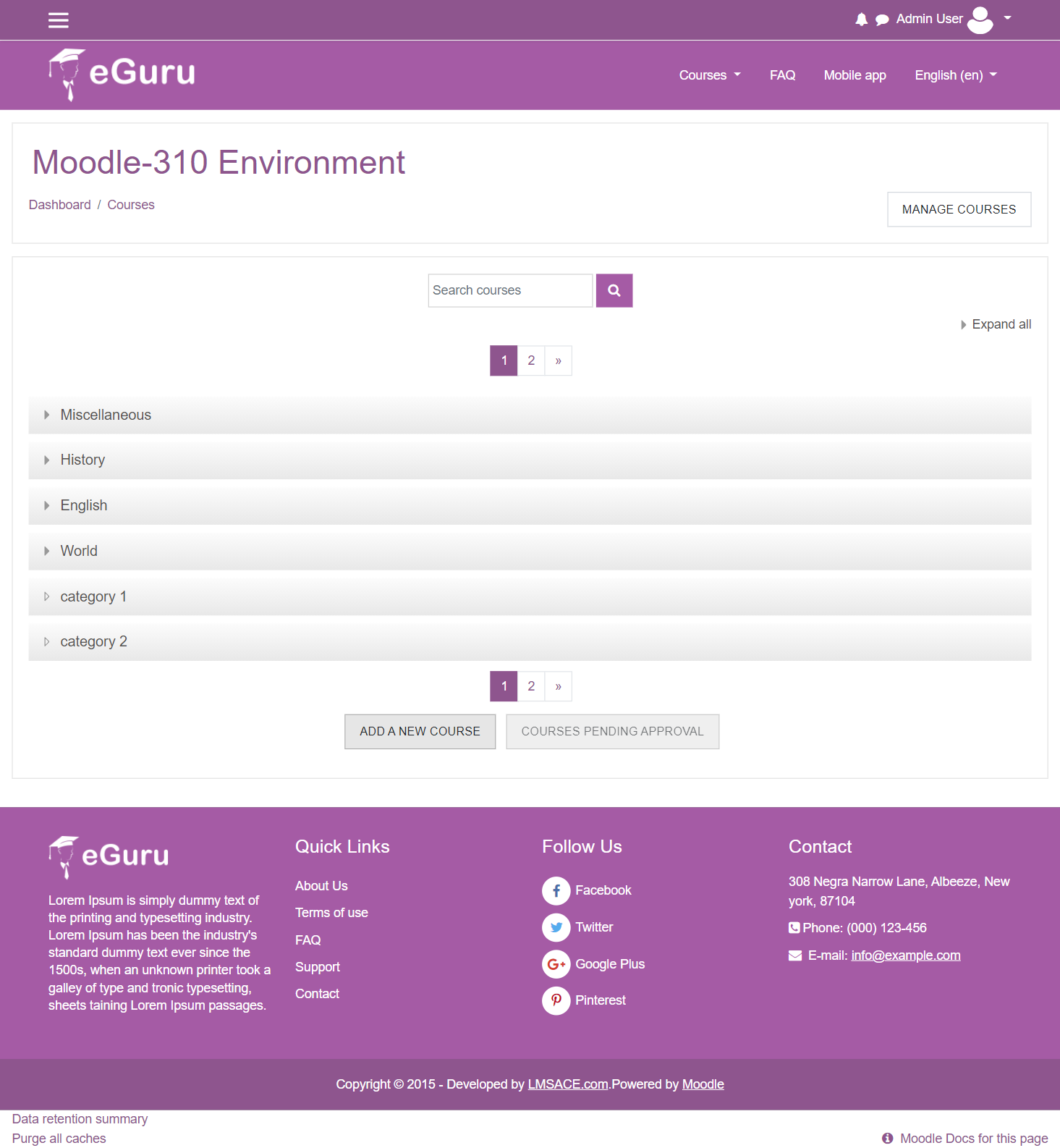
The Guru of moodle themes e-Guru - ultra responsive moodle theme with multi color pattern is free now in moodle plugin directory.It has stunning features that will be a suitable choice for your educational establishments and coming out with powerful admin theme setting options.
Comments
Comments are no longer open for new posts. Existing comments remain available to read.
I am writing to congratulate you on this theme so nice, very good job.
In addition I am having a problem after installing it , the UTF -8 encoding of the Moodle platform works perfect , but the accents and " ñ" do not appear in the texts. It appears to me "?"
that appears => "Bloques de pie de p�gina".
I test with another theme and works fine, but I want use your theme, please give me a solution.
Thanks
please how to change the size slider?
Could you please provide tips or instructions on how to make the logo file appear larger? I have tried multiple times to upload an image file, but the theme keeps re-sizing it down to a much smaller version of itself. The funny thing is that it only happens on a horizontal image file (width larger than height). With a square image file, it keeps it larger and does not shrink it down. Thank you for any suggestions you may have.
I need add page customizing the link about us. Thank you. luis
but as you can see we have 2 menus
I mean top menu====> Home I Course I log in
There are some other useful links too, which I have stored in my Themes development folder links:
https://docs.moodle.org/dev/Themes_overview
https://docs.moodle.org/dev/Creating_a_custom_theme
Additionally there are some videos on Youtube which I remember watching that demonstrate the basics to theme modifications, I just don't have them saved in my links folder.
This is the same settings that will control any theme's header menu so that's why it shows up in that menu path rather than the menu path strictly for Eguru.