
Eguru
Maintained by
LMSACE
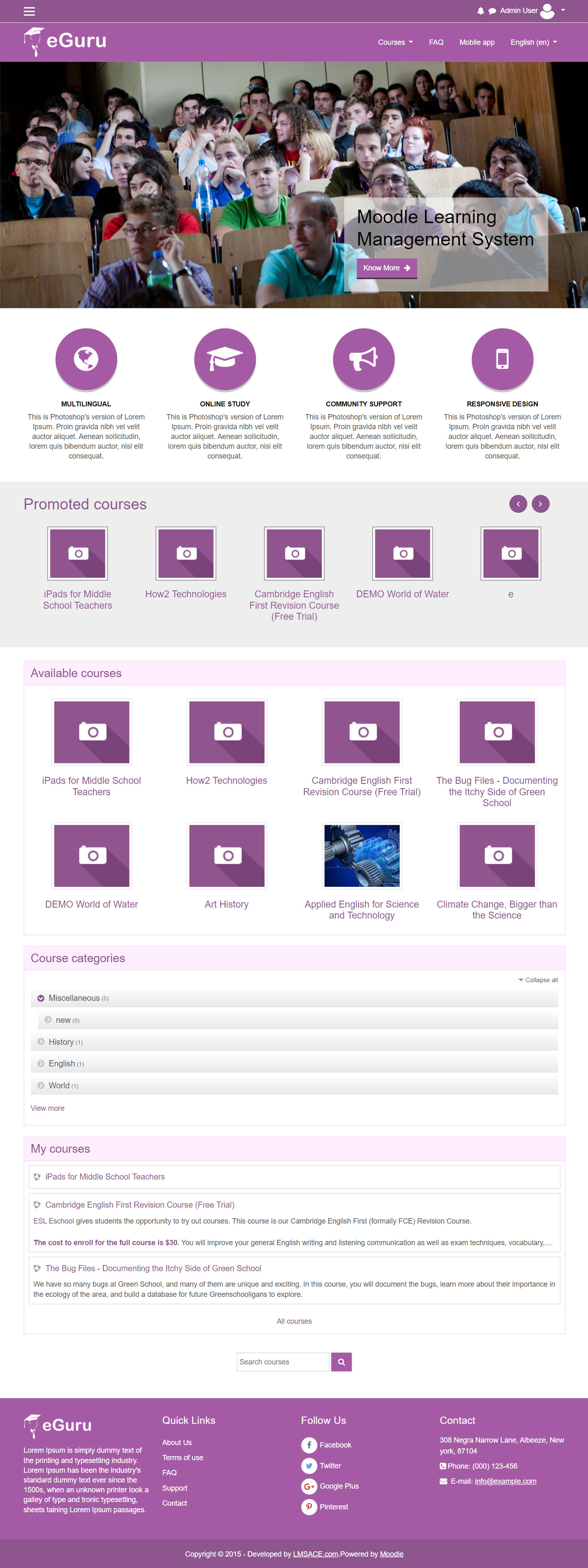
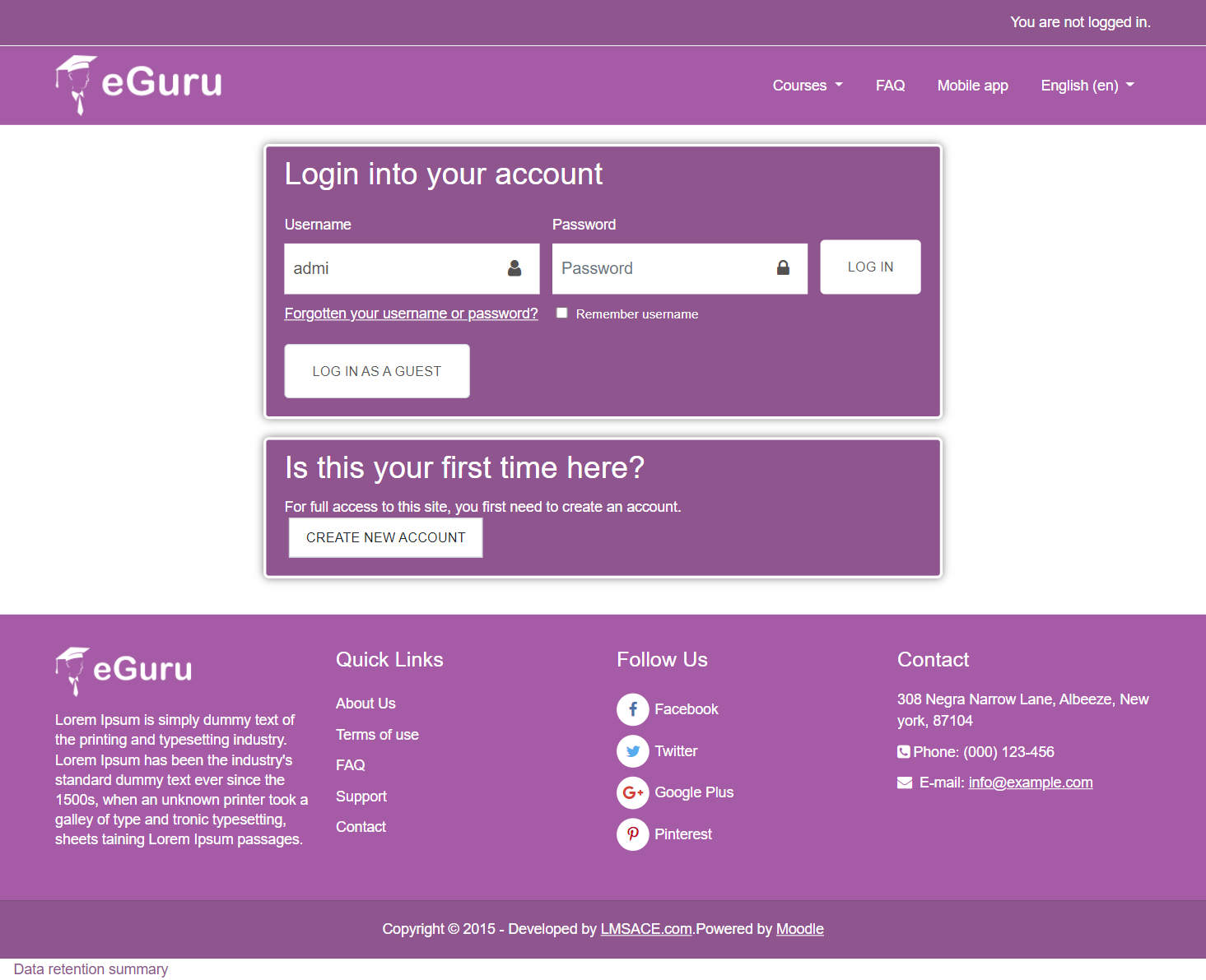
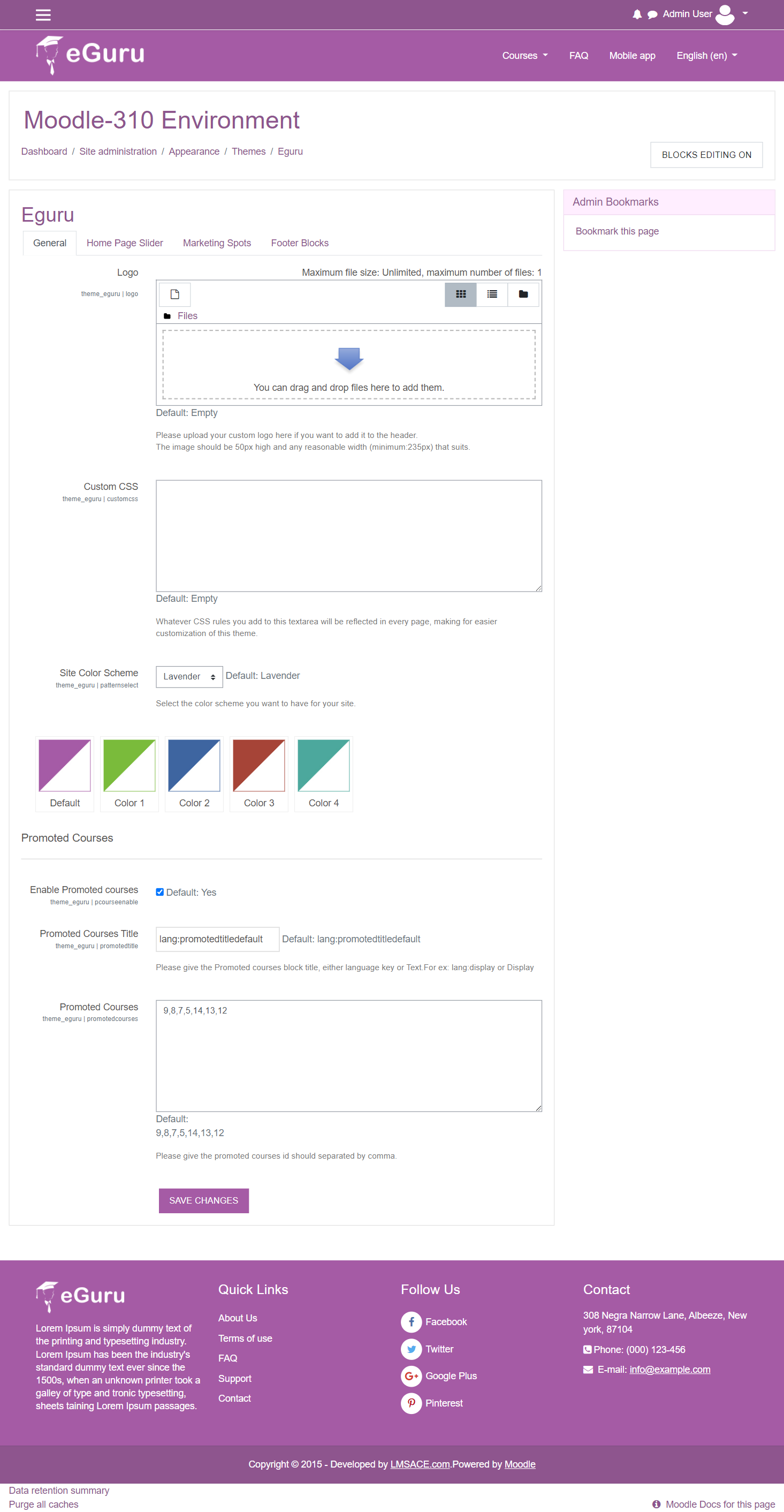
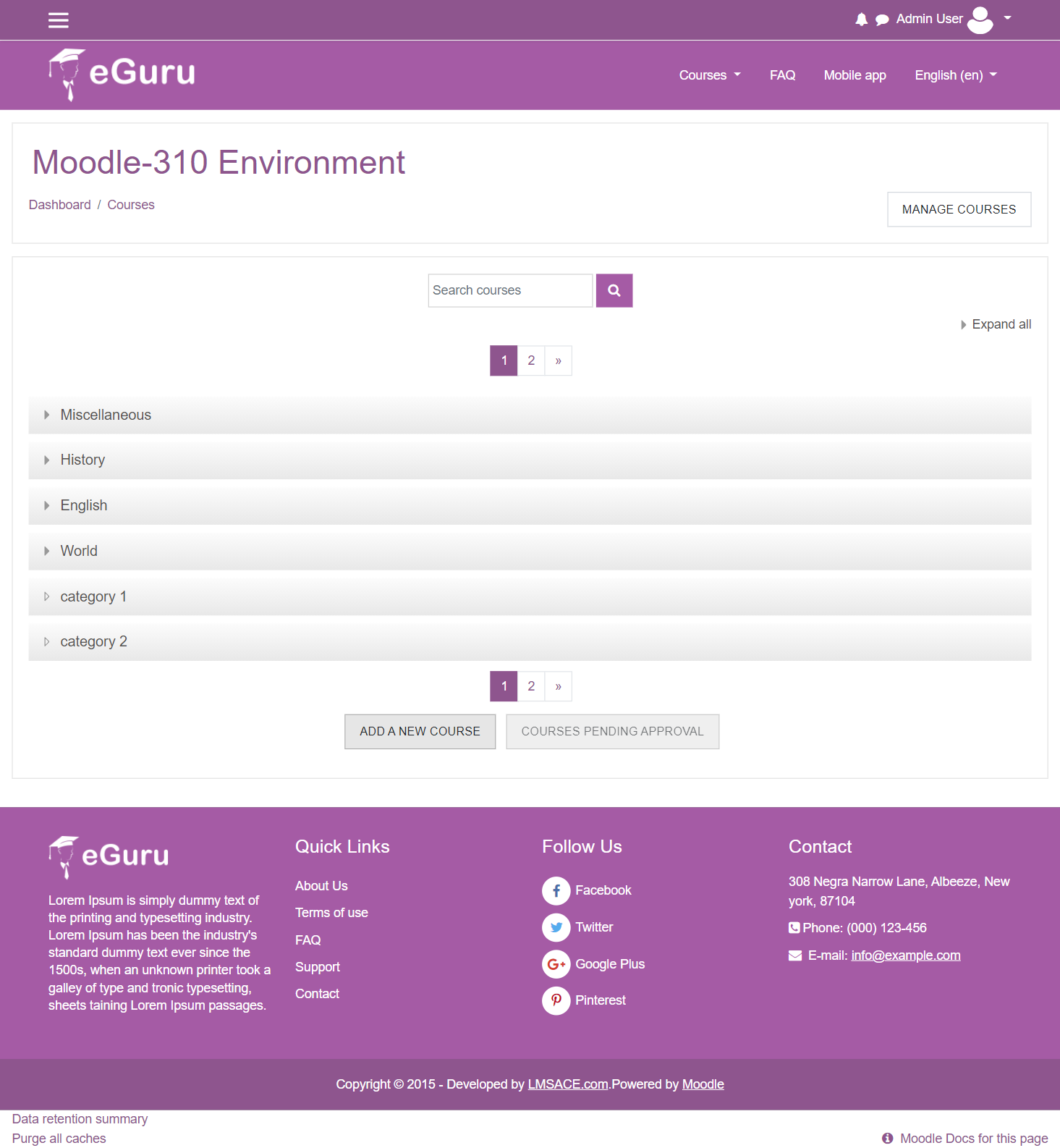
The Guru of moodle themes e-Guru - ultra responsive moodle theme with multi color pattern is free now in moodle plugin directory.It has stunning features that will be a suitable choice for your educational establishments and coming out with powerful admin theme setting options.
Comments
Comments are no longer open for new posts. Existing comments remain available to read.
I believe you may have downloaded the source script from the bit bucket source repository , we have updated the source now , so you can get the latest files from there , kindly download and use it once again. In settings.php we have written the slider url link codes.
Thanks
like others I am having problems with the links for the Home Page Slider. The slider links setting not exist in the 3.0 version but it's exist in the 2.9, mi website languaje its spanish and, the footer appear with this � sign. Can anyone help me to solve this?
I have installed the 3.01 version and cannot see a 'link' field. There is 'Slide Image', 'Slide Caption' and 'Slide link text'. is the link field still missing?
Thanks.
I'm new to Moodle and I liked the eGuru theme but I have some questions :
How can I do something like Screenshot 1 : Promoted Courses , and can I for example do something like : having 2 lists of courses in front page named : "Featured courses" and "Available Courses"
Thanks !
We have added the latest package , please download and use it , this laest package fixed the issue of slider link , you can replace the settings.php from this new source so you can see the slide url link option at admin theme settings
Please feel free to ask if you have any questions
Great looking theme from the examples. However like others I am having problems with the links for the Home Page Slider. I have just installed the 3.01 version and cannot see a 'link' field. There is 'Slide Image', 'Slide Caption' and 'Slide link text'. Am I being stupid, or is the actual link field still missing?! Thanks.
Coding error detected, it must be fixed by a programmer: page layout file [dirroot]/theme/eguru/layout/ does not contain the main content placeholder, please include "<?php echo $OUTPUT->main_content() ?>" in theme layout file.
adding the above hint did not solve the problem while it render the whole database or project usable after this error. it has occur twice with clean and existing project. Please help
add this part:
$(document).ready(function ()
{
$('.right').click();
});
Then when the page loads, it will start rotating 5 seconds later if your mouse happens to cross over (or hover over) the slider image.