
Eguru
Maintained by
LMSACE
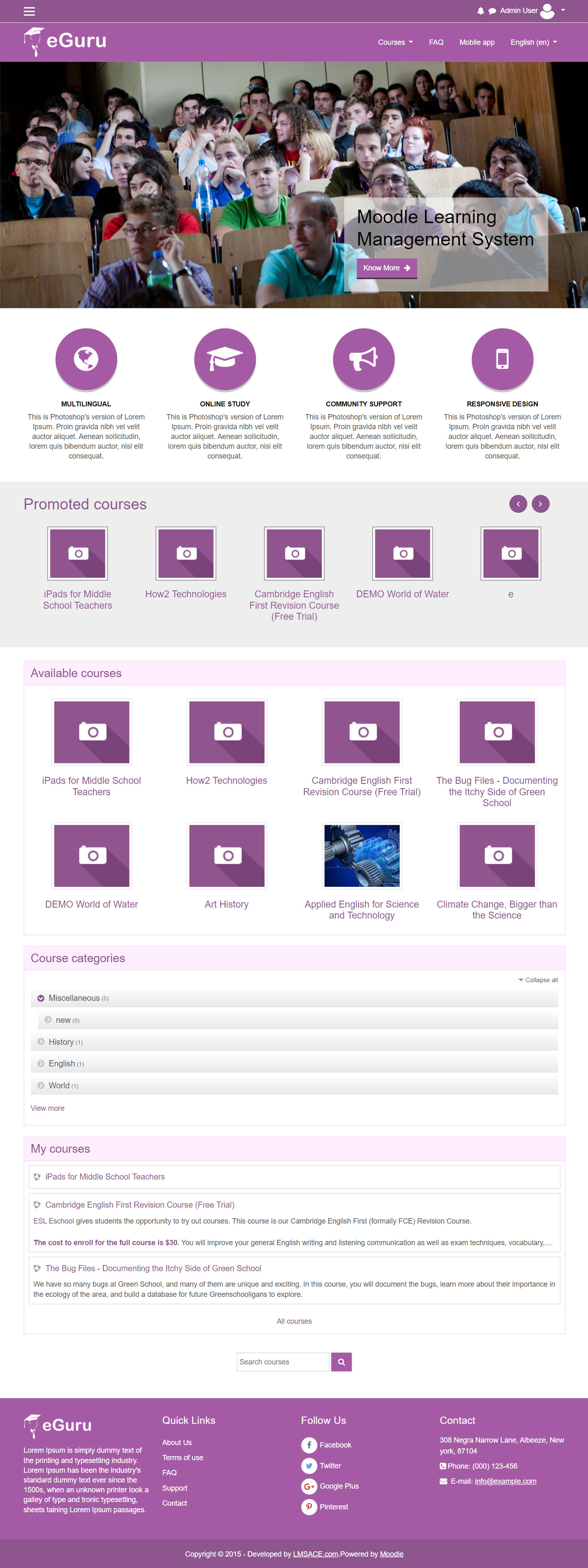
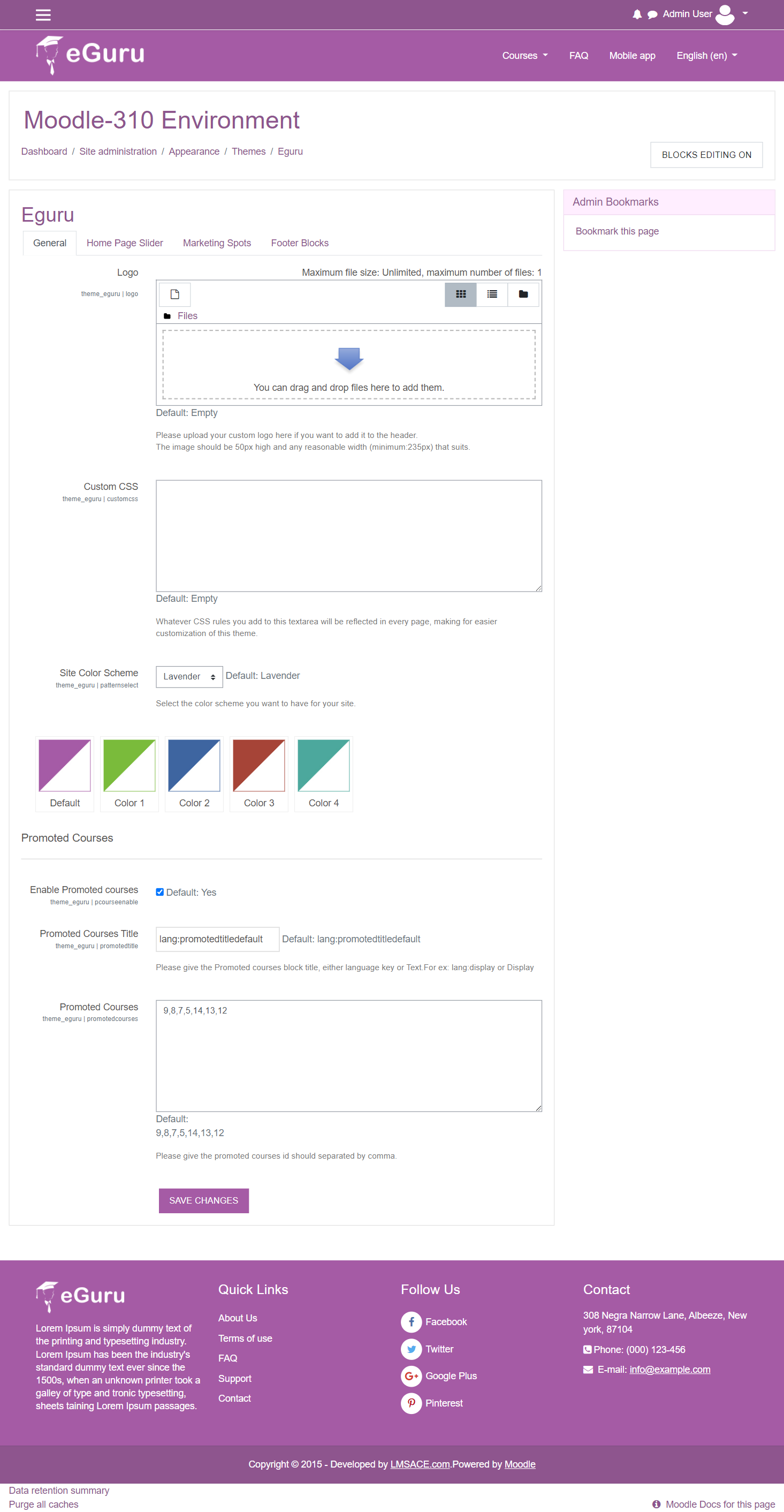
The Guru of moodle themes e-Guru - ultra responsive moodle theme with multi color pattern is free now in moodle plugin directory.It has stunning features that will be a suitable choice for your educational establishments and coming out with powerful admin theme setting options.
Comments
Comments are no longer open for new posts. Existing comments remain available to read.
i use eguru theme Release v3.4.0.3 and i want to add sidebar to the home page, but i dont knew how to do it. help me please
1) I would like to add red color as possible scheme site color. Is it possible?
2) Can I set Instagramm instead of Pinterest?
Thx
eguru = v3.8
Hello,
I recently updated my Moodle instance to v3.8.1 along with the eguru update. I'm seeing the issue occurring in the attached screenshot. I believe this behavior is new after the update. Any ideas on what I can do to get the whole summary to show? Is this expected behavior?
In lib.php I see that you have 'theme_eguru_serve_css', this appears to be a direct copy of the code I wrote in the Essential theme. And yet you're listed as the author in the file. Please would you be so kind as to credit my work.
Kind regards,
Gareth
I hope you can change the social media Google+ with Instagram, because Google+ is no longer exist.
If you can add a flexible option for social media like YouTube, WhatsApp, etc. is even beter. Thank you
also the slider do not change automatically
Does anyone use the slider on the front page? How is the slider button used? How can i make the linked URLs open in a another tab/window?
How do I get the url to open in another tab/window?
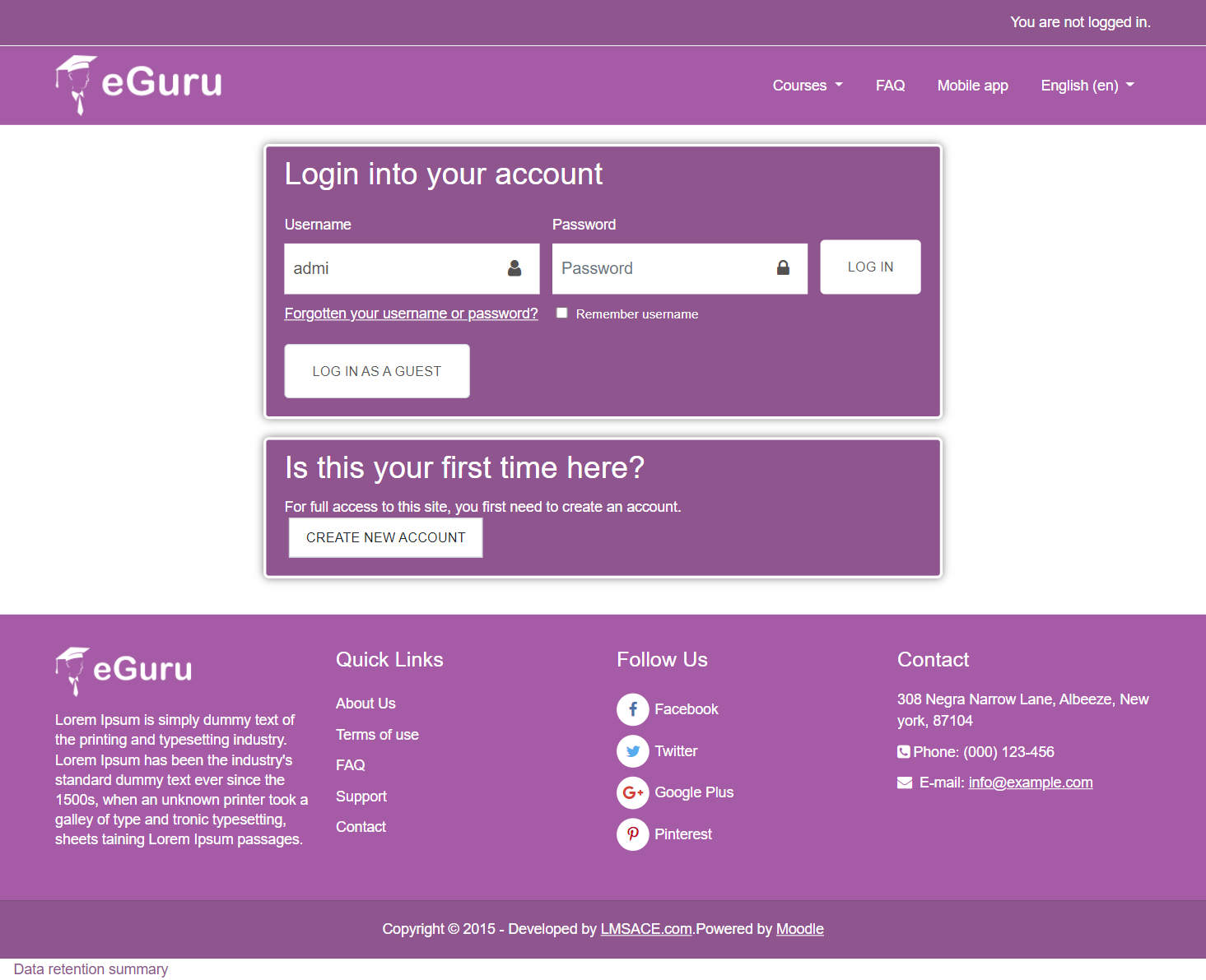
#1. You can customize the login page in the loginform.mustache.
File path :
yourmoodle\theme\eguru\templates\loginform.mustache
#2. You need to change the string text in the language customization.
For language customization:
https://docs.moodle.org/33/en/Language_customisation
#3. For the string text you can refer the lang file in the below path
File path :
yourmoodle\theme\eguru\lang\en\theme_eguru.php
Regards,
M.Nithyanandan
The language strings are under Site administration > Language > Language customisation on the administrator's web GUI. For more details, see https://moodle.org/mod/forum/view.php?id=43.
I need to configure the login page but can't find the file where I can change the texts. I only find the file lang EN.
Thanks
My moodle version is 3.5 and i am trying to implement "eguru" theme on my moodle website.
I am getting jQuery errors in console. Also slider and carousal both are not working. Please let me know fix for the same.
jquery-3.2.1.min.js:2 Uncaught TypeError: $(...).slick is not a function
at HTMLDocument. (index.php:313)
at j (jquery-3.2.1.min.js:2)
at k (jquery-3.2.1.min.js:2)
(anonymous) @ index.php:313
j @ jquery-3.2.1.min.js:2
k @ jquery-3.2.1.min.js:2
setTimeout (async)
r.readyException @ jquery-3.2.1.min.js:2
(anonymous) @ jquery-3.2.1.min.js:2
j @ jquery-3.2.1.min.js:2
k @ jquery-3.2.1.min.js:2
setTimeout (async)
(anonymous) @ jquery-3.2.1.min.js:2
i @ jquery-3.2.1.min.js:2
fireWith @ jquery-3.2.1.min.js:2
fire @ jquery-3.2.1.min.js:2
i @ jquery-3.2.1.min.js:2
fireWith @ jquery-3.2.1.min.js:2
k @ jquery-3.2.1.min.js:2
setTimeout (async)
(anonymous) @ jquery-3.2.1.min.js:2
i @ jquery-3.2.1.min.js:2
fireWith @ jquery-3.2.1.min.js:2
fire @ jquery-3.2.1.min.js:2
i @ jquery-3.2.1.min.js:2
fireWith @ jquery-3.2.1.min.js:2
ready @ jquery-3.2.1.min.js:2
S @ jquery-3.2.1.min.js:3