Moodle Tours Plugin
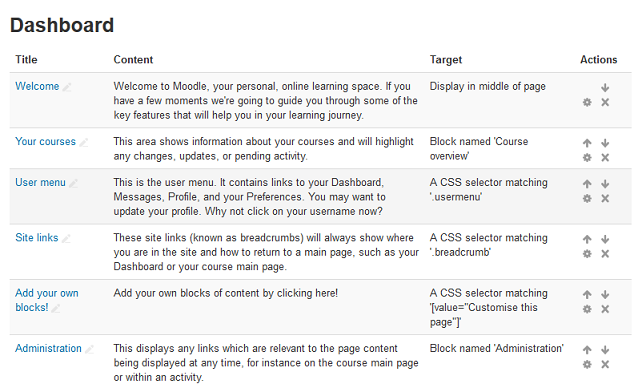
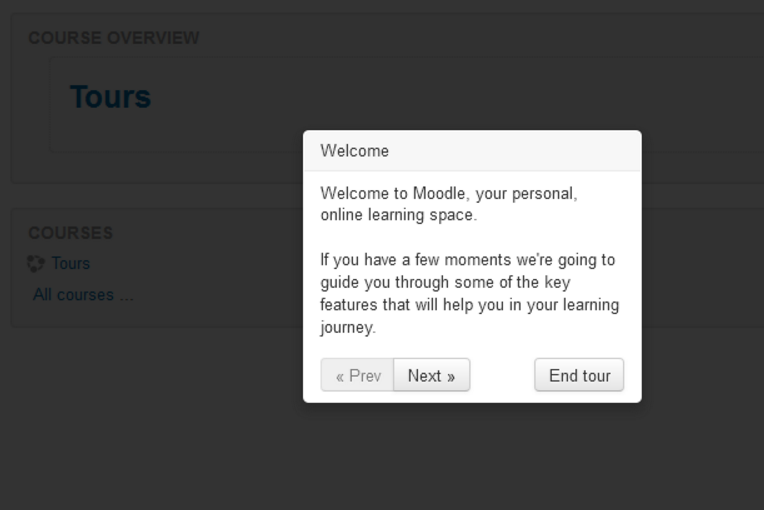
This Moodle plugin allows administrators to create tours of Moodle to
introduce new features, important information, and more.
Sponsor
This work was paid for and sponsored by the kind folk of Dublin City
University.
Installation
Installation of the User Tours plugins is simple, simply:
- download the latest release of this plugin from the Moodle Plugins
Repository and place it into the local
folder.
- login to your Moodle site, login as administrator, and click on the
'Notifications' link under 'Site administration'.
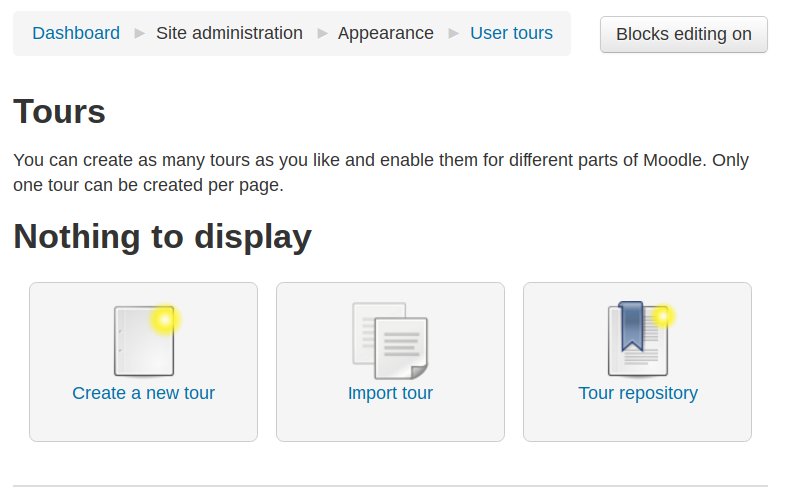
- View your tours by navigating to 'Site administration' -> Appearance -> User tours
Sharing is caring
We really hope that you are able to create some really powerful tours to
help guide your users around your site. We certainly think you will and we
encourage you to share any of the tours you create with others.
We've created a tour database
to share your creations and to find ideas from others.
Copyright and License
This plugin is copyright Andrew Nicols, Gavin
Henrick, and Dublin City
University.
The moodle-local_usertours plugin is free software: you can redistribute it
and/or modify it under the terms of the GNU General Public License as
published by the Free Software Foundation, either version 3 of the License,
or (at your option) any later version.
The moodle-local_usertours plugin is distributed in the hope that it will
be useful, but WITHOUT ANY WARRANTY; without even the implied warranty of
MERCHANTABILITY or FITNESS FOR A PARTICULAR PURPOSE. See the GNU General
Public License for more details.
You should have received a copy of the GNU General Public License
along with the plugin. If not, see http://www.gnu.org/licenses/.