User Tours
Maintained by
Andrew Lyons, Gavin Henrick (Brickfield)
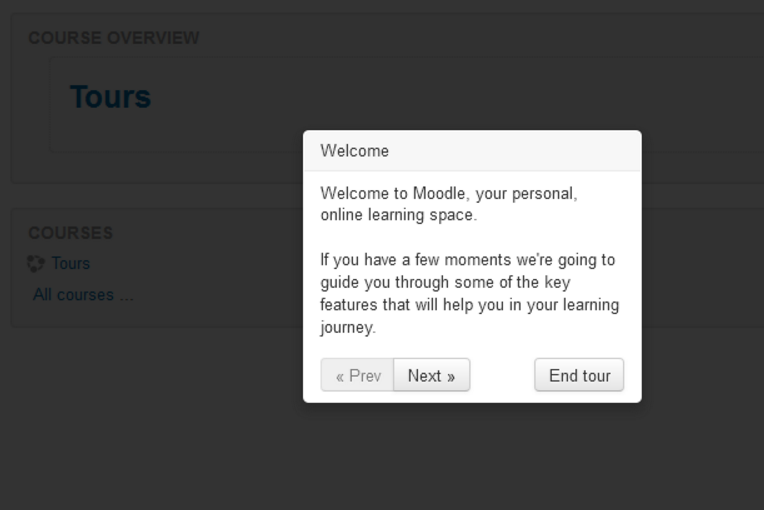
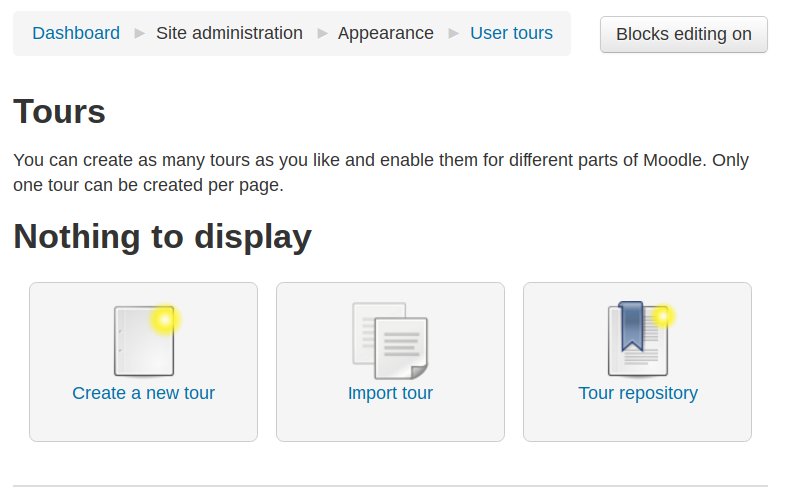
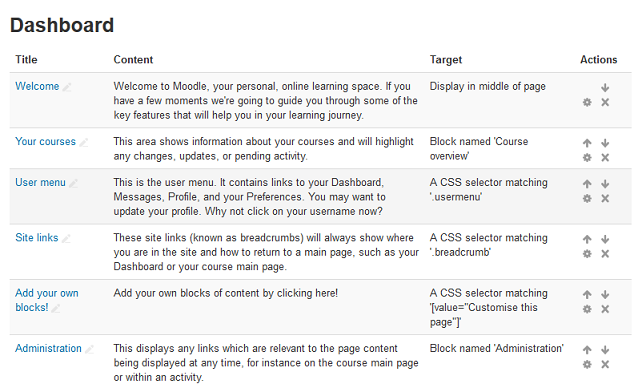
This Moodle plugin allows administrators to create tours of Moodle to introduce new features, important information, and more.
Comments
Comments are no longer open for new posts. Existing comments remain available to read.
I would like to know if there is a tour plugin that allows two different user tours to appear? For example, one for a student and then one for a manager.
Thank you
I would like to provide user tours for each type of activity settings page, (e.g. quiz settings page ; assignment settings page, and so on...). Is there anyway I could limit tours to such specific settings pages ?
I was able to create a few guided steps for the quiz activity, however, the same steps will automatically show up for other activities and once the tour has been played for one activity type, it won't show up automatically when adding another type of activity (lest clicking the link to relaunch the tour).
I have tried adding a specific URL for tours to show up only according to activity type, (i.e. one specific tour for quiz settings ; another one for assignment settings...) but it won't work. I have tried with this URL :
/course/modedit.php?add=quiz&type=&course=%§ion=%&return=0&sr=0
(derived from the original URL : https://epione-simusante.fr/ecampus/course/modedit.php?add=quiz&type=&course=1499§ion=1&return=0&sr=0)
Any idea whether this might be feasible and how ?
Thanks for helping,
Best,
Yannick
Hi... I’ve tried to install this on 3.5 and I got errors
XML database file errors found
More information about this error
×Debug info: Errors found in XMLDB file: PATH attribute does not match file directory: local/usertours/db
Error code: ddlxmlfileerror
×Stack trace:
line 352 of /lib/ddl/database_manager.php: ddl_exception thrown
line 368 of /lib/ddl/database_manager.php: call to database_manager->load_xmldb_file()
line 594 of /lib/upgradelib.php: call to database_manager->install_from_xmldb_file()
line 1857 of /lib/upgradelib.php: call to upgrade_plugins()
line 694 of /admin/index.php: call to upgrade_noncore()
Is there going to be a rebuild or update soon?
Thanks
XML database file errors found
More information about this error
×Debug info: Errors found in XMLDB file: PATH attribute does not match file directory: local/usertours/db
Error code: ddlxmlfileerror
×Stack trace:
line 352 of /lib/ddl/database_manager.php: ddl_exception thrown
line 368 of /lib/ddl/database_manager.php: call to database_manager->load_xmldb_file()
line 594 of /lib/upgradelib.php: call to database_manager->install_from_xmldb_file()
line 1857 of /lib/upgradelib.php: call to upgrade_plugins()
line 694 of /admin/index.php: call to upgrade_noncore()
Can anyone help please?
Thanks!
I'd like to fix a tour in a way users can't skip it, is it possible?
Users should see all the tour before working on moodle.
Thank you in advance.
Fil
vg:
< div class="usertour" id="yui_3_17_2_1_1501619354457_1089">
< a href="#" data-action="local_usertours/resetpagetour" id="yui_3_17_2_1_1501619354457_1091" >
Reiniciar recorrido de usuario en esta página
< /a >
< /div >
Moodle: 3.1
Language: español.
local_usertours / 3.1 (Build: 2016052306) / 2016052306
vg:
Moodle: 3.1
Language: español.
local_usertours / 3.1 (Build: 2016052306) / 2016052306
The usertours folder is still there in the tool directory, but some tables are removed from the database... what is the best way to make the moodle working....
I have 2 quick question.
If we upgrade the moodle version to 3.2 and the plugin is installed in the previóus moode, is the tours converted to the core tours?.
If we uninstall the localplugin, will it delete the content in the database - the tables seems to have the same names.?