Interactive Content – H5P icon

Interactive Content – H5P

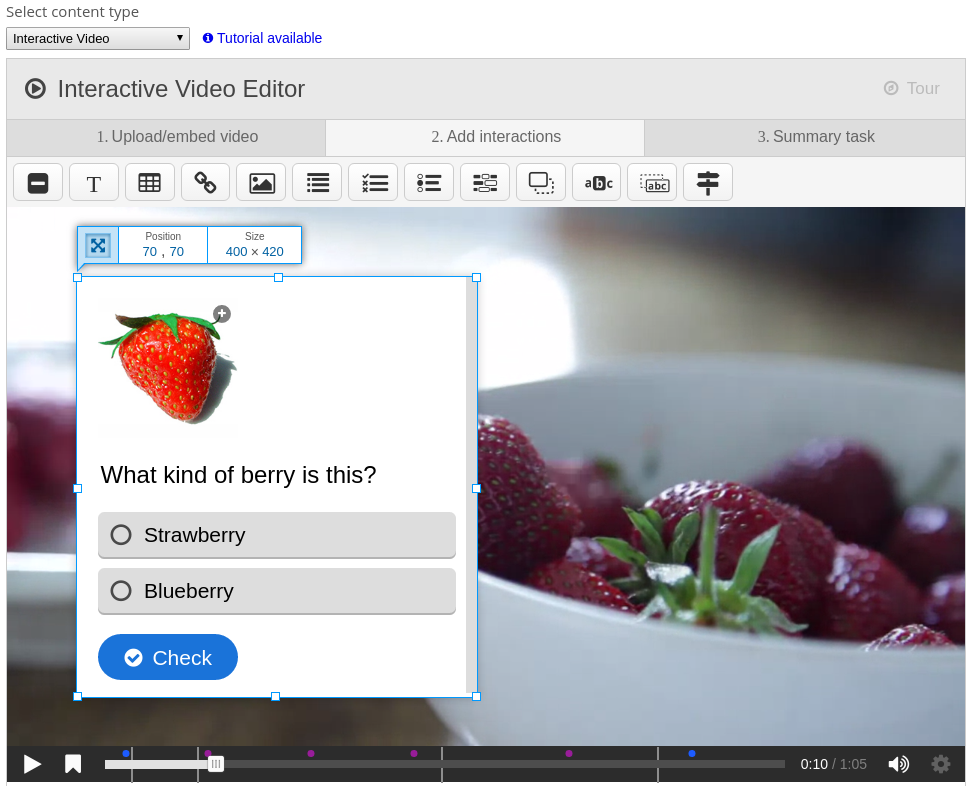
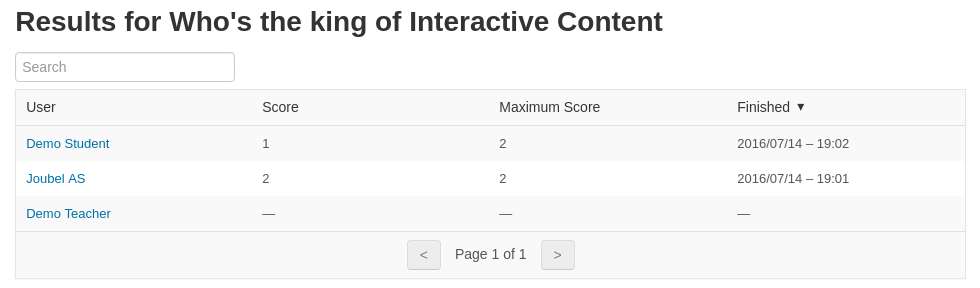
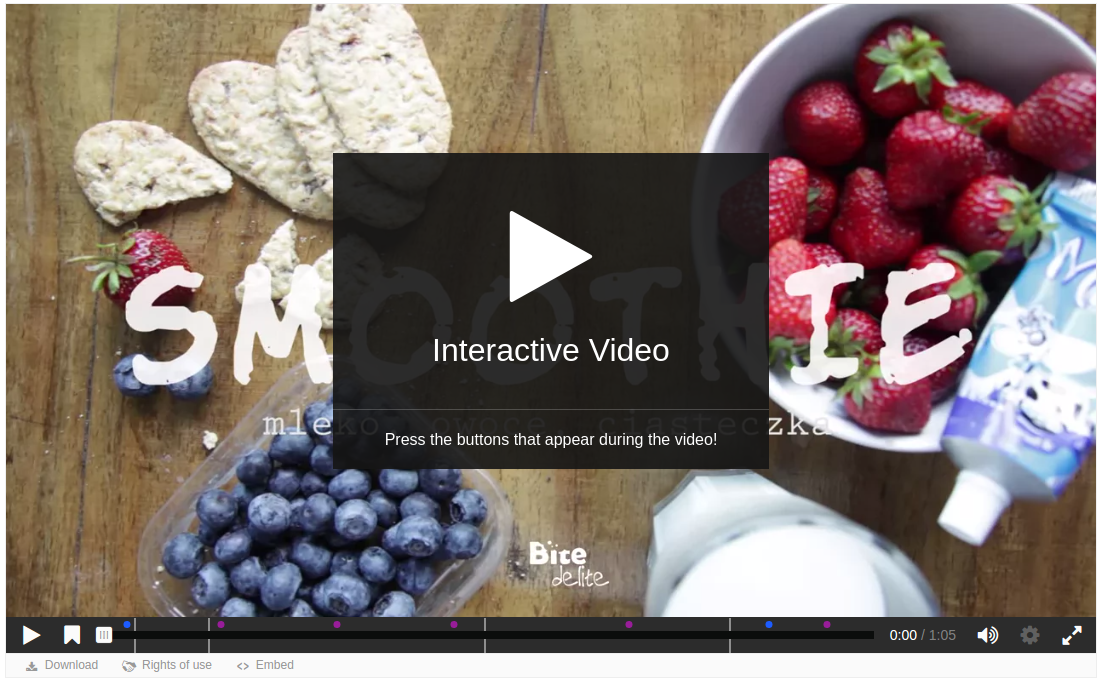
Create and add rich content inside your LMS for free. Some examples of what you get with H5P are Interactive Video, Quizzes, Collage and Timeline.
Price option: Free

Supports Moodle 2.5-4.5 See all versions
Latest release: 1 month ago
Installations: 27643
Downloads (last 90 days): 6809

Frankenstyle name: mod_hvp
Activities
Gamification

Comments

Comments are no longer open for new posts. Existing comments remain available to read.

You have to upload the library found on that page to your site, and then you have to re-save or create new content for the change to be updated. You should not have to change the default configuration. Please use the H5P.org forums https://h5p.org/forum for any follow up support that you need, it is a better medium than this comment field. Thanks.
Thanks for your prompt response Thomas.
I tried this. None of the usage got rendered. Does the default configuration of H5P plugin work or will I need to make any changes?
This article says "To enable this feature a new H5P library needs to be installed. Download it here, and upload it through the library admin page on your H5P enabled site." and further a few points about renderer and observers. Are these taken care by default or we should change something?
Hi, please follow the documentation at https://h5p.org/mathematical-expressions to add latex to H5Ps. If you're still not able to get it working following these guidelines you can ask for support on the H5P.org forums.
Hi,
I am creating an interactive video with MCQ questions in between. Is it possible to insert math equations in the editor? I tried using LaTex equations like $$ \sqrt{x + y} $$ but it does not render in the question (though the same LaTex work in default Moodle editor in description). I am trying to find settings for the CKE editor and see if there is some setting, but cannot find it. Can someone let me know if this is even possible in interactive video content and if yes, how? Thanks!
BTW, I am on Moodle 3.6 and installed H5P as a plugin.
I agree Marcy, the right place to report this would be in the Interactive Video repository: https://github.com/h5p/h5p-interactive-video.
Hello. I have been using the H5P plugin for a while now, using Vimeo links for interactive video. I can't figure out why there is no volume control option, just mute or unmute? I'm pretty sure that I must be missing something, because that should be an obvious option.
Hi Sandipa, if you want support please post a detailed report following the guidelines at https://h5p.org/forum/9, including any php errors. The forums are more suited for support than this comment field.
Interactive video plugin h5p is not working for moodle 3.9. Coding error detected, it must be fixed by a programmer: The course you passed to $PAGE->set_cm does not correspond to the $cm. Please help. Thanks!
Please follow the template for creating a bug report at https://h5p.org/forum/9 if you're having problems with a content type.
The interactive video plugin is not working for me. V. 3.9
Hi Matt! I have good news for you because Moodle 3.9 is LTS: https://docs.moodle.org/dev/Releases#Moodle_3.9_.28LTS.29
Maybe that makes easier for your institution to upgrade to 3.9 instead of 3.8 wink
Hi Matt, the H5P plugin, which you download here, is available for any Moodle version, so you don't need to upgrade if you're just planning to use the plugin. If you're talking about the Moodle core integration of H5P that is included with the Moodle version, so you'd have to get the new Moodle core version in order to get that integration.
A cheeky question. I'm using Moodle 3.8 as it's LTS but the new H5P interface in Moodle 3.9 looks amazing. Is there any chance of making this available for 3.8 or is it a Moodle issue rather than an H5P one? Apologies in advance if that's the case and it's a daft question.
Hi Ken, I can not reproduce this, sounds like the installation was not successfull, please ensure that you follow the steps to install a Moodle plugin: https://docs.moodle.org/39/en/Installing_plugins. If it still doesn't work I suggest enabling Moodle's php debugging to explore what is going wrong: https://docs.moodle.org/39/en/Debugging
Hi Jesus, this may typically happen if you have a broken installation of a content type, I suggest trying to reinstall the content type you're experiencing this problem with. Alternatively if that doesn't solve it you can debug it using Moodle's php debugging features: https://docs.moodle.org/39/en/Debugging