Interactive Content – H5P icon

Interactive Content – H5P

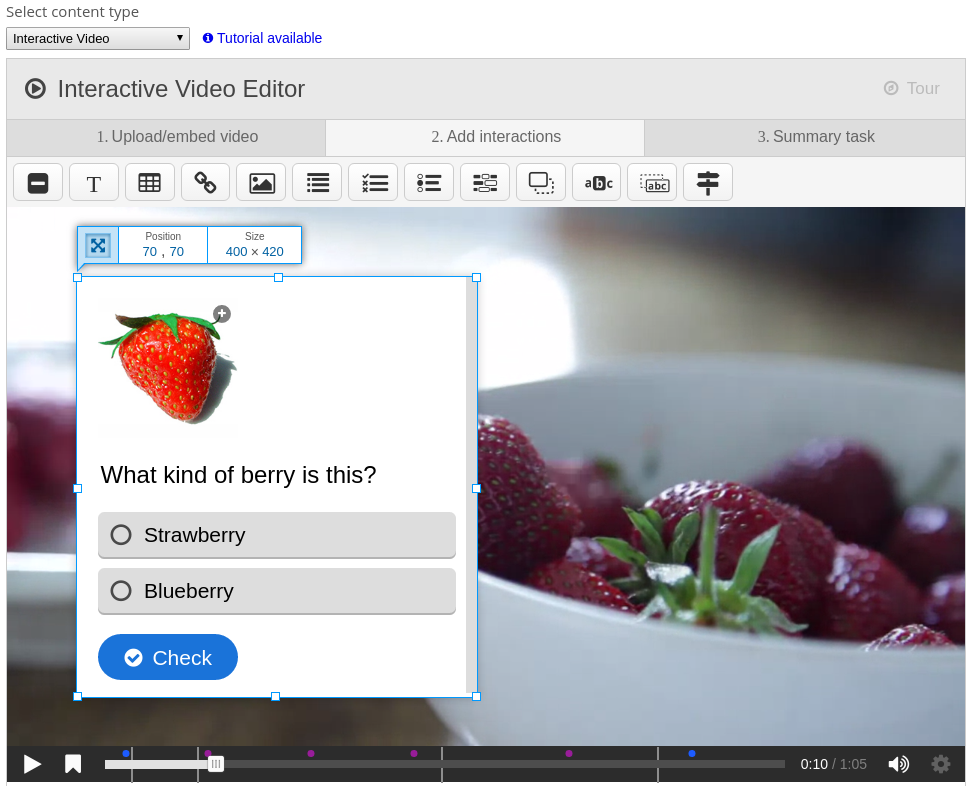
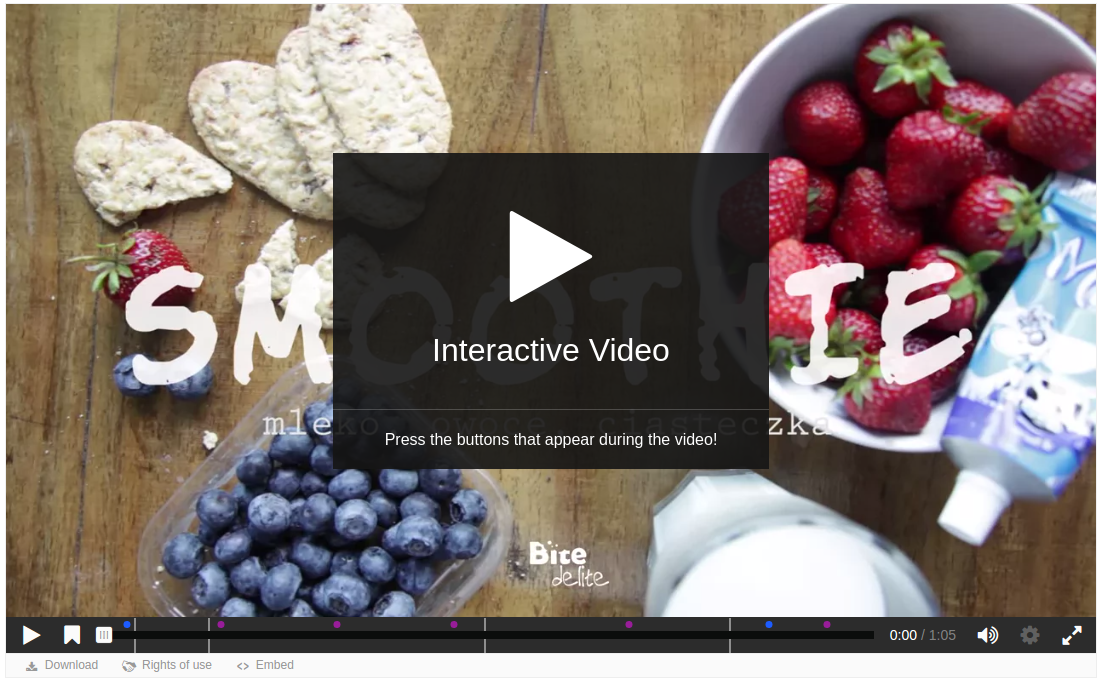
Create and add rich content inside your LMS for free. Some examples of what you get with H5P are Interactive Video, Quizzes, Collage and Timeline.
Price option: Free

Supports Moodle 2.5-4.5 See all versions
Latest release: 1 month ago
Installations: 27643
Downloads (last 90 days): 6809

Frankenstyle name: mod_hvp
Activities
Gamification

Comments

Comments are no longer open for new posts. Existing comments remain available to read.

Hi,
I have moodle 3.8, How I can resize H5P activity? as I have scroll up and down to view the content on my PC.
Hi Siddharth. No, H5P content does not allow you to edit the raw HTML of the text field. There is strict validation of what you can put inside a H5P text field. If you're trying to accomplish something special please visit the h5p forums to see if someone has done something similar already or you can ask for support for the feature: https://h5p.org/forum
Hi. I am using this plugin on my Moodle 3.8. Here, while using the text editor, I want to include the custom HTML code, but the buttons are not visible over there. Is there any way by which the buttons can be enabled on the text editor under the text option of the H5P??
Hi Purna, if you need help setting up the plugin please visit the h5p.org documentation and forums if you're not able to find your answer: https://h5p.org/forum. If this is a bug, please check your php error logs and browser's console for any errors, enable moodle debugging https://docs.moodle.org/39/en/Debugging and report the issue with steps to reproduce it in the github repository: https://github.com/h5p/moodle-mod_hvp. Thanks
Hello Thomas, I have just updated moodle from 3.8 to 3.9. Before upgrading, h5p plug-in was working. However, after installing H5P in 3.9, the H5P contents are not displayed.
Hi Tomas - Thanks. I added the issue to the github.
Hi, please report any bugs on github: https://github.com/h5p/moodle-mod_hvp
Hi,
When attempting to restore a Moodle 3.9 course with H5P activity to a Moodle 3.8.3 would result "error/unknown_context_mapping"
Steps to reproduce the error:
Add an h5p activity to a moodle 3.9 course.
Backup the moodle 3.9 course.
Restore into a moodle 3.8.3 course.
The backup will fail with an error/unknown_context_mapping error.
What can be done?
Regards,
Ram
Hi Mario, this is because all libraries are backed up with every H5P, you can disable backup of libraries by following the instructions in this thread: https://h5p.org/node/271418
Thanx for your great job, H5P is the future, but I'm having issues going through a backup with H5P contents, it takes hours. MOodle 3.9 H5P 1.20.2. tHANX again
If you have a direct link to a video you can use that URL instead of uploading a video when creating content.
Hi,
In interactive Video, How to use video on dir repository moodle instead of upload video ?
Best regards
Hello. Trying to install H5P plugin into Moodle. I get the download zipped file. I cant find the INSTALL file. Can anybody help?
Thanks
Thanks Thomas, appreciate your quick response.. I uploaded the library and now it works as expected. I was not able to figure out earlier where to add the library. For those who who face the same issue and land up here, its in Site Administration -> Plugins -> Activity Modules -> H5P -> H5P libraries and the library can be downloaded from https://h5p.org/mathematical-expressions