
Interactive Content – H5P
Maintained by
Frode Petterson, Maris Akmentins, Thomas Marstrander, Pål Jørgensen, Svein-Tore Griff With
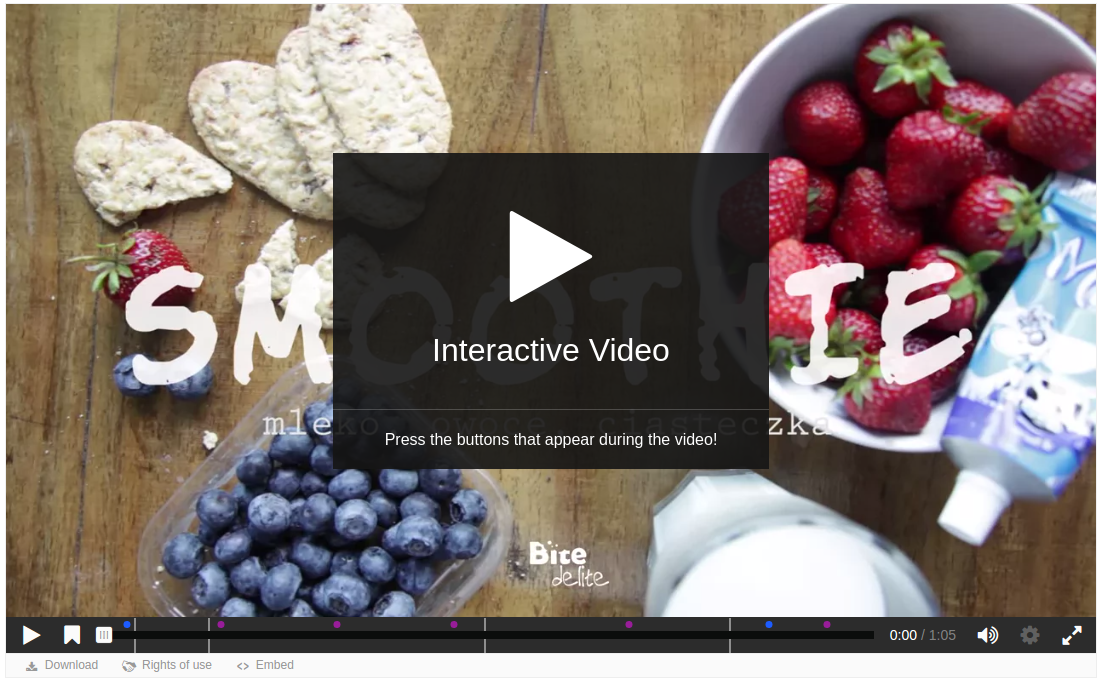
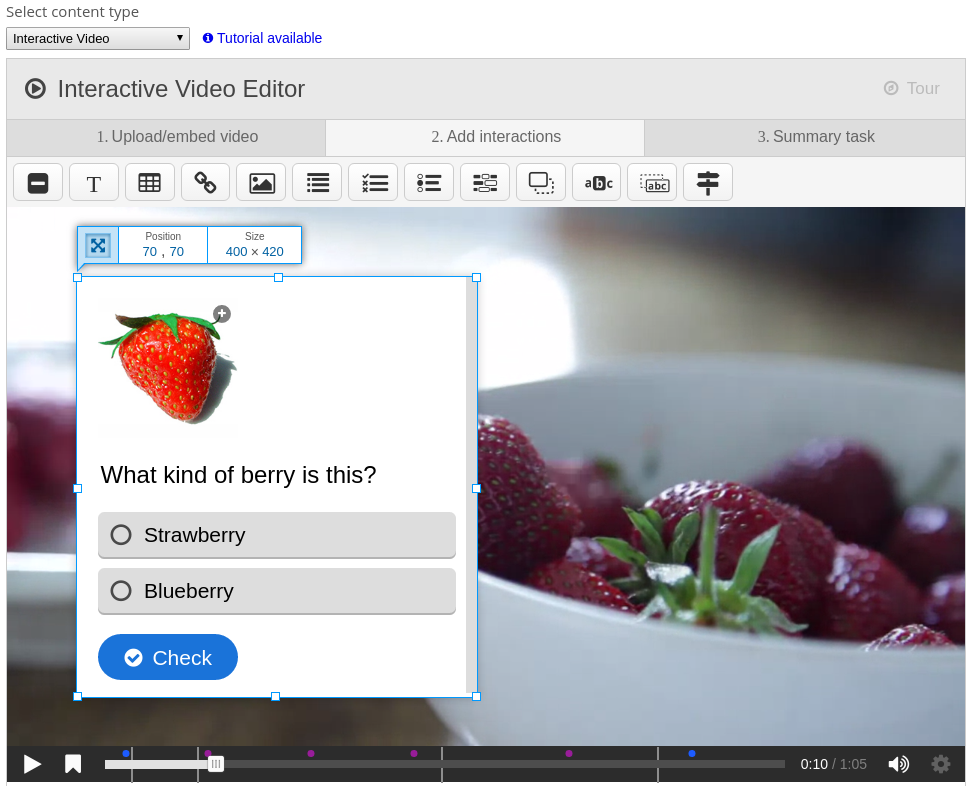
Create and add rich content inside your LMS for free. Some examples of what you
get with H5P are Interactive Video, Quizzes, Collage and Timeline.
Comments
Comments are no longer open for new posts. Existing comments remain available to read.
Je vois que la version est pour moodle 4.5, alors est ce que cette dernière version de H5P est compatible avec Moodle 5.0 et + ? car pour moi lorsque j'essaye de modifier un fichier H5P recharger de l’extérieur , ça bug
Tell me, how can i change the setting so that the H5P interactive immediately loads automatically in the Moodle app? Thank you.
/pluginfile.php/1/mod_hvp/libraries/H5PEditor.VerticalTabs-1.3/vertical-tabs.js?ver=1.3.9
After some debugging, I found out that the file records in the mdl_files table were inconsistent.
Steps I followed:
I ran the following query:
SELECT id, contenthash, filename, filepath, component
FROM mdl_files
WHERE filename = 'vertical-tabs.js';
This returned two rows:
One with component = mod_hvp
Another with component = core_h5p
When comparing the working and non-working systems, I noticed that the core_h5p record was correct (same in both), but the mod_hvp record had a wrong or outdated contenthash.
Solution:
I copied the correct contenthash value from the core_h5p row
And updated the mod_hvp row with it.
After that, the file started loading correctly again.
✅ Key takeaway:
If vertical-tabs.js (or similar H5P editor libraries) can’t be found, check the mdl_files table. Make sure the mod_hvp record points to the same valid contenthash as the core_h5p record.
thank you for more informations about.
Do I get them via the h5p-git-repository and do i simply have to download the zip-files there (https://github.com/h5p/h5p-arithmetic-quiz)? If I do so, our moodle instance gives me errors like: Could "not find library.json file with valid json format for library css".
We already converted the zip-files fro the git-repo to a *.h5p-file, but are not sure, if we did everything correctly or why this is not working.
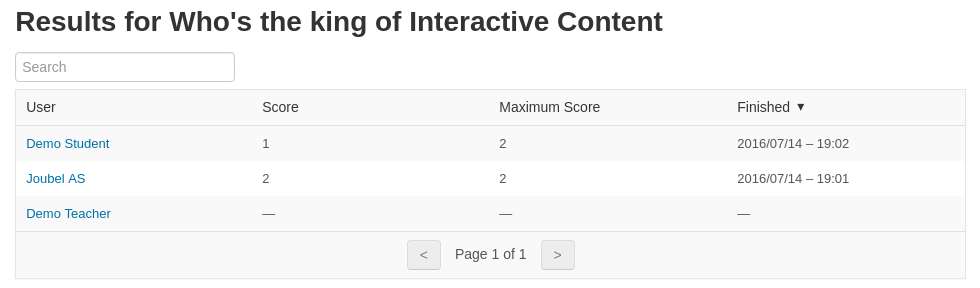
A teacher reported an H5P bug to me regarding interactive videos. This bug has been going on for 3/4 years. When a student makes a graded interactive video and wants to try again to improve their score, the score from the first attempt remains and does not change. This means that, on the MOODLE gradebook, the grade is not changed.
This adds work for the teacher.
Could you look into this?
Thanks!
"...Loading, please wait"
We have Moodle 4.5 and I am trying out Timeline but I can't seem to make the photo appear. I placed a link of a Flicker photo but only a broken image icon appears not the photo.
Any idea how to resolve this? Thanks.