E-Voting

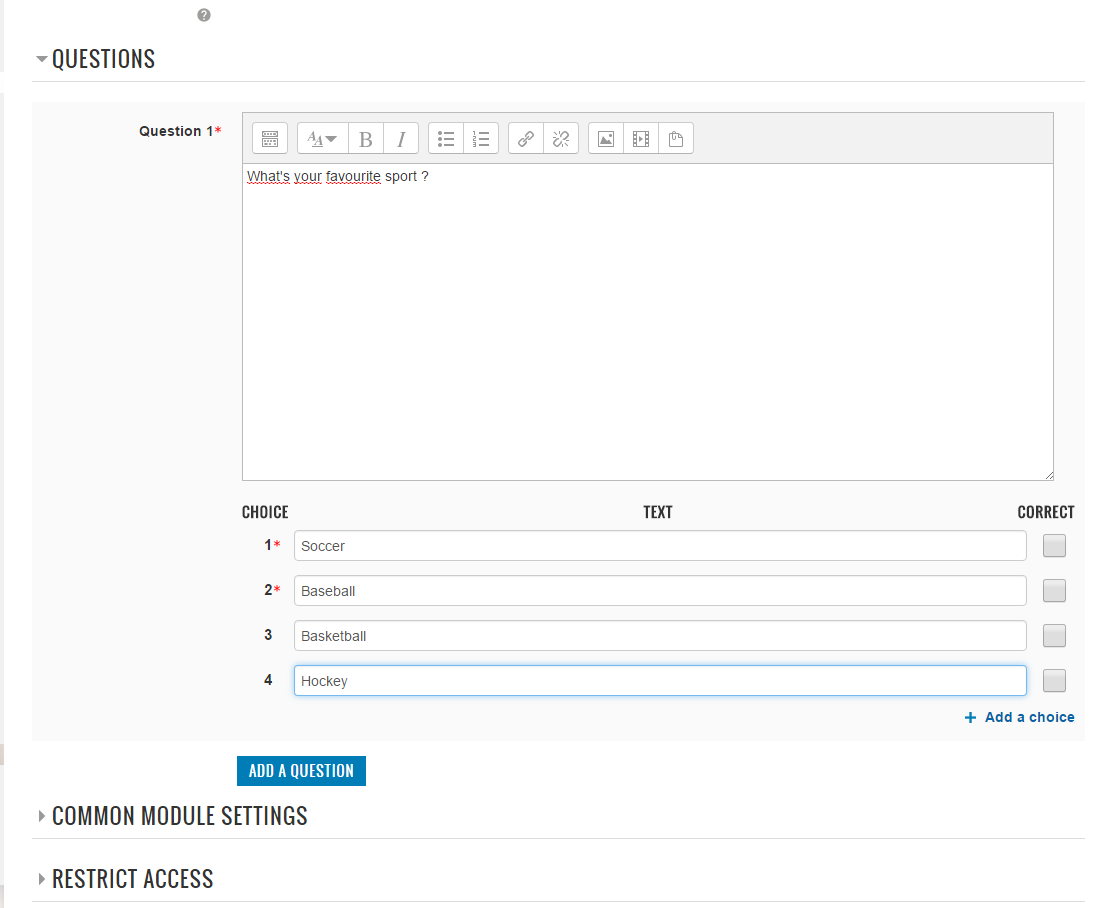
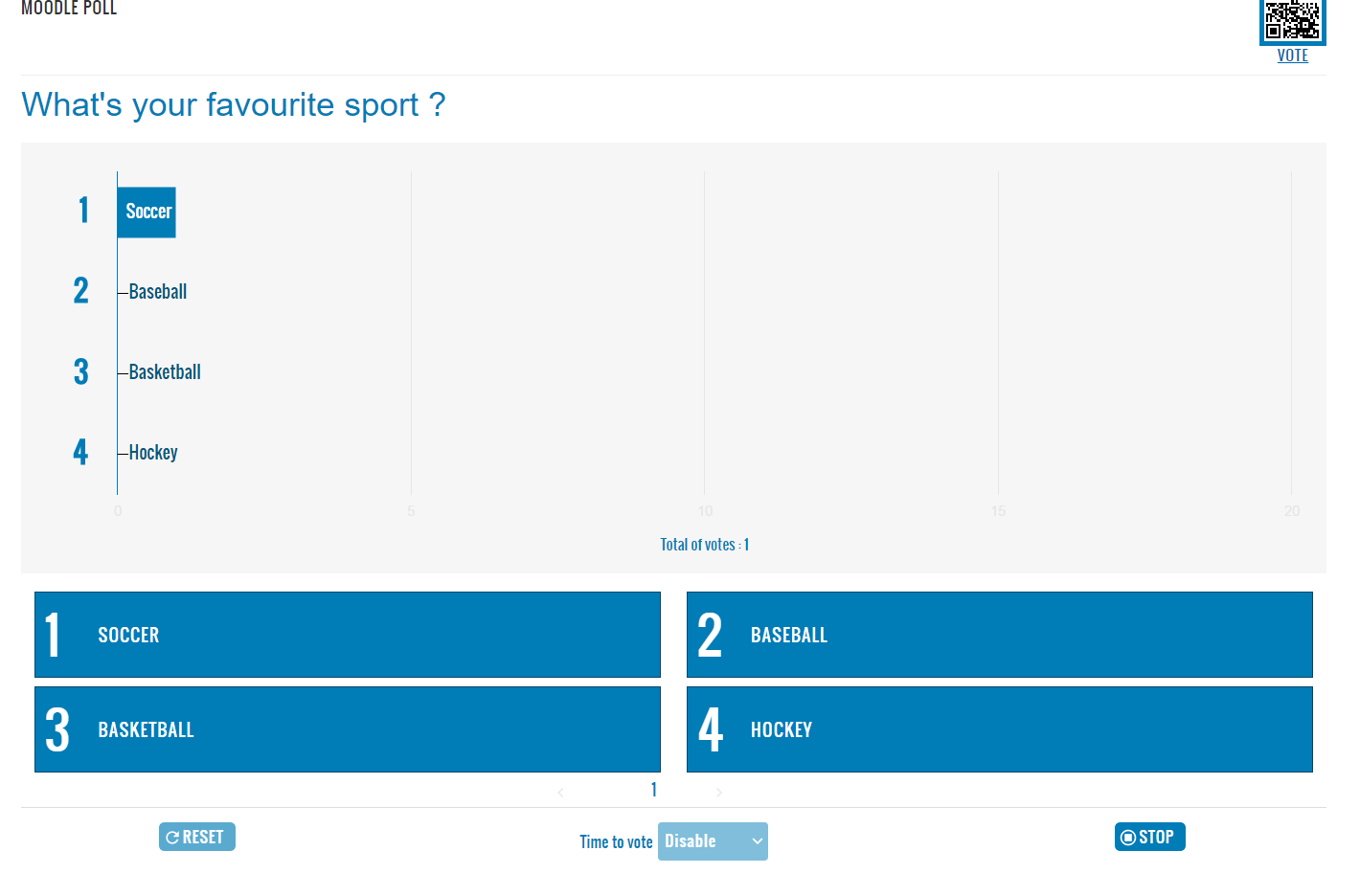
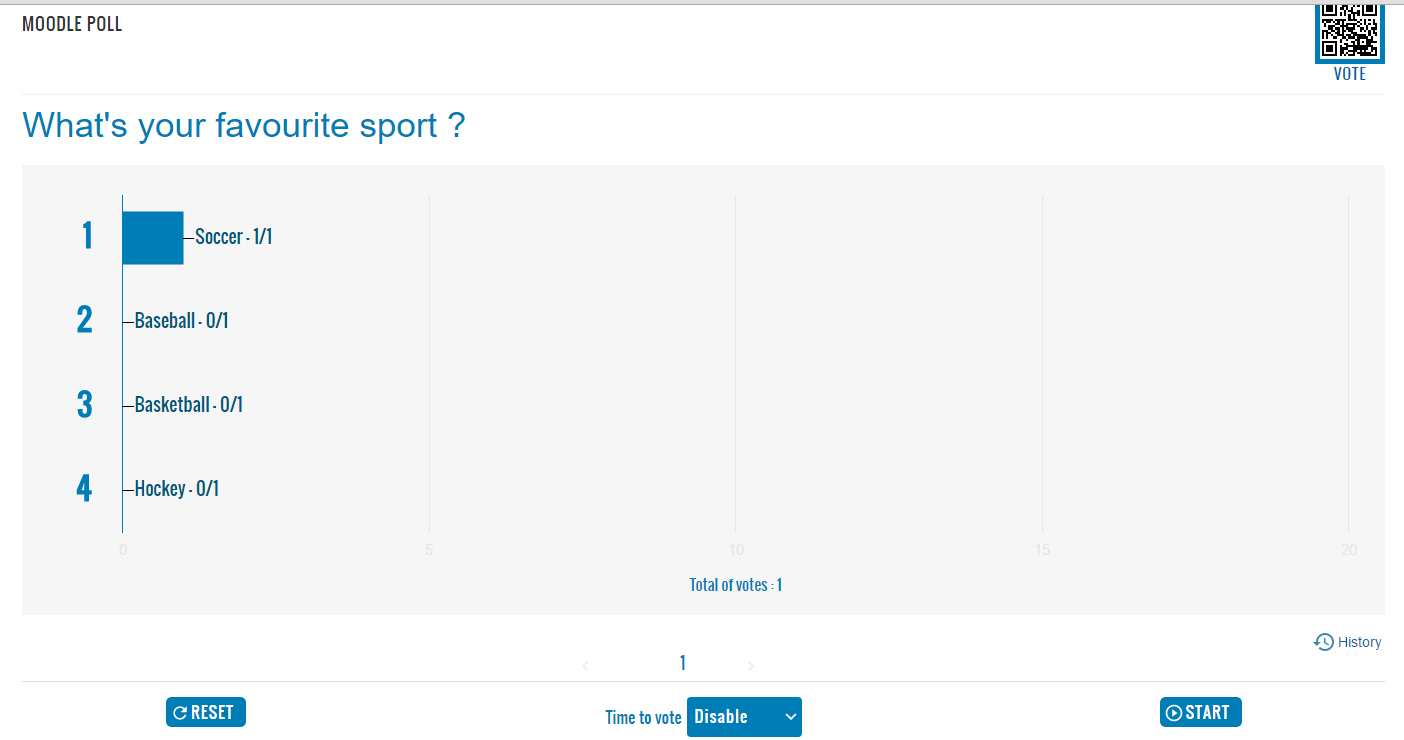
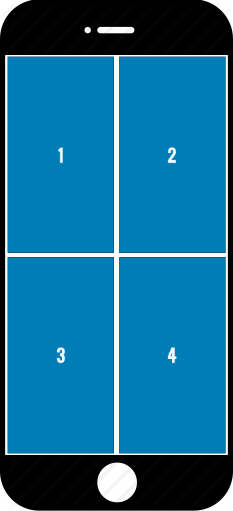
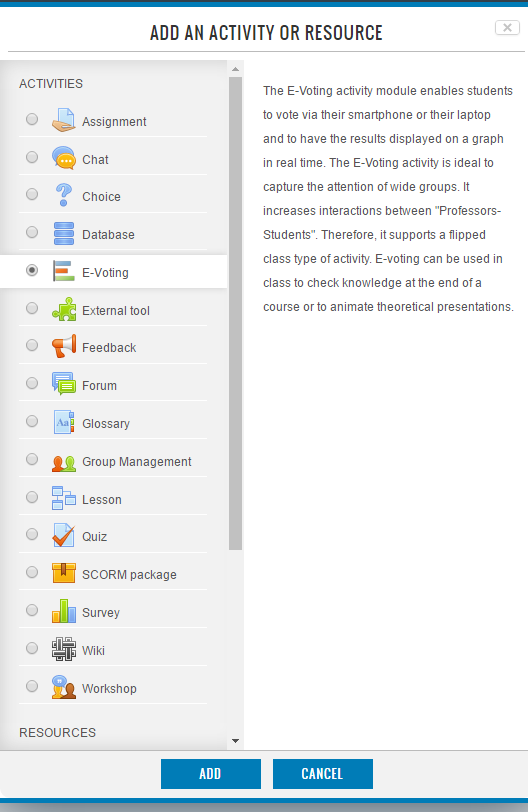
The E-Voting activity module enables students to vote via their smartphone or their laptop and to have the results displayed on a graph in real time.
Price option: Free

Supports Moodle 3.0-4.5 See all versions
Latest release: 2 years ago
Installations: 1090
Downloads (last 90 days): 264

Frankenstyle name: mod_evoting
Activities

Comments

Comments are no longer open for new posts. Existing comments remain available to read.

Hi again, will issue #18 "Cannot delete question" be solved for the 3.2 version?
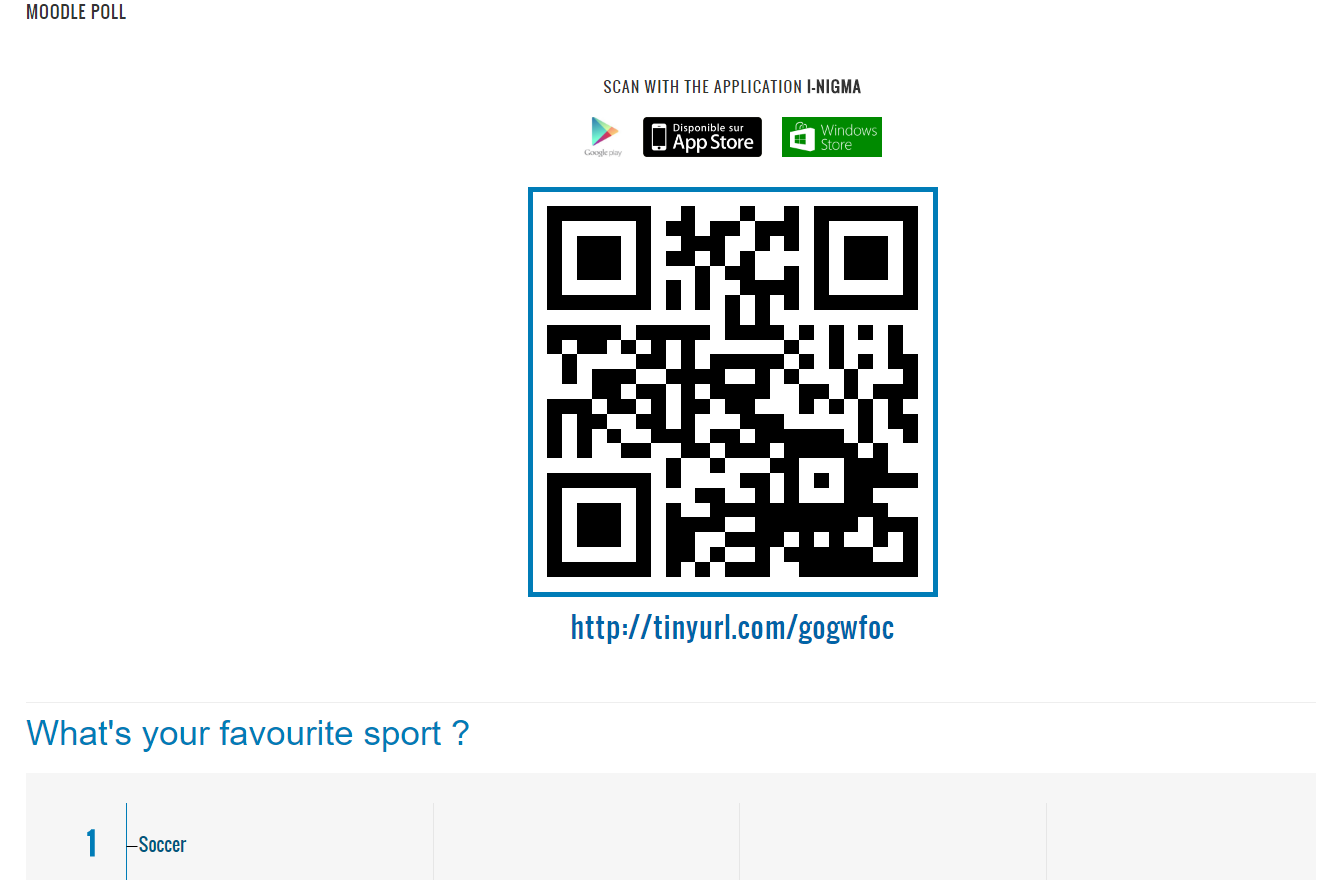
If blank page on the mobile device
evoting v3.3-r5 -> check if JQuery-3.1.0.js is in Moodle folder (moodlepath/lib/jquery/jquery-3.1.0.js), if not download (https://code.jquery.com/jquery-3.1.0.js) and copy / paste into it
evoting v3.4-r1 -> check if JQuery-3.2.1.js is in Moodle folder (moodlepath/lib/jquery/jquery-3.2.1.js), if not download (https://code.jquery.com/jquery-3.2.1.js) and copy / paste into it
Ok tried installing v3.2-r3 (2017050403)Moodle 3.2 plugin version on the most up to date moodle and now seems to be fine. r5 doesnt seem to want to work.
Hi Guys, running the most up to date moodle 3.4 and when scanning the QR code it returns a blank page on the mobile device. It was working fine until the latest release of the update. Tried uninstalling and reinstalling plugin but no joy. This happens on both production and test sites.
Monica->It's automatic, when the teacher pass to the next question on Moodle, the question change automatically on the Smartphone.
Hi,
Maybe a stupid question, but I don't see how to pass from one question to another on my smartphone... I only have the first one.
Thanks,
Monica
Peter Diedrichs-> Hi! Unfortunately, this is not planned, we implement the new features only on the latest version of Moodle
Hi! Will the latest improvements for 3.3 (v3.3-r4, november 2017) be released also for moodle 3.2?
Great !
Jean-Roch Meurisse -> This feature will be soon available in the next update.
Hi there, very nice plugin indeed.
I wondered... would it be possible to display on students screens only the exact number of choices (for instance if you set only 2 choices, students see 4)
Regards
Troy Patterson : Thanks for your feedback, we keep in mind each proposal for a future version.
I love this tool. I love the integration into Moodle. I would like to make a request. Could the potential answers be displayed on the student voting screen? Currently, the students see only the numbers for choices. This can be difficult for students to translate from the display in the front of the room (or verbal directions) to the screen. It would be greatly preferred if the students could see the answers (even a truncated answer would be greatly appreciated).
Thanks for this plug in. It really is a useful addition to our school system.
Nice tool!
Small wish: With the history option we can see several votings in time: would be nice to see 2 time-slots in one view to see the shift, like in: voting before and after a presentation.
Thanks for feedbacks, we retain your comments for future improvements.