E-Voting
Maintained by
Cyberlearn HES-SO, Christophe Hadorn
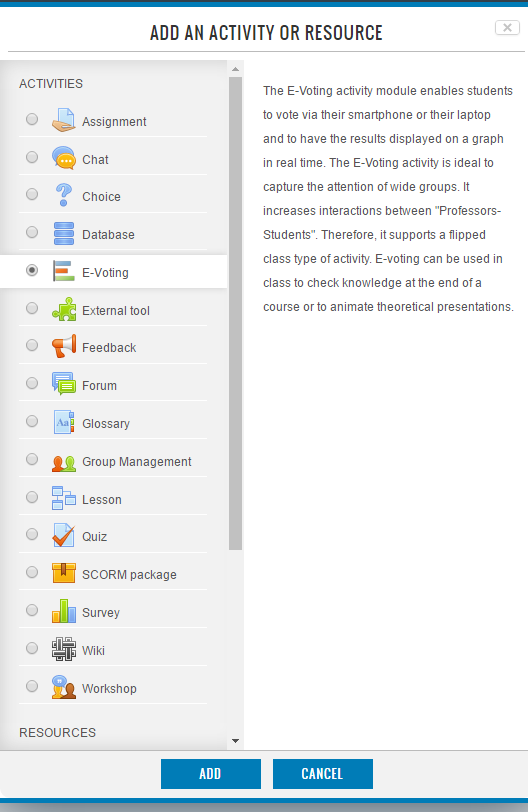
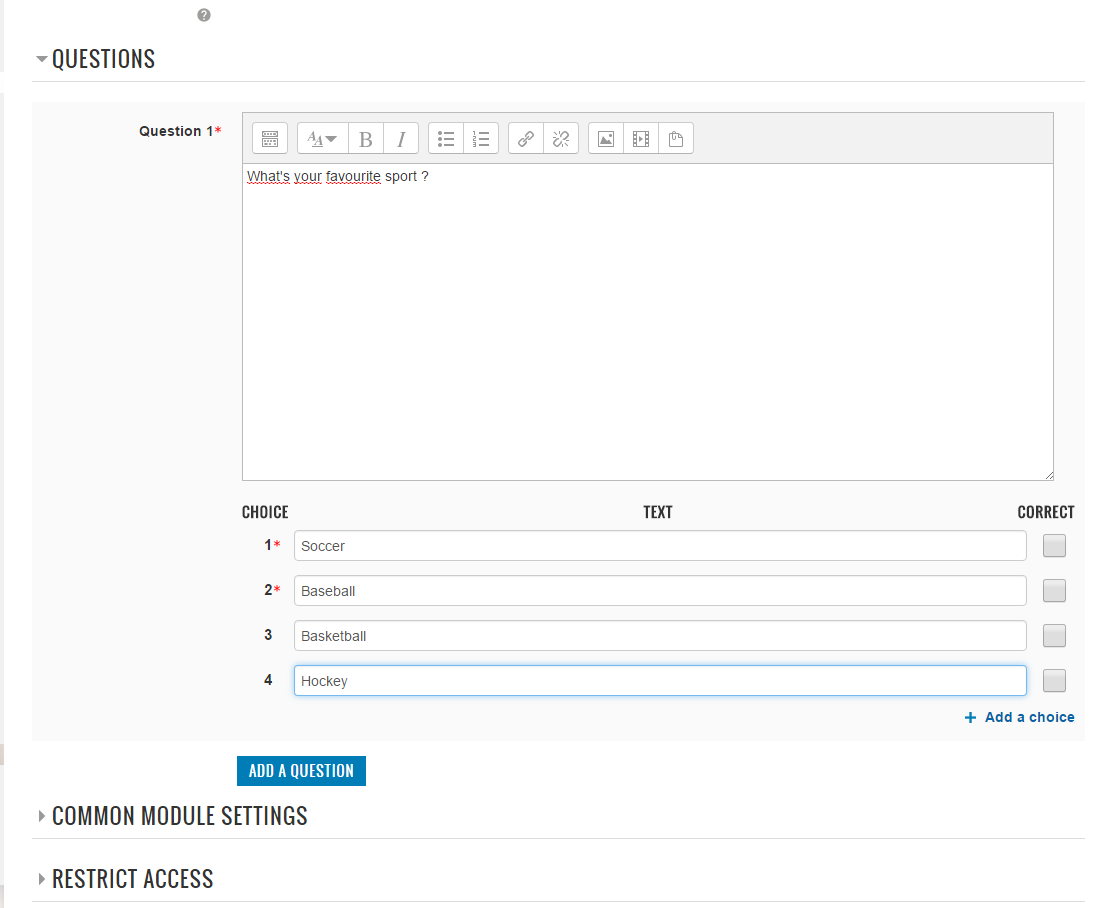
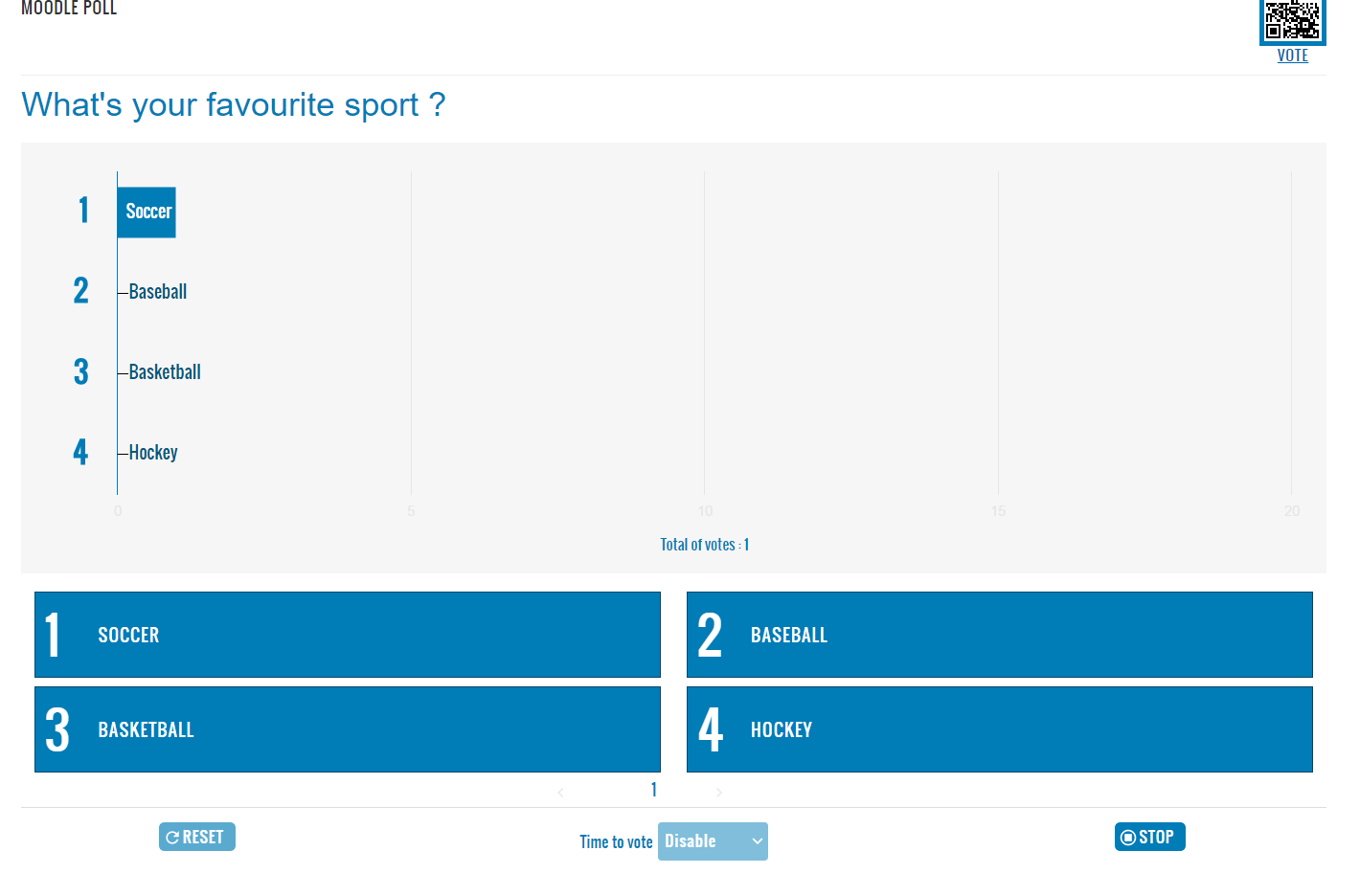
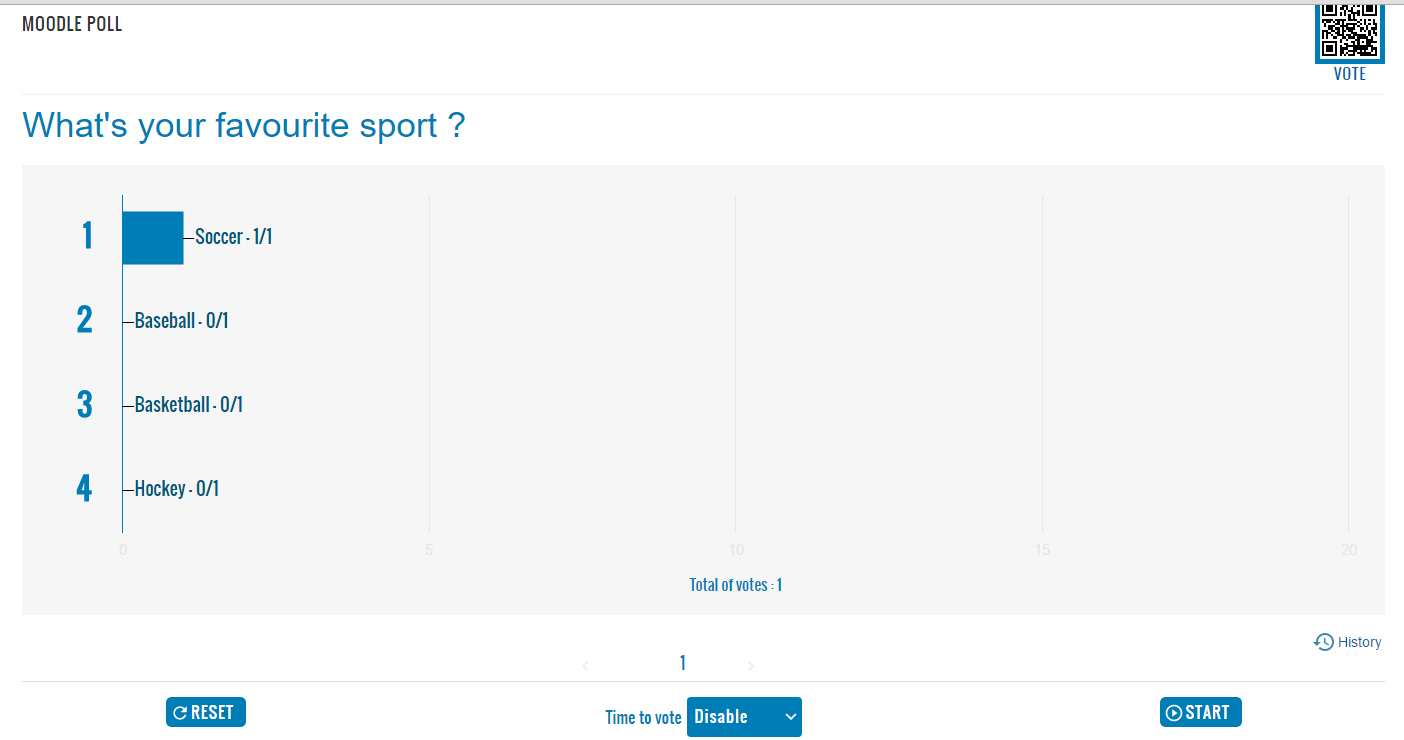
The E-Voting activity module enables students to vote via their smartphone or their laptop and to have the results displayed on a graph in real time.


Comments
Comments are no longer open for new posts. Existing comments remain available to read.
Using 3.2 with boost
With long sentences (or little screens) , the word cut is a bit hard (cut in the middle of the Words) is that possible to cut in the spaces ?
The screen often need a slice bar ont the right ... no "full screen" presentation mode ...
However this is really good and thoroughly enjoy using this plugin, once again great work guys and a big thank you.
I was running a moodle server in a Wireless LAN without internet to test your plugin. The alternatives of the question and the QR were not be displayed. Do you know what is the problem?. Thanks in advance
This is sometjing to add to the wish list:
It would great to have the count of people ready to vote.
I mean in the teacher's view, once the people has entered the activity by any way (code scan, click on the activity), knowing the number of people ready to vote would be helpful in order to start the poll.
view.php - line 65
define('QRCODE_URL', $protocol . $path ."/". QRCODE_URL_LINK);
by
define('QRCODE_URL', evoting_get_tiny_url($protocol . $path ."/". QRCODE_URL_LINK));
Thank you for your reply. I wondered whether the Google script can be added into your plugin code but not referring to Google. Then the users in China can also use it.
I like your plugin very much! It can be very helpful in teaching for many teachers in my university. However, since I am in China and your plugin refers to code from Google from js/google-jsapi.js. I cannot user your plugin in the classroom since Google is blocked in China. I wondered whether you could add the code to your plugin so that it does not need to depend on Google. I am looking forward to hearing back from you.