StudentQuiz icon

StudentQuiz

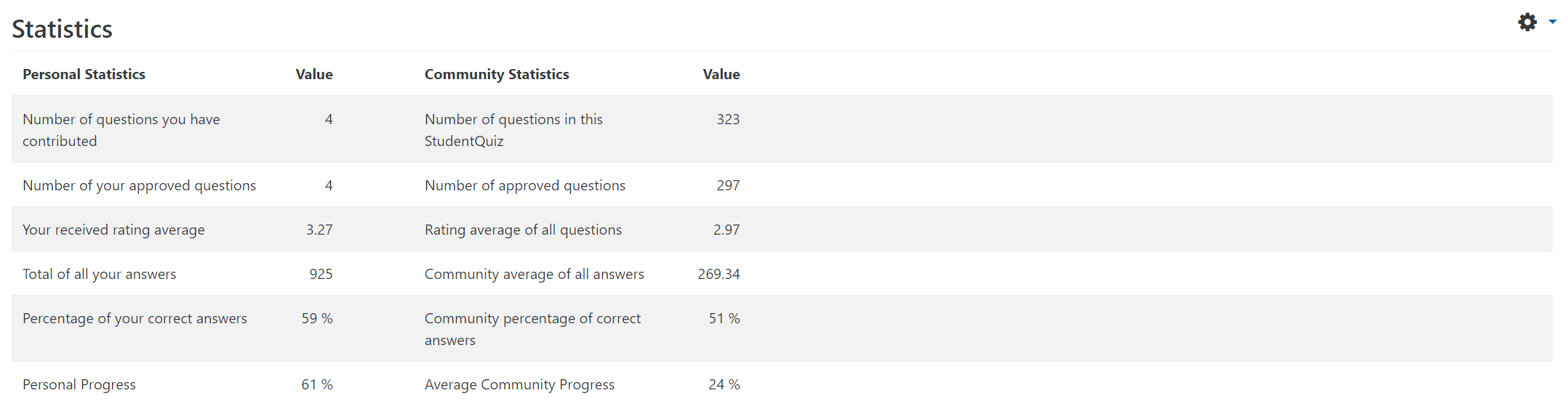
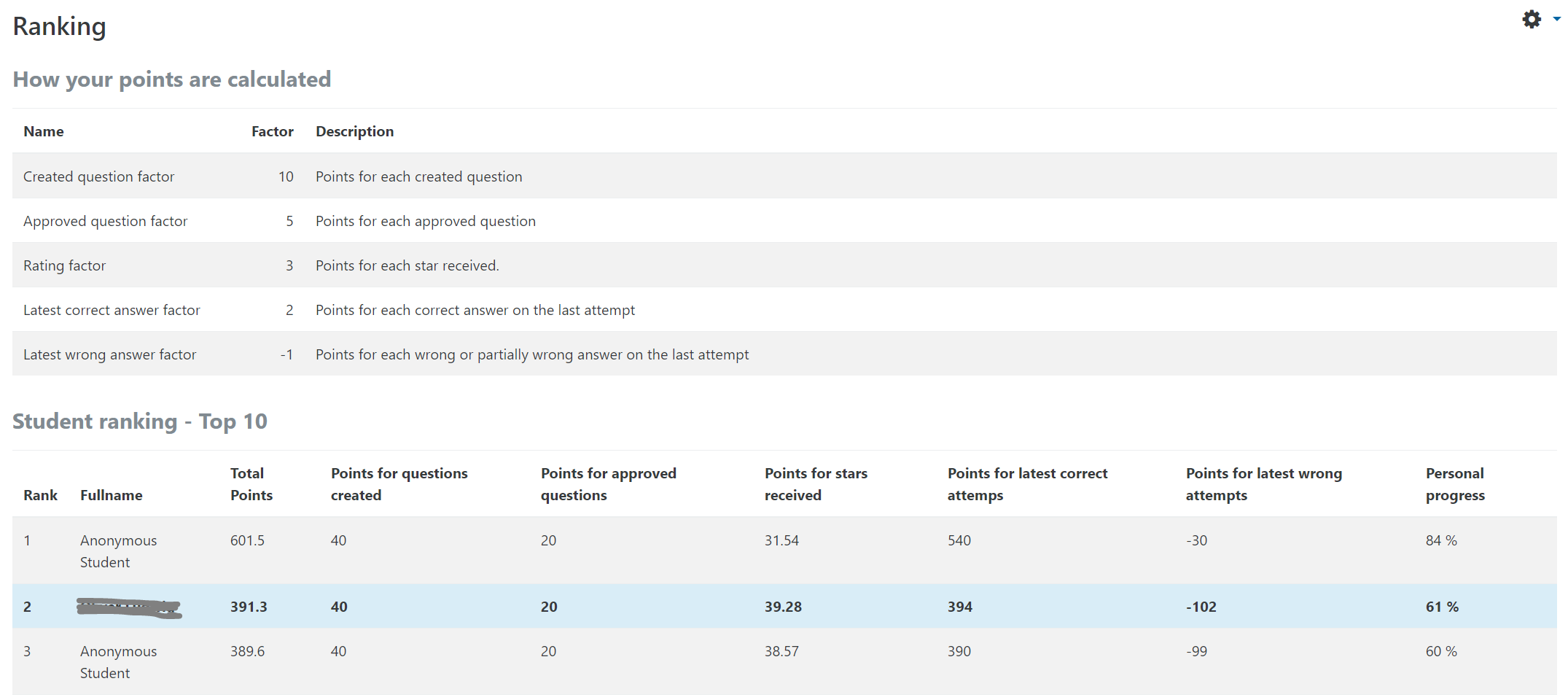
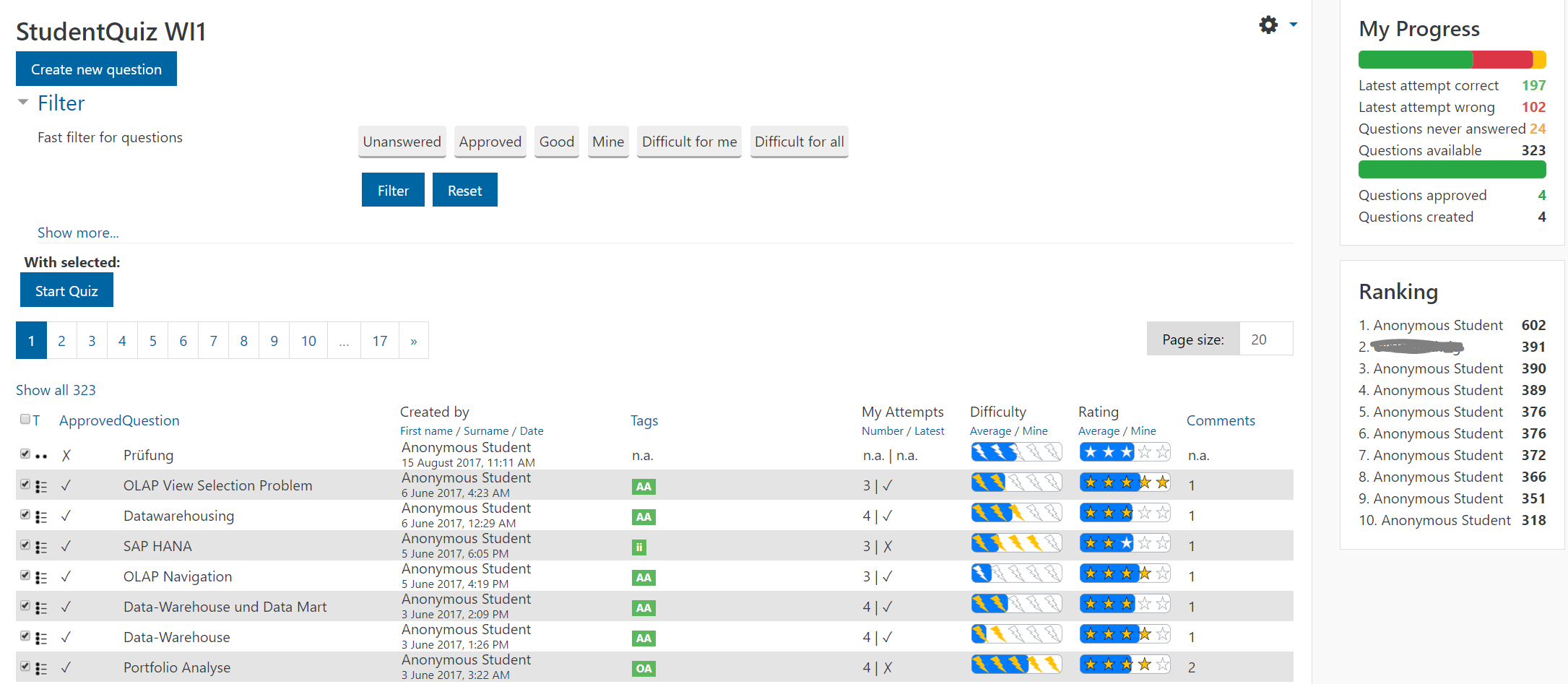
StudentQuiz enables students to collaboratively create their own question pools in Moodle. Students can filter these questions into quizzes, and they can rate and comment questions while working through the quizzes. StudentQuiz computes each students contribution and learning progress and compares this with the community. The created questions become part of the Moodle question bank and can be reused in other Moodle quizzes. The video "StudentQuiz in a minute" tube.switch.ch/videos/d0e37788 provides a quick introduction.
Price option: Free

Supports Moodle 3.0-5.1 See all versions
Latest release: 4 months ago
Installations: 1364
Downloads (last 90 days): 705

Frankenstyle name: mod_studentquiz
Activities

Comments

Comments are no longer open for new posts. Existing comments remain available to read.

Hi, this is a great plugin. I have made Swedish translations, focusing on what's visible to the teachers and students. Is there a way to upload the lang file to AMOS...?
Oh, thank you Sébastian for your valuable contribution and the compliment. It's great to have the support of the community.
Hi, Thanks for your awesome plugin. For your information, I submitted a French translation of your plugin and it was approved. Regards
First of all- great job!
I have the problem, that questions in student quiz sometimes disappear. They are totally lost and the category is gone, too. Within a normal test, all works fine. It only happens, when i use StudentQuiz. Has anybody any ideas?
Is it correct that StudentQuiz Dates do not appear in the calendar yet?
I installed v4.1.2 2020021800. As a teacher I cannot save comments, as before. I tried it with chrome and edge.
The same for a new student quiz.
In an old StudentQuiz, when i save a new question it is greyed out and I have to restore it. But I cant write comments, as before.
Hi Frank, we have investigated this further today, and the problem seems to be cache related. I'm gonna describe this as an issue in the StudetQuiz GitHub, I hope that's ok.
Hi Peter, thank you for the video but I cannot confirm the problem. I tried different combinations of "add new questions" and "edit all questions" with student, and StudentQuiz works according to the settings.
Upgraded to 4.1.0, but still have the strange permissions problem. I have made a 1 minute video showing the problem (and the workaround) here, please take a look and see if it brings any ideas: https://play.lnu.se/media/t/0_4qx9x61t
Again, thanks for a great plugin! I have a question about the reporting address under Comments settings. The help text says "If this email is left blank then the Report feature will not be shown (unless a site-level reporting address has been supplied)." But where should the mentioned site level reporting address be supplied, I cannot find it in the admin settings for StudentQuiz? Using v 4.1.1
Hi Al, the difficulty is not something you can set. Instead, it depends on the question authors.
StudentQuiz measures the difficulty with every answer given. The higher the ration of wrong answers in relation to the total number of answers, the more difficult the question is.
How do you set the difficulty?
Hi Dionysius! Yes, StudenQuiz 4.1.1 works fine. Many thanks.
Hi Massimo! Use StudenQuiz 4.1.1 when upgrading. Fixed error in upgrade code that it couldn't be upgraded to StudentQuiz 4.1.0. Sorry for the inconvenience!