Howard Miller
Lead maintainer
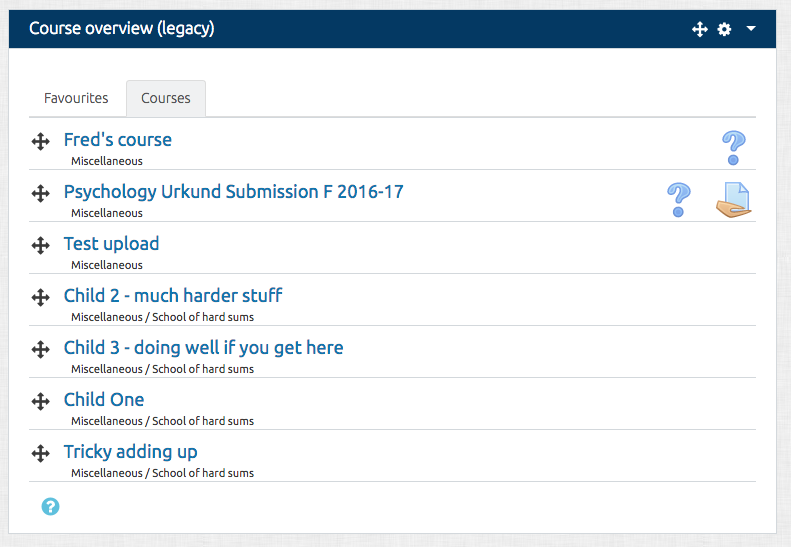
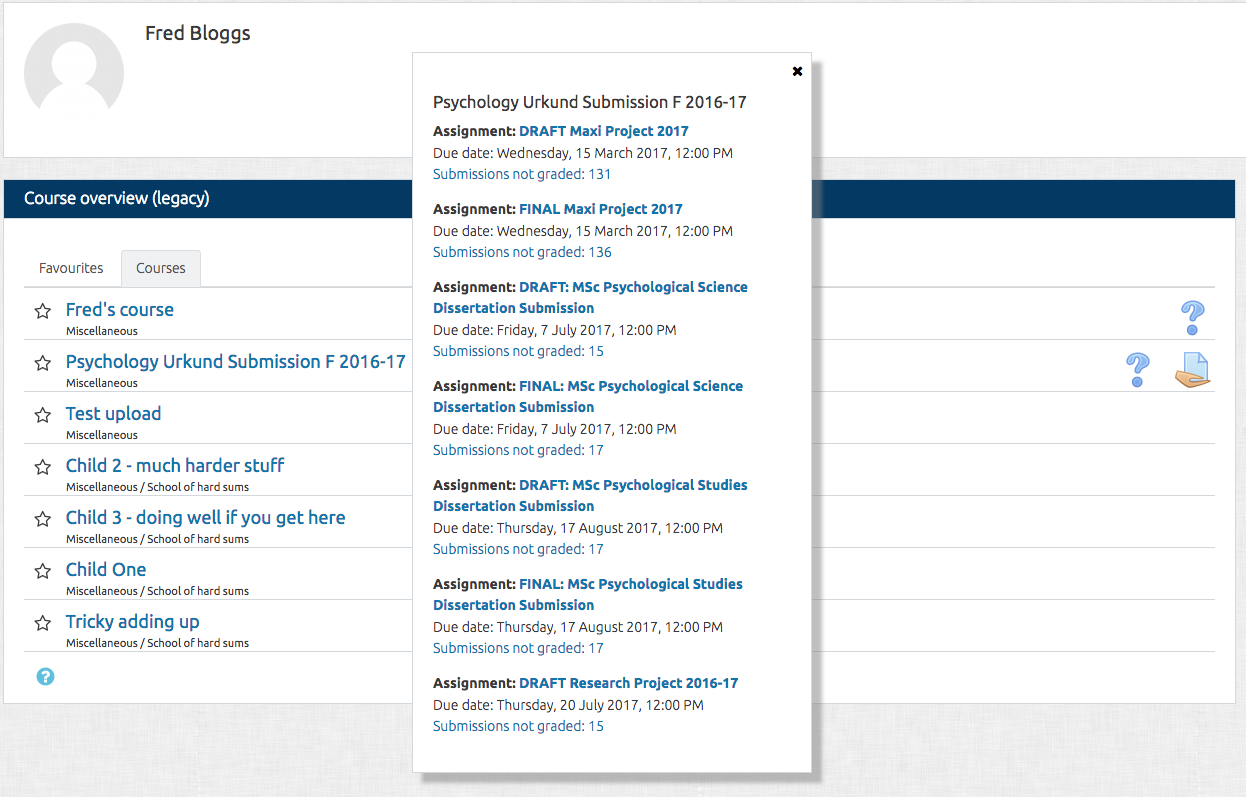
This is a legacy version of the block which used to be part of the standard Moodle installation. Starting with Moodle 3.3, the block has been moved to the plugins directory and can be installed as an additional plugin.
The block appears on the Dashboard. Activities with due dates and unread forum posts are displayed for each of the courses in the block. Clicking on an icon will expand the setting to give more information and direct the user to the relevant activity. In the case of assignments, they will only display when the student needs to submit - or resubmit - and for teachers, when they have assignments which need grading.
NOTE: When adding the block it will first appear in the sidebar with other blocks. You should edit the block and change it's location to the 'content' section (or whatever the main dashboard area is called in your theme).
See more information at Course overview (legacy) page in Moodle docs.


