Advanced Notifications
Maintained by
Zander Potgieter
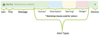
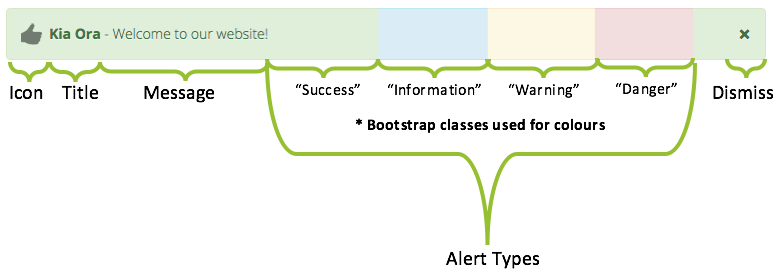
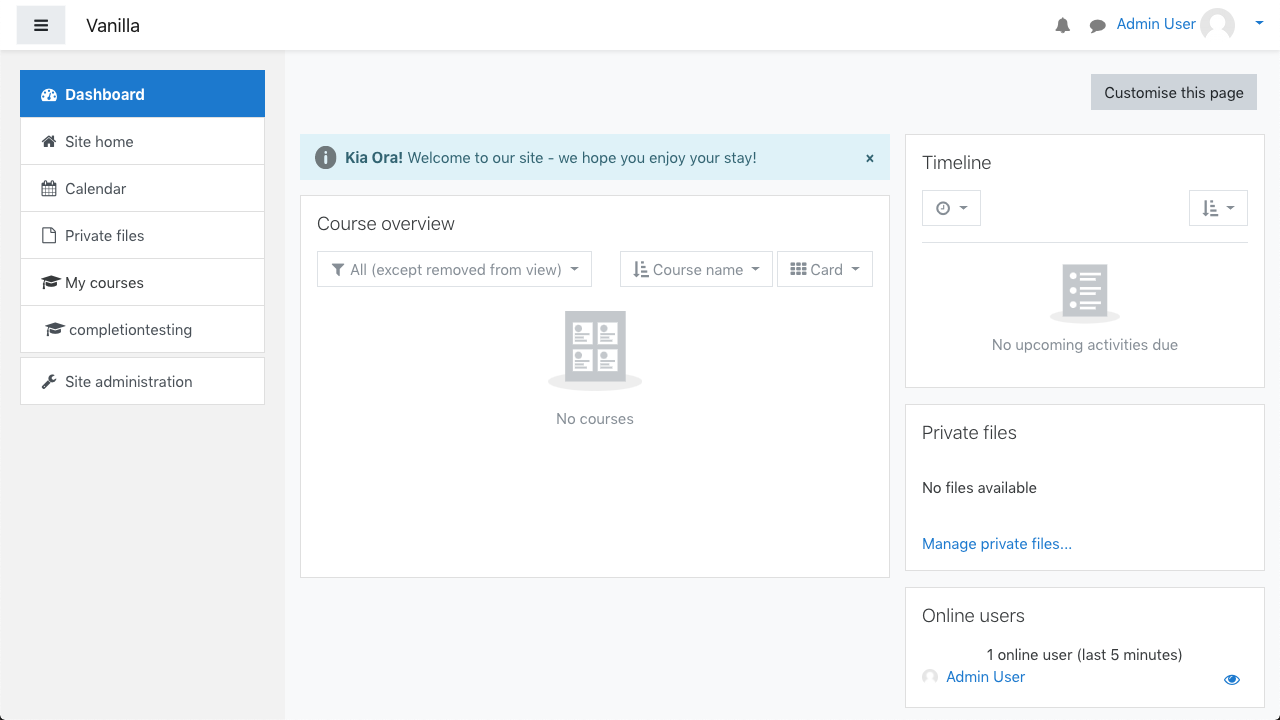
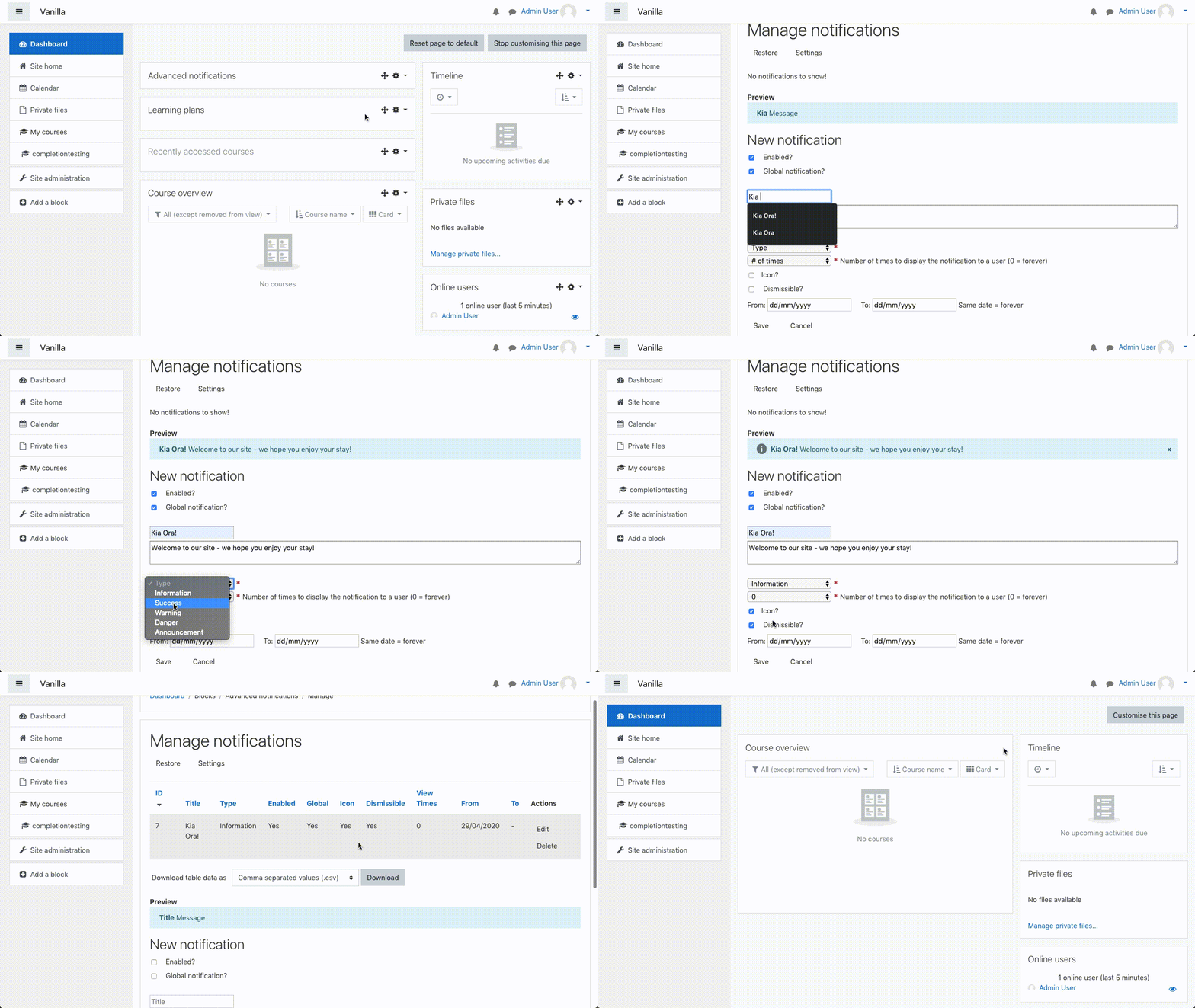
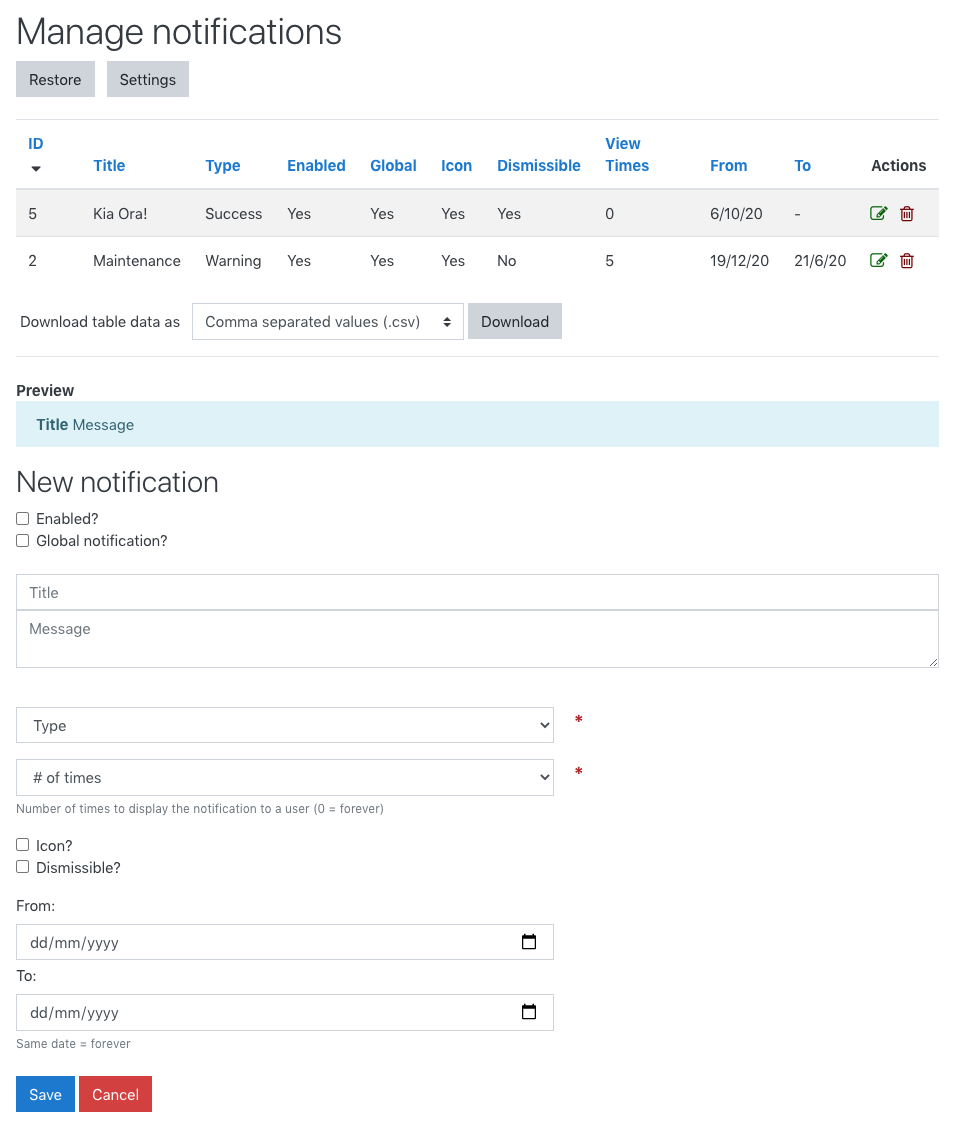
Easily create, manage and display notifications/alerts to users.
Comments
Comments are no longer open for new posts. Existing comments remain available to read.
It must be the Moodle version then. The full message is:
Debugging output enabled
Downloading block_advnotifications ...
<- https://moodle.org/plugins/download.php/18798/block_advnotifications_moodle36_2019012311.zip
-> /var/moodle_data/temp/core_plugin/code_manager/distfiles/4789cdcac10e2b655fe3e9de9a62bba9.zip ... OK
Validating block_advnotifications ... Error
[OK] Name of the plugin to be installed [advnotifications]
[OK] Plugin version [2019012311]
[Error] Required Moodle version [2018051703]
Installation aborted due to validation failure
Thanks
bobby
So, if your error message looks something like:
Validating block_advnotifications ... Error
[Error] Required Moodle version [2018051703]
Installation aborted due to validation failure
That would be why...
The reason is that the Privacy API (for GDPR compliance) requires two specific functions from Moodle 3.5.3 onwards and I have included these functions. To be safe, I set the required Moodle version to Moodle 3.5.3.
PS. The required version number (2018051703) is different from the build number (20181112).
Hope this helps,
Zander
Do you see any additional information above the "Installation aborted due to validation failure" message?
Something like:
Validating block_advnotifications ... Error
[Error] Write access check [/moodle/blocks/advnotifications]
Installation aborted due to validation failure
If it looks like the message above, it may mean you don't have permission to change the plugins files/folder.
Please see https://github.com/learningworks/moodle-block_advnotifications/issues/16 for more info...
Let me know.
Thanks,
Zander
I'm getting the message "Installation aborted due to validation failure" when I try to update.
Moodle 3.5.1+ (Build: 20180713)
Regards
sox
I've added support for filters in the latest release, so it should support multilang tags as you requested now. Enjoy!
Thanks,
Zander
The plugin has been updated to display dates better now - no more 01/01/1970! ;)
Thanks,
Zander
Thanks a lot, and nice suggestion! I've added it as an issue over on GitHub (https://github.com/learningworks/moodle-block_advnotifications/issues/11). I hope to implement it in an upcoming release.
Thanks,
Zander
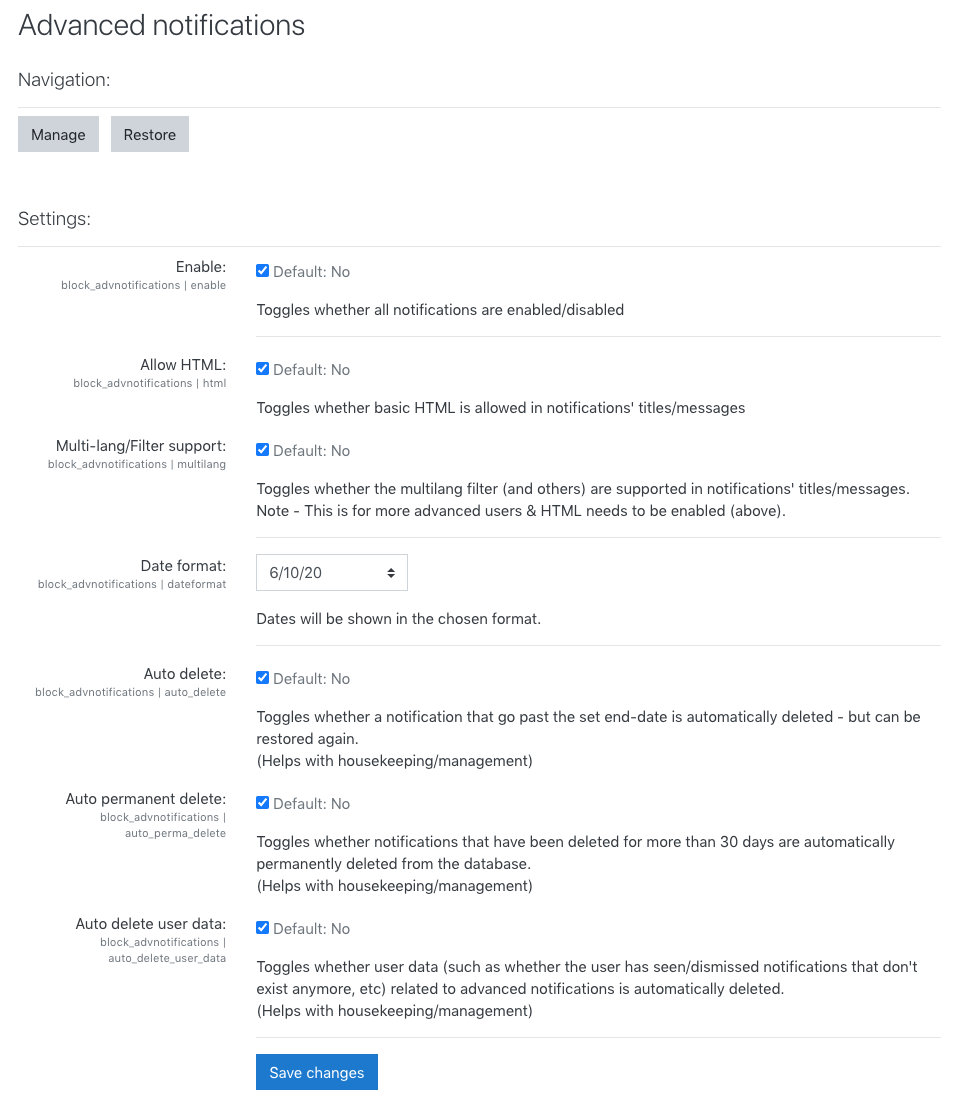
basic HTML is now allowed to be used in the Title & Message of the notification (from v1.2.2+) - scripts and the like are stripped. More advanced users can now customise their notifications with custom HTML. I've also made it a setting so administrators can turn this functionality on/off if they wish to do so. Hope it helps a bit!
Thanks,
Zander
And thanks for the feedback. I've added it as an issue/feature request over on GitHub (https://github.com/learningworks/moodle-block_advnotifications/issues/9) - you can follow any progress there.
Thanks,
Zander
I've gone to use it for the first time as I wanted to advise users of an important website, however there's no option for HTML! I appreciate a WYSIWYG editor may not be ideal, but including HTML would be invaluable (I have used HTML in other bootstrap elements before).
Hopefully it's something that can be implemented
Best - Dan
Good call - makes sense! I'll try to get it in the next update.
Thanks,
Zander
If we don't choosing the from and to date then it showing 01/01/1970. it would be better to show empty or current date.
Thanks