
Microsoft Word File Import/Export (Book)
Maintained by
Eoin Campbell
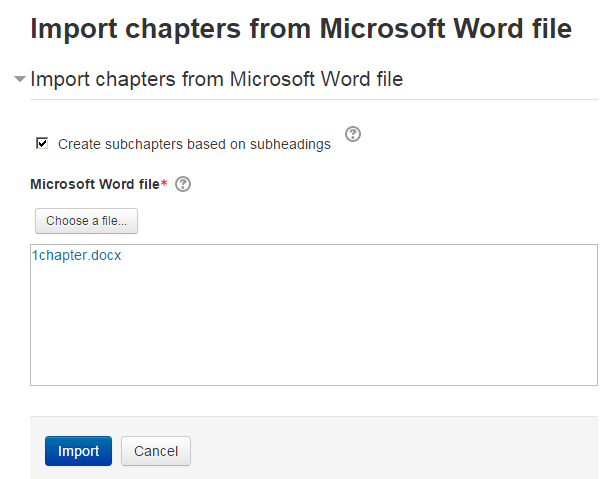
Import the contents of a Microsoft Word file into a book, splitting it into chapters and (optionally) subchapters, based on the heading styles. The file can be saved from Microsoft Word, Google Docs or LibreOffice, as long as it has a '.docx' suffix. Also supports exporting books to Word format, for round-trip editing.
Support
Need help? Use the links below to report an issue or find more information.
- Repository URL (Git)
- https://github.com/ecampbell/moodle-booktool_wordimport
- Issue/bug tracker URL
- https://github.com/ecampbell/moodle-booktool_wordimport/issues
- Discussion
- https://moodle.org/mod/forum/view.php?id=2633
- Documentation
- http://www.moodle2word.net/
- Website
- http://www.moodle2word.net/