
Microsoft Word File Import/Export (Book)
Maintained by
Eoin Campbell
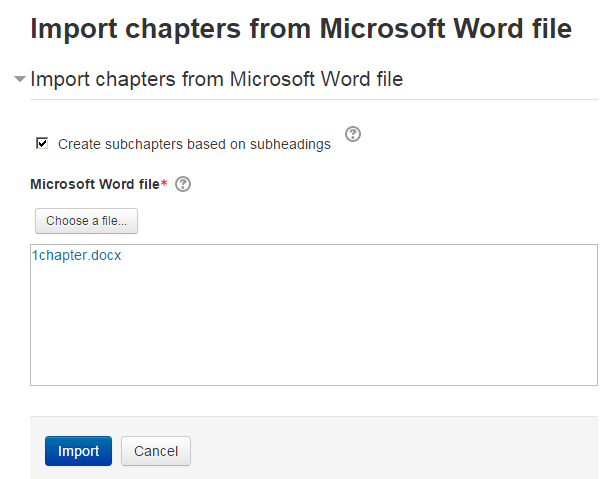
Import the contents of a Microsoft Word file into a book, splitting it into chapters and (optionally) subchapters, based on the heading styles. The file can be saved from Microsoft Word, Google Docs or LibreOffice, as long as it has a '.docx' suffix. Also supports exporting books to Word format, for round-trip editing.
Comments
Comments are no longer open for new posts. Existing comments remain available to read.
Sorry!
version 2025041501 requires version 2025041400 of Moodle which fails and 2025041400 of booktool_importhtml which fails and is not available
I am running version 4.4.8+ of Moodle.
How can I correct these dependencies?
Thanks
Geoff
When exporting the book, some images are broken, and it doesn't maintain the layout. The document only shows part of the content.
When importing, the tables lose their formatting. How can I solve these issues?